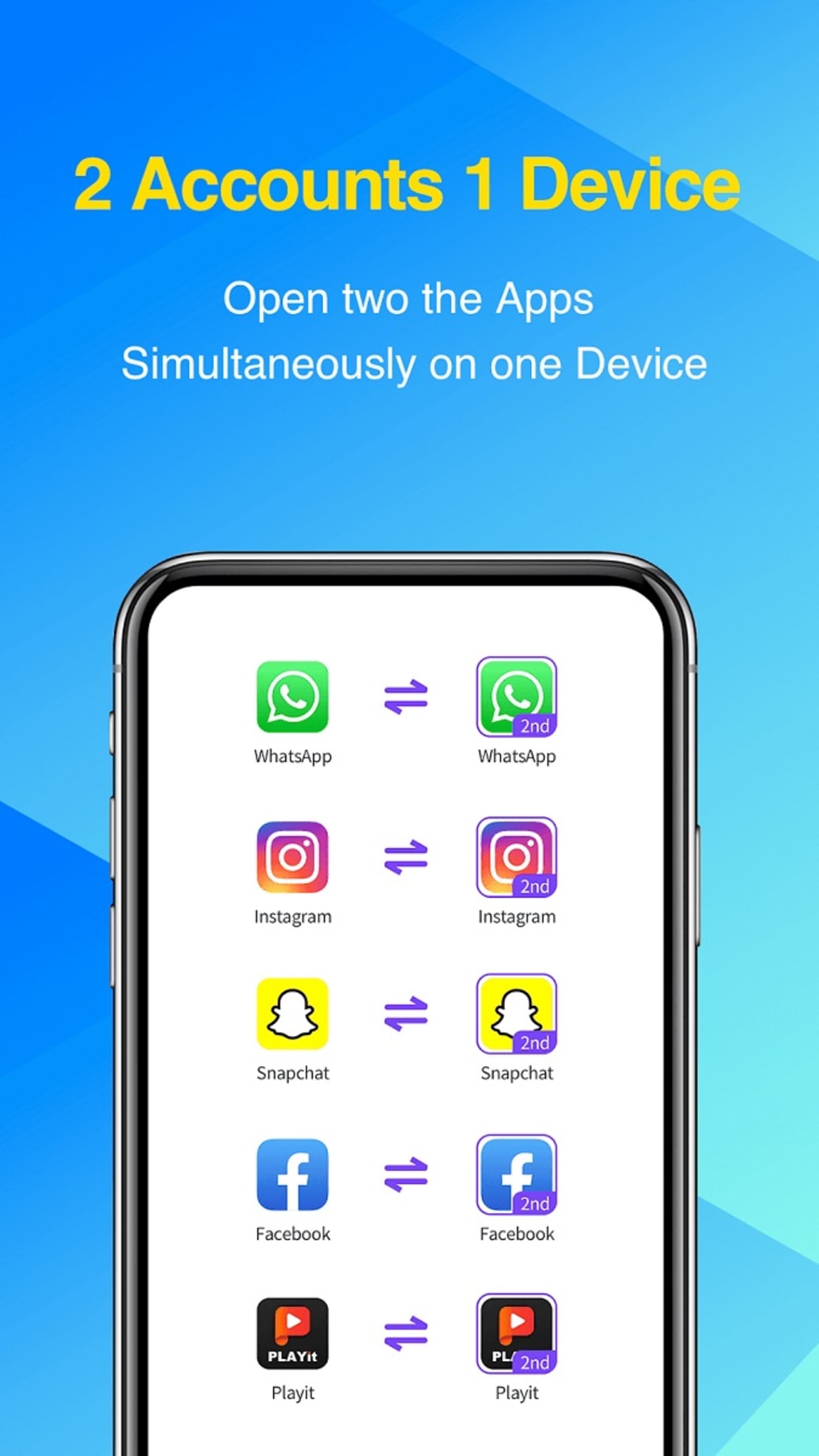
2Accounts - Dual Apps Space is a free mobile utility application designed for Android devices. Developed by 2Accounts, this app serves as a cloning tool, allowing users to create and manage multiple instances of the same application simultaneously. This functionality proves particularly useful for individuals needing to maintain separate accounts for personal and professional use across various platforms, including social media, messaging services, and even mobile games. This review delves into the app’s features, performance, advantages, and disadvantages, offering a comprehensive assessment of its overall usability and effectiveness.
The Need for App Cloning
In today’s interconnected world, managing multiple online accounts is increasingly common. Whether it’s for professional networking on LinkedIn, maintaining a separate social media presence for personal life, or using distinct accounts for different projects, the need to juggle multiple logins is almost ubiquitous. However, traditional methods of switching between accounts—logging out of one app and then logging into another—are cumbersome and time-consuming. This is where app cloning tools, like 2Accounts - Dual Apps Space, offer a significant advantage. By creating duplicate instances of apps, users can seamlessly switch between accounts without the tedious process of constant login and logout procedures. This enhances productivity and offers a smoother user experience.
Key Features of 2Accounts - Dual Apps Space
2Accounts - Dual Apps Space streamlines the process of managing multiple accounts within a single device. Its core functionality lies in its ability to clone applications, enabling users to run two instances of the same app concurrently. This eliminates the need for constant switching between accounts and promotes efficient multitasking. Beyond its primary cloning feature, the app also boasts several additional features designed to enhance security and privacy:
-
Extensive App Support: 2Accounts - Dual Apps Space supports a wide range of applications, including popular social media platforms, messaging services, and a selection of mobile games. This broad compatibility ensures that users can clone most of their frequently used apps.
-
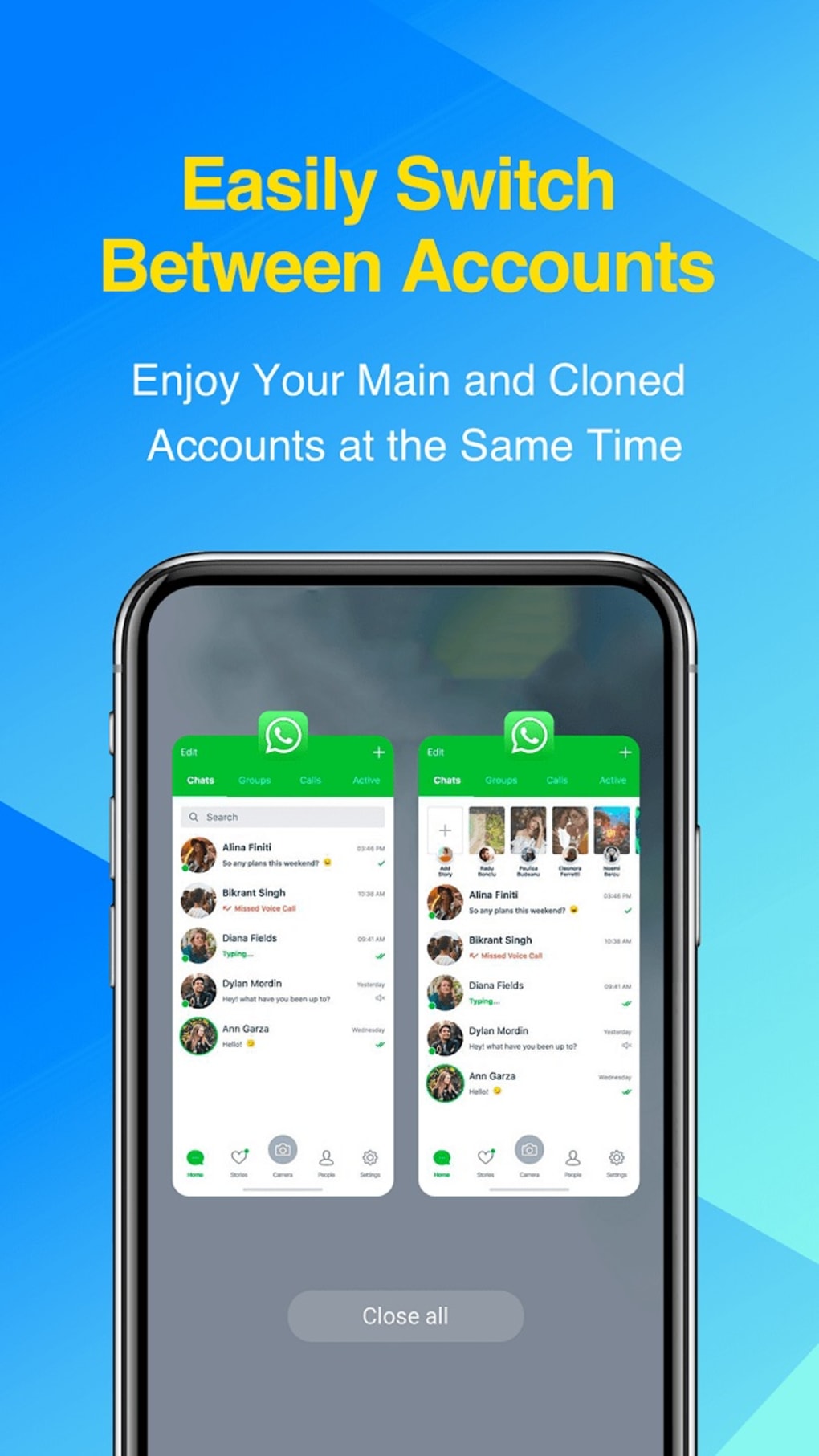
Simultaneous Account Management: The app’s primary function is its ability to run two accounts of the same app concurrently. This means users can access their personal and professional social media, email, or gaming accounts without having to constantly switch between them.
-
Secret Zone: This feature allows users to create a secure vault for selected applications. Essentially, it’s a hidden space within the app, shielding sensitive applications from prying eyes. This is a valuable feature for maintaining privacy on shared devices.
-
Secret Lock: This adds an extra layer of security by requiring a password or other authentication method to access specific cloned applications within the app. This further protects user privacy and sensitive account information.
-
Simple and Intuitive Interface: The app is designed with a user-friendly interface that is easy to navigate, even for users unfamiliar with app cloning technology. The straightforward design minimizes the learning curve, making the app accessible to a wide audience.
Performance and User Experience
While 2Accounts - Dual Apps Space offers a useful and convenient service, its performance has been reported as inconsistent by some users. The most significant issue highlighted in user reviews is the tendency for the app to crash frequently. This instability significantly detracts from the overall user experience, disrupting workflow and potentially leading to data loss or frustration. Furthermore, the app has been criticized for containing intrusive advertisements that appear with excessive frequency. The intrusive nature of these ads can be distracting and disruptive, diminishing the positive aspects of the app’s core functionality.
Despite these drawbacks, the app’s positive aspects, namely its ease of use and wide app support, remain appealing to many users. The ability to effortlessly manage multiple accounts, combined with the added security features of the Secret Zone and Secret Lock, makes it a potentially valuable tool for many. However, the frequent crashes and intrusive advertisements are serious limitations that need to be addressed by the developers to improve user satisfaction and overall app rating.
Alternatives to 2Accounts - Dual Apps Space
The market offers several alternative applications designed to achieve similar functionality. Some popular competitors include:
-
Multiple Accounts - Assist: This app provides a similar solution for managing multiple accounts, offering features for streamlining the process of switching between profiles.
-
Parallel App - Dual app cloner Parallel Space: This app is another popular choice for creating and managing parallel app instances. It focuses on providing a stable and secure environment for multitasking.
-
Parallel App Assist: This app acts as a plugin or add-on for another parallel app, offering additional features and functionalities.
-
Dual Space - Multiple Accounts App Cloner: This app provides a similar dual-app experience, focusing on ease of use and account management.
-
Dual Space-Powerful Parallel Multi Space & App Clone: Similar to other dual-space apps, this aims for efficient multi-tasking across various applications.
- Dual Apps: This app, like 2Accounts, focuses on creating dual instances of apps for managing multiple accounts.
These alternative apps offer varying features and functionalities, each with its own strengths and weaknesses. It’s recommended to explore these alternatives to compare features, performance, and user reviews before selecting an app that best meets your specific needs. Many of these alternative applications may address some of the performance issues found in 2Accounts - Dual Apps Space, such as frequent crashes and intrusive ads.
Conclusion: Weighing the Pros and Cons
2Accounts - Dual Apps Space offers a practical solution for users who need to manage multiple accounts across various applications. Its ease of use and wide app support are significant advantages, and the inclusion of the Secret Zone and Secret Lock features enhances security and privacy. However, the persistent issues with frequent crashes and intrusive advertisements considerably detract from the overall user experience. While the app may be functional for some users, the instability and disruptive advertising make it a less-than-ideal choice compared to alternative solutions that offer similar functionalities with improved stability and a more streamlined user experience.
Ultimately, the decision of whether or not to use 2Accounts - Dual Apps Space depends on individual priorities and tolerance for performance issues. If the benefits of simultaneous account management outweigh the drawbacks of occasional crashes and ads, then the app might be a viable option. However, users who prioritize stability and a smooth user experience might find that exploring alternative applications presents a more satisfying and reliable solution. The developers of 2Accounts - Dual Apps Space should prioritize addressing the stability and advertising issues to make their application a more competitive and user-friendly product in a crowded market. Until these issues are resolved, other similar apps may present a better alternative.
File Information
- License: “Free”
- Latest update: “July 3, 2025”
- Platform: “Android”
- OS: “Android 13.0”
- Downloads: “35.8K”
- Size: “40.27 MB”
- Download Options: “APK, Google Play”
- Filename: “com-excelliance-multiaccount-547-70938179-0b9791c47ef08a003966d43fba543caa.apk”