
3D Chess Game for Windows 10 is a free-to-play chess application designed for PC users. Offering a blend of classic chess strategy and modern 3D visuals, it provides a user-friendly platform for players of all skill levels to hone their skills, learn the game, or simply enjoy a relaxing game of chess. This review delves into its features, gameplay, pros, cons, and overall user experience.
Immersive 3D Gameplay and Intuitive Controls
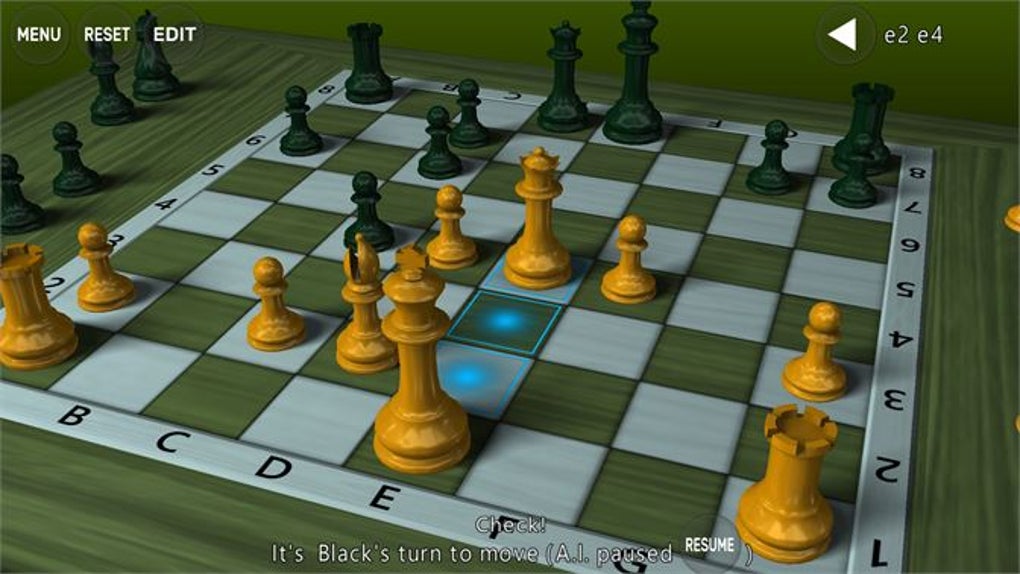
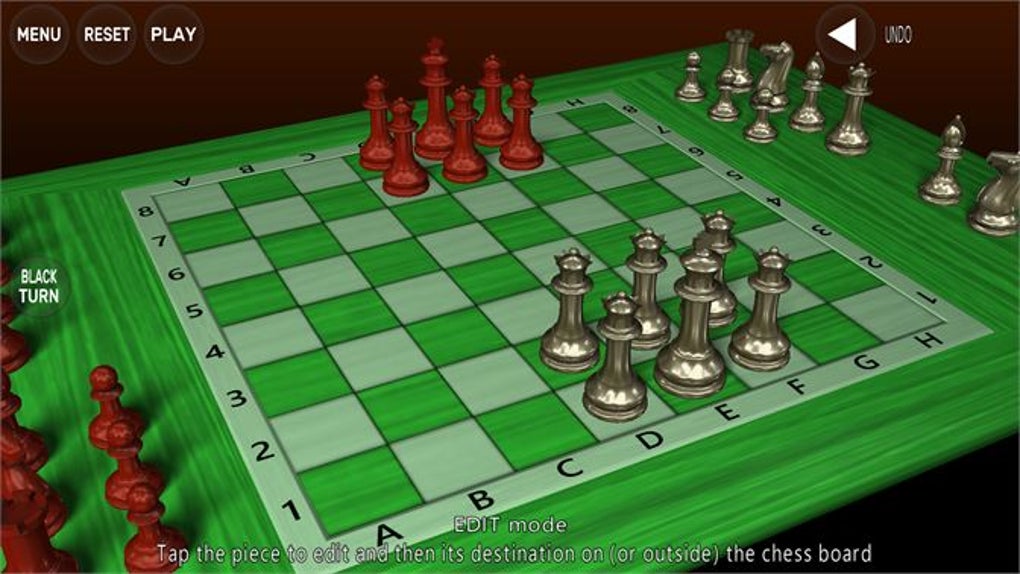
The game immediately distinguishes itself with its realistic 3D rendering of the chessboard and pieces. The visual presentation is clean and polished, creating an immersive experience that surpasses many other free chess applications. The pieces are detailed and easily identifiable, even on smaller screens. The 3D aspect allows for intuitive rotation of the board, offering multiple viewing angles to help strategize and visualize potential moves. The controls are remarkably simple, relying primarily on mouse clicks to select and move pieces, making it accessible even for users unfamiliar with digital chess games. The smooth and responsive interface ensures a fluid and enjoyable gameplay experience free from lag or frustrating delays.
Engaging Game Modes for Diverse Skill Levels
3D Chess Game for Windows 10 caters to a broad spectrum of players, from complete beginners to seasoned chess veterans. This adaptability is achieved through the incorporation of multiple game modes and difficulty levels. The core game mode pits players against either another human player or a sophisticated AI opponent. For beginners, playing against the AI provides a valuable learning opportunity. The game allows you to observe the AI’s thought process, viewing the potential moves it evaluates before making its selection. This feature is particularly useful for understanding chess strategy and improving one’s game. As the difficulty increases, the AI’s ability to predict moves and strategize deep into the game increases significantly. The highest difficulty levels can even showcase an impressive ability to calculate moves dozens of steps ahead, creating a challenging and rewarding experience for experienced players.
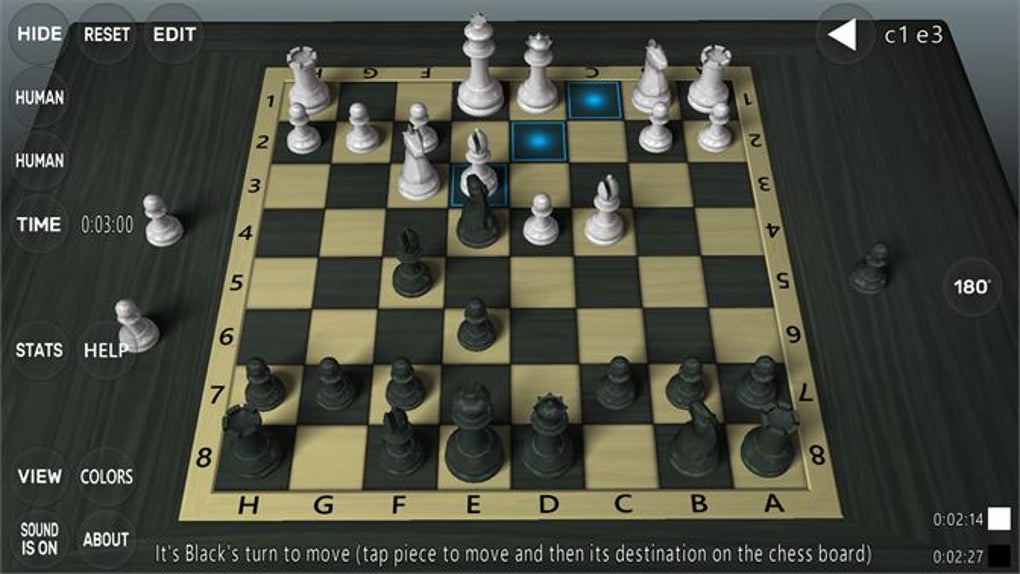
Beyond the human vs. AI mode, the game offers alternative game modes to enhance the gameplay experience. A “normal” mode allows players to play at their own pace without any time constraints, fostering a relaxed and strategic approach to the game. Alternatively, a “timed” mode introduces a time limit for each player’s turn, adding an element of pressure and urgency that can test players’ ability to make quick, yet well-informed decisions. This timed mode is ideal for players who enjoy a more fast-paced and competitive experience.
Regardless of the chosen mode, the application tracks and displays player statistics, offering insights into win/loss ratios, game durations, and other performance metrics. This data provides valuable feedback, helping players identify strengths and weaknesses in their play, facilitating a personalized approach to skill development.
A Balanced Approach to Features and Limitations
While 3D Chess Game for Windows 10 offers several strengths, it’s crucial to acknowledge certain limitations. The most prominent drawback is the presence of advertisements within the application. These ads, while not overly intrusive, occasionally interrupt the gameplay and can be slightly disruptive to the overall experience. The frequency of the ads seems relatively balanced, preventing it from becoming a major deterrent, however, it is a feature that could be improved upon.
Another minor limitation is the restricted zooming capabilities. While the 3D rotation offers a flexible viewing experience, the lack of freely adjustable zoom levels might be a slight inconvenience for players who prefer greater control over the viewing perspective. The inability to freely zoom in and out may make certain strategic evaluations more difficult, especially in complex game situations.
Despite these minor drawbacks, the overall package is well-designed and provides a compelling chess experience. The benefits of the 3D graphics, multiple game modes, and AI opponent far outweigh these small shortcomings, especially considering the game is offered completely free of charge.
Comparison with Alternative Chess Applications
Numerous chess applications are available for Windows 10, each offering its own set of features and advantages. Comparing 3D Chess Game to some of these alternatives helps to further contextualize its strengths and weaknesses. Some competitors, such as more established chess applications, might offer more advanced features, such as comprehensive game analysis tools, extensive online multiplayer functionality, or a wider array of chess variants. However, many of these alternative applications may come at a cost, whether through a one-time purchase or a subscription service.
3D Chess Game for Windows 10 stands out in its free accessibility, balanced gameplay, and focus on providing a user-friendly and engaging experience for casual and serious chess players alike. While it might not match the extensive features of premium chess software, its blend of 3D graphics, multiple game modes, and a robust AI opponent make it a highly competitive option within the free-to-play chess application market.
User Reviews and Community Feedback
User reviews on various platforms are generally positive, with many praising the game’s visually appealing interface and the challenge posed by the AI opponent. Users frequently highlight the intuitive controls and the ease of use, making it accessible to beginners. However, some negative reviews mention the limitations discussed earlier, such as the ads and the restricted zoom functionality. Nevertheless, the overall consensus points towards a positive experience, largely due to the compelling combination of 3D graphics and accessible gameplay.
The consistent user feedback emphasizes the need for continuous improvement and highlights areas where developers could focus their efforts. Addressing the ads, enhancing the zoom controls, and potentially incorporating additional features, such as online multiplayer functionality, could significantly enhance the user experience and cement 3D Chess Game for Windows 10’s position as a leading free chess application.
Conclusion: A Solid and Enjoyable Chess Experience
3D Chess Game for Windows 10 presents a compelling and enjoyable chess experience for a wide range of players. Its realistic 3D graphics, simple controls, multiple game modes, and challenging AI opponent combine to create a compelling package. While some minor limitations exist, such as the presence of ads and restricted zooming, the overall positive aspects of the game greatly outweigh these drawbacks. The game provides an exceptional free alternative to more expensive chess applications, making it a highly recommended choice for anyone looking to play chess on their Windows 10 PC. The application’s focus on accessibility and engaging gameplay makes it a solid choice for both beginners looking to learn the game and experienced players seeking a challenging and visually appealing way to enjoy a classic game.
File Information
- License: “Free”
- Version: “3.4.1”
- Latest update: “May 24, 2023”
- Platform: “Windows”
- OS: “Windows 8”
- Language: “English”
- Downloads: “485.4K”


