
4k Stogram is a Windows-based application designed for downloading publicly available photos from Instagram. Unlike other Instagram clients that offer interaction features such as liking, commenting, or sharing, 4k Stogram focuses solely on downloading and archiving images. This singular function makes it a specialized tool for users who prioritize saving Instagram content to their local devices rather than engaging with the platform directly. This review will examine its functionalities, strengths, and weaknesses, providing a comprehensive understanding of its capabilities and limitations.
User Interface and Functionality
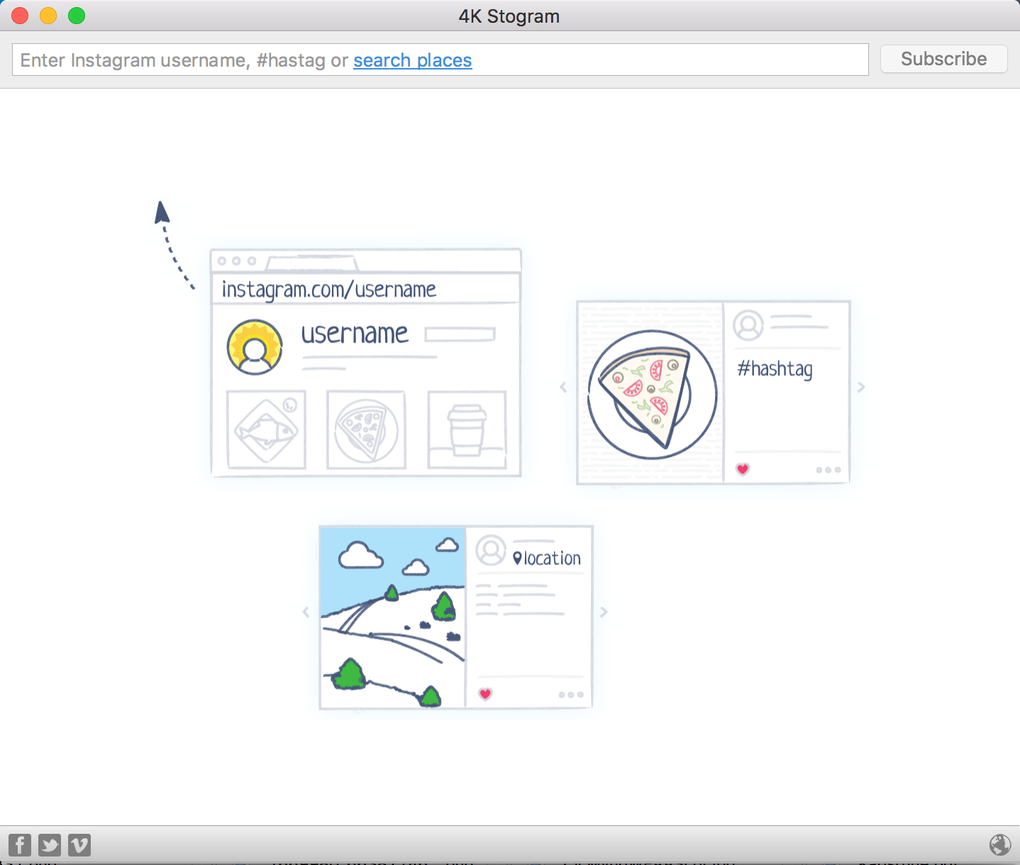
The user interface of 4k Stogram is characterized by its simplicity and minimalism. The main screen presents a clean and uncluttered design, prioritizing ease of use over intricate features. A prominent search bar dominates the top of the window, serving as the primary input method for identifying the target Instagram user. Once a username is entered, the application efficiently begins cataloging and downloading all publicly accessible photos associated with that account. This process generally proceeds quickly and smoothly, with minimal interruptions.
After downloading, photos are automatically organized within the user’s “Pictures” folder. The app thoughtfully creates subfolders for each user, ensuring clear and efficient organization of the downloaded images. This organizational structure simplifies the management of potentially large collections of downloaded Instagram content. Access to downloaded photos is straightforward; clicking on an image opens it in the default image viewer of the user’s operating system (e.g., Windows Photo Viewer), providing a seamless transition to viewing the downloaded content.
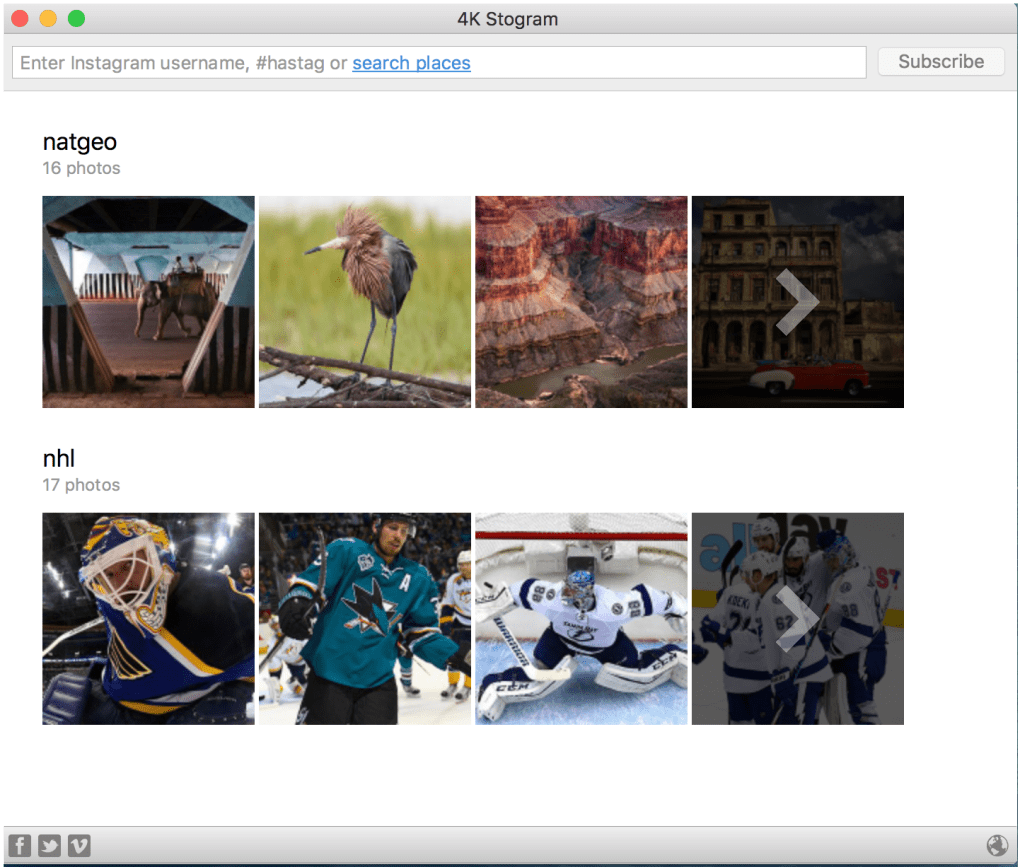
The app preserves the original resolution of downloaded images. While the quality of downloaded images depends largely on the original image quality uploaded to Instagram, 4k Stogram ensures that no additional compression or degradation occurs during the download process. This commitment to preserving original resolution is particularly appealing to users who value maintaining the highest possible image quality.
Strengths and Weaknesses
4k Stogram possesses several key strengths that make it an appealing option for specific users. Its speed and efficiency in downloading images are particularly noteworthy. The process is generally quick and uninterrupted, making it ideal for users who need to quickly archive large amounts of Instagram content. Furthermore, the automatic organization of downloaded photos into user-specific subfolders significantly enhances the usability and manageability of the downloaded collection, reducing the time and effort required for manual organization. The preservation of original resolution also adds to its appeal for users prioritizing image quality.
However, 4k Stogram also suffers from several limitations. The most significant drawback is its lack of social interaction features. Users cannot like, comment, or share photos within the application. This limitation restricts its functionality to simple downloading and archiving, making it unsuitable for users who desire a more interactive experience with Instagram content. The absence of search or sorting functionalities within the downloaded images further restricts usability. Once downloaded, users must rely on their operating system’s file management capabilities to locate specific images, which can be cumbersome for large photo collections.
Another weakness is its dependence on public profiles. 4k Stogram cannot access or download images from private Instagram accounts. This restriction limits its usability to users seeking to download photos only from public profiles. Furthermore, the application’s inability to handle parallel downloads, or at least its reported tendency to malfunction during attempted parallel downloads according to user reviews, reduces its overall efficiency. This issue significantly slows down the process of archiving large numbers of photos from multiple accounts.
Finally, user reviews highlight occasional stability issues and bugs. While the application generally performs well, reports of occasional download failures and unexplained crashes indicate the presence of unresolved bugs that could disrupt the downloading process. The frequency and severity of these issues remain uncertain, but their existence suggests a need for ongoing maintenance and updates to address these problems and improve the overall stability of the application.
Comparison with Alternative Applications
Several alternative applications offer similar functionalities to 4k Stogram, but with varying strengths and weaknesses. Some applications offer a broader range of features, including the ability to like, comment, and share photos, though often at the cost of increased complexity and slower download speeds. Other applications may focus solely on downloading, but may lack the organizational features that 4k Stogram provides. The choice of application ultimately depends on the user’s priorities and needs.
For example, if a user requires a comprehensive suite of Instagram tools including interaction features and detailed image management tools, 4k Stogram’s limitations in this area would make it an unsuitable choice. However, if the user’s primary goal is simply to quickly and efficiently download and organize publicly available Instagram photos without engaging in platform interaction, 4k Stogram’s straightforward interface and automated file organization could prove to be highly efficient.
The relative merits of each application, including 4k Stogram, should be evaluated against the specific needs and preferences of the user. Users seeking a comprehensive, all-in-one Instagram client might find more suitable alternatives, while those prioritizing ease of use and efficient downloading for archiving might find 4k Stogram’s strengths particularly appealing.
User Feedback and Reviews
User reviews paint a mixed picture of 4k Stogram’s performance. While many users praise its speed and simplicity, others report issues with functionality, particularly regarding download failures and stability. Some users have described experiencing download interruptions, resulting in incomplete downloads and the need to restart the process. These inconsistencies in reported experiences highlight the need for continuous improvement and maintenance from the developers to address potential bugs and optimize the application’s reliability.
Furthermore, some users express frustration over the absence of more advanced features, such as parallel downloads and search capabilities within the downloaded image collection. These criticisms point towards a trade-off between simplicity and comprehensive functionality, with 4k Stogram leaning more heavily towards a streamlined, minimalistic approach that, while user-friendly, might prove limiting for users with more complex requirements.
The varied nature of user feedback underscores the importance of careful consideration before using the application. Users should realistically assess their needs and expectations, recognizing that 4k Stogram primarily excels in its speed and ease of use for downloading images from public profiles, while lacking advanced features and facing occasional stability concerns reported in user reviews.
Conclusion
4k Stogram occupies a niche within the landscape of Instagram downloader applications. Its strengths lie in its speed, simplicity, and efficient organization of downloaded photos. However, its limitations – primarily the lack of social interaction features, search and sorting functionalities, and occasional stability issues reported in user reviews – restrict its applicability to a specific user base. Users who prioritize speed and ease of use for downloading and archiving large quantities of publicly available Instagram photos will likely find 4k Stogram a suitable tool. However, users seeking a more comprehensive Instagram client with social interaction features and more robust functionality should explore alternative applications better suited to their needs. The developers’ responsiveness to user feedback and ongoing maintenance of the application will be critical in addressing reported stability issues and improving the overall user experience.
File Information
- License: “Free”
- Latest update: “May 1, 2024”
- Platform: “Windows”
- OS: “Windows 8”
- Language: “English”
- Downloads: “27.3K”
- Size: “42.68 MB”


