
7 Sticky Notes is a free, feature-rich sticky note application for Windows. Offering a virtual equivalent to physical Post-it notes, it distinguishes itself through its robust formatting options and added functionalities, making it a powerful tool for organization and task management. While not as visually flashy as some modern note-taking apps, its practicality and extensive customization options make it a strong contender in the field. This review delves into the features, pros, cons, and user experiences of 7 Sticky Notes, comparing it to other similar applications and assessing its overall effectiveness as a productivity tool.
Key Features and Functionality
7 Sticky Notes provides a surprisingly extensive array of features, considering its status as a free application. The core functionality centers around creating, editing, and organizing virtual sticky notes, but its capabilities extend far beyond the basics. Users can easily customize the appearance of their notes, adjusting font style, size, and color to create visually appealing and easily identifiable notes. This goes beyond simple color selection; the ability to change font styles and alignments, add bullets and indentations allows for a level of formatting rarely seen in simple note-taking apps.
Beyond visual customization, 7 Sticky Notes incorporates functionalities that boost its practical application. The inclusion of alarm reminders attached to individual notes significantly enhances its utility for task management and scheduling. This feature allows users to set reminders for specific tasks or appointments, eliminating the need for separate calendar applications for simple reminders. The app is also available in a portable version, allowing users to run it from a USB drive without installation, offering flexibility for those who work across multiple computers.
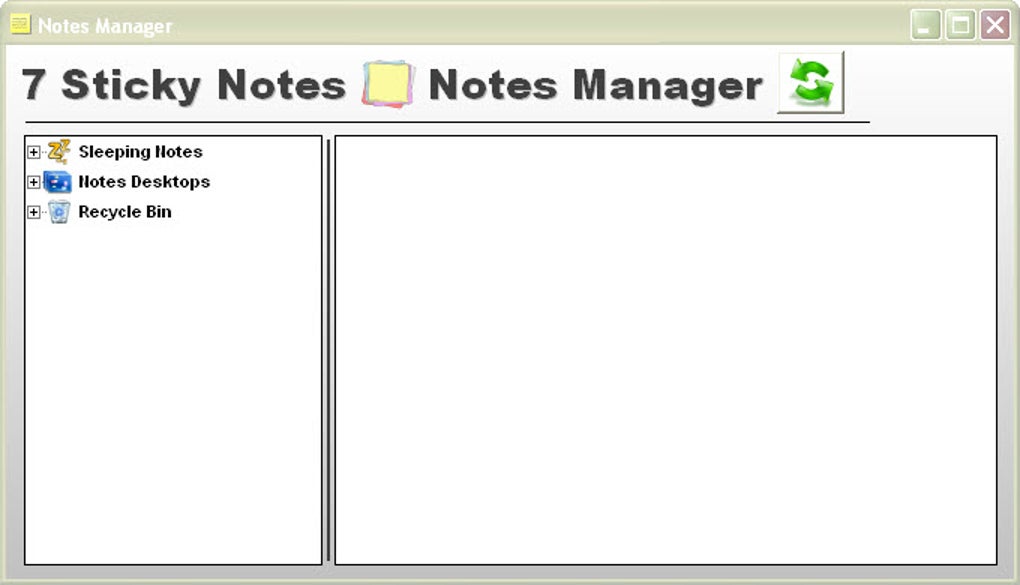
While the app excels in customization and reminders, it lacks some features found in more sophisticated note-taking programs. The color palette, for example, is somewhat limited, and gradient colors are not supported. Furthermore, the absence of features such as image embedding or extensive collaboration capabilities limits its potential for complex projects or team-based workflows. Nonetheless, for individual use and straightforward task management, its features prove highly effective.
User Interface and Experience
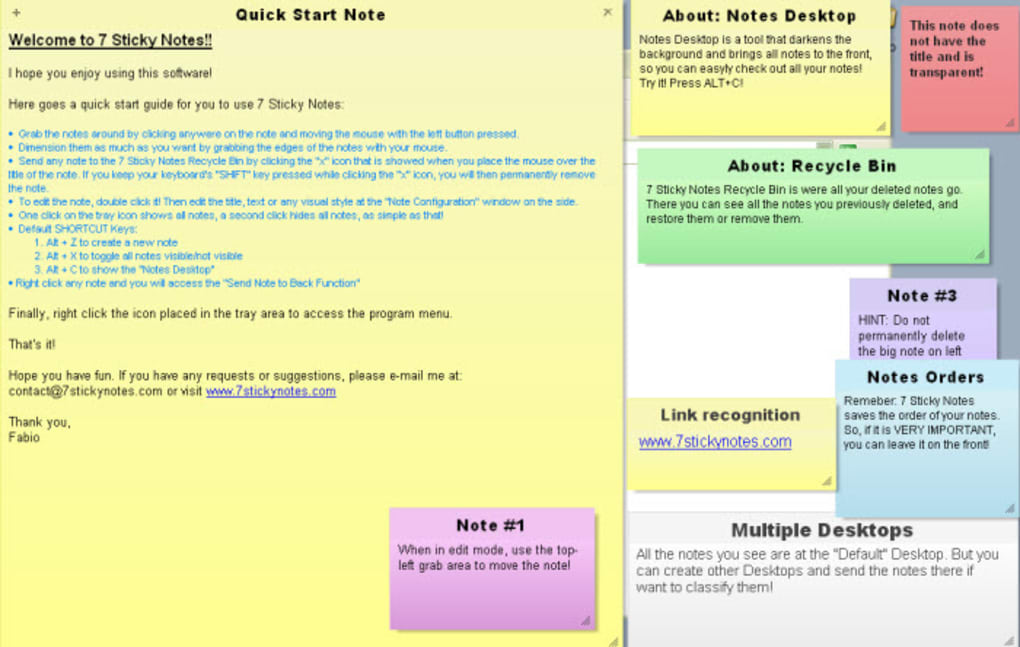
The user interface (UI) of 7 Sticky Notes is straightforward and intuitive. The notes themselves resemble traditional sticky notes, appearing as resizable windows on the desktop. The simplicity of the UI promotes ease of use, allowing users to quickly create and manipulate notes without a steep learning curve. The controls for formatting, adding alarms, and managing notes are easily accessible, enhancing the overall user experience.
The clean and uncluttered interface is a significant advantage, particularly for users who prefer minimalist designs and dislike overly complex interfaces. This clean approach reduces distractions, focusing the user’s attention on the content of the notes rather than the complexities of the application itself.
However, the lack of advanced features, such as tagging or sophisticated search functionality, may be a limitation for users managing a large number of notes. While the simplicity of the interface is a strength for casual users, those requiring more robust organizational tools may find the app lacking in the long term.
Comparison with Alternative Sticky Note Applications
Several other sticky note applications compete with 7 Sticky Notes, each offering a unique set of features and advantages. Evernote Sticky Notes, for example, integrates seamlessly with the broader Evernote ecosystem, offering synchronization and collaboration features that 7 Sticky Notes lacks. Simple Sticky Notes, as its name suggests, prioritizes simplicity and ease of use, focusing on basic note-taking functionality. Sticky Notes 8 for Windows 10 is a more modern and integrated option, leveraging the functionality of the Windows 10 operating system.
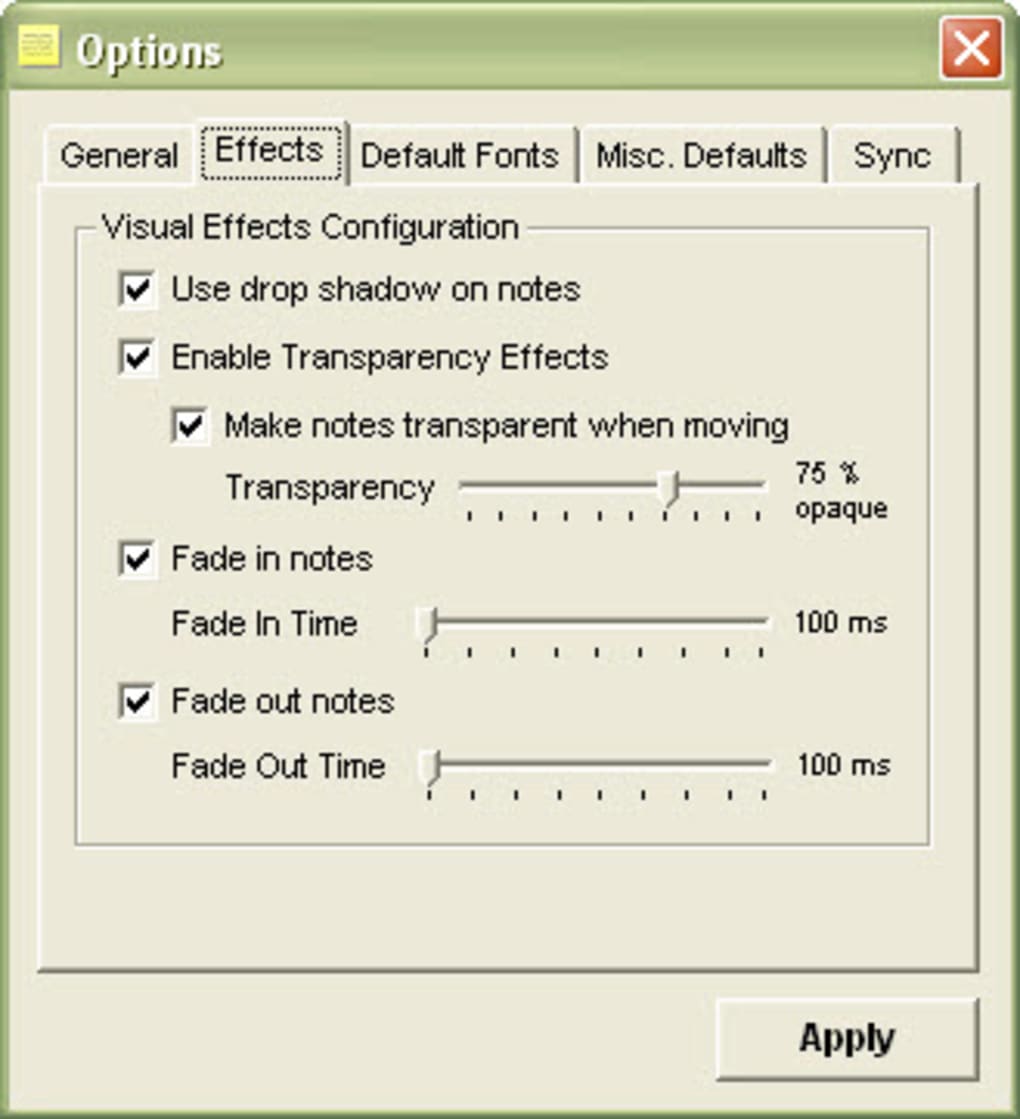
Compared to these alternatives, 7 Sticky Notes distinguishes itself through its extensive formatting options and the inclusion of alarm reminders. While other applications may offer better integration with other platforms or more advanced features, 7 Sticky Notes provides a powerful combination of customization and practicality, making it a strong option for those prioritizing these aspects.
The choice between these different applications ultimately depends on individual needs and priorities. Users requiring extensive cloud synchronization or collaboration features may prefer Evernote Sticky Notes. Those prioritizing simplicity and ease of use may find Simple Sticky Notes more suitable. However, for users who value extensive customization and the inclusion of alarm reminders within a straightforward and user-friendly interface, 7 Sticky Notes offers a compelling and competitive alternative.
Pros and Cons of 7 Sticky Notes
Pros:
- Free to use: A significant advantage, especially for casual users or those on a budget.
- Extensive formatting options: Allows users to customize the appearance of their notes significantly, adjusting font style, size, color, alignment, and adding bullets and indentations.
- Alarm reminders: A key feature enhancing its usability for task management and scheduling.
- Portable version available: Offers flexibility for users who work on multiple computers.
- Simple and intuitive interface: Easy to use and learn, with minimal distractions.
Cons:
- Limited color palette: The range of available colors is somewhat restricted, limiting visual customization options.
- No gradient colors: This limits the potential for more visually creative note-taking.
- Lack of advanced features: Compared to other applications, it lacks features such as image embedding, extensive search functionality, or advanced collaboration capabilities.
- No cloud synchronization: Notes are stored locally, limiting access across multiple devices.
User Reviews and Overall Assessment
User reviews for 7 Sticky Notes are generally positive, praising its customization options and ease of use. Many users highlight the app’s ability to adapt to their specific needs and the usefulness of the alarm reminders. However, some reviews mention the limited color palette and the lack of advanced features as potential drawbacks.
Overall, 7 Sticky Notes is a highly capable and versatile sticky note application. Its strengths lie in its straightforward interface, extensive formatting options, and the inclusion of alarm reminders. While it may not possess the advanced features or cloud synchronization capabilities of some competitors, its practicality, customization options, and free availability make it a strong choice for users prioritizing these features. Its effectiveness is most pronounced for individual users requiring a flexible and customizable note-taking tool for task management and organization, rather than large-scale collaborative projects. For those seeking a simple yet powerful sticky note solution, 7 Sticky Notes proves a valuable and efficient application.
File Information
- License: “Free”
- Version: “1.9”
- Latest update: “October 1, 2018”
- Platform: “Windows”
- OS: “Windows 2000”
- Language: “English”
- Downloads: “79.7K”
- Size: “6.15 MB”


