
8GadgetPack is a free utility that brings back the beloved gadgets feature from Windows 7 and Vista to modern Windows operating systems. For users who miss the convenience and customization options offered by the sidebar and its various gadgets, 8GadgetPack provides a straightforward and effective solution. This article delves into the functionality, benefits, and potential concerns surrounding this popular tool.
Reintroducing Desktop Gadgets: A Blast from the Past
The Windows Vista and Windows 7 operating systems introduced a feature that many users found both practical and aesthetically pleasing: desktop gadgets. These small applications offered quick access to information and functionality, ranging from clocks and calendars to CPU monitors and news feeds. The gadgets resided within a sidebar, offering a customizable and readily accessible information hub. However, Microsoft chose to remove this feature from subsequent versions of Windows, leaving many users longing for its return. 8GadgetPack addresses this gap by enabling the reintroduction of this useful functionality.
Seamless Gadget Integration: Installation and Usage
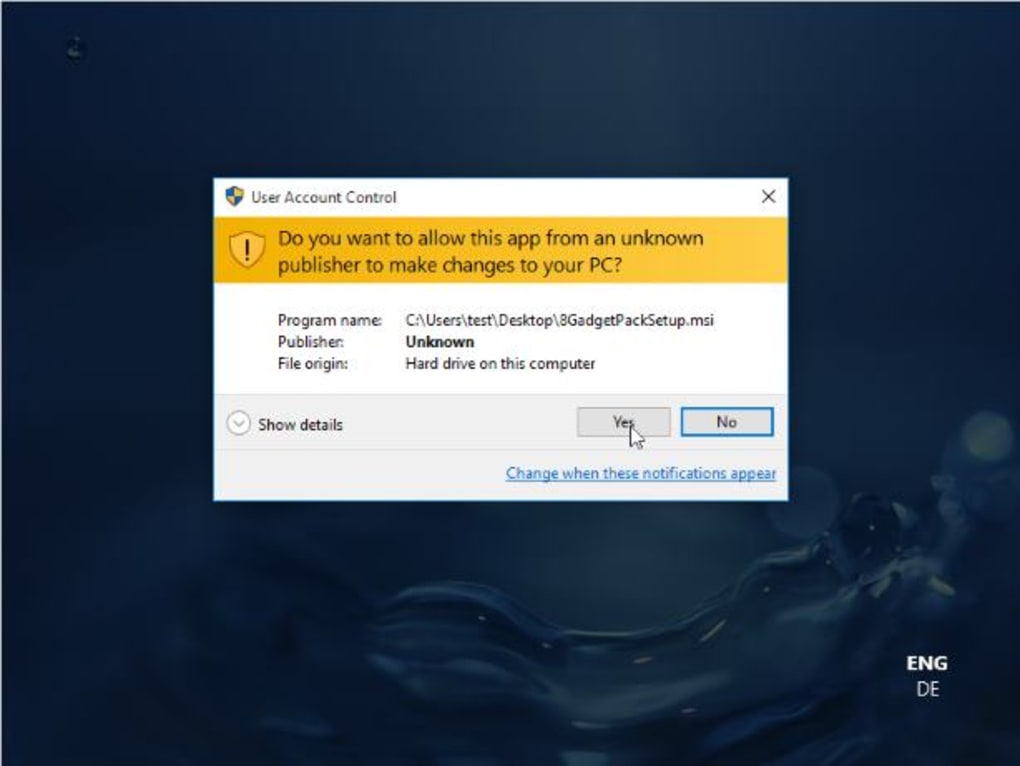
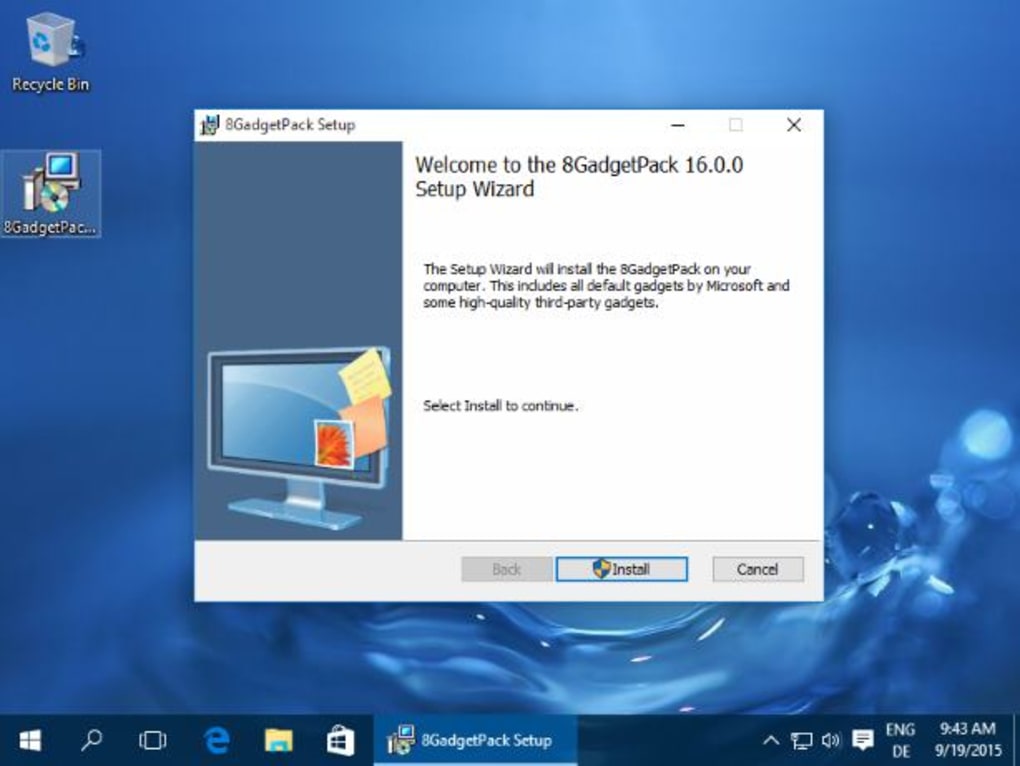
The installation process for 8GadgetPack is simple and straightforward. The program is a relatively small download, and its installation doesn’t typically present any significant challenges. The installer includes a built-in uninstaller, making removal just as easy. Once installed, 8GadgetPack effectively replicates the gadget sidebar functionality from Windows Vista and 7. Users can choose from a wide variety of gadgets, many more than were originally available in the older operating systems. This enhanced selection allows for significant customization and personalization of the desktop environment. The user experience is generally smooth and intuitive, making it easy for users of all technical skill levels to add and manage gadgets. The ability to scale side panels to accommodate different gadget sizes adds to the overall flexibility and usability of the software.
A Wide Array of Gadget Options: Functionality and Customization
8GadgetPack offers access to a substantial library of gadgets. These gadgets provide a diverse range of functionalities, catering to different user needs and preferences. From basic utility gadgets like clocks and calendars to more specialized tools such as CPU monitors, weather displays, and news feeds, the range is extensive. This vast selection ensures users can tailor their desktop experience to meet their specific information and productivity needs. The ability to customize the appearance and positioning of gadgets further enhances the overall personalization potential, allowing users to create a desktop environment that is both functional and visually appealing.
Addressing Potential Concerns: Security and System Impact
While 8GadgetPack offers a valuable and often-missed feature, it’s crucial to address potential concerns regarding security and system impact. While the program itself is generally considered safe, the use of third-party gadgets introduces a degree of risk. Downloading gadgets from untrusted sources could expose your system to malware or other security threats. It’s therefore vital to exercise caution and only download gadgets from reputable sources. Furthermore, while 8GadgetPack is generally lightweight and efficient, the sheer number of gadgets installed and run concurrently could potentially impact system performance, especially on older or less powerful machines. Users with limited system resources should carefully consider the number and type of gadgets they install to prevent performance issues.
Maintaining System Health: Best Practices and Prevention
To mitigate potential risks associated with using 8GadgetPack, several best practices should be followed:
- Regular Malware Scans: Running regular scans with a reputable antivirus program is crucial to detect and remove any potential malware that might have infiltrated the system through downloaded gadgets.
-
Hard Drive Cleaning: Keeping the hard drive clean and free of unnecessary files can improve overall system performance and reduce the risk of conflicts or errors.
-
Program Uninstallation: Regularly uninstalling unused programs helps maintain system efficiency and reduces the potential for conflicts between different software components.
-
Monitoring Auto-Start Programs: Monitoring and managing auto-start programs helps ensure that only necessary programs launch on startup, preventing unnecessary resource consumption.
-
Enabling Automatic Windows Updates: Staying up-to-date with Windows updates is critical for patching security vulnerabilities and ensuring optimal system performance.
-
Regular Data Backups: Creating regular backups of important data provides a safety net in case of data loss or system failure.
Alternatives to 8GadgetPack: Exploring Other Options
While 8GadgetPack provides a popular and effective way to restore desktop gadget functionality, several alternative solutions exist. These alternatives offer varying degrees of functionality and customization options. Some may offer a more streamlined interface, while others might focus on specific gadget types or integration with other applications. Researching and exploring these alternatives allows users to choose the solution that best aligns with their needs and preferences. However, many users find 8GadgetPack’s comprehensive selection and ease of use to be the most compelling option.
Conclusion: A Powerful Tool with Cautions
8GadgetPack offers a compelling way to reinstate the much-missed desktop gadgets feature from older Windows versions. Its straightforward installation, extensive gadget library, and customization options make it a popular choice among users seeking to personalize their desktop experience. However, users must remember the importance of downloading gadgets from reputable sources and adopting best practices to maintain system health and security. By exercising caution and following recommended practices, users can enjoy the benefits of 8GadgetPack without compromising system stability or security. Ultimately, 8GadgetPack represents a valuable tool for those wishing to enhance their Windows experience with the convenient and customizable nature of desktop gadgets. The ability to reclaim this useful and often-missed feature makes it a valuable addition to the desktop customization arsenal for many Windows users.
File Information
- License: “Free”
- Latest update: “July 21, 2025”
- Platform: “Windows”
- OS: “Windows 8.1”
- Language: “English”
- Downloads: “3.5K”
- Size: “17.61 MB”


