
AA Mirror is a free Android utility application developed by SlashMax, designed to mirror your smartphone’s screen onto your car’s integrated infotainment system. This allows drivers to access various phone functions – navigation, music, calls – directly through their car’s dashboard, enhancing convenience and promoting safer driving habits. The app essentially transforms your car’s screen into an extension of your phone, eliminating the need to handle your phone while driving.
Enhanced Safety and Convenience on the Road
Distracted driving is a significant safety concern. AA Mirror directly addresses this by providing a hands-free, eyes-on-the-road solution for accessing smartphone functionalities. By mirroring your phone’s interface onto your car’s larger, more easily viewable dashboard screen, the app minimizes the temptation and need to look down at your phone while driving. This contributes to increased safety for both the driver and passengers.
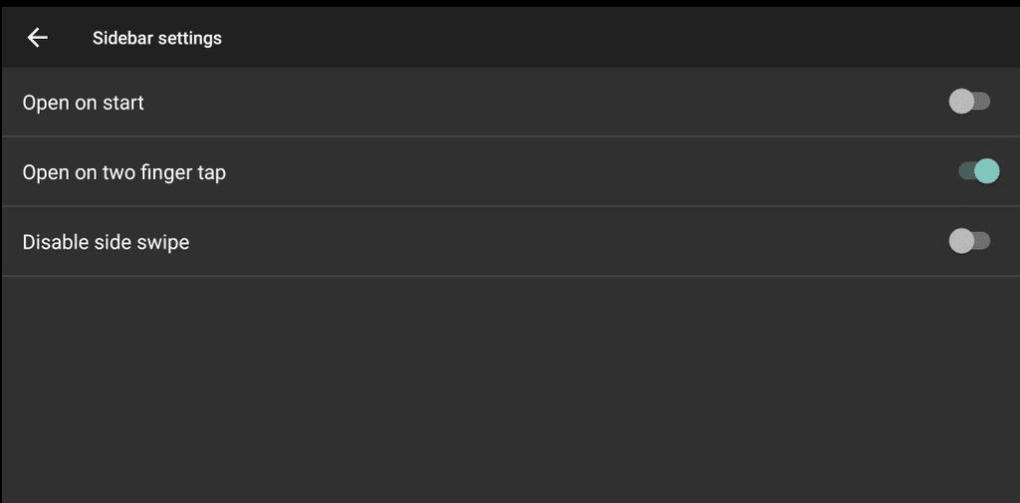
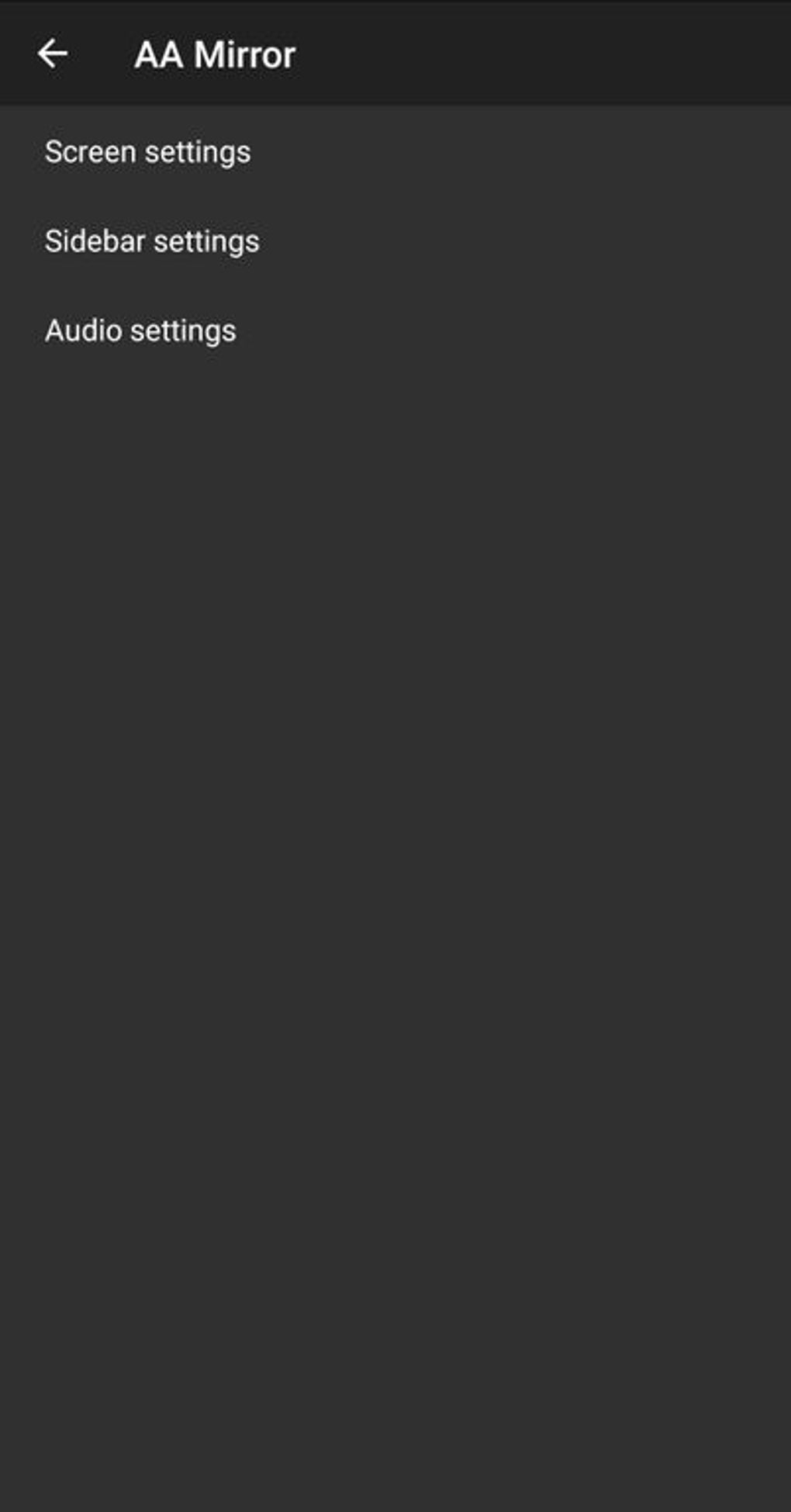
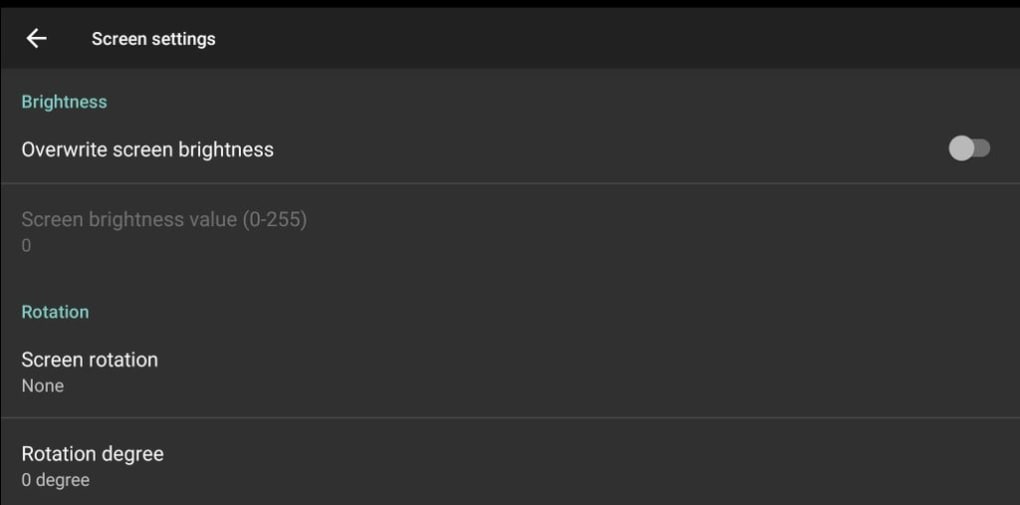
The app’s functionality extends beyond simple screen mirroring. It’s designed to be user-friendly and intuitive, with customizable settings catering to individual needs and preferences. Drivers can adjust the brightness level to suit various lighting conditions and ensure optimal visibility. The app also adapts to different screen sizes, guaranteeing compatibility with a wide range of car infotainment systems.
Moreover, AA Mirror incorporates advanced features such as multi-touch support, allowing for simultaneous interaction with multiple elements on the screen. This significantly improves the efficiency of using the mirrored interface, allowing for smoother navigation and app control.
Entertainment and Beyond: Expanding Car Infotainment
Beyond enhancing safety and productivity, AA Mirror significantly enhances the in-car entertainment experience for both the driver and passengers. Access to various media applications, such as Netflix and YouTube, transforms long journeys into more engaging and enjoyable experiences. Passengers can stream their favorite shows or videos without requiring additional devices or complicated setups. The entire family can share the experience more easily.
The app’s gesture and voice-activated command capabilities add another layer of convenience and safety. Drivers can easily navigate menus and control apps using voice commands, keeping their hands firmly on the wheel and their eyes focused on the road. This functionality is particularly valuable in reducing distractions during critical driving situations. Voice control also simplifies interaction with the infotainment system, bypassing the need for intricate button presses or touchscreen manipulations.
Technical Aspects and User Experience
AA Mirror boasts a user-friendly interface, making it easy for even the least tech-savvy individuals to set up and operate. The setup process involves a simple Bluetooth connection between the smartphone and the car’s system. Once connected, the phone’s screen is instantly mirrored onto the car’s dashboard. This streamlined process ensures minimal hassle and maximum user-friendliness.
While the app offers considerable advantages, it’s not without its drawbacks. Users have reported intermittent bugs and occasional crashes. These issues, although frustrating, don’t appear to be consistent across all users and devices. The developers are likely actively working to resolve these problems through updates and bug fixes. This is a common occurrence with many apps, and improvements can be expected over time.
The app’s performance is dependent on several factors, including the quality of the Bluetooth connection, the compatibility between the smartphone and the car’s infotainment system, and the overall system performance of both devices. A strong Bluetooth connection is crucial for stable and lag-free screen mirroring. Incompatibility issues may occur with older car models or phones with outdated operating systems.
Comparing AA Mirror to Alternatives
Several similar applications offer car screen mirroring capabilities. A key differentiator for AA Mirror is its focus on simplicity and ease of use. While some competing apps may offer more advanced features, they often come with a steeper learning curve. AA Mirror prioritizes user experience, making it a particularly attractive option for those new to car screen mirroring technology or those seeking a straightforward and intuitive solution.
Other apps may offer features like specialized integration with specific car brands or models, or advanced driver assistance systems. However, AA Mirror’s strength lies in its broad compatibility and its user-friendly design. This makes it an ideal choice for drivers who prioritize ease of use and seamless integration above specialized features.
The availability of other apps, such as Mirror Link Phone Car Screen and Android Auto, provides additional choices for drivers seeking car screen mirroring functionality. However, the specific needs and preferences of each driver will determine the most suitable app. Consider the factors like ease of use, compatibility with your specific car and phone models, and the availability of essential features.
Installation and Availability
AA Mirror is available for free download on the Google Play Store for Android devices. The app is compatible with a wide range of Android versions and smartphone models, ensuring broad accessibility. It’s important to check the app’s compatibility with your specific device before installation to ensure optimal performance.
The app’s download size is relatively small, facilitating quick and easy installation. This makes it easily accessible to users with limited data or slower internet connections. The installation process is standard, similar to installing other applications on Android devices.
The app is regularly updated by the developers to address bugs, improve performance, and incorporate new features. This ensures that the app remains functional and relevant in the ever-evolving landscape of mobile technology and car infotainment systems. Regular updates can also enhance security and address potential vulnerabilities.
Conclusion: A Convenient and Relatively Safe Driving Companion
AA Mirror offers a convenient and relatively safe way to access your smartphone’s functions while driving. By mirroring your phone’s screen onto your car’s dashboard, it minimizes distractions and promotes safer driving habits. While occasional technical issues have been reported, the app’s ease of use, broad compatibility, and enhanced safety features make it a valuable tool for many drivers. The ability to customize settings and the inclusion of gesture and voice control adds to its overall appeal, providing a user-friendly and practical solution for staying connected on the road. However, users should be aware of the potential for intermittent bugs and remember that the app’s performance is subject to the reliability of the Bluetooth connection and the compatibility between the car and smartphone. Always prioritize safe driving practices, even while using this technology.
File Information
- License: “Free”
- Version: “1.0”
- Latest update: “March 3, 2023”
- Platform: “Android”
- OS: “Android 9.0”
- Language: “English”
- Downloads: “52.3K”
- Size: “2.12 MB”
- Download Options: “APK, Google Play”
- Filename: “AA_Mirror_v1.0.apk”


