
Able2Extract is a software application designed to simplify the process of extracting information from PDF files. While many browsers now offer basic PDF handling capabilities, Able2Extract provides a more robust and versatile solution, particularly for users needing to convert PDFs into editable formats like Microsoft Word and Excel. This review delves into the software’s features, performance, advantages, and disadvantages, offering a comprehensive assessment of its usability and effectiveness.
Ease of Use and Interface Design
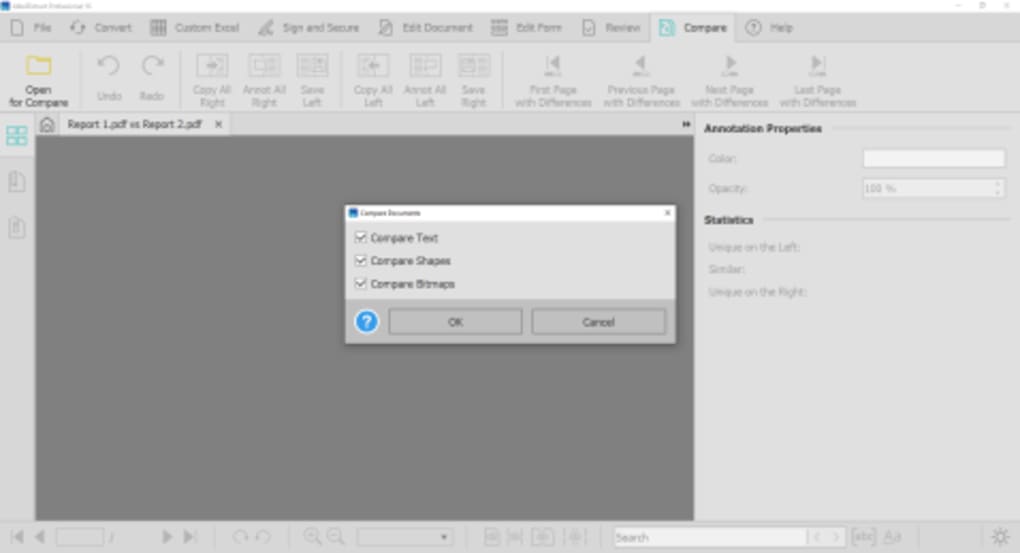
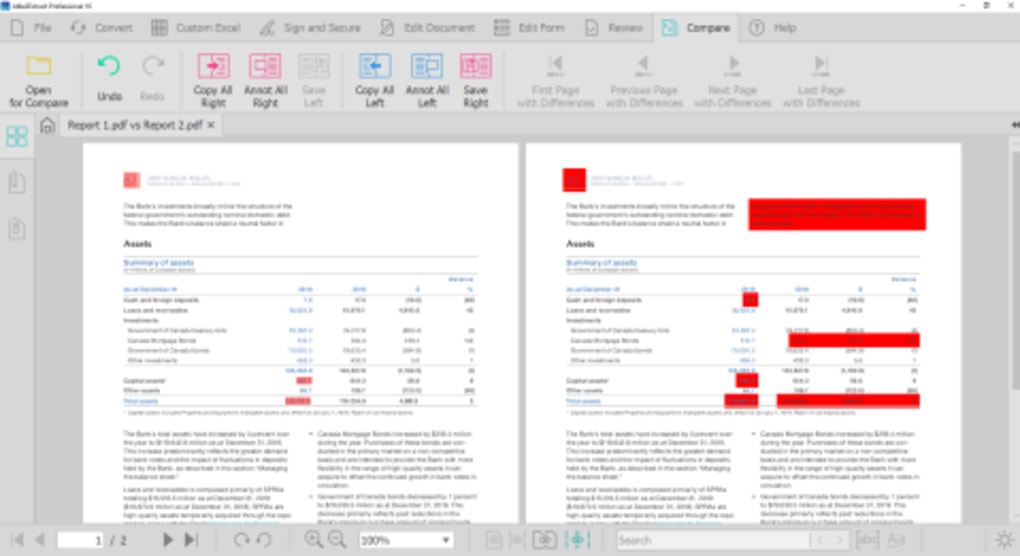
Able2Extract boasts a user-friendly interface that is intuitive and easy to navigate, even for those unfamiliar with PDF conversion software. The straightforward design minimizes the learning curve, allowing users to quickly grasp the core functionalities. The process of converting files is remarkably simple. Users can select specific content within a PDF, whether it’s a single page, a selection of text, or the entire document, and initiate the conversion with a single click. This streamlined workflow contributes to the software’s overall efficiency. The software’s proprietary PDF viewer allows users to preview the selected content before conversion, ensuring accuracy and preventing unintended changes. This visual confirmation is a crucial feature, enhancing the user experience and reducing the likelihood of errors.
The application’s design prioritizes simplicity and clarity, making it accessible to a wide range of users, from individuals to businesses. The clear visual cues and straightforward instructions guide the user through each step of the conversion process, eliminating any unnecessary complexities or confusing navigation elements.
Conversion Capabilities and Output Quality
Able2Extract supports a broad array of conversion options, allowing users to transform PDF files into various formats, including Microsoft Word (.docx), Excel (.xlsx), PowerPoint (.pptx), Publisher (.pub), AutoCAD (.dwg, .dxf), HTML (.html), image formats (like JPG, PNG, TIFF), and plain text (.txt). This versatility makes it a valuable tool for diverse applications and workflows. The software’s ability to handle various input formats, such as Adobe PDF, HTML, and plain text, further expands its adaptability.
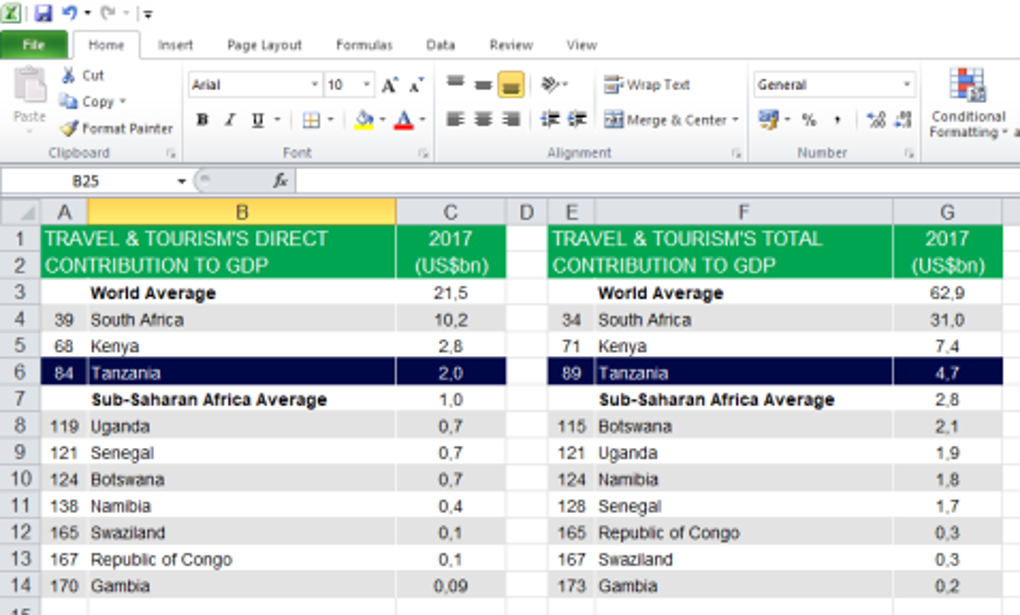
The quality of the conversion output is generally excellent for text-based PDFs. The software accurately preserves formatting, including fonts, styles, and paragraph breaks, ensuring that the converted document retains its original structure and appearance. However, the software’s performance with charts, graphs, and other complex visual elements is less consistent. While it effectively handles tables when converting to Excel, the conversion of more intricate visual data might result in some loss of fidelity or require manual adjustments within the target application.
The software also offers specialized conversion options, such as converting Microsoft XPS documents into editable Word, Excel, PowerPoint, and Publisher files. Its ability to convert PDF forms into fillable Word forms is another notable feature, streamlining data entry and form completion. The software also excels at handling numerical and tabular data, offering custom PDF-to-Excel conversions that preserve the original formatting and structure of these elements. This customizability allows for accurate conversion of datasets, especially useful in business applications.
Performance and Speed
One of Able2Extract’s key strengths is its speed. The conversion process is remarkably fast, even when handling large or complex PDF documents. This efficiency saves users valuable time and enhances overall productivity, particularly beneficial when dealing with multiple files or a high volume of conversions. The quick processing time distinguishes it from some competing software, where longer processing times can impede workflow.
This rapid performance is complemented by the software’s ability to handle batch conversions. Although the review mentions issues with batch conversions in certain instances, the core functionality remains a significant time-saving feature, especially for users working with numerous PDF files that need similar conversions.
Advantages and Disadvantages
Able2Extract offers several compelling advantages:
- Versatility: Its ability to convert PDFs to a wide range of formats caters to diverse needs.
- Speed: The quick conversion times significantly enhance productivity.
- Ease of Use: The intuitive interface and straightforward workflow make it accessible to all users.
- Accurate Text Conversion: The software excels at converting text-based PDFs, maintaining original formatting and structure.
- Specialized Conversion Options: Features such as XPS to Office conversion and PDF form to Word form conversion add considerable value.
However, the software also has some limitations:
- Price: The software is not free and can be considered expensive, especially compared to free or lower-priced alternatives.
- Image and Graph Handling: While tables are well-handled in Excel conversions, the conversion of images and complex graphs is not always perfect and may require manual adjustments.
- Batch Conversion Issues: While batch processing is a valuable feature, some reports indicate potential instability in this area.
Comparison with Alternative Solutions
While Able2Extract offers a powerful suite of PDF conversion tools, it’s important to consider alternative solutions available in the market. Several free and low-cost PDF converters exist, offering basic conversion capabilities. However, these alternatives often lack the speed, advanced features, and accuracy offered by Able2Extract. The choice of software ultimately depends on individual needs and budget. If high-fidelity conversion of complex documents, particularly those with intricate visual elements, is critical, and speed is a priority, then the cost of Able2Extract may be justified. Conversely, users with more modest needs and a tighter budget might opt for a free or low-cost alternative, accepting potential compromises in conversion speed and output quality.
The comparison with alternative apps mentioned in the original text highlights this point. Free options like “Free PDF to Excel Converter” and “Free PDF to All Converter” exist, offering basic functionality. However, these typically lack the comprehensive features, efficient processing speed, and specialized conversion options offered by Able2Extract. Therefore, the selection of the best software hinges on a careful evaluation of individual requirements and budget constraints. For users who frequently deal with large or complex PDFs and prioritize accuracy and speed, Able2Extract’s premium features might represent a worthwhile investment.
Conclusion
Able2Extract provides a robust and versatile solution for converting PDF files to various formats. Its user-friendly interface, rapid processing speed, and accurate text conversion capabilities make it a compelling choice for individuals and businesses needing to extract and repurpose information from PDF documents. Although the software is not without its limitations – notably its cost and less-than-perfect handling of complex visual elements – its strengths often outweigh these drawbacks, especially for users prioritizing efficiency and accuracy in their PDF conversion workflows. The ultimate decision to use Able2Extract depends on a careful assessment of individual needs and budgetary considerations. Weighing the advantages against its limitations enables users to make an informed choice aligned with their specific requirements.
File Information
- License: “Trial version”
- Latest update: “May 24, 2023”
- Platform: “Windows”
- OS: “Windows 7”
- Language: “English”
- Downloads: “190.8K”
- Size: “107.26 MB”


