
Actual Window Manager is a powerful desktop organization application designed to streamline your workflow and enhance productivity when working with numerous applications. Its innovative approach to window management transforms how users interact with their workspace, offering a more efficient and enjoyable computing experience. This comprehensive review delves into the software’s features, benefits, drawbacks, and overall effectiveness as a productivity enhancer for Windows users.
Core Functionality and Features
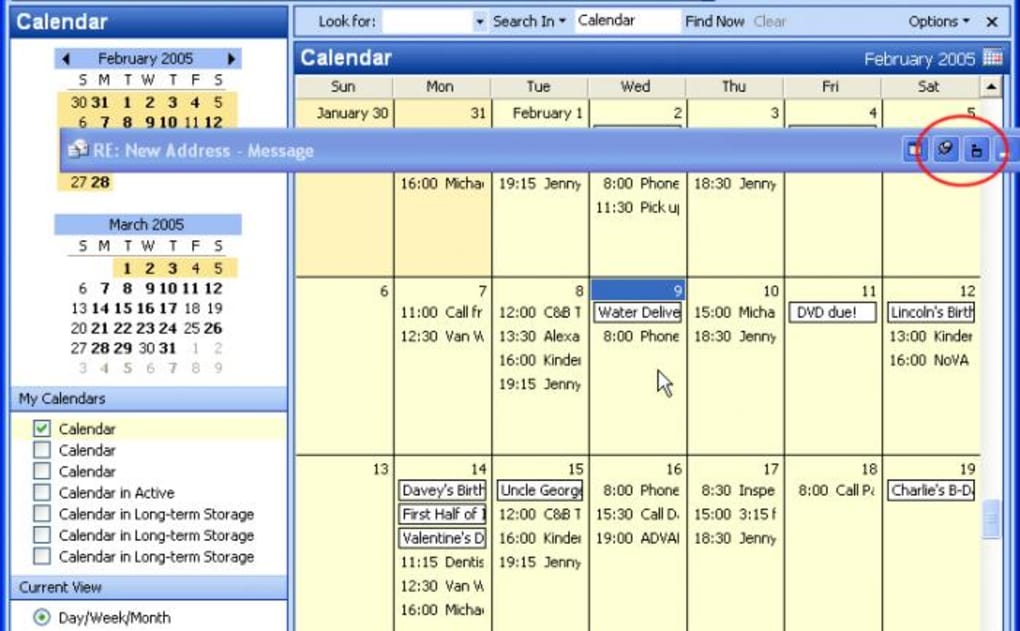
At its heart, Actual Window Manager addresses the common frustration of managing multiple open windows. For users juggling numerous applications simultaneously, maintaining an organized and efficient workspace can be a significant challenge. Actual Window Manager tackles this problem head-on by automating window placement and resizing, freeing users from manual adjustments and maximizing screen real estate. The application operates discreetly in the background, intelligently positioning windows to optimize screen usage. This intelligent placement is based on user-defined parameters, allowing for customization and personalized workspace optimization.
Beyond automated placement, Actual Window Manager provides extensive customization options. Users can define rules to automatically resize windows to specific dimensions, ensuring consistency and preventing overlapping or cluttered screens. The software allows users to prioritize certain windows, keeping them persistently on top of others, preventing critical applications from being obscured. Furthermore, options for minimizing, rolling up, or even making windows semi-transparent are available, providing a range of tools to tailor the workspace to individual preferences and workflows.
Actual Window Manager boasts more than 40 tools, offering a remarkably comprehensive suite of features designed to cater to diverse user needs. This abundance of options allows users to fine-tune their window management to a degree seldom seen in competing applications. The software goes beyond simple window arrangement; it provides tools for precise control over the appearance and behavior of each application window.
The application’s recent updates have introduced even more powerful functionalities, including the “Run keyboard macro” feature, a highly anticipated addition that grants users advanced control over automated tasks. The “Change program affinity” feature provides granular control over how programs utilize CPU cores, potentially improving performance and responsiveness. The ability to hide the mouse pointer while hovering over specific windows is a welcome addition for users seeking to minimize visual clutter and distraction. The addition of new hotkeys further streamlines user interaction, allowing for swift and efficient control over window management functions.
Enhancing Productivity and Efficiency
Actual Window Manager’s primary benefit is its ability to significantly enhance productivity. By automating tedious window management tasks, it frees up cognitive resources, allowing users to focus on their core tasks rather than constantly readjusting windows. This streamlined workflow contributes to reduced frustration and improved concentration, resulting in increased efficiency. The automatic organization of windows ensures a clean and uncluttered desktop, creating a more visually appealing and less distracting workspace.
The software’s adaptability to diverse workflows is another key advantage. Whether a user works with a handful of applications or dozens, Actual Window Manager adapts, providing a consistently organized and efficient environment. The ability to define custom rules and parameters ensures the software can be precisely tailored to individual needs and preferences, making it a versatile tool for users with widely varying work styles and requirements. This level of customization makes Actual Window Manager suitable for a broad spectrum of users, from casual computer users to professional software developers working with complex projects.
The inclusion of a comprehensive monitoring log within the Control Center offers users valuable insights into window activity, allowing them to fine-tune their configurations for optimal performance. This feature provides data-driven insights into application behavior and allows users to identify and address any potential conflicts or inefficiencies.
Potential Drawbacks and Limitations
While Actual Window Manager offers substantial benefits, some users might find certain aspects less appealing. Some users report the software can be “overbearing,” interfering excessively with their workflow. This concern highlights the importance of careful configuration and customization. The software’s effectiveness hinges on appropriate rule-setting and parameter definition. If not configured thoughtfully, it may lead to more disruptions than improvements.
The software’s primary target audience is users managing a large number of open windows. For users who routinely work with only a few applications, the benefits of Actual Window Manager might not be as pronounced. The overhead of learning the software’s features and configuring its settings may outweigh the perceived benefits for users with simpler workflow requirements.
Another point of consideration is the potential learning curve associated with mastering the software’s many features. Although intuitive in its core functionality, the depth and breadth of its options might require a period of familiarization and experimentation. The software’s comprehensive feature set, while advantageous for advanced users, might seem overwhelming to those seeking a simpler, more straightforward window management solution.
User Experience and Interface
The user interface of Actual Window Manager is designed to be intuitive and easy to navigate. The software’s control center provides a centralized location for managing settings, configuring rules, and monitoring window activity. The layout is generally clean and straightforward, making it relatively easy for users to access the various features and customization options.
The software’s background operation is largely unobtrusive, ensuring it doesn’t significantly impact the overall user experience. However, the level of interaction required will depend largely on the user’s preferred level of customization. Users who choose to leverage the full range of features might experience a more interactive experience compared to those who opt for a more minimalist approach.
Overall, the user experience is generally positive, with users praising the software’s efficiency and ease of use. However, the learning curve associated with its advanced features might be a barrier for some. Comprehensive documentation and tutorials are essential for maximizing user satisfaction and minimizing frustration.
Comparison with Alternative Solutions
Actual Window Manager distinguishes itself from simpler window management tools by offering a significantly more comprehensive and customizable approach. Many alternative tools offer basic window tiling or snapping features, but Actual Window Manager goes beyond these fundamental functions. Its advanced features, such as automated window resizing, rules-based organization, and customizable transparency settings, place it in a distinct category compared to more basic solutions.
The software stands out through its ability to handle a far larger number of open windows with grace and efficiency compared to many competing applications. While other solutions may struggle to maintain organization with a high number of windows, Actual Window Manager’s intelligent algorithms and extensive customization options allow it to manage complex workspaces with relative ease.
Conclusion
Actual Window Manager represents a significant advancement in Windows desktop management. Its comprehensive feature set, intelligent automation, and extensive customization options make it a compelling solution for users who routinely manage numerous open applications. While some users might find its features overly intrusive or complex, for those grappling with the challenges of a multi-window workspace, Actual Window Manager can dramatically enhance productivity and streamline workflow. Its versatility and adaptability to diverse user needs make it a valuable tool for both casual users and demanding professionals. The software’s ongoing development and regular updates suggest a commitment to continuous improvement, ensuring its continued relevance and effectiveness in the ever-evolving landscape of desktop computing.
File Information
- License: “Trial version”
- Latest update: “March 22, 2024”
- Platform: “Windows”
- OS: “Windows 2000”
- Language: “English”
- Downloads: “592”
- Size: “13.48 MB”


