
Adblock Plus has established itself as a leading name in the world of ad blockers, boasting widespread popularity across various browsers. This review delves into the features, performance, and potential drawbacks of the Windows version of Adblock Plus, providing a comprehensive assessment of its capabilities and limitations. The core function of Adblock Plus remains its robust ability to filter out unwanted advertisements, enhancing the browsing experience for users seeking a cleaner and less cluttered online environment.
Core Functionality: Effective Ad Blocking and Beyond
At its heart, Adblock Plus excels at its primary function: blocking advertisements. It effectively eliminates a wide range of intrusive ads, including banner ads, pop-ups, pop-unders, and video advertisements prevalent on platforms like YouTube. The effectiveness stems from its customizable filter lists, allowing users to fine-tune the level of ad blocking to suit their preferences. This granular control allows for a highly personalized experience, ranging from a complete ad-free experience to a more moderate approach that still allows for some non-intrusive ads. This versatility makes Adblock Plus adaptable to a wider range of user needs and preferences.
The core ad-blocking mechanism works by leveraging sophisticated filtering techniques. These filters identify and block specific elements on web pages that are commonly associated with advertisements. This process is remarkably efficient, preventing the display of ads without significantly impacting page load times. This ensures a smooth and uninterrupted browsing experience, even with a large number of ads blocked.
The Acceptable Ads Initiative: Balancing User Experience and Website Sustainability
Adblock Plus acknowledges the vital role advertising plays in supporting website operations. The “Acceptable Ads” initiative attempts to address the concerns of website publishers while still providing users with a largely ad-free experience. This initiative allows certain, non-intrusive ads to appear, a compromise designed to help sustain websites that rely on advertising revenue.
The criteria for “acceptable ads” are strictly defined. These ads are typically smaller in size, less visually disruptive, and less likely to track user behavior. This approach seeks to create a balance between user comfort and website sustainability. Users retain full control over this feature and can disable Acceptable Ads entirely, opting for a completely ad-free browsing environment if they prefer. This option caters to users who prioritize a fully distraction-free browsing experience, even if it might impact the financial viability of some websites.
Enhanced Privacy Features: Tracking Protection and Social Media Button Blocking
Beyond ad blocking, Adblock Plus offers robust features designed to enhance online privacy. The integrated tracking protection feature actively blocks tracking mechanisms embedded in websites. This feature prevents websites and third-party trackers from collecting user data, safeguarding online anonymity. Adblock Plus employs the highly regarded EasyPrivacy filters, independently validated by research at Stanford University for their effectiveness in blocking trackers. This validation further strengthens the credibility and effectiveness of Adblock Plus’s privacy features.
Another privacy-enhancing feature is the blocking of social media buttons. While seemingly innocuous, these buttons often transmit data to social media platforms even without direct user interaction. Adblock Plus prevents this silent data transmission, reducing the amount of personal information shared unintentionally with social media networks. By preventing this background data sharing, Adblock Plus minimizes the possibility of social media platforms building user profiles based on browsing activity without explicit consent. This is a crucial feature for users who are particularly conscious about their online privacy and seek to minimize their digital footprint.
Comparison with Other Versions and Platforms
Adblock Plus’s Windows version largely mirrors the functionality and user experience found in its counterparts for other browsers like Google Chrome and Mozilla Firefox. The core features, performance, and interface remain consistent across different platforms. This consistency ensures a familiar and user-friendly experience for those already accustomed to using Adblock Plus on other browsers. The transition to the Windows version is seamless, with users finding the same intuitive interface and effective ad-blocking capabilities.
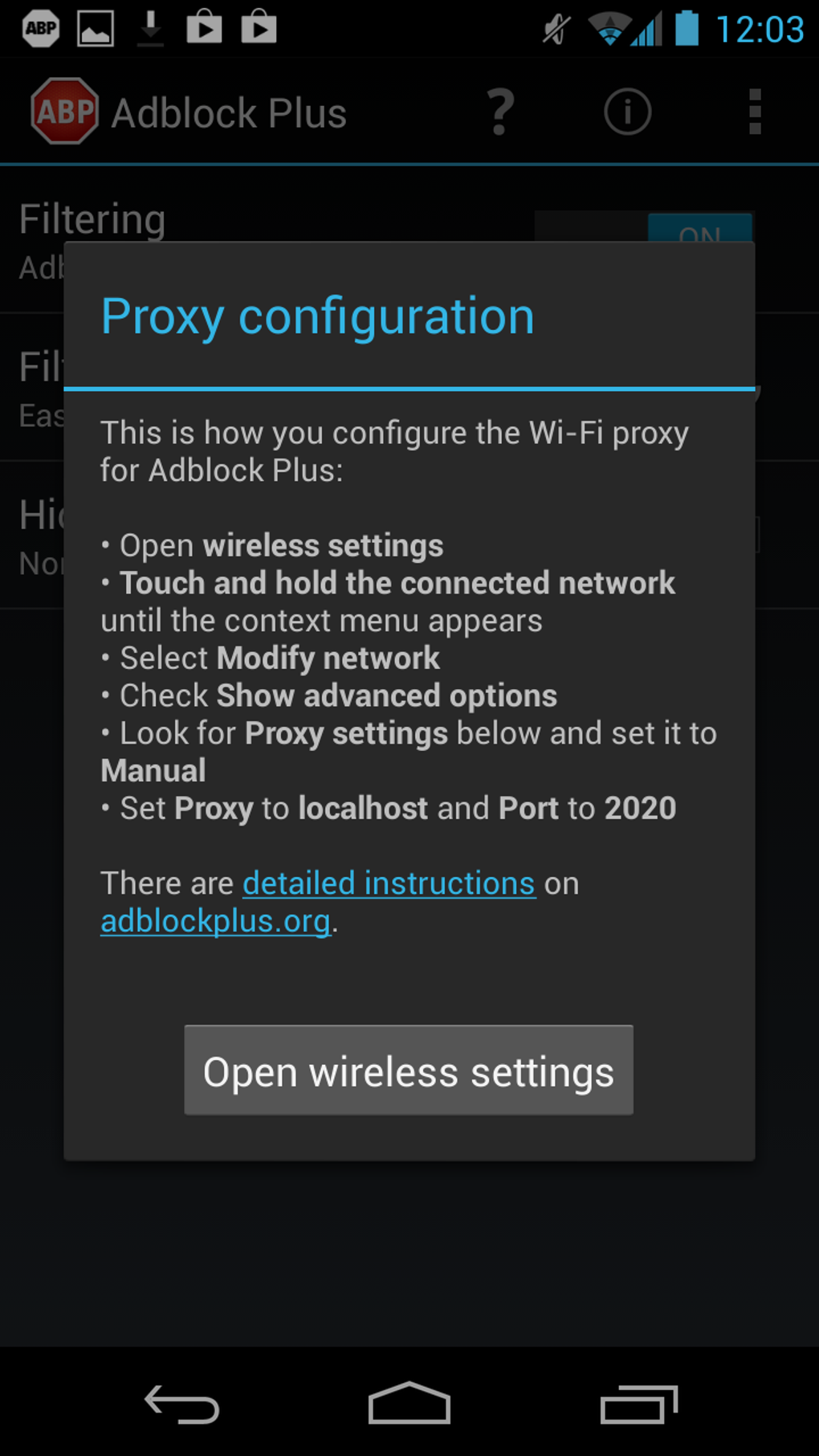
The efficiency of ad blocking remains consistently high across various platforms. Most advertisements are effectively blocked, resulting in a cleaner browsing environment. The extension’s ease of use also remains consistent, making it accessible to users with varying levels of technical expertise. Installation is straightforward, and the user interface is minimal yet provides sufficient control over the extension’s functionality.
Addressing Potential Issues and Limitations
While Adblock Plus is generally highly effective, certain limitations and potential issues have been reported by users. One frequently cited concern involves occasional conflicts with other applications, particularly in its Windows iteration. This incompatibility might manifest in various ways, such as interference with PDF viewing functionality within the browser or clashes with other extensions, leading to unpredictable behavior. These issues highlight the complexities involved in managing browser extensions and the potential for conflicts between different software components.
Another common criticism pertains to the occasional failure to block some ads. While Adblock Plus boasts a high success rate, some advertisements may slip through the filters. This limitation is not unique to Adblock Plus; most ad blockers encounter similar challenges due to the ever-evolving techniques employed by advertisers to circumvent ad-blocking technology. The “arms race” between ad blockers and advertisers is a continuous challenge in this domain.
Additionally, some users may find the level of customization limited. While Adblock Plus offers a degree of control over ad filtering and other features, the options available may not be as extensive as those found in some alternative ad blockers. This limitation may be a drawback for users who require a higher level of granular control over their ad-blocking preferences.
Troubleshooting: Why Adblock Plus Might Be Disabled
If Adblock Plus consistently gets disabled or uninstalled upon opening Microsoft Edge, it could indicate a more serious underlying issue. Malware often targets browser extensions like Adblock Plus to facilitate its malicious activities, deliberately removing it to bypass security measures.
To resolve this, several troubleshooting steps are recommended:
- Reinstallation: Reinstall Adblock Plus to ensure it’s in its default, clean state.
- Disabling Other Extensions: Temporarily disable all other Edge extensions, leaving only Adblock Plus active. Restart Edge several times to ascertain if the problem persists.
- Gradual Re-Enabling: If Adblock Plus remains active after this step, gradually re-enable other extensions one by one, restarting Edge after each re-enablement. This process helps pinpoint the specific extension that conflicts with Adblock Plus.
This methodical approach allows for identification and resolution of conflicts that might be causing Adblock Plus to be disabled or uninstalled unexpectedly.
Conclusion: A Powerful and Generally Reliable Ad Blocker
Despite some minor drawbacks, Adblock Plus remains a strong contender in the ad-blocking arena. Its effectiveness in eliminating intrusive ads, coupled with its robust privacy features, makes it a valuable tool for users seeking a more comfortable and private browsing experience. While occasional conflicts with other applications or the occasional missed ad are potential downsides, the overall benefits largely outweigh these limitations. For the average user seeking a reliable and easy-to-use ad blocker, Adblock Plus remains a highly recommended choice. Remember, however, to consider supporting websites you value by temporarily disabling the ad blocker on those specific sites.
File Information
- License: “Free”
- Latest update: “July 28, 2025”
- Platform: “Android”
- OS: “Android 13.0”
- Downloads: “363.4K”
- Download Options: “Google Play”


