
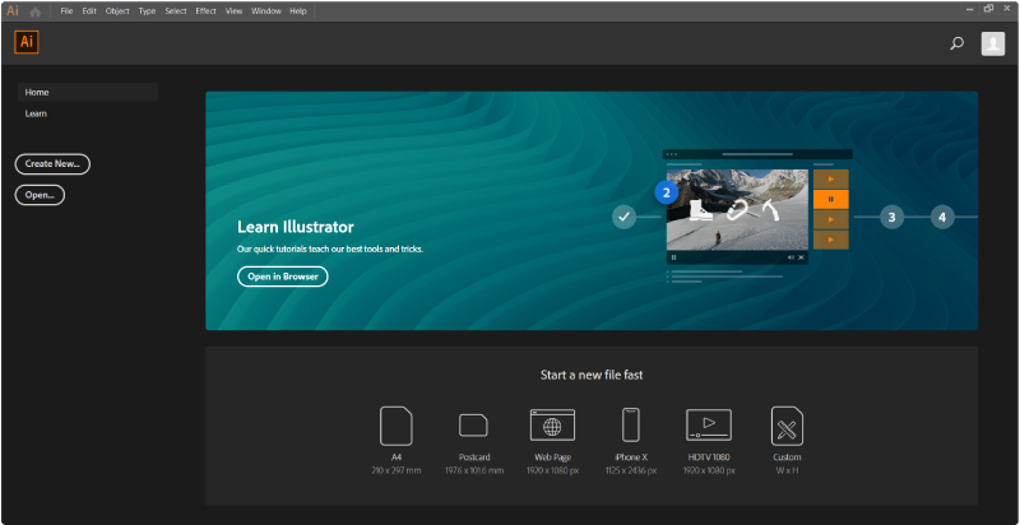
Adobe Illustrator is the leading vector graphics editor, renowned for its precision, performance, and extensive creative tools. Used by professionals worldwide, from freelance designers to large design teams, Illustrator empowers the creation of scalable artwork for a vast range of applications. Whether designing logos, icons, typography, packaging, or intricate illustrations, Illustrator provides the flexibility and power needed to produce high-quality, resolution-independent graphics. Its seamless integration with other Adobe Creative Cloud applications further solidifies its position as a cornerstone of modern digital design workflows. This in-depth exploration delves into the features, capabilities, and advantages of Adobe Illustrator, focusing on its Windows version.
Precision Vector Editing: The Core of Illustrator
At the heart of Adobe Illustrator lies its unparalleled precision in vector editing. Unlike raster graphics, which are composed of pixels, vector graphics are built using mathematical equations defining lines, curves, and shapes. This fundamental difference allows for scalability without any loss of quality. An illustration created in Illustrator can be scaled from a small business card to a massive billboard with crisp, sharp lines and details, a critical feature for logo design, typography, branding, product packaging, infographics, and even user interface design for websites and applications.
Illustrator’s intuitive drawing tools, including the Pen Tool and Curvature Tool, are central to its precision. The Pen Tool offers complete control over the creation of precise paths, allowing designers to meticulously craft even the most complex shapes and curves. The Curvature Tool streamlines the process, providing a more intuitive and faster way to create and manipulate Bézier curves. These tools, combined with powerful shape-building features, alignment controls, smart guides, and live preview functions, enhance the design process for both beginners and experienced professionals. The level of control over anchor points, curve manipulation, and custom shape logic allows for an unparalleled level of detail and finesse in the creation of vector artwork.
Seamless Workflow Integration with Adobe Creative Cloud
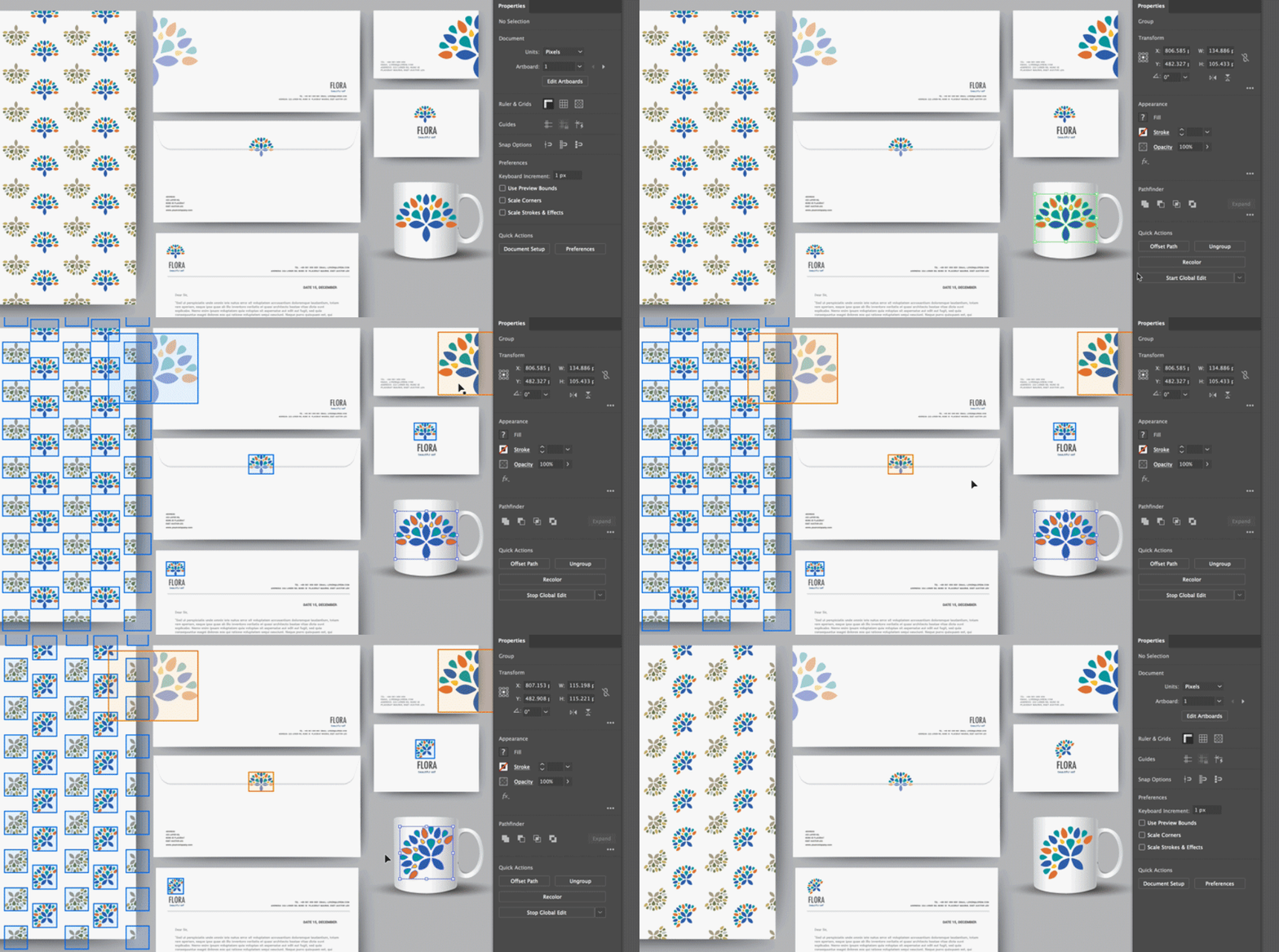
As a key component of Adobe Creative Cloud, Illustrator seamlessly integrates with other Adobe applications such as Photoshop, After Effects, and InDesign. This interconnectedness significantly streamlines the creative process. Designers can effortlessly drag and drop Illustrator files into other programs, preserving vector layers and ensuring a consistent workflow across multiple applications. This integrated approach minimizes time spent on file conversion and ensures the integrity of vector data throughout the design process. For instance, designs created in Illustrator can be seamlessly animated in After Effects without compromising quality, facilitating the creation of compelling motion graphics and animated content.
Cloud storage allows access to files from multiple devices, fostering collaboration and enhancing project management. Real-time collaboration features enable clients and colleagues to view and comment on work in progress, irrespective of their location. This collaborative aspect is invaluable for teams working on large-scale projects or those needing client feedback throughout the design stages. The ability to share, review, and iterate on designs in real-time drastically improves efficiency and communication within a collaborative design environment.
Key Features and Capabilities of Adobe Illustrator
Adobe Illustrator boasts a wealth of advanced features designed to empower designers at every stage of the creative process:
-
Advanced Vector Editing: Beyond the fundamental drawing tools, Illustrator provides sophisticated capabilities for manipulating paths, shapes, and objects. Complex operations like Boolean operations (union, intersection, subtraction), Pathfinder panel functions, and live trace capabilities offer extensive control over the creation and modification of vector artwork. This provides immense flexibility for creating intricate designs and manipulating existing artwork with remarkable precision.
-
Artboards and Multi-Page Layouts: The use of artboards allows designers to work on multiple designs within a single document, ideal for projects requiring various sizes and orientations, such as social media kits, app mockups, or print designs. The ability to export individual artboards or in batches simplifies the preparation of assets for different platforms and purposes.
-
Powerful Typography and Font Management: Typography plays a crucial role in design, and Illustrator excels in this area. Access to thousands of fonts through Adobe Fonts, coupled with precise control over kerning, tracking, and OpenType features, ensures professional-quality typography. The ability to convert text into paths enables further customization, allowing for unique and creative typographic treatments.
-
Robust Color and Gradient Tools: Illustrator supports CMYK, RGB, Pantone, and spot color workflows, offering designers the flexibility to manage color across various output methods. The sophisticated gradient tools enable the creation of intricate and nuanced color transitions, adding depth and visual interest to designs. Global color management ensures consistent brand colors across all projects, maintaining brand identity and visual consistency.
-
Creative Cloud Libraries: The integration with Creative Cloud Libraries provides cloud storage for assets such as logos, color palettes, and character styles. This centralized storage enables easy access and reuse of design elements across all Creative Cloud applications, maintaining consistency and streamlining the design process.
-
GPU Acceleration for Enhanced Performance: Illustrator is optimized to leverage the GPU, resulting in faster rendering, real-time zooming, and smoother path manipulation, even for complex artworks. This improvement in performance significantly enhances the user experience, especially when working on large and intricate projects.
System Requirements and Availability
Adobe Illustrator CC is designed for modern Windows systems and is optimized for performance. Here are the minimum system requirements:
- Operating Systems: Windows 11, Windows 10 (64-bit version) 1903 or later.
- Processor: Multicore Intel or AMD processor with 64-bit support.
- RAM: 8 GB (16 GB recommended for intensive projects).
- GPU: 1 GB VRAM (4 GB recommended for GPU acceleration).
- Storage: 2 GB available space (SSD recommended).
- Display: Minimum 1024 x 768 resolution (1920 x 1080 recommended).
- Internet: Required for activation, updates, and cloud services.
Touch gestures are supported on compatible devices, and the user interface scales well for high-resolution displays. Adobe Illustrator is available via the Adobe Creative Cloud subscription model. Users can choose between a single-app Illustrator plan or the All Apps plan, which includes Photoshop, After Effects, InDesign, and over 20 other Adobe applications. Plans cater to individuals, students, educators, and businesses. All subscriptions include 100 GB of cloud storage, Adobe Fonts, Adobe Portfolio, and regular feature updates. A 7-day free trial is often available, allowing potential users to explore its features before committing to a subscription.
The Importance of Licensed Software
Using unlicensed software, such as cracked versions or those obtained through illegal means, poses significant security risks. Pirated versions often contain malware or spyware that can compromise data and damage systems. These unlicensed copies also lack critical updates and support, compromising both security and performance. Moreover, using pirated software is illegal and can lead to fines or legal action. Investing in licensed software ensures a secure and reliable experience, providing access to updates, support, and peace of mind.
Adobe Illustrator: A Premier Choice for Windows Designers
Adobe Illustrator remains the industry standard for professional vector graphics design on Windows. Its combination of precise tools, performance enhancements, and seamless Creative Cloud integration makes it the preferred choice for illustrators, branding experts, web designers, and print professionals. Whether creating quick sketches or highly detailed artwork, Illustrator’s customizable interface, scalable vector output, and support for virtually all industry-standard formats make it a powerful tool for producing clean, precise, and flexible designs.
Complementary Adobe Software
To further enhance the design workflow, Adobe offers other industry-leading software that perfectly complements Illustrator:
- Adobe Reader: Essential for viewing, commenting on, and digitally signing PDF documents, crucial for reviewing design proofs.
- Adobe Photoshop: Ideal for editing raster images, photo manipulation, and compositing, allowing designers to enhance illustrations or prepare assets before vectorizing.
- Adobe After Effects: Empowers designers to animate their Illustrator creations, build motion graphics, and create impressive visual effects for video projects.
Together, these tools create a comprehensive creative ecosystem, empowering designers to tackle various projects, from branding materials to animated explainer videos and complex design layouts. Downloading Adobe Illustrator CC for Windows is a strategic investment in design excellence, enhancing productivity and creativity.


