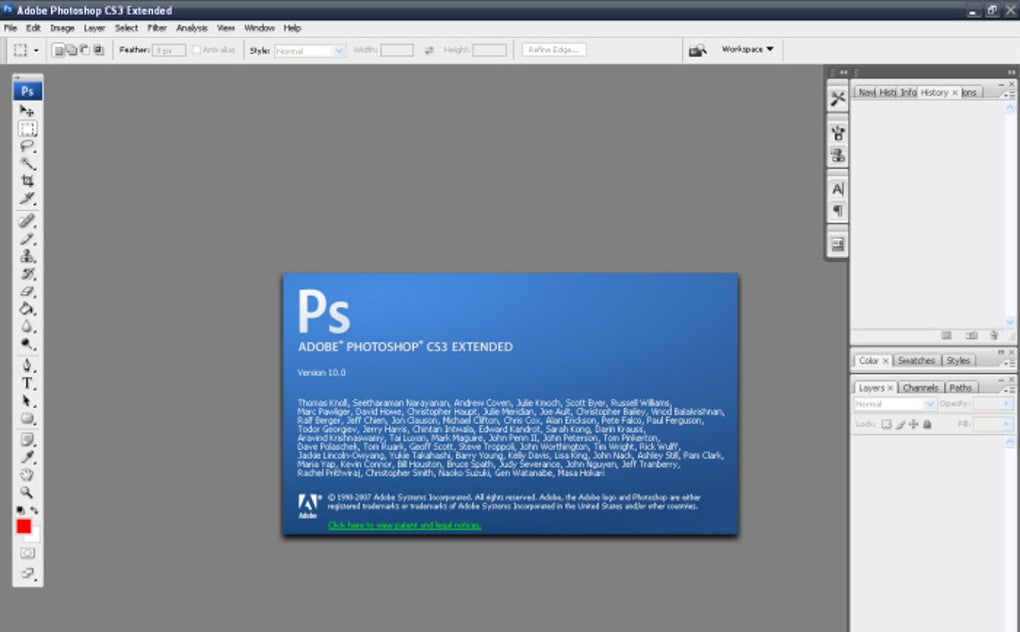
Adobe Photoshop CS3 Update is an official patch designed to improve the stability and responsiveness of Adobe Photoshop CS3, one of the world’s most renowned graphic editing software applications. This crucial update addresses several key issues, primarily focusing on preventing unexpected crashes that could lead to the loss of valuable work-in-progress. Beyond crash prevention, the update also significantly optimizes the handling of multi-layered images, a common scenario for many Photoshop users. Improvements also extend to the Print menu, streamlining the process of outputting your finalized creations.
This detailed guide will explore the key features, benefits, installation process, and user experiences associated with the Adobe Photoshop CS3 Update. We’ll examine why this update remains relevant, despite the release of newer Photoshop versions, and offer insights for users considering its implementation.
Understanding the Need for the Adobe Photoshop CS3 Update
For users who relied on Adobe Photoshop CS3, this update wasn’t simply an optional enhancement; it was often a necessity. The original CS3 release, while powerful, suffered from certain stability issues. Unexpected program closures, especially when working with complex projects involving numerous layers and high-resolution images, were a common frustration. These crashes could lead to significant time loss, as users would need to restart their work from the last saved point, potentially resulting in the loss of unsaved progress.
The Adobe Photoshop CS3 Update directly addresses these issues. By implementing numerous bug fixes and performance optimizations, the update significantly reduces the likelihood of unexpected crashes. This stability enhancement translates to a more reliable and productive workflow, allowing users to focus on their creative tasks without the constant worry of losing their work.
Furthermore, the improvements to multi-layered image management are particularly beneficial. Many professional and amateur photographers and graphic designers frequently work with images containing dozens or even hundreds of layers. The update streamlines the handling of these complex files, leading to smoother navigation, faster rendering, and a more responsive overall experience. The improved Print menu also enhances workflow efficiency, ensuring a smoother transition from editing to final output.
Key Features and Improvements Introduced by the Update
The Adobe Photoshop CS3 Update offers a suite of improvements that enhance the user experience and stability of the software:
-
Enhanced Stability: The most significant improvement is the enhanced stability of the application. The update addresses numerous bugs and vulnerabilities that could lead to unexpected program crashes, thereby minimizing the risk of data loss. This is achieved through meticulous code optimization and bug fixes targeted at critical areas of the software.
-
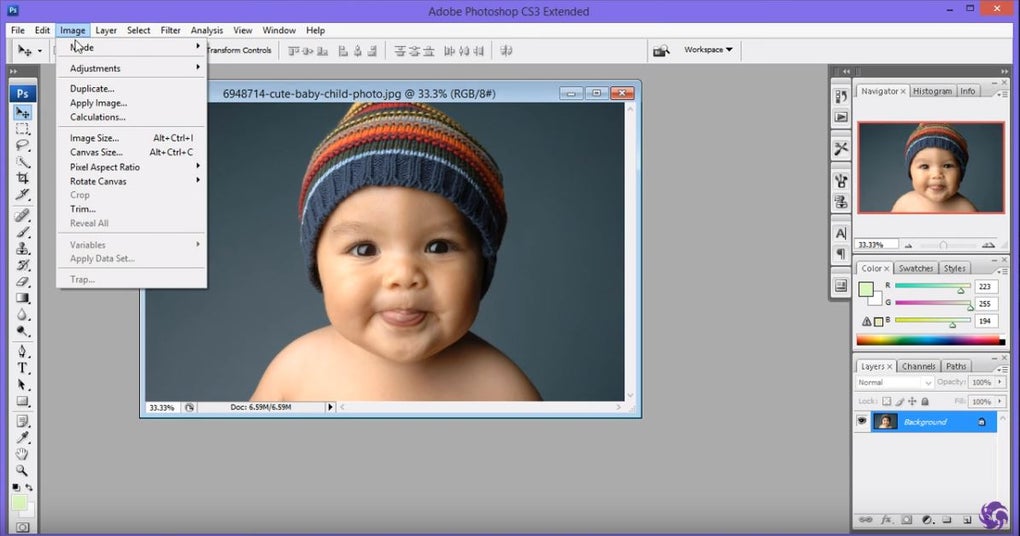
Optimized Multi-Layered Image Handling: Photoshop CS3 users often worked with projects containing multiple layers, which could lead to performance bottlenecks. The update directly tackles this issue by optimizing the way the program manages layers. This results in smoother panning, zooming, and overall navigation, even when working with complex, layer-rich files.
-
Improved Print Menu: The Print menu, a crucial aspect of the final workflow, also received improvements in this update. These enhancements streamline the printing process, making it more efficient and user-friendly. Specific details about the exact nature of these improvements are scarce in historical documentation, but it’s understood that they contributed to a more reliable and intuitive printing experience.
-
Performance Enhancements: Beyond specific features, the update incorporates a range of under-the-hood performance improvements. These optimizations affect various aspects of the software, including overall responsiveness, image processing speed, and file handling efficiency. While not always readily apparent, these enhancements contribute to a more fluid and efficient workflow.
-
Security Patches: While not explicitly detailed in many descriptions of the update, it is likely that the update also included various security patches. Security vulnerabilities are a constant concern for all software, and updates often address these to protect users from potential malware and unauthorized access.
Installing the Adobe Photoshop CS3 Update
Installing the Adobe Photoshop CS3 Update is a relatively straightforward process, although a few precautions should be taken:
-
Locate Photoshop CS3 Installation: Before starting the update, ensure you know the exact location of your Adobe Photoshop CS3 installation folder. This information is typically found in your program files directory.
-
Temporarily Disable Antivirus Software: It’s recommended to temporarily disable your antivirus software before installing the update. Antivirus programs can sometimes interfere with the installation process, leading to errors or incomplete installations. Remember to re-enable your antivirus software after the update is complete.
-
Run the Update Installer: Once the update file is downloaded, simply run the installer executable. Follow the on-screen instructions, which typically involve accepting the license agreement and choosing the installation location (which should usually be the same as your Photoshop CS3 installation).
-
Restart Photoshop: After the installation is complete, restart Adobe Photoshop CS3 to ensure the updates take effect.
-
Verify the Update: After restarting, verify that the update was successfully installed. You can usually check the software’s version number within the “About” section of the program.
User Experiences and Reviews
User reviews for the Adobe Photoshop CS3 Update paint a generally positive picture. Many users reported significant improvements in stability, with fewer program crashes and a more reliable workflow. The speed enhancements, particularly when dealing with complex files, were also frequently praised.
However, some users did encounter challenges during the installation process. These challenges were often related to antivirus software interference or incorrect identification of the Photoshop CS3 installation location. Some users also reported minor bugs or unexpected behaviors after installing the update, although these issues were seemingly less frequent than the improvements noted by the majority of users.
Conclusion: The Lasting Relevance of the Adobe Photoshop CS3 Update
Even with the release of newer Photoshop versions, the Adobe Photoshop CS3 Update remains a relevant and useful tool for users still utilizing Photoshop CS3. For those who experienced the frustrating instability of the original CS3 release, this update provided a much-needed solution, enhancing both the stability and performance of the software. The improvements in crash prevention and multi-layered image handling make it a valuable upgrade for anyone continuing to work with this powerful, albeit older, version of Photoshop. While newer versions offer advanced features, the CS3 update serves as a vital foundation for a smoother and more reliable editing experience on that platform. The relatively simple installation process and largely positive user feedback further contribute to its continued relevance within the Photoshop CS3 community.