
Adobe Photoshop CS6 Update was a crucial patch released by Adobe to address various bugs, enhance performance, and improve the overall stability of Photoshop CS6 for Windows users. This update, freely available to existing CS6 users, significantly impacted the user experience by resolving several long-standing issues and introducing minor enhancements. This review delves into the specifics of the update, its impact on workflow, and its comparison to subsequent versions of Photoshop.
Enhanced Stability and Performance
One of the primary objectives of the Adobe Photoshop CS6 Update was to bolster the software’s stability. Prior to the update, many users experienced unexpected crashes and freezes during editing sessions, particularly when working with large files or complex projects. The update directly addressed this issue, implementing code improvements and bug fixes that minimized the likelihood of sudden program termination. This enhanced stability translated to a more predictable and reliable workflow, saving users from the frustration of lost work and interrupted creative processes.
Beyond stability improvements, the update also focused on performance optimization. Photoshop CS6 leveraged the Mercury Graphics Engine to provide responsive editing capabilities. However, some users still encountered sluggishness, especially when utilizing newer tools or working with high-resolution images. The CS6 update aimed to rectify these performance bottlenecks, delivering noticeable speed improvements in various tasks, including layer manipulation, filter application, and overall responsiveness of the interface. This resulted in a more fluid and efficient editing experience, enabling users to complete their projects more quickly and effectively. The improved performance was particularly beneficial for users working with large, resource-intensive projects that previously caused significant delays.
Streamlined Workflow and Productivity Enhancements
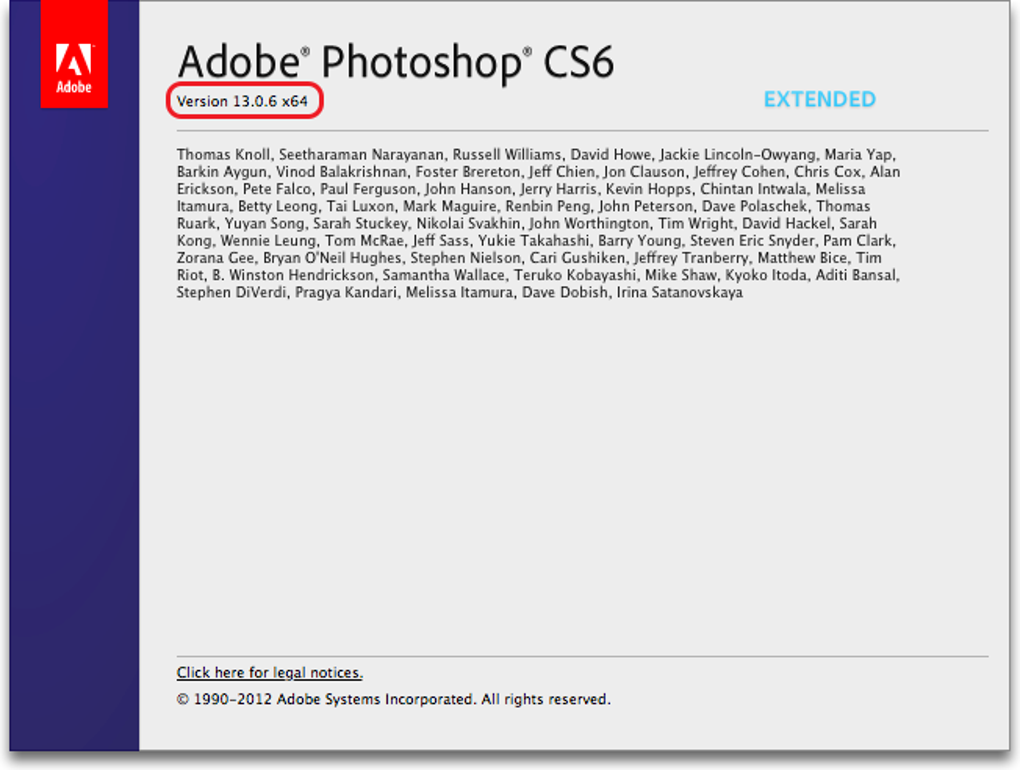
The Adobe Photoshop CS6 Update wasn’t solely focused on fixing bugs; it also included features designed to improve user productivity. A notable addition was the enhancement to the auto-recovery feature. This feature automatically saves copies of the user’s work at regular intervals (every 10 minutes, by default), creating a safety net against data loss due to unexpected crashes or power outages. This significantly reduced the risk of losing hours of work, providing peace of mind for users tackling lengthy editing tasks.
Furthermore, the update addressed issues related to saving large Photoshop files, optimizing the saving process for improved efficiency. This allowed users to continue working on their projects without experiencing interruptions caused by prolonged saving times. These improvements, combined with the enhanced stability and performance, resulted in a significantly more productive workflow for users of all skill levels. The ability to work seamlessly without the fear of sudden program closures or prolonged saving times contributed to a smoother, more focused editing experience.
Refined Text Editing Capabilities
The Adobe Photoshop CS6 Update also brought refinements to the software’s text editing tools. Users experienced improved functionality with transformed layers, benefiting from more precise control over character and paragraph settings. A specific issue concerning the saving of multi-line text in PDF files was resolved, eliminating a previously frustrating limitation. The update also addressed unpredictable behavior with slider controls, enhancing the precision and reliability of text manipulation.
Perhaps the most notable improvement in text editing was the addition of a convenient feature allowing users to quickly insert “lorem ipsum” placeholder text. This simple addition proved surprisingly useful, streamlining the process of creating mockups and layouts. The “lorem ipsum” text block automatically filled in with dummy text, saving users valuable time and eliminating the need to manually type in placeholder content. These text-related enhancements significantly improved the overall user experience, especially for users who frequently incorporate text into their Photoshop projects.
Security Patches and Other Improvements
Beyond performance and workflow improvements, the Adobe Photoshop CS6 Update included essential security patches to address vulnerabilities reported by users. These patches targeted specific security flaws that could potentially compromise system security. By addressing these vulnerabilities, Adobe ensured that users were protected against potential threats. The update also resolved several other minor bugs, further stabilizing the software and enhancing its overall reliability. The focus on security demonstrated Adobe’s commitment to user safety and data protection.
Installation and Availability
Installing the Adobe Photoshop CS6 Update was relatively straightforward, requiring only a few simple steps. The most important prerequisite was having a legitimate, commercially licensed copy of Adobe Photoshop CS6 already installed on the system. Users needed to ensure that their antivirus software was temporarily disabled and that the Photoshop installation folder was correctly named “Adobe Photoshop CS6”. After confirming these steps, users simply needed to run the Adobe Patch Installer and follow the on-screen instructions. In the unlikely event of installation problems, reinstalling Photoshop CS6 often resolved the issue. The update was completely free for users who already owned Photoshop CS6, making it an essential download for all CS6 users.
Comparison with Adobe Photoshop CC
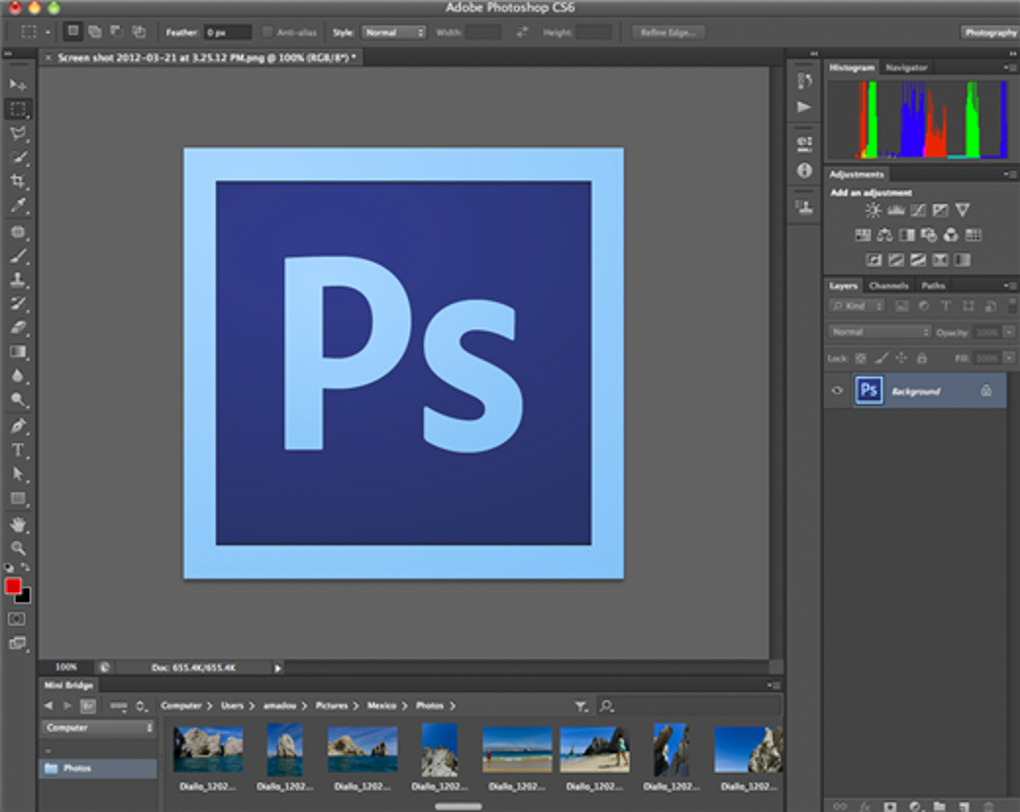
A key distinction between Adobe Photoshop CS6 (and its updates) and the subsequent Creative Cloud (CC) versions lies in the licensing model. CS6 utilized a traditional one-time purchase model, while CC operates on a subscription basis. Adobe transitioned away from the Creative Suite line with CS6, marking the beginning of the Creative Cloud era.
Photoshop CC brought significant advancements, including cloud-based features and continuous updates. The subscription model ensured that users always had access to the latest features and bug fixes. However, users who preferred the traditional licensing approach or lacked a consistent need for the latest features opted to stick with CS6, benefiting from the stability and performance enhancements provided by the CS6 update. The CS6 Update essentially served as the final refinement for that version of the software.
Alternatives and Conclusion
The Adobe Photoshop CS6 Update, being the final update for the CS6 version, doesn’t have direct alternatives within the CS6 line. However, users seeking alternative photo editing software have numerous options, including Adobe Photoshop CC, Adobe Lightroom, and GIMP (a free, open-source alternative). The choice depends on individual needs, budget, and workflow preferences.
For users who had already invested in Photoshop CS6, the update was a highly recommended and necessary download. It offered significant performance enhancements, vital stability improvements, critical security patches, and valuable workflow optimizations. By addressing prevalent user issues, the Adobe Photoshop CS6 Update enhanced the software’s usability and longevity, making it a valuable final upgrade for those sticking with the CS6 version. The update demonstrated Adobe’s commitment to its existing customer base, providing a free upgrade to address outstanding concerns and enhance the overall user experience.


