
Adobe Photoshop Express is a mobile photo editing application available for Android and iOS devices. While it doesn’t offer the full suite of features found in its desktop counterpart, Adobe Photoshop, it provides a surprisingly robust selection of tools for quick edits and enhancements on the go. This review delves into the app’s functionality, strengths, and weaknesses, offering a comprehensive assessment of its user experience and capabilities.
Ease of Use and Interface Design
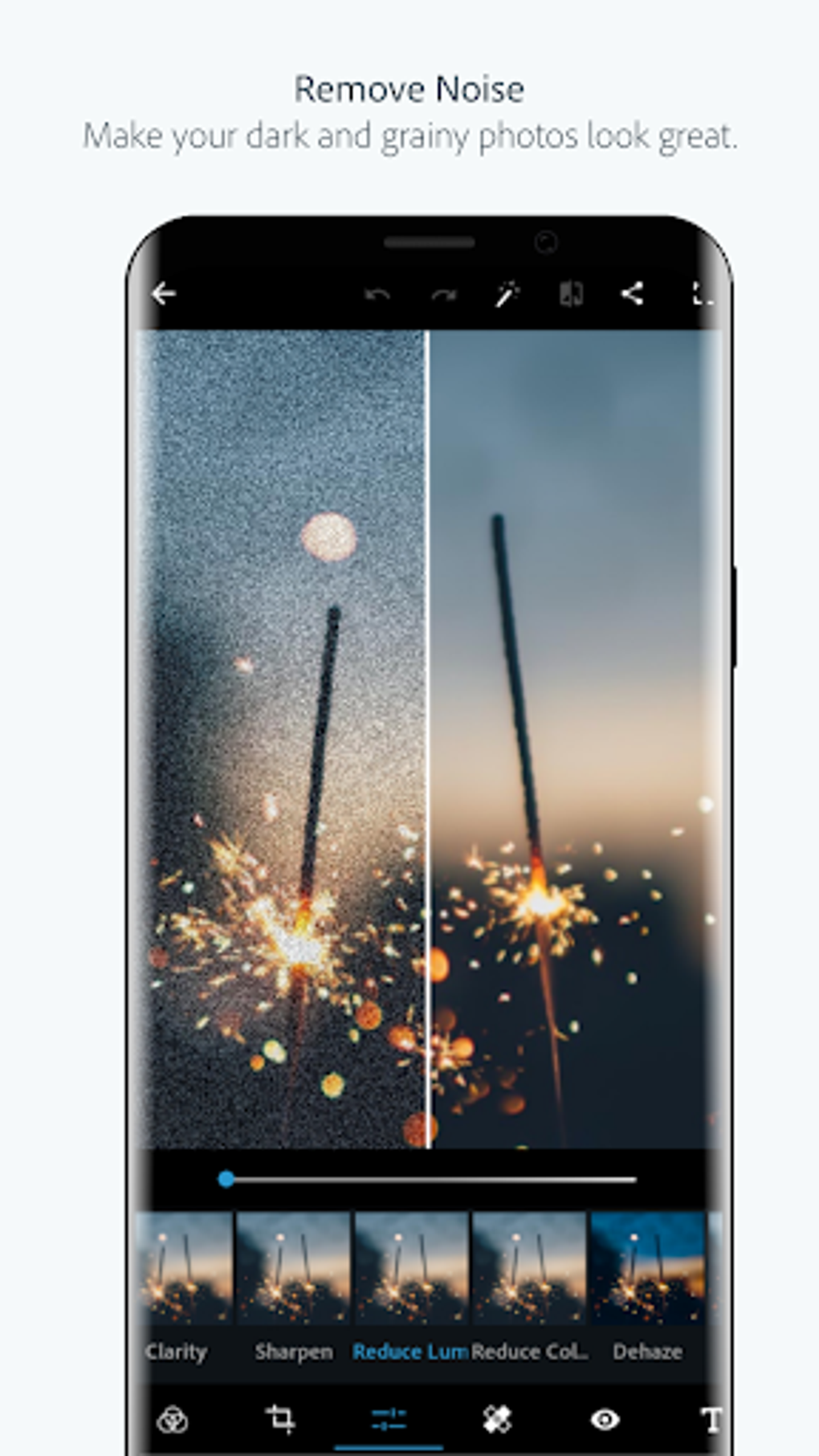
One of Photoshop Express’s most significant strengths lies in its intuitive interface. Even users unfamiliar with photo editing software will find the app easy to navigate. The tools are clearly labeled and logically organized, allowing for a seamless workflow. The editing process primarily revolves around slider controls, making adjustments straightforward and precise. This simplicity is especially beneficial for users seeking quick fixes or applying preset filters without needing extensive technical knowledge. The app’s minimalistic design avoids cluttering the screen with unnecessary elements, keeping the focus on the image being edited. The undo feature allows for effortless correction of mistakes, ensuring a frustration-free editing experience. The inclusion of a before/after comparison tool further enhances the user experience, facilitating quick assessment of adjustments and allowing for informed decisions.
The app’s integration with Adobe Revel, Adobe’s cloud storage service, is another noteworthy aspect of its user-friendliness. This allows for easy saving and access of edited images across multiple devices, a crucial feature for users who value cloud-based workflows. The ability to share directly to social media platforms or messaging applications further simplifies the process of sharing edited photos, streamlining the overall workflow from editing to dissemination.
Core Editing Features and Capabilities
Photoshop Express provides a range of essential editing tools, catering to both basic touch-ups and more creative enhancements. While not as extensive as the full desktop version, it offers a sufficient selection for various editing needs.
Basic Adjustments: The app offers fundamental adjustments such as cropping, straightening, flipping, and resizing images. These tools are intuitive to use, allowing for precise control over image composition. The ability to constrain proportions during resizing ensures maintaining the image’s aspect ratio, preventing distortion. Adjustments to brightness, contrast, shadows, highlights, and temperature are readily available, providing ample control over the image’s overall tone and mood. An auto-adjustment feature simplifies the editing process for users who prefer a quick fix, automatically optimizing the image’s exposure and color balance.
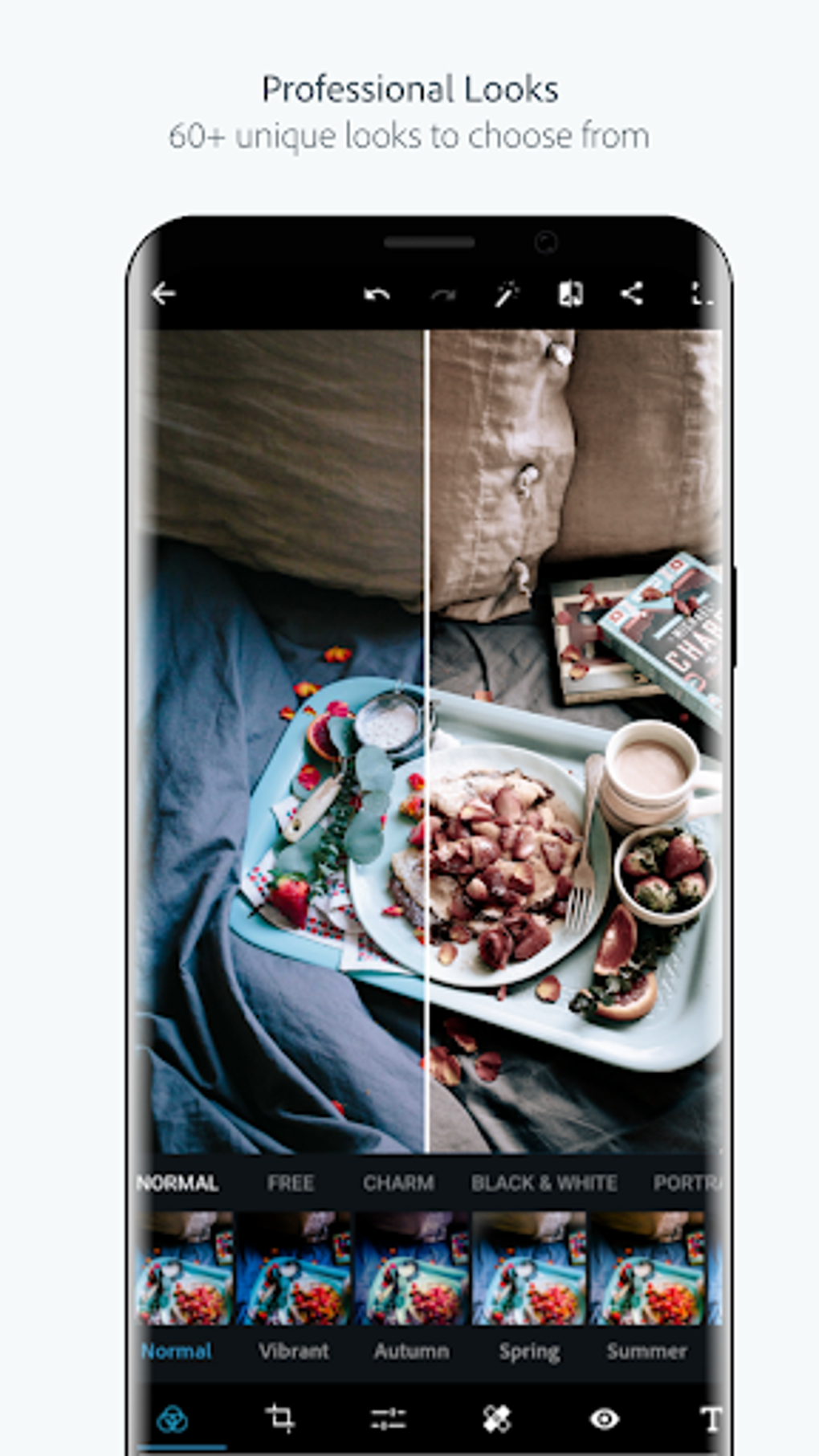
Creative Filters and Effects: Photoshop Express includes a selection of preset filters (often referred to as “Looks”), similar to those found in applications like Instagram or Retrica. These filters offer a variety of stylistic effects, ranging from subtle enhancements to dramatic transformations. Many of these filters are free, although some require an in-app purchase. This tiered system allows users to access basic functionality without additional cost, while still providing the option to expand editing capabilities with premium filters.
Specialized Tools: Beyond basic adjustments and filters, Photoshop Express includes a few specialized tools. These include a red-eye removal tool for correcting imperfections in portrait photography, blemish removal for skin retouching, and options for adding borders and frames to enhance visual appeal. These specialized features increase the app’s versatility, addressing a range of common image editing needs.
Limitations and Areas for Improvement
Despite its user-friendly interface and range of tools, Photoshop Express does possess limitations compared to its desktop counterpart and other advanced mobile photo editors. Understanding these limitations is crucial for managing expectations and determining whether the app aligns with individual needs.
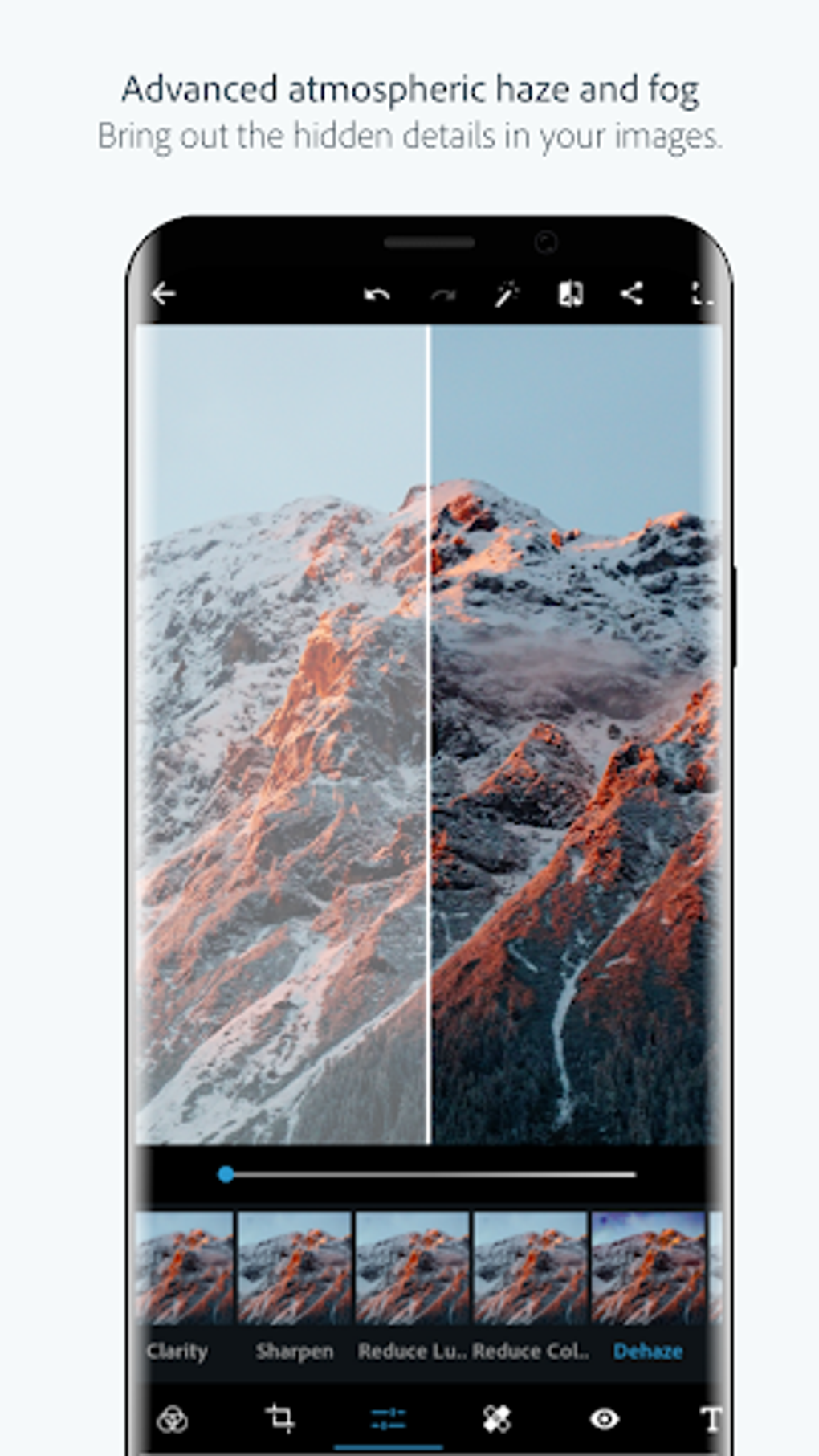
Limited Advanced Features: Photoshop Express lacks many advanced features found in professional-grade editing software. Options for advanced layer manipulation, masking, complex selection tools, and detailed color correction are absent. This limits its suitability for intricate photo manipulation or high-end image processing. Users requiring these capabilities should consider alternative software solutions.
File Handling and Storage: The app’s integration with Adobe Revel is helpful for cloud storage and sharing, but it can be a disadvantage for those who prefer to manage their files locally. The app does not always save files directly to their original source folders, requiring users to navigate the app’s storage system to locate edited images. Improved file management features would enhance user convenience.
In-App Purchases: While many filters and effects are free, the app utilizes a system of in-app purchases for access to premium features. This might deter some users who prefer a completely free editing experience. A clear understanding of which tools are free and which require purchase is important before using the app.
Comparison with Other Mobile Photo Editors
Photoshop Express sits in a unique space within the mobile photo editing landscape. While it doesn’t compete directly with professional-grade mobile editors offering extremely advanced tools, it surpasses many simpler apps in terms of its feature set and intuitive design.
Compared to simple filters-based applications, Photoshop Express provides a wider range of adjustments and editing capabilities. Compared to advanced mobile editors, it lacks depth in professional features, such as complex masking or layering, but it offers a smoother user experience, especially for those new to photo editing. The balance between ease of use and editing features sets Photoshop Express apart, catering to users who need more than basic filters but don’t need the complexity of full-fledged professional software.
Conclusion: Is Adobe Photoshop Express Right for You?
Adobe Photoshop Express is a well-designed and user-friendly mobile photo editing application. Its intuitive interface and selection of essential tools make it suitable for a wide range of users, from casual smartphone photographers to those seeking quick and efficient image enhancements. However, users seeking advanced editing features should explore alternative software options.
The app excels in its ease of use and straightforward editing workflow. The integration with Adobe Revel facilitates seamless cloud storage and sharing, further enhancing its convenience. While some features are locked behind in-app purchases, the core functionality remains free and sufficient for numerous editing needs. Ultimately, the app’s suitability depends on individual needs and preferences. If you value a balance between simplicity and sufficient features for on-the-go photo editing, Adobe Photoshop Express is worth considering. However, if advanced editing capabilities are paramount, exploring alternative applications might be more beneficial.
File Information
- License: “Free”
- Latest update: “August 9, 2025”
- Platform: “Android”
- OS: “Android 15.0”
- Language: “English”
- Downloads: “784.1K”
- Download Options: “Google Play”


