
Adobe Scan has rapidly become a staple for anyone needing a quick and efficient way to digitize documents on the go. This comprehensive guide explores the features, functionality, and benefits of this free and powerful mobile application, helping you understand why it’s a top choice for millions of users worldwide.
Effortless Document Digitization: How Adobe Scan Simplifies Scanning
Adobe Scan isn’t just another scanning app; it’s a sophisticated tool that intelligently transforms physical documents into high-quality digital files. Whether you need to scan receipts, notes, documents, photos, business cards, or even whiteboards, Adobe Scan handles the task with ease and precision. Its intuitive interface and automated features make the process incredibly simple, even for users unfamiliar with similar applications.
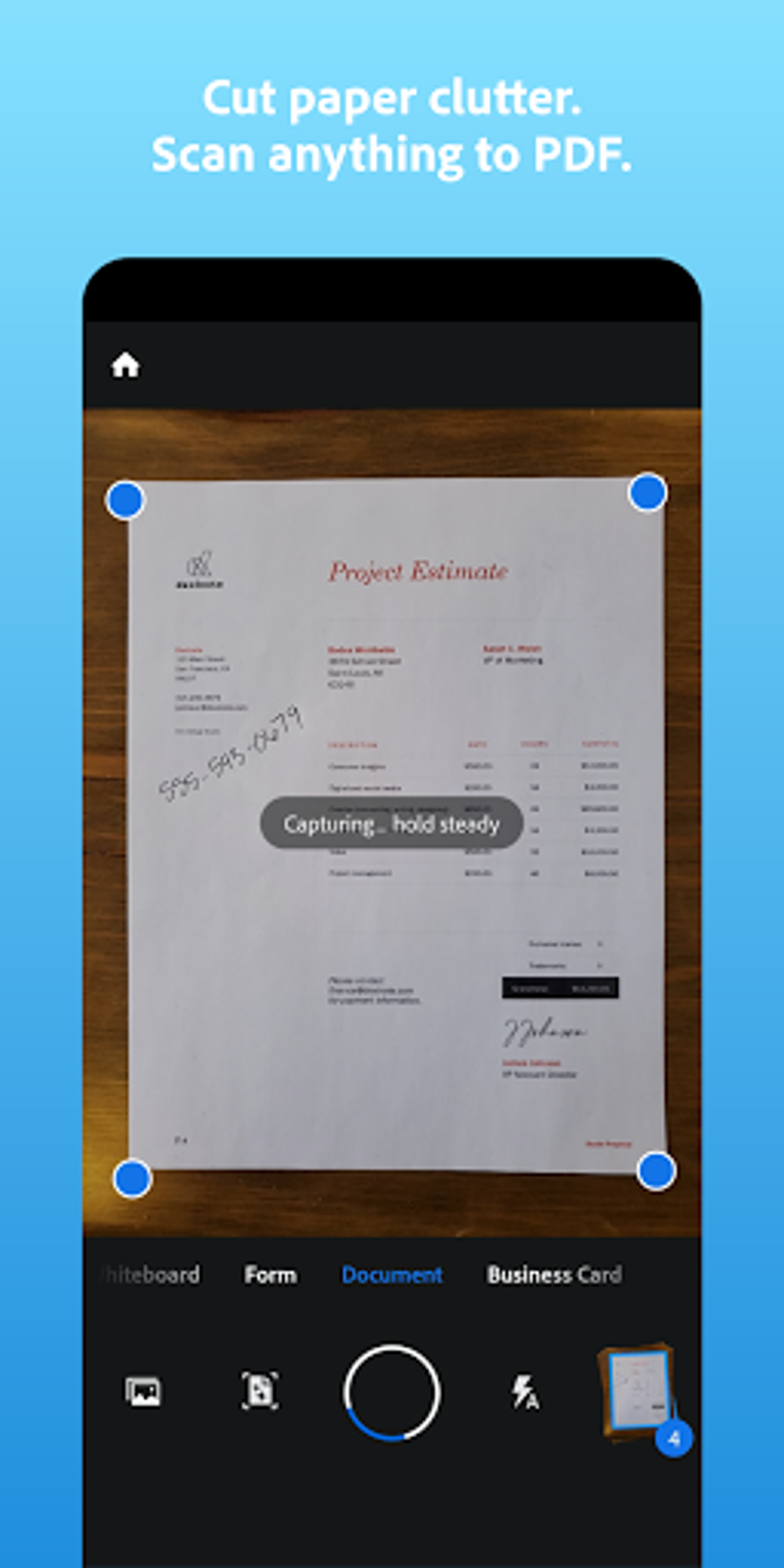
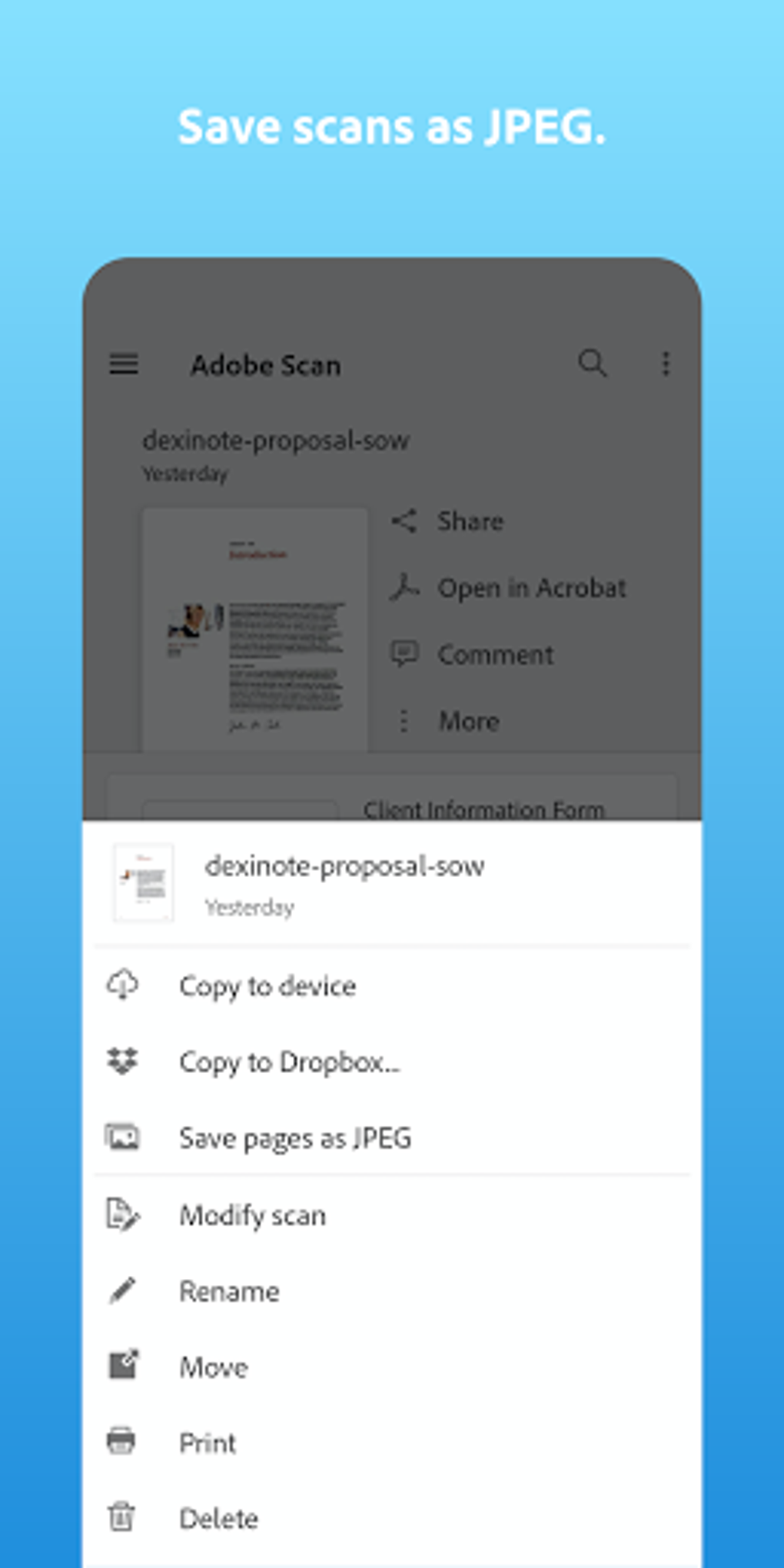
The magic lies in the intelligent algorithms that power the application. Adobe Scan automatically detects borders, sharpens images, and corrects perspective distortions, minimizing the need for manual adjustments. This intelligent automation saves valuable time and effort, allowing you to focus on the content rather than the technicalities of the scanning process. The scanned images are automatically converted into high-quality PDF or JPEG files, ready for immediate use or further processing. These files can be stored locally on your device or conveniently backed up to the Adobe Document Cloud for additional security and accessibility.
The application’s ease of use extends beyond simple scanning. Once a document is scanned, it’s readily accessible for further editing using Adobe Acrobat Reader. This seamless integration streamlines the workflow, allowing users to make edits, annotations, and other modifications directly within the Adobe ecosystem. This level of integration sets Adobe Scan apart from many competitor applications. The ability to easily edit and manage scanned documents directly within the Adobe ecosystem contributes significantly to its overall usability and efficiency.
Beyond Basic Scanning: Advanced Features and Functionality
Adobe Scan offers more than just basic scanning capabilities. It incorporates several advanced features designed to enhance the user experience and provide additional value:
-
Optical Character Recognition (OCR): One of Adobe Scan’s standout features is its robust OCR technology. This allows the app to accurately recognize text within scanned images, making the text searchable and editable. This feature is invaluable for converting scanned documents into editable text files, facilitating efficient searching and data extraction. This functionality dramatically increases the utility of the scanned documents, transforming them from static images into readily usable information.
-
Multi-Page Document Creation: The app allows you to easily combine multiple scans into a single, multi-page PDF document. This functionality is particularly useful when dealing with longer documents or reports. Instead of having numerous individual files, Adobe Scan neatly compiles the scans, ensuring organization and ease of sharing. This consolidation feature streamlines the workflow, especially in situations requiring sharing extensive documentation.
-
Cloud Storage and Sharing: Adobe Scan provides convenient cloud storage through Adobe Document Cloud, enabling seamless access to your scanned documents from any device. This cloud integration provides an extra layer of security, safeguarding against data loss due to device malfunction or accidental deletion. Furthermore, sharing scanned documents is straightforward—simply select the desired recipient and the document is instantly sent. This efficient sharing feature enhances collaboration and communication significantly.
-
Export to Microsoft Office Formats: Adobe Scan goes beyond PDF and JPEG formats. With its pro version, you can export your scanned documents directly to Microsoft Word, Excel, or PowerPoint. This integration ensures seamless compatibility with widely used office applications. This advanced functionality further bolsters the application’s utility, making it a versatile tool for diverse professional and personal needs.
-
Enhanced OCR Capabilities (Premium): While the free version offers OCR functionality, the premium subscription significantly boosts its capacity. This allows for effortless searching and text extraction from even larger documents. For users who frequently deal with extensive documents requiring in-depth text analysis, the premium OCR capabilities offer substantial improvements in both speed and accuracy.
Is Adobe Scan Free? Understanding the Pricing Model
Adobe Scan is free to download and use. All core functionalities, including basic scanning, OCR, and PDF creation, are accessible without any cost. However, Adobe offers a premium subscription that unlocks enhanced features and capabilities, such as increased OCR page limits and the ability to export to Microsoft Office formats.
The free version is perfectly adequate for many users. If you primarily need to scan documents occasionally and don’t require extensive OCR capabilities or Office format exports, the free version provides a powerful and efficient solution without any financial commitment.
The premium subscription, however, offers significant advantages for users with higher scanning volumes or those needing advanced functionality. It’s a worthwhile investment for professionals, students, or anyone who frequently scans large documents or requires seamless integration with Microsoft Office applications. The subscription model allows users to choose the level of functionality that best suits their needs and budget.
Adobe Scan: A Trusted Scanning Solution
Adobe Scan enjoys a reputation as one of the most reliable and trustworthy mobile scanning applications available. Millions of users worldwide depend on its high-quality scanning capabilities for professional and personal use. Its consistent performance, accurate OCR, and seamless cloud integration make it a dependable tool for various tasks, from digitizing receipts and business cards to creating high-quality digital copies of important documents.
The application’s reliability stems from the robust algorithms and meticulous testing employed by Adobe, ensuring high-quality results and a consistent user experience. The continuous updates and improvements also contribute to its long-term reliability and stability, making it a trusted solution for both personal and professional use.
Pros:
- Completely free to use (with some limitations).
- User-friendly interface and intuitive design.
- Intelligent algorithms for automatic border detection, image sharpening, and perspective correction.
- High-quality PDF and JPEG output.
- Robust OCR capabilities (enhanced in the premium version).
- Convenient cloud storage through Adobe Document Cloud.
- Seamless integration with Adobe Acrobat Reader and Microsoft Office applications (premium version).
- Reliable and trusted by millions of users worldwide.
Cons:
- PDF conversion can be slow for very large documents (free version).
- Some advanced features are only available in the premium subscription.
Adobe Scan stands out as a leading mobile scanning solution due to its blend of ease of use, advanced functionality, and reliability. Whether you’re a casual user or a frequent scanner, Adobe Scan is a powerful tool to transform physical documents into readily accessible digital formats. Its free version provides a robust foundation, while the premium subscription unlocks advanced capabilities, making it a versatile solution adaptable to various needs and workflows.
File Information
- License: “Free”
- Latest update: “July 27, 2025”
- Platform: “Android”
- OS: “Android 13.0”
- Language: “English”
- Downloads: “91K”
- Download Options: “Google Play”


