
ADV Screen Recorder is a free utility application for mobile devices, developed by ByteRev. This screen recording tool allows users to capture their screen activity and save it as videos for various purposes, offering unlimited recording durations and a choice of two recording methods. Compared to similar applications such as Screen Recorder or DU Recorder, ADV Screen Recorder distinguishes itself with its simple and intuitive user interface, making it accessible even to novice users. Furthermore, it provides a range of post-recording editing tools and options for enhancing the final product.
Quick and Efficient Screen Recording
Screen recording has become a ubiquitous practice, enabling users to capture on-screen activities for diverse applications. Numerous apps cater to this need, ranging from feature-rich options to minimalist tools. ADV Screen Recorder occupies a commendable middle ground, offering a balanced approach to functionality and simplicity.
The application provides two recording modes: Default and Advanced. The Default mode allows for immediate recording, sufficient for most common scenarios. The Advanced mode offers added flexibility, enabling users to pause and resume recording at any point during the process. Regardless of the chosen mode, users can enhance their recordings with live annotations, drawing directly onto the screen to highlight crucial information or add explanatory details in real-time.
Beyond basic recording, ADV Screen Recorder offers additional features that elevate its usability. Users can activate their device’s camera during recording, creating picture-in-picture effects for tutorials or demonstrations. Post-recording editing capabilities allow for trimming unwanted segments, optimizing the length and focus of the final video. Watermarking options are also available, enabling users to brand their recordings with a personalized touch.
Areas for Improvement: Audio Capture and Enhancement
While ADV Screen Recorder excels in many areas, there’s room for improvement in its audio capture capabilities. The quality of audio from both the device’s built-in microphone and external sources like headsets and Bluetooth earphones could be significantly enhanced. A notable deficiency lies in the lack of background noise suppression. Improved audio processing would significantly enhance the overall user experience and broaden the application’s appeal to a wider range of users who require high-quality audio alongside their screen recordings. Implementing features like noise reduction or advanced audio equalization would greatly improve the clarity and professionalism of recorded audio. This is a crucial aspect that could elevate ADV Screen Recorder from a good application to a truly exceptional one.
Overall Assessment: A Near-Ideal Screen Recording Solution
ADV Screen Recorder presents itself as a nearly ideal solution for screen recording needs. Its intuitive interface, coupled with a rich array of features, makes it a highly appealing option for users of all skill levels. The ease of use, combined with its flexibility and post-recording editing capabilities, contributes to a streamlined and efficient workflow. The ability to add live annotations, incorporate camera footage, and trim recordings provides a level of control often missing in simpler screen recording applications. The inclusion of watermarking options adds a professional touch, enabling users to brand their recordings effectively.
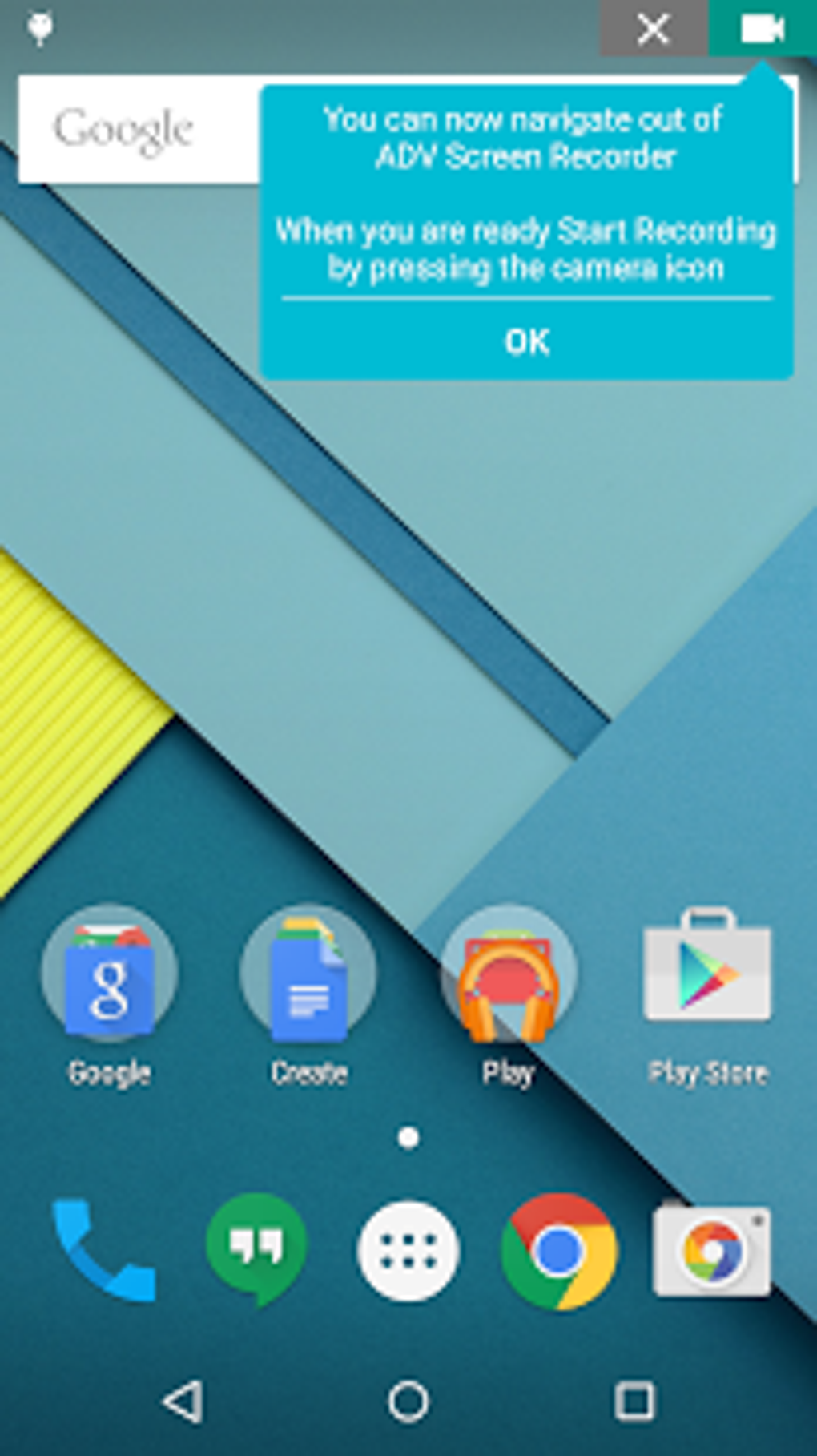
Despite the minor shortcomings in audio quality, ADV Screen Recorder’s strengths significantly outweigh its limitations. The positive aspects of the application – its user-friendly design, comprehensive features, and overall effectiveness – contribute to a highly positive user experience. The application’s ability to seamlessly capture screen activity, coupled with the versatile editing tools, makes it a valuable asset for various tasks, from creating tutorials and presentations to documenting software workflows or capturing gameplay moments.
While improvements to audio capture are warranted, the current capabilities are still acceptable for many users. The overall user experience is notably positive, and the application’s accessibility makes it suitable for both experienced users and those new to screen recording. ADV Screen Recorder manages to successfully balance simplicity with functionality, providing a robust and reliable solution for diverse screen recording needs.
Comparison with Alternative Apps
Several alternative screen recording apps exist, each offering a unique set of features and functionalities. Direct comparisons reveal ADV Screen Recorder’s strengths and weaknesses relative to its competitors.
While apps like DU Recorder and Icecream Screen Recorder offer similar core functionalities, ADV Screen Recorder’s intuitive interface and user-friendly design provide a smoother and more accessible experience for beginners. Some competitors might offer more advanced features, such as specific video editing tools or advanced audio options, but ADV Screen Recorder’s focus on ease of use and essential functionalities makes it a competitive option for users prioritizing simplicity and efficiency.
The presence of live annotation capabilities, which are not consistently available in all competing apps, gives ADV Screen Recorder a significant advantage for users who frequently need to add visual cues or explanations to their screen recordings. The inclusion of camera integration further enhances its versatility, making it a superior choice for tutorial creation and demonstrating various software applications or processes.
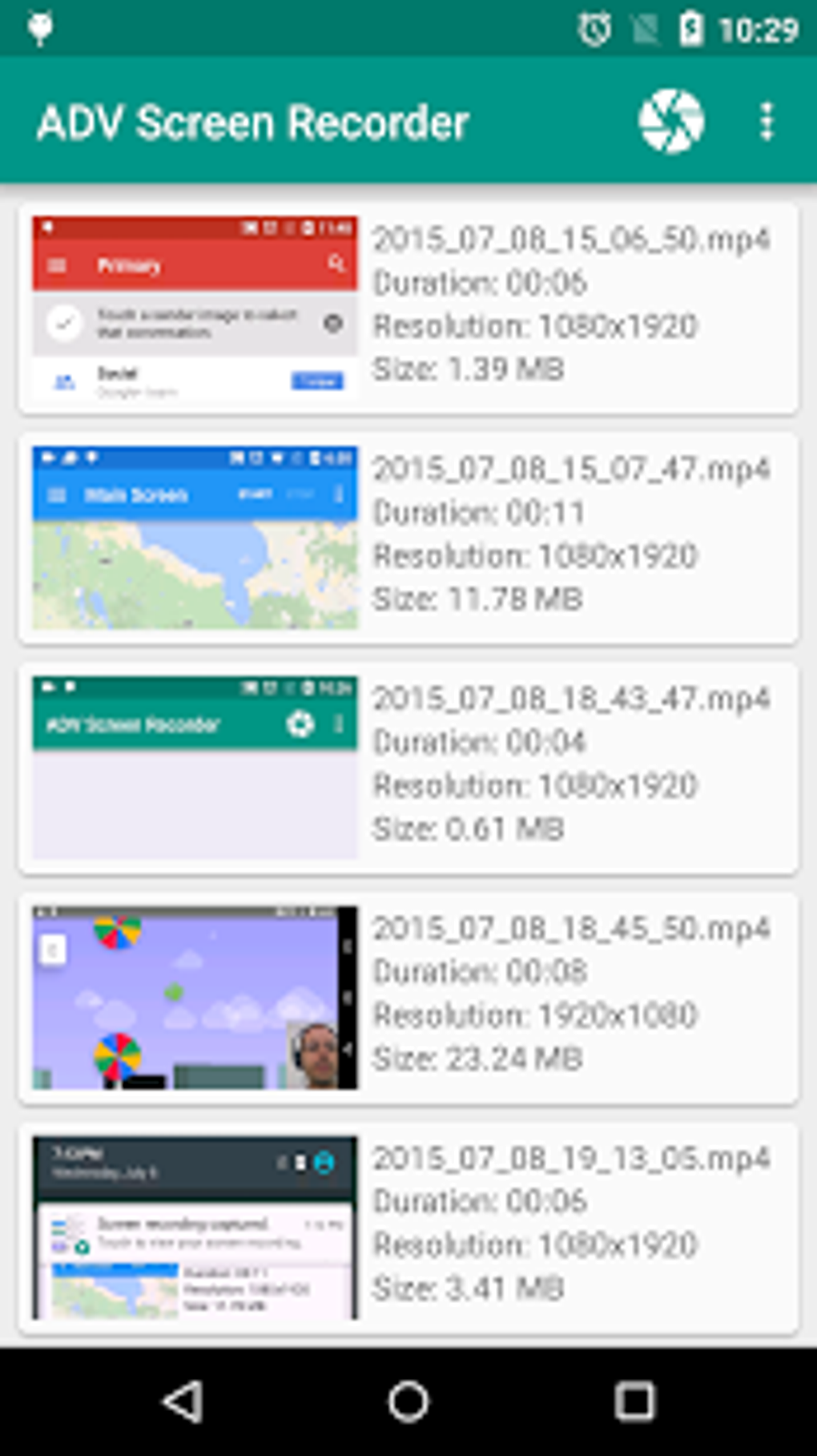
While some competitors might offer superior audio quality or a wider range of post-production features, ADV Screen Recorder’s balanced approach to functionality and user experience positions it as a strong contender in the competitive market of screen recording applications.
Conclusion: A Recommended Application
ADV Screen Recorder emerges as a highly recommended application for anyone seeking a reliable and user-friendly screen recording solution. Its intuitive interface, comprehensive features, and overall effectiveness make it a valuable asset for various tasks and users. The inclusion of live annotations, camera integration, and versatile editing tools positions it as a strong competitor in a crowded marketplace.
Though enhancements to audio capture and background noise suppression would be beneficial, these minor drawbacks do not detract significantly from the application’s overall usability. The application is easy to use and provides a good balance between simplicity and advanced functionalities. It delivers a high-quality screen recording experience for a broad range of users, making it a strong recommendation. For those seeking a versatile, straightforward, and user-friendly screen recorder, ADV Screen Recorder deserves serious consideration.
File Information
- License: “Free”
- Latest update: “June 24, 2025”
- Platform: “Android”
- OS: “Android 13.0”
- Downloads: “25.6K”
- Size: “11.69 MB”
- Download Options: “APK, Google Play”
- Filename: “com-blogspot-byterevapps-lollipopscreenrecorder-160-70752371-0d3607b90db3695df915db38b3211ecf.apk”


