
AetherSX2 has rapidly become a popular choice for Android users seeking to relive the glory days of PlayStation 2 gaming. This comprehensive guide explores its features, capabilities, and limitations, providing a detailed overview for both novice and experienced emulators. We’ll delve into its performance, customization options, and the crucial role of BIOS files, ultimately assessing whether it lives up to the hype.
AetherSX2: Reliving PlayStation 2 Classics on Mobile
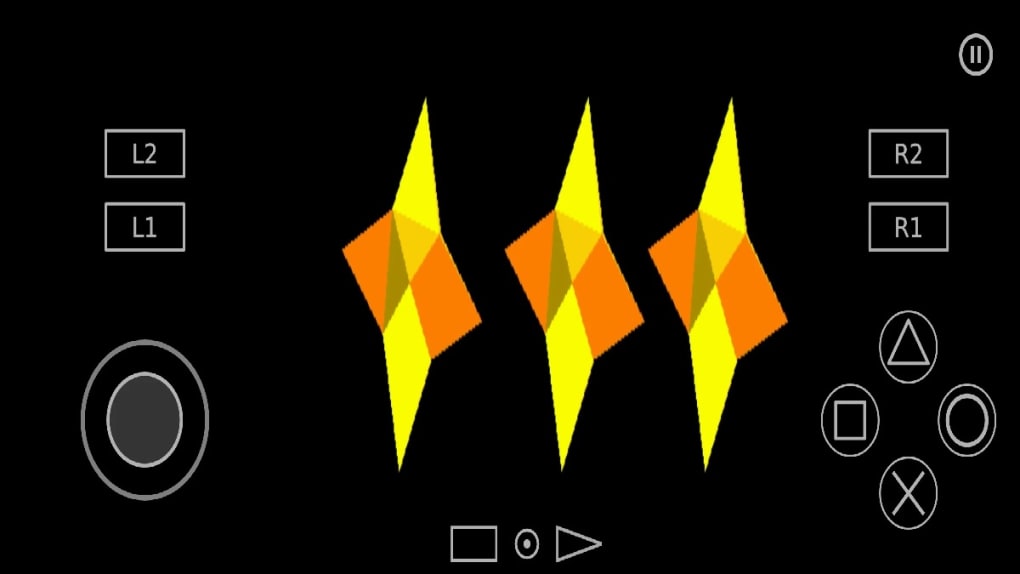
AetherSX2 is a free PlayStation 2 (PS2) emulator for Android devices. It allows users to play a vast library of classic PS2 games on their smartphones and tablets, offering a surprisingly faithful emulation experience. Unlike some earlier emulators, AetherSX2 boasts modern features designed to improve gameplay and overall user experience. This includes options for enhanced graphics, multiple control schemes, and robust compatibility with various disc image formats. The emulator’s ability to run games at their native resolution or upscale them to 1080p, coupled with widescreen support, elevates the visual experience significantly beyond what was possible on the original hardware.
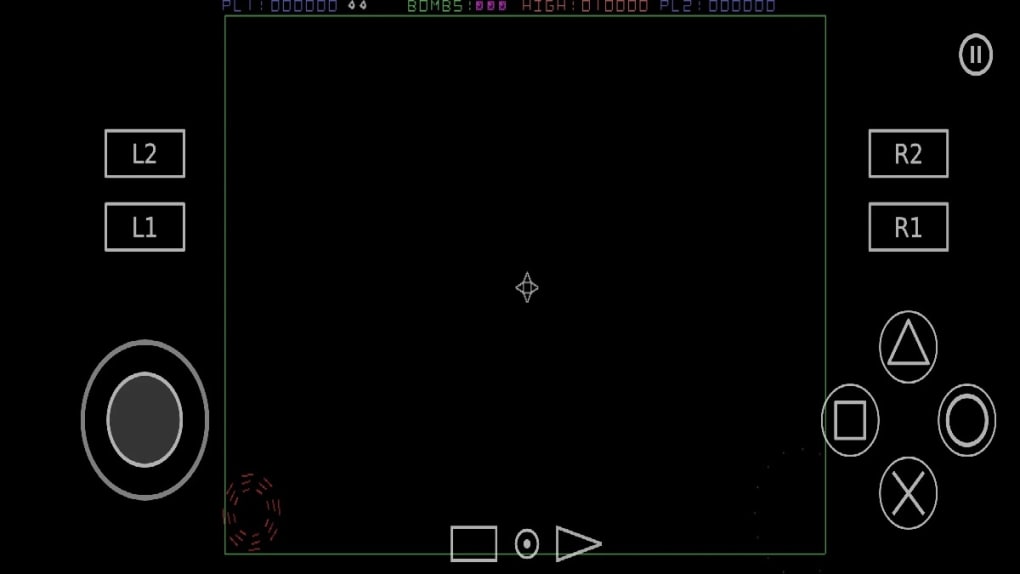
The ease of access to classic titles is a significant draw for many users. The PlayStation 2 holds a special place in gaming history, boasting a diverse catalog of iconic titles across multiple genres. AetherSX2 provides a convenient and readily available method to revisit these beloved games, eliminating the need for cumbersome hardware setups. The emulator supports a wide array of control options, allowing users to tailor their gaming experience to their preferences, whether they prefer using on-screen controls, a Bluetooth gamepad, or even a specialized controller designed for mobile gaming. This level of adaptability ensures that AetherSX2 caters to a broad range of user preferences and setup configurations.
Performance and Hardware Dependency: The Balancing Act
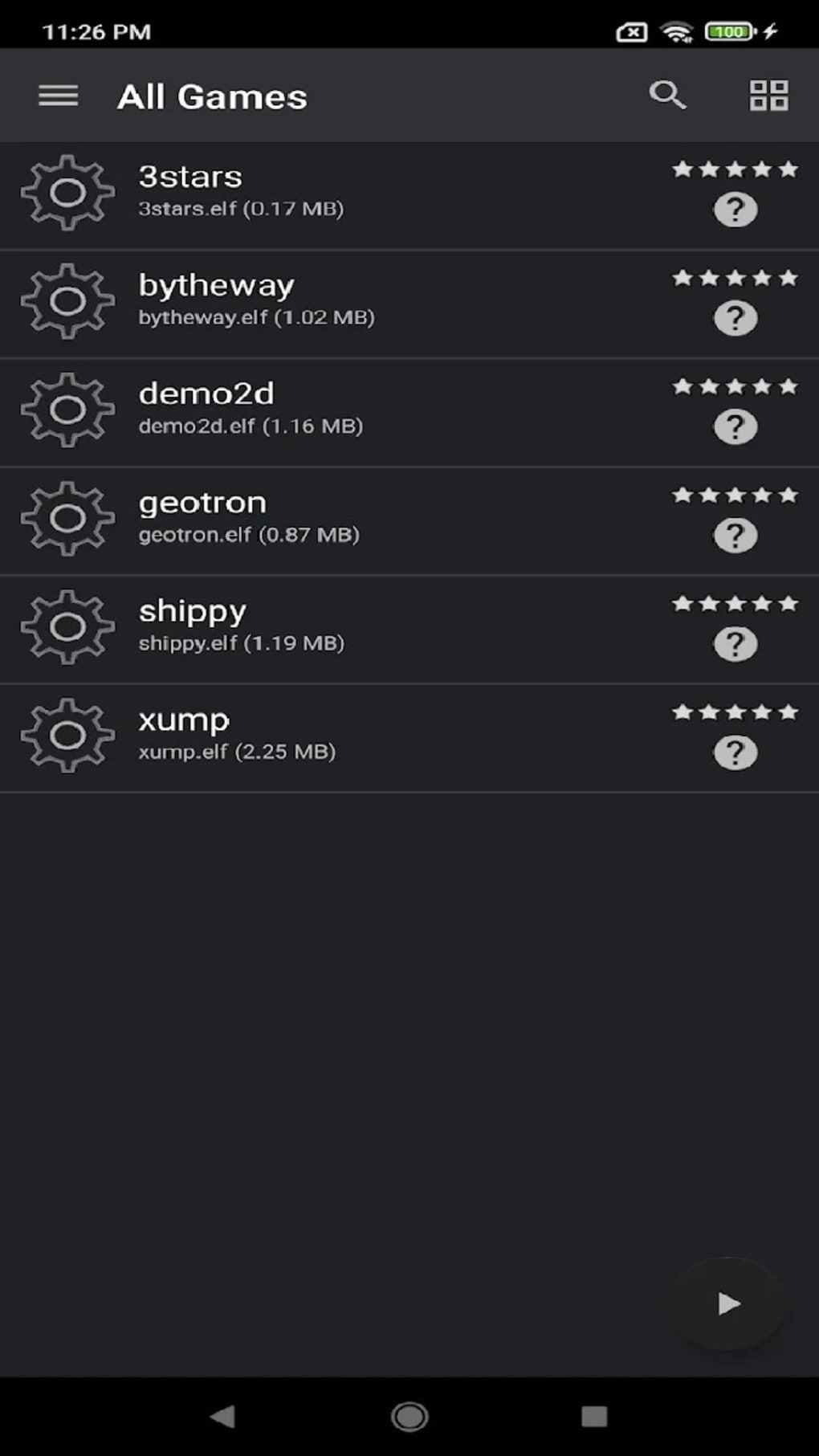
While AetherSX2 offers impressive emulation capabilities, it’s crucial to understand that performance is heavily reliant on the device’s hardware specifications. High-end smartphones and tablets with powerful processors and ample RAM will deliver the smoothest gameplay experience. Lower-end devices may struggle to run more demanding games, resulting in lag, slowdowns, or even crashes. Therefore, users should realistically assess their device’s capabilities before expecting flawless performance with every title. The emulator’s graphics rendering engine allows for choices between OpenGL and Vulkan APIs, providing some degree of optimization control for users familiar with these technologies. Selecting the appropriate API based on the device’s hardware strengths can improve performance in certain scenarios.
The choice between native resolution and upscaling also significantly impacts performance. While upscaling to 1080p enhances visuals, it comes at the cost of increased processing power and battery consumption. Users must strike a balance between visual fidelity and smooth gameplay based on their device’s capabilities. Experimentation is key to finding the optimal settings for each individual game and device configuration.
BIOS Files: The Key to Unlocking Functionality
A critical aspect of AetherSX2, and indeed most emulators, is the requirement of a BIOS file. The BIOS file is essentially the firmware of the original PlayStation 2 console. It contains the essential instructions that allow the emulator to properly interact with the game’s data and run the game. Without a valid BIOS file, AetherSX2 will be unable to launch any games. The emulator does not include a BIOS file by default due to licensing considerations; however, the process of obtaining a BIOS file is usually straightforward. It involves obtaining the file, often extracted from a legitimate PlayStation 2 console, and placing it in the appropriate directory within the emulator’s storage. The specific location of this directory is usually clearly documented in the emulator’s user manual or online resources.
It is important to note that the legality of acquiring and using BIOS files varies depending on your region. Users should always ensure they are complying with their local copyright laws. The use of a BIOS file is necessary to emulate the PlayStation 2’s hardware accurately, thus allowing the emulator to run games correctly. Furthermore, using a BIOS file from the same region as the game ROM increases the likelihood of the game functioning flawlessly.
Multiple BIOS versions are available, often categorized by region (e.g., USA, Japan, Europe). Selecting the correct BIOS file based on the region of the game often improves compatibility and performance. A user attempting to run a Japanese-released game with a US BIOS might encounter compatibility problems. Users often obtain these BIOS files from online forums, communities dedicated to emulation, and other relevant online resources. However, obtaining these BIOS files requires caution to ensure they are safe, virus-free, and legally acquired.
Customization and Game-Specific Settings
AetherSX2 offers a significant level of customization, allowing users to fine-tune their emulation experience based on individual game requirements and preferences. Settings range from graphical options like resolution, anti-aliasing, and texture filtering to input mappings, allowing users to adjust button layouts for controllers to match their personal preferences. The emulator’s ability to create per-game configuration profiles means that users can optimize settings for each game individually, maximizing performance and stability. This granular level of control is a testament to AetherSX2’s developer commitment to providing a robust and flexible emulation solution.
The ability to save and load game states is a significant feature, especially for users who enjoy playing games on the go. This functionality allows users to pause a game at any point and resume later without losing progress. It greatly improves the convenience and flexibility of using an emulator for portable gaming sessions.
AetherSX2: Strengths and Weaknesses
AetherSX2 undoubtedly stands out as one of the leading PlayStation 2 emulators for Android. Its combination of features, relative stability, and active development makes it a compelling choice for retro gaming enthusiasts. The support for Bluetooth controllers, high-resolution upscaling, and per-game configuration options cater to a diverse range of user preferences and technical capabilities. The active development and regular updates also indicate ongoing improvements and refinements of the emulator’s core functionality. This reflects a commitment to addressing bugs, enhancing performance, and expanding compatibility with a wider range of PS2 games.
However, the hardware dependency remains a crucial consideration. While performance has improved significantly, users with lower-end devices should not expect flawless performance across all titles. The need for a BIOS file also adds a layer of complexity, and users must carefully navigate the legal and practical considerations involved in obtaining and using one.
Conclusion: A Recommended Emulator for PlayStation 2 Fans
AetherSX2 provides a solid and feature-rich emulation experience for PlayStation 2 games on Android. Its combination of visual enhancements, customization options, and controller support creates a compelling package for those wanting to revisit their favorite classic titles. While performance can be affected by hardware limitations, its ability to run many games smoothly on capable devices makes it a worthwhile choice. For those who embrace the challenges and are prepared to manage BIOS file acquisition and optimize settings for individual games, AetherSX2 delivers a highly satisfactory retro gaming experience. The availability of several newer versions also showcases the ongoing improvement of this excellent emulator. This ongoing support ensures an enjoyable experience for users, both new and experienced.
File Information
- License: “Free”
- Latest update: “May 4, 2025”
- Platform: “Android”
- OS: “Android 13.0”
- Downloads: “876.5K”
- Download Options: “Google Play”


