
AetherSX2 has emerged as a popular choice for Android users seeking to relive the glory days of PlayStation 2 gaming on their mobile devices. This emulator allows you to play a vast library of PS2 titles, bringing the console experience to the palm of your hand. However, unlike simpler emulators, AetherSX2 presents a more complex setup and requires a deeper understanding of its capabilities and limitations. This article will provide a comprehensive guide to AetherSX2, exploring its features, performance, compatibility, and potential challenges.
Setting up and Using AetherSX2
Before diving into the world of PS2 emulation with AetherSX2, you need to understand the essential components required for a smooth gaming experience. First, you will need the AetherSX2 application itself, readily available for download from various sources (exercise caution and download from reputable sites to avoid malware). Crucially, you’ll also need a PlayStation 2 BIOS file. This BIOS is the firmware that allows the emulator to function, acting as the core operating system for the virtual PS2. Obtaining the BIOS legally requires you to own a PS2 console and create a backup from it. Using a BIOS file obtained illegally is against the law and unethical.
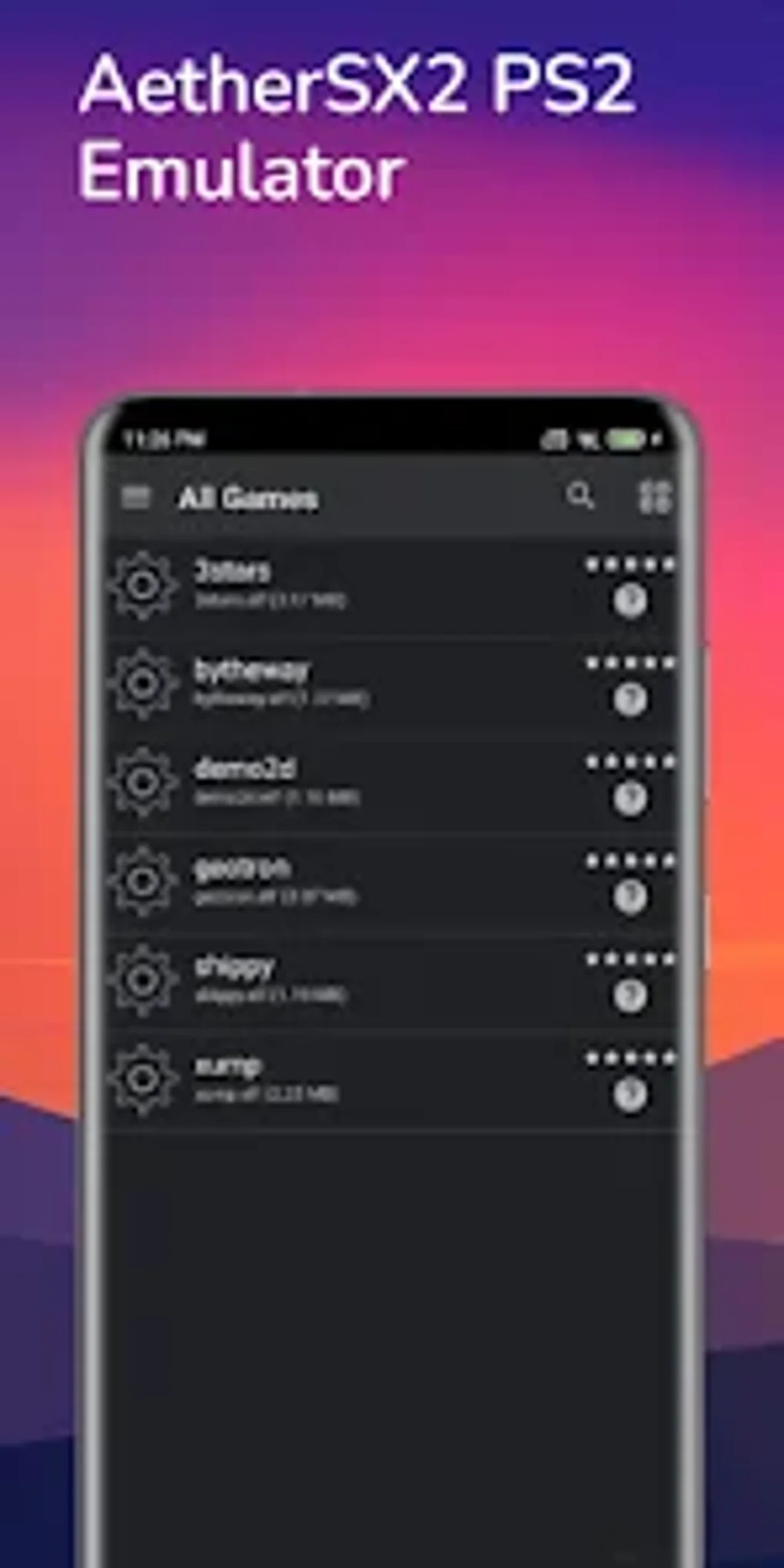
Once you have both AetherSX2 and a legally obtained BIOS file, you can start the setup process. This generally involves pointing the emulator to the location of your BIOS file, a process that is usually clearly detailed within the app’s settings. After the BIOS is correctly identified, you’ll be able to load your PS2 game ISO files. Remember that just like the BIOS, you should only use legally obtained game ISO files. Downloading or distributing copyrighted game ISOs is a violation of intellectual property laws.
AetherSX2 boasts a relatively user-friendly interface, given the complexity of PS2 emulation. Navigating the menus and selecting options is generally straightforward. The emulator also offers various settings to customize your gaming experience, allowing you to fine-tune aspects like graphics rendering, audio output, and controller configuration. These settings provide a great degree of control, allowing you to optimize performance based on your device’s capabilities.
Controller Support and Compatibility
Playing PS2 games on a touchscreen can be challenging. Fortunately, AetherSX2 supports both touchscreen controls and external controllers. On-screen controls are provided by the emulator, offering a functional, though arguably less immersive experience. For a more authentic PS2 gaming feel, AetherSX2 offers Bluetooth controller support. This allows you to connect a variety of Bluetooth gamepads to your Android device, significantly enhancing the gameplay experience. Ensure that the controller is properly paired and configured within the emulator’s settings for optimal functionality.
The compatibility of AetherSX2 varies greatly depending on the specific Android device used. This is because PS2 emulation is computationally demanding, requiring a powerful processor and ample RAM. While the emulator can function on lower-end devices, performance will likely suffer, leading to slowdowns, glitches, or even crashes. Generally, devices with Qualcomm Snapdragon 845 processors or better, possessing at least four Cortex A75 cores, provide the optimal performance. Devices with less powerful processors may struggle to run many games at acceptable speeds.
Before downloading and attempting to use AetherSX2, it is crucial to research the compatibility of your Android device. Several online resources offer compatibility lists and user reviews that can guide your decision. Attempting to run the emulator on a significantly underpowered device will only lead to frustration.
Graphics, Sound, and Performance Optimization
AetherSX2 offers surprisingly good graphics performance, considering the limitations of mobile hardware. It employs various rendering techniques and settings to balance visual fidelity and performance. You can adjust the graphics settings within the emulator to prioritize either visual quality or frame rate depending on your device’s capabilities and your personal preference. Experimenting with these settings is encouraged to find the optimal balance for your device and the game you’re playing.
The audio emulation is generally reliable, providing accurate sound reproduction from most PS2 games. However, some minor audio glitches may occur, especially on less powerful devices. Similar to the graphics settings, you can fine-tune the audio settings within the emulator to address any potential issues.
Performance optimization is critical for a smooth gaming experience. Beyond the device’s hardware capabilities, the performance of AetherSX2 can be impacted by factors such as the game being played, the graphics settings used, and the overall system load on your Android device. Closing unnecessary background apps and ensuring your device has sufficient battery power can significantly improve performance.
Advanced Features and Considerations
AetherSX2 includes some more advanced features that cater to experienced users and those seeking to fine-tune their emulation experience. These features may include the ability to adjust individual game settings, enabling cheats, and utilizing external plugins to further enhance performance or compatibility. However, these features often require a deeper understanding of PS2 architecture and emulation techniques. Improper configuration of these settings can lead to instability or even crashes.
It’s important to remember that, despite the emulator’s capabilities, some PS2 games may not run perfectly, or at all, even on high-end devices. Certain games, due to their complexity or reliance on specific hardware features, may be incompatible with AetherSX2 or may experience performance issues.
Furthermore, the legality of using AetherSX2 depends on the region and your specific use case. While the emulator itself is legal to download and use, the use of ROMs and BIOS files is dependent on copyright laws and regional regulations. Always ensure that you are complying with all applicable laws and that you possess the legal right to use any game ISOs you attempt to play.
Alternatives and Conclusion
While AetherSX2 stands out as a capable PS2 emulator for Android, several alternatives exist, each with its strengths and weaknesses. Some emulators prioritize ease of use, while others focus on advanced features or specific compatibility. Researching alternative emulators can be beneficial if AetherSX2 doesn’t meet your specific needs or if you encounter compatibility issues with your preferred games.
In conclusion, AetherSX2 offers a powerful and surprisingly versatile way to experience PlayStation 2 games on your Android device. However, it demands a certain level of technical understanding and requires a powerful Android device to function optimally. Careful consideration of device compatibility, BIOS acquisition, and game legality are essential for a smooth and enjoyable emulation experience. Always remember to use only legally acquired game ISOs and BIOS files, respecting the copyright of the original game developers and publishers. Remember to consult the AetherSX2 community forums and documentation for the latest information, troubleshooting tips, and compatibility updates. The active community surrounding this emulator is an invaluable resource for addressing any issues you may encounter.
File Information
- License: “Free”
- Version: “1.0”
- Latest update: “May 2, 2023”
- Platform: “Android”
- OS: “Android 9.0”
- Language: “English”
- Downloads: “2.6K”
- Download Options: “Google Play”


