
Aimersoft Video Converter is a software application designed to convert video files between various formats, enabling users to play their videos on a wide range of devices. This review will delve into its features, performance, pros and cons, and compare it to alternative options available in the market. We will assess its suitability for both casual users and those requiring more advanced video manipulation capabilities.
Key Features and Functionality
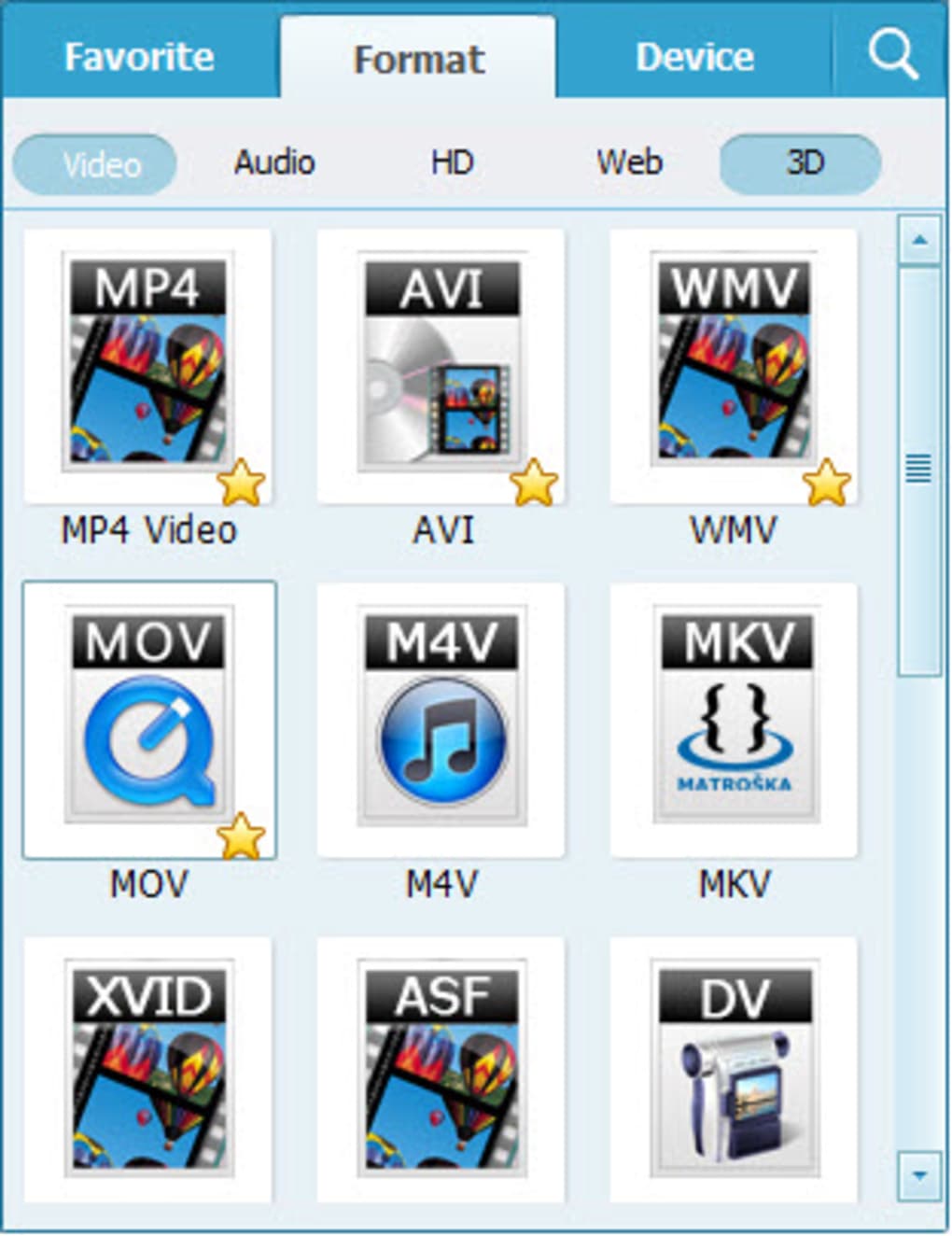
Aimersoft Video Converter boasts a comprehensive suite of features designed to streamline the video conversion process. Its core functionality revolves around converting videos from a broad spectrum of input formats to a slightly more limited but still substantial set of output formats. Supported input formats include a vast array of video extensions, encompassing popular choices such as AVI, MP4, MKV, WMV, MOV, M4V, FLV, 3GP, 3GPP, MPG, VOB, DAT, ASF, and even HD video formats. While the input options are extensive, the output options are more focused, primarily featuring MP4, AVI, MOV, MKV, M4V, FLV, 3GP, 3GPP, MPG, and ASF. This means while you can convert virtually any video you might have, your choices for the final output format are somewhat narrower. However, these commonly used formats ensure compatibility with most devices and players.
Beyond basic conversion, Aimersoft Video Converter offers several additional capabilities that enhance its usability and functionality. A notable feature is its integrated video editing capabilities. Users can trim video clips to remove unwanted segments, such as advertisements or irrelevant sections, by specifying precise start and end times using intuitive sliders. This functionality is particularly helpful for creating custom clips from longer videos or cleaning up downloaded content.

Furthermore, Aimersoft Video Converter incorporates a stills capture tool, allowing users to extract individual frames from videos as images. This is beneficial for creating promotional stills, capturing memorable moments, or using images from videos for other purposes. The software also provides batch conversion functionality, permitting users to process multiple files simultaneously. This significantly reduces processing time when working with large numbers of video files. This batch processing feature is a time-saver for users managing extensive video collections.
The software also includes a built-in video player, allowing users to preview their videos before and after conversion, ensuring the desired outcome is achieved. This feature is particularly useful for quality control and avoiding unnecessary conversion cycles if the video is already in a suitable format.
Finally, Aimersoft Video Converter distinguishes itself through its claimed exceptionally fast conversion speed, leveraging optimized acceleration technology incorporating APEXTRANS™, NVIDIA® CUDA™, Intel® Core™ and AMD® technologies. The developer claims this results in conversion speeds up to 30 times faster than other converters, ensuring efficient workflow even when dealing with high-resolution or large files. This is a critical consideration for users who frequently convert numerous large video files.
Another noteworthy feature is the inclusion of a one-click online video downloader. The software can download videos from over 100 popular video-sharing websites, including YouTube, Facebook, Google Videos, VEVO, Dailymotion, AOL, Metacafe, and Vimeo. This simplifies the process of obtaining videos from online sources and converting them to desired formats. This functionality reduces the need for separate download managers or browser extensions.
Performance and Speed
The software’s advertised speed improvements are a significant selling point. The use of hardware acceleration technologies, such as NVIDIA CUDA, promises dramatically faster conversion times. This is crucial for users dealing with large video files or those who regularly convert videos. In practice, the actual speed improvement will vary depending on the hardware specifications of the user’s computer and the complexity of the video file being converted. While the claimed 30x speed increase may not always be realized, significant speed improvements over other converters are a reasonable expectation.
User Interface and Experience
While the specific details of the user interface are not extensively detailed in the provided text, the description suggests a user-friendly design. The mention of intuitive sliders for trimming videos and the straightforward features described imply ease of use. The inclusion of a built-in video player also contributes to a streamlined workflow, allowing quick previews and verification of conversion results. However, user reviews are limited, preventing a comprehensive evaluation of user experience.
Pros and Cons
Pros:
- Wide range of input formats: Supports a vast array of video and audio formats.
- Multiple output formats: Offers a good selection of commonly used output formats.
- Fast conversion speed: Leverages hardware acceleration for potentially very fast conversion.
- Integrated video editor: Includes features for trimming, and capturing stills.
- Batch conversion: Allows simultaneous processing of multiple files.
- Built-in video player: Provides easy video preview functionality.
- Online video downloader: Enables one-click downloading from numerous websites.
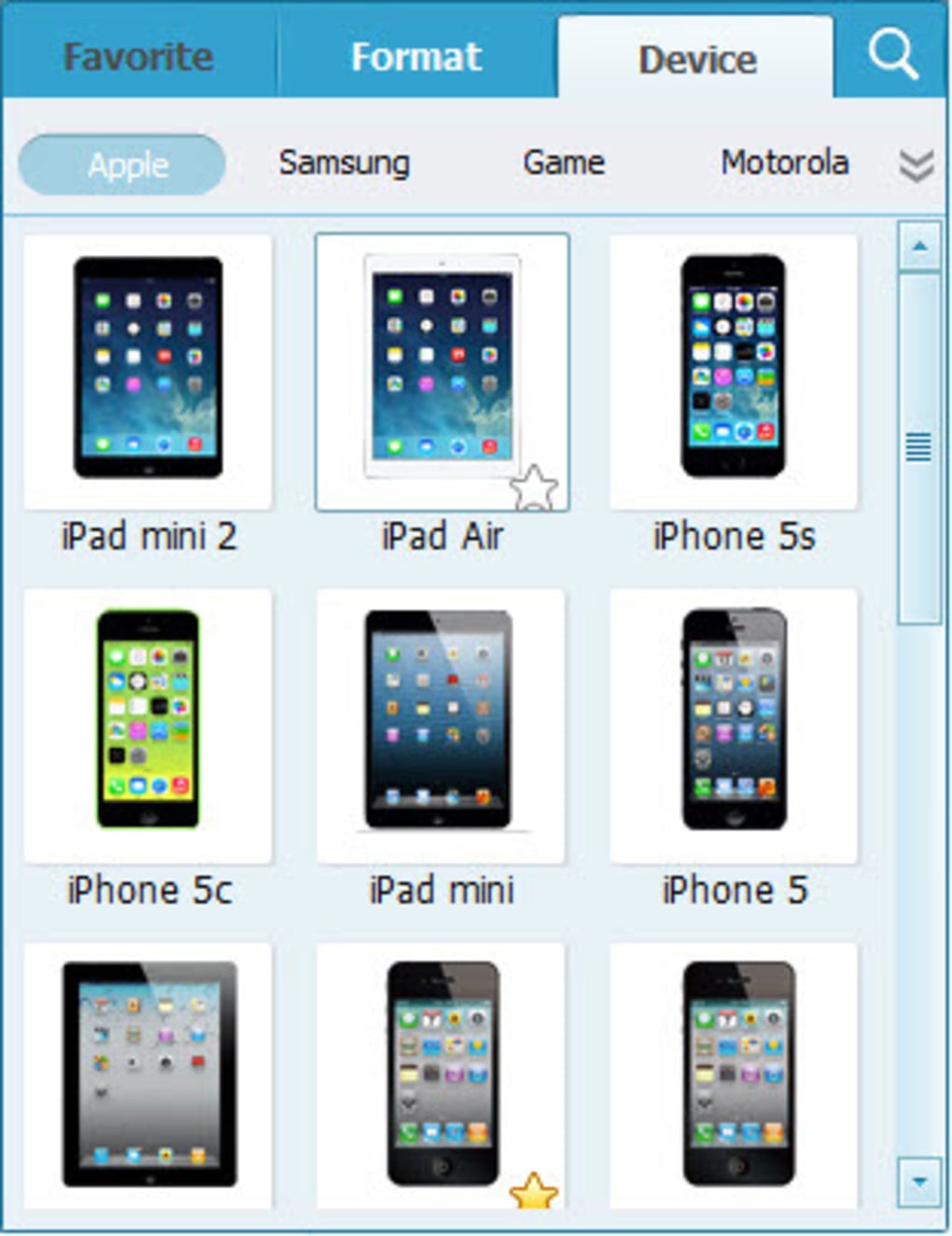
- Ready presets: Offers various presets for popular mobile devices.
Cons:
- Limited output formats compared to inputs: While it supports numerous input formats, the output options are somewhat more restricted.
- Lack of extensive user reviews: Comprehensive user feedback is limited, making it challenging to fully assess real-world performance and user experience.
- Trial version limitations: The trial version might not fully represent the capabilities of the full version. Users should be aware of potential limitations in the trial.
- Customer service concerns: Some user reviews raise concerns about customer service responsiveness and support. This is a potential drawback that needs consideration.
Comparison with Alternative Software
Aimersoft Video Converter competes with many other video converter applications. The effectiveness of the comparison is limited due to lack of specific information about competitive software. However, it’s clear that the features listed here (speed, wide range of inputs, editing tools) position it favorably against competitors in the same general category. The ultimate choice depends heavily on individual user needs, preferences, and technical capabilities.
Conclusion
Aimersoft Video Converter presents a solid option for users requiring a versatile and efficient video conversion tool. Its extensive support for input formats, coupled with features like video editing, batch conversion, and a built-in downloader, makes it a potentially powerful application. The claimed speed improvements, while needing independent verification, are a significant advantage for those needing quick turnaround times. However, the relatively limited output options compared to inputs and some concerns regarding customer service should be factored into the decision-making process. Before purchasing the full version, carefully exploring the trial version and considering user reviews from other sources is highly recommended. Ultimately, the best video converter for you will depend on your specific needs and the balance you strike between feature richness, ease of use, and performance.
File Information
- License: “Trial version”
- Latest update: “November 9, 2015”
- Platform: “Windows”
- OS: “Windows NT”
- Language: “English”
- Downloads: “45.1K”
- Size: “1.24 MB”


