
AirDroid Cast is a versatile utilities and tools app that goes beyond basic screen mirroring, offering a robust suite of features for enhanced productivity and seamless collaboration. This powerful screen-sharing and control tool facilitates effortless interaction between mobile devices and computers, making it an invaluable asset for individuals and businesses alike. Whether you’re conducting remote meetings, delivering presentations, teaching online, gaming, or live-streaming, AirDroid Cast provides a streamlined and efficient solution.
Effortless Screen Casting and Control
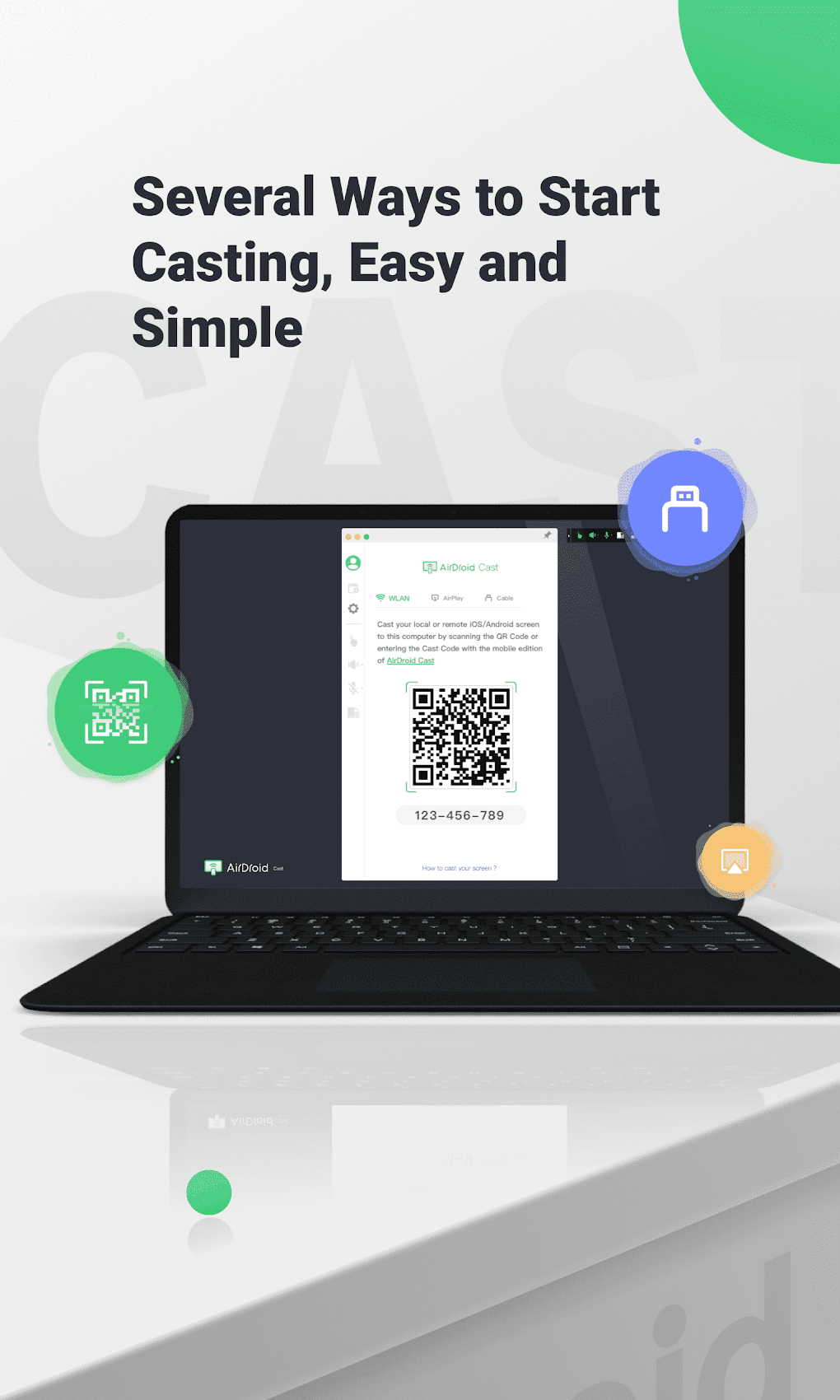
AirDroid Cast provides multiple intuitive methods for initiating screen casting. Users can conveniently connect their mobile devices to their computers by scanning a QR code, entering a Cast Code, or utilizing a USB cable. This flexibility ensures a quick and efficient setup process, regardless of the user’s technical expertise or available resources. The convenience of these various connection methods significantly reduces the technical hurdles often associated with screen mirroring.
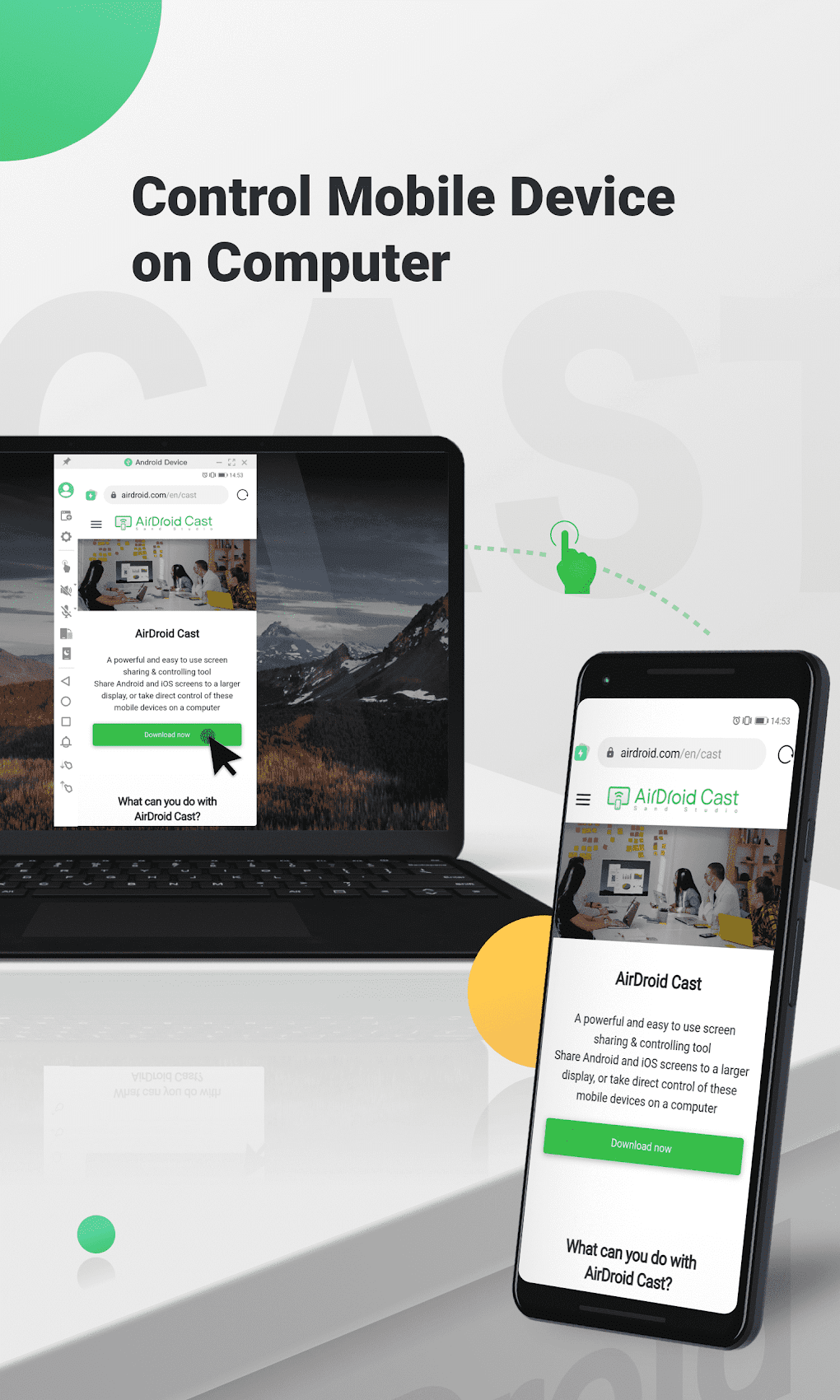
A key differentiator of AirDroid Cast is its ability to provide complete control of your mobile device directly from your computer. Once connected, users can click, scroll, and type on their mobile device using their desktop or laptop, eliminating the need for constant physical interaction with the mobile device. This feature proves particularly beneficial for multitasking and optimizing workflow, particularly in remote work environments where efficient time management is crucial. The ability to seamlessly navigate and interact with your mobile apps and files from a larger screen dramatically boosts productivity.
Furthermore, AirDroid Cast enhances communication by incorporating two-way audio support. This allows for direct communication with meeting attendees or online class participants, fostering dynamic and productive discussions. The inclusion of this feature bridges the geographical gap between individuals, significantly improving communication efficiency during remote interactions. This real-time audio interaction is a significant upgrade over many screen mirroring apps that only provide visual mirroring.
Enhanced Collaboration and Multi-Device Support
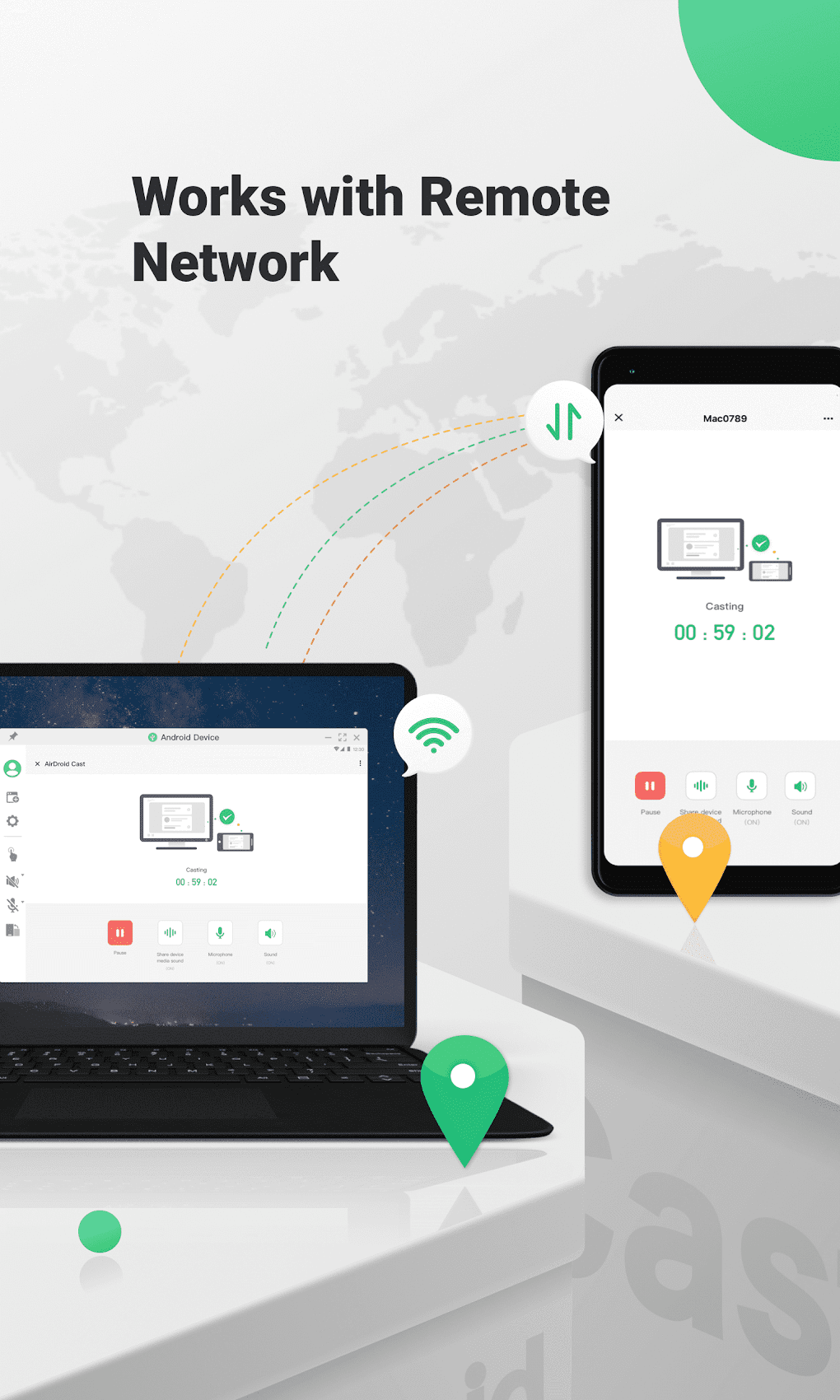
Beyond its individual utility, AirDroid Cast excels in its support for collaborative work. Unlike many screen-mirroring applications limited to local area networks (LANs), AirDroid Cast transcends this limitation, ensuring compatibility with remote networks. This broad network compatibility makes it a highly suitable tool for businesses and individuals operating in various network environments, removing geographical barriers to collaboration. The ability to connect and control devices from virtually anywhere greatly expands its functionality and application.
One of the most impressive features of AirDroid Cast is its ability to simultaneously cast multiple devices to a single computer. With support for up to five devices at once, this app caters to a range of collaborative scenarios. From multiplayer gaming sessions to viewing the screens of all participants in a remote meeting, this multi-device casting capability fosters interactive and engaging experiences. This significantly improves efficiency in group settings compared to individual screen-sharing processes.
Platform Compatibility and Limitations
While AirDroid Cast boasts broad compatibility with a wide range of devices, it’s important to acknowledge that some older or less common devices may encounter compatibility challenges. The app’s developers continuously work on improving compatibility, but users with older or less mainstream devices may experience some limitations. Checking the compatibility list on the app store before downloading is recommended to avoid potential issues. While the vast majority of modern devices should be supported, some users might need to explore alternative solutions if facing compatibility problems.
Beyond Screen Mirroring: A Productivity Powerhouse
AirDroid Cast transcends the limitations of a simple screen-mirroring app, transforming itself into a comprehensive productivity tool. Its versatility extends beyond simple screen sharing, empowering users with complete control over their mobile devices from their computers. This translates to increased efficiency, seamless multitasking, and improved communication during remote interactions. The combined capabilities of screen mirroring, remote control, and two-way audio establish AirDroid Cast as a highly versatile solution.
Addressing Potential Drawbacks
While AirDroid Cast offers a multitude of advantages, potential users should be aware of some limitations. Although the app generally provides a smooth experience, there might be occasional instances of lag or connectivity issues depending on network conditions and device capabilities. Optimal performance relies on a stable internet connection, and users experiencing slow networks should anticipate potential performance degradation. The app’s developers consistently work on optimizing performance and addressing these occasional issues.
Furthermore, the app’s pricing model should be considered. While local casting is free, accessing additional features and premium functionality requires a paid subscription. The availability of different monthly and annual plans allows users to choose a plan best suited to their individual needs and budget. Users must carefully evaluate their needs to determine whether the added costs of a premium subscription justify the benefits it offers.
AirDroid Cast: A Comprehensive Comparison
Compared to other screen mirroring applications, AirDroid Cast stands out due to its comprehensive feature set. While many competing apps offer basic screen mirroring capabilities, AirDroid Cast differentiates itself through its remote control functionality, two-way audio support, and multi-device casting. These features significantly enhance the user experience, setting AirDroid Cast apart in terms of both convenience and functionality.
Other screen mirroring apps might focus primarily on mirroring capabilities, lacking the advanced control and communication features that AirDroid Cast provides. This makes AirDroid Cast a superior choice for users requiring more than just basic screen sharing capabilities.
The Verdict: A Highly Recommended Tool
AirDroid Cast is a highly recommended screen-sharing and control tool for both personal and professional use. Its intuitive interface, multiple casting methods, seamless control functionality, and robust communication features make it a powerful and efficient solution for a wide range of applications. Whether you’re a student, professional, gamer, or simply someone seeking to improve their workflow, AirDroid Cast offers a level of functionality and convenience that significantly enhances remote collaboration and productivity. While minor limitations exist, the advantages significantly outweigh the drawbacks, making AirDroid Cast a strong contender in the screen mirroring market. Its versatility and comprehensive feature set make it a valuable asset for those seeking to bridge the gap between mobile and desktop devices effortlessly.
File Information
- License: “Free”
- Latest update: “July 30, 2025”
- Platform: “Android”
- OS: “Android 13.0”
- Language: “English”
- Downloads: “18.2K”
- Download Options: “Google Play”


