
AirDroid Desktop is a powerful and versatile application that seamlessly connects your Android device to your computer, eliminating the need for cumbersome USB cables. This comprehensive review delves into the features, benefits, and potential drawbacks of this popular software, exploring its capabilities and comparing it to alternative solutions. Whether you’re a casual user looking for effortless file transfers or a power user requiring remote control and comprehensive management, AirDroid Desktop offers a compelling solution to bridge the gap between your mobile and desktop worlds.
Effortless Wireless Connectivity and File Management
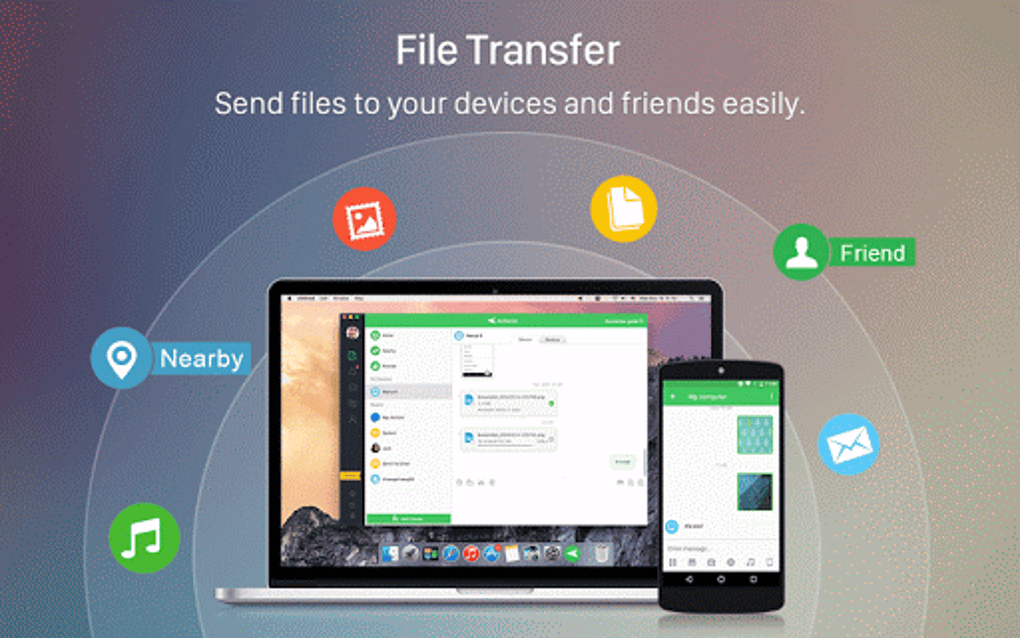
One of AirDroid Desktop’s most significant advantages is its ability to establish a wireless connection between your Android device and your computer. Gone are the days of fumbling with USB cables – AirDroid leverages your internet connection to create a secure bridge, allowing you to manage your phone’s files, messages, and calls directly from your desktop. This wireless functionality extends beyond mere convenience; it provides flexibility and accessibility, enabling you to access your Android device regardless of its physical proximity. Imagine transferring large files, responding to urgent messages, or even using your phone’s camera as a webcam, all without ever needing to pick up your phone.
The core functionality revolves around efficient file management. You can easily transfer files in both directions – from your computer to your phone and vice versa – with drag-and-drop simplicity. This streamlined approach eliminates the complexities of traditional file synchronization methods and offers a user-friendly experience, even for those unfamiliar with sophisticated data management techniques. Whether it’s transferring documents, photos, videos, or applications, AirDroid Desktop streamlines the process, making data exchange between devices a breeze.
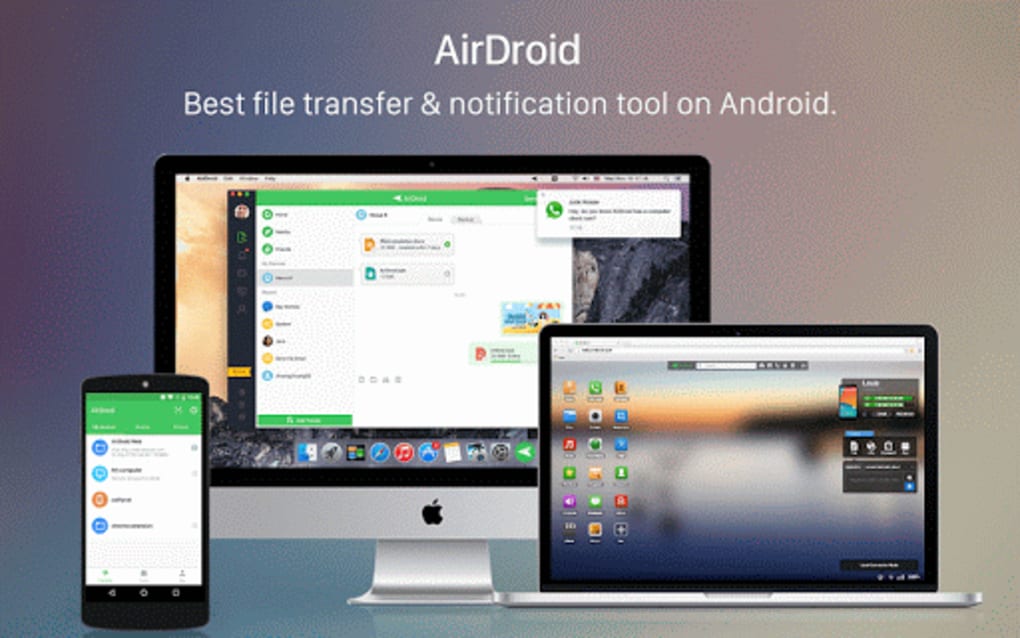
Beyond file transfers, AirDroid Desktop extends its functionality to encompass SMS management. You can read and respond to text messages directly from your computer, utilizing your keyboard for faster and more efficient communication. This integration is particularly beneficial for users who spend significant time working on their computers, allowing them to manage their communications seamlessly without interrupting their workflow.
Beyond File Transfers: Remote Control and Notification Mirroring
AirDroid Desktop’s capabilities extend far beyond basic file transfers and messaging. The application offers a sophisticated remote control feature, allowing you to fully control your Android device from your computer. This functionality allows you to utilize all your phone’s applications, directly from your desktop environment. This is particularly useful for playing mobile games on a larger screen, responding to notifications efficiently, or even managing applications that might be cumbersome to use on a smaller touchscreen. For users needing this advanced level of access, the remote control functionality is a major time-saver and enhances productivity. Note that full access to some apps and features using the AirMirror function (beta) sometimes requires rooting your Android device.
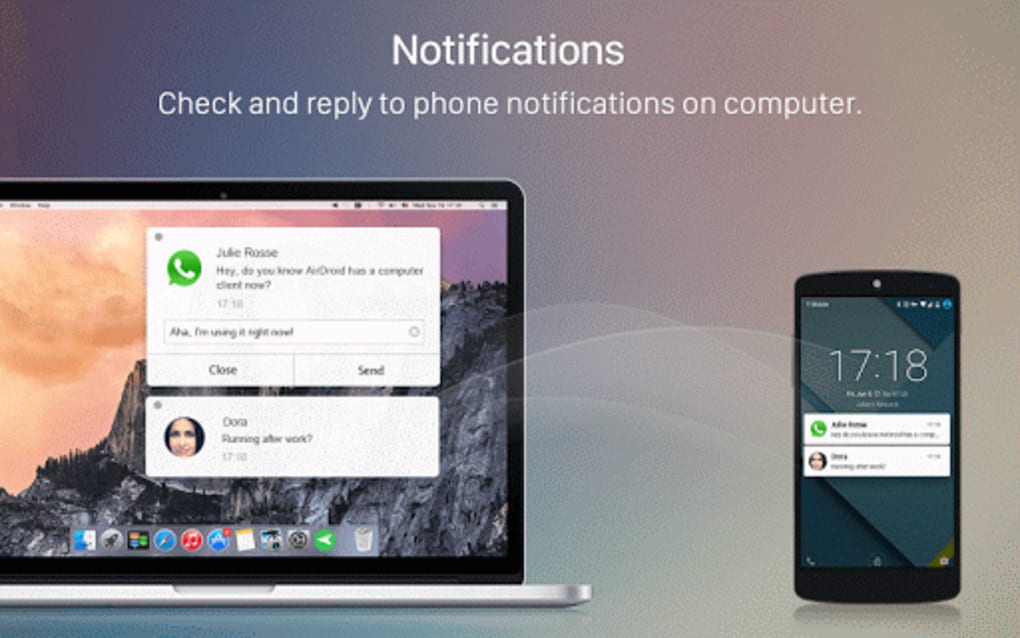
In addition to remote control, AirDroid Desktop provides a crucial notification mirroring feature. Select notifications from your preferred apps are mirrored directly onto your computer screen. This allows you to stay informed about incoming calls, messages, and other crucial updates without constantly switching between your phone and computer. This seamless notification integration eliminates distractions and promotes a more focused work environment.
Cross-Platform Compatibility and User-Friendly Interface
One of AirDroid’s standout features is its cross-platform compatibility. The application works seamlessly across different operating systems, providing a consistent experience regardless of whether you use Windows, macOS, or access it through a web browser. This versatility eliminates the limitations associated with operating system-specific applications and allows for a more unified approach to mobile device management.
The user interface is intuitive and easy to navigate, even for those unfamiliar with the application. The clean and uncluttered design ensures a simple and efficient user experience. The application is designed with a focus on ease of use, making it accessible to a wide range of users, regardless of their technical expertise. The straightforward design contributes significantly to the overall positive user experience.
AirDroid’s Premium Offering: Enhanced Features and Functionality
While AirDroid Desktop offers a generous free tier, the premium subscription unlocks additional features and functionalities. These enhancements include increased file transfer speeds, expanded remote control options, and advanced security features. The premium features cater to users with higher demands for speed, security, and advanced management tools. The premium tier might be a worthwhile investment for those who heavily rely on the application for both personal and professional use.
The premium version also offers increased security features, providing an extra layer of protection for sensitive data. This might be especially relevant for users transferring sensitive documents or files, enhancing overall data security and peace of mind.
Potential Drawbacks and Considerations
While AirDroid Desktop offers numerous advantages, it’s crucial to acknowledge some potential limitations. The application’s reliance on an internet connection is a significant factor. Without a stable internet connection, the core functionality of the application is severely hampered. This dependency makes it less reliable than a direct USB connection in situations with limited or unreliable internet access.
Furthermore, the use of an internet connection inherently introduces security risks. While AirDroid employs security measures, the transmission of data over the internet always carries the potential for interception or compromise. Users should be aware of these inherent risks and take appropriate precautions to protect their data, potentially utilizing a VPN or other security measures for added protection. Regularly updating the software is crucial for both security and performance.
Speed can also be a factor, especially when compared to other methods like a direct USB connection. While AirDroid aims for efficiency, network conditions and file size can impact transfer speeds, potentially leading to longer wait times for large files.
Comparing AirDroid Desktop to Alternatives
AirDroid Desktop competes with several other applications that offer similar functionality. Some alternatives include solutions like Dell Mobile Connect, MobiKin Assistant for Android, and Samsung DeX, each with its own strengths and weaknesses. The choice of the most suitable application depends heavily on individual needs and preferences, considering factors such as platform compatibility, feature set, and cost. Each of these alternatives offer unique features and benefits, making it necessary to consider individual requirements before making a selection.
Conclusion: A Powerful and Versatile Tool for Android Management
AirDroid Desktop presents a compelling solution for managing your Android device from your computer. The application’s wireless capabilities, extensive feature set, and user-friendly interface make it a valuable asset for both casual and power users. While the reliance on an internet connection and potential security risks require consideration, the overall advantages of effortless file transfers, remote control, and notification mirroring often outweigh these drawbacks. Its cross-platform compatibility further adds to its appeal, making it a versatile tool for managing Android devices within a multifaceted technological environment. The decision to utilize AirDroid Desktop ultimately hinges on individual needs and priorities, comparing its features and limitations against available alternatives to determine the best fit for specific use cases.
File Information
- License: “Free”
- Latest update: “March 24, 2025”
- Platform: “Windows”
- OS: “Windows 8.1”
- Language: “English”
- Downloads: “400.3K”
- Size: “50.79 MB”


