
AirScreen is a free, versatile app designed to effortlessly stream multimedia content from your devices to a larger screen, such as a smart TV. Developed by Ionitech, this powerful application leverages cutting-edge wireless streaming technology, supporting AirPlay, Chromecast, Miracast, and DLNA protocols for seamless casting across a wide array of compatible displays. With just a few taps, you can transform your viewing experience, sharing photos, videos, music, and even your entire screen with family, friends, or a larger audience.
Effortless Streaming and Sharing Across Devices
AirScreen simplifies the process of sharing your digital content. The app’s intuitive design and easy setup require installation only on the receiving device (e.g., your smart TV, streaming stick, or even another mobile device). This streamlined approach eliminates the need for complex configurations on multiple devices, allowing for quick and easy access to your multimedia library. Once installed, AirScreen transforms your receiving device into a versatile wireless receiver, capable of accepting mirrored screens, photos, music, and videos from various sources, including smartphones, tablets, and laptops. This versatility extends to your network connection; AirScreen seamlessly works with both Wi-Fi and Ethernet connections, providing flexibility depending on your network setup.
Enhanced Features for a Superior Viewing Experience
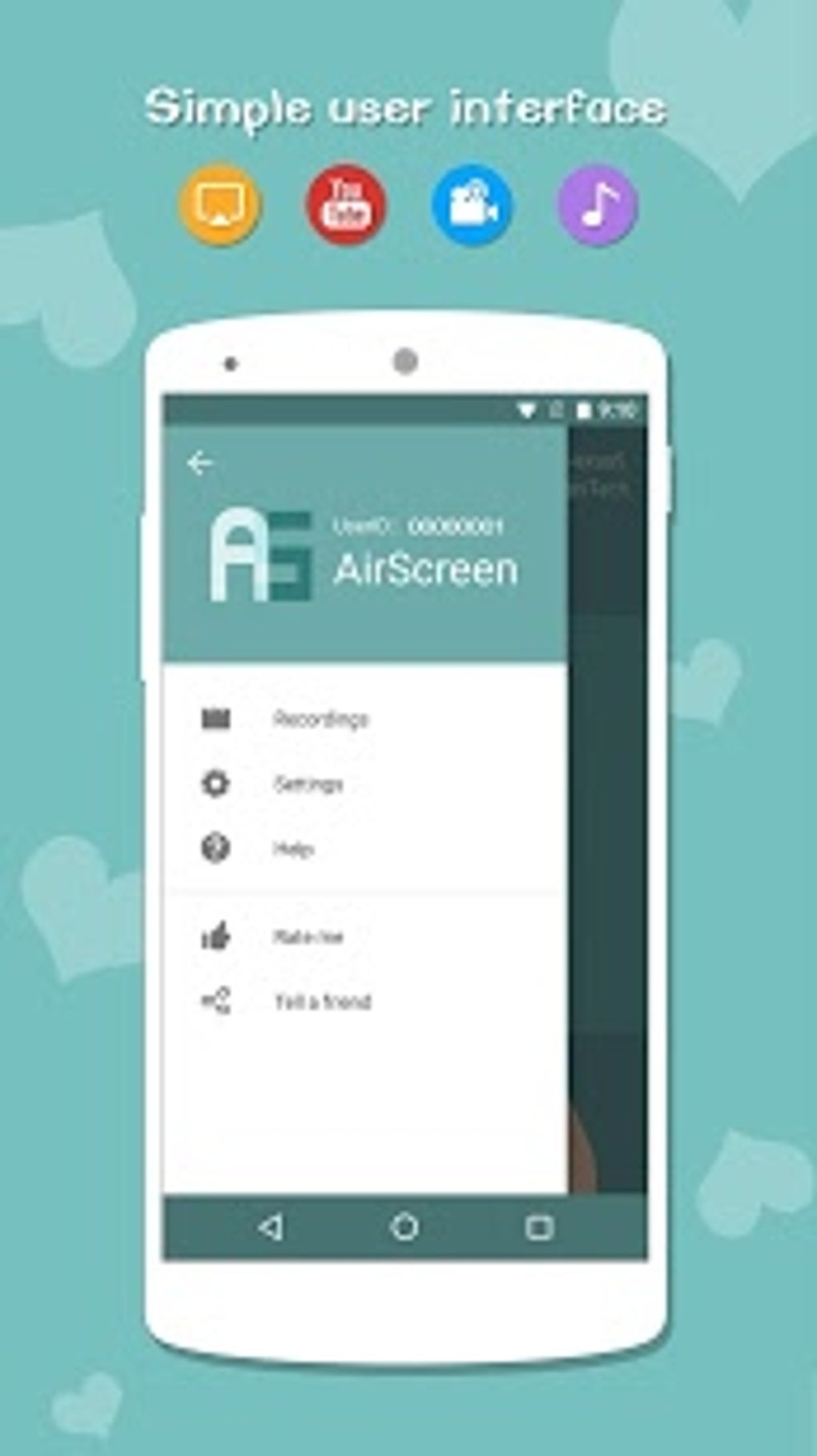
Beyond its core functionality, AirScreen boasts several features that elevate the overall user experience. The app incorporates screen recording capabilities, enabling you to capture and save memorable moments or important presentations shared on the larger display. Furthermore, AirScreen prioritizes your privacy, employing encrypted data transfer to ensure the secure transmission of your personal data. This commitment to security instills confidence in users, knowing that their sensitive information is protected during the streaming process. The app’s intuitive user interface complements its robust functionality, offering a user-friendly experience for both novice and experienced users.
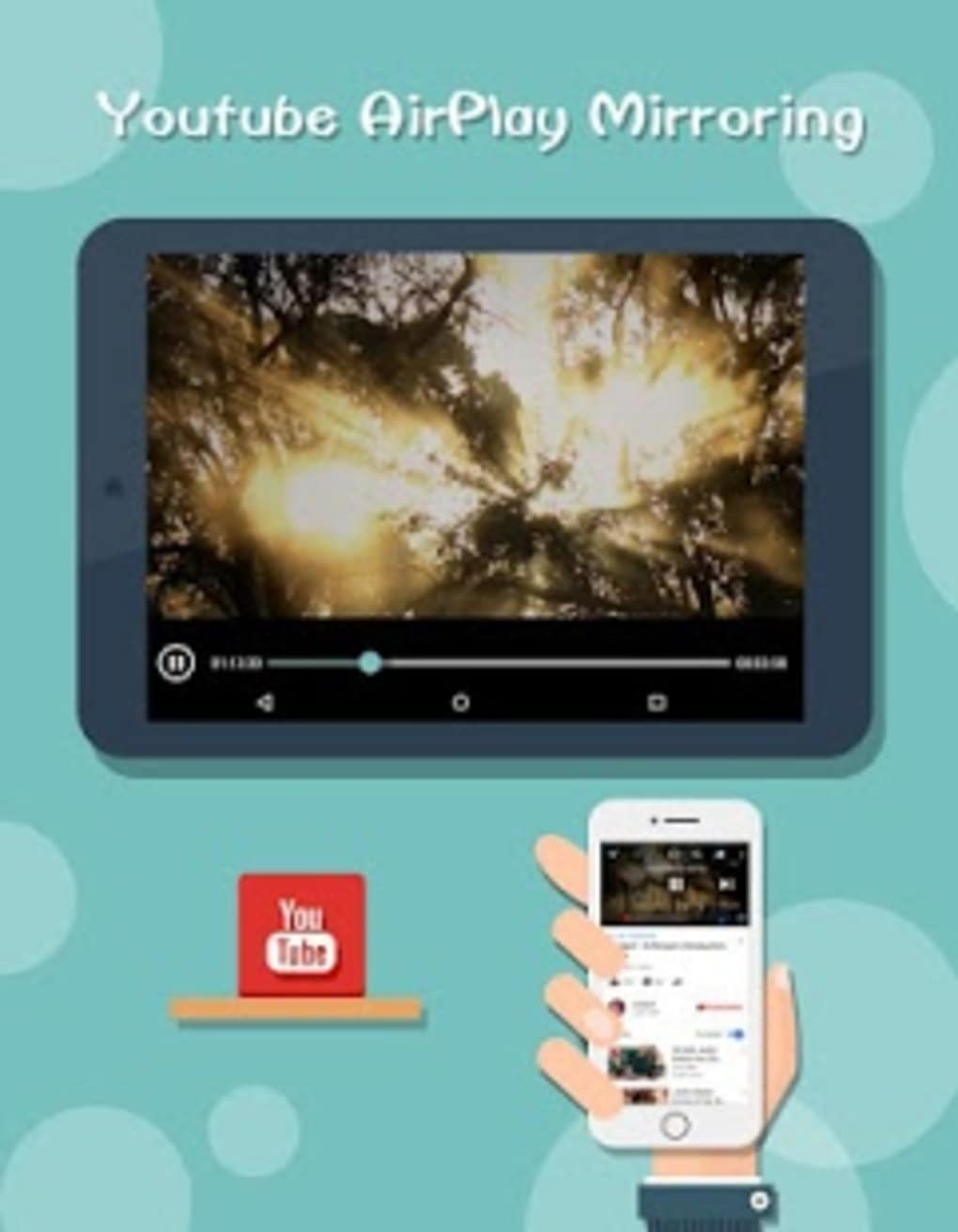
AirScreen further distinguishes itself from competitors with several performance-enhancing features:
-
Video Hardware Acceleration: This feature significantly boosts video playback performance, leading to smoother streaming and reduced buffering. Ionitech claims improvements of 40% or more in playback quality, a considerable advantage for users who frequently stream high-definition videos.
-
Ultra High-Definition (4K) Resolution Support: AirScreen supports Ultra High-Definition (4K) resolution, allowing you to enjoy your multimedia content in stunning detail and clarity. This feature is particularly beneficial for users with 4K displays, enabling them to take full advantage of the superior resolution capabilities of their devices.
-
Background Service Mode: This feature allows AirScreen to continue operating even when the app is minimized or running in the background. This is particularly useful for situations where you might want to continue streaming content while using other applications on your device. This multi-tasking capability enhances the flexibility and usability of the app.
-
Device Personalization: AirScreen permits users to customize the names assigned to their connected devices. This personalization feature enhances organization and makes it easier to identify specific devices within the app, particularly when multiple devices are connected to the same network.
Limitations and Considerations
Despite its impressive features and capabilities, AirScreen does have some limitations. While the app’s developers work diligently to enhance compatibility and expand functionality through frequent updates, some compatibility issues may still arise. Moreover, AirScreen, like many other similar applications, currently struggles to bypass copyright restrictions implemented by certain streaming services. This limitation can be frustrating for users attempting to stream copyrighted content, as they may encounter black or gray screens instead of the expected video playback. This limitation places AirScreen at a slight disadvantage compared to competitors such as Google Home, AirDroid Cast, and ApowerMirror, which may offer more robust workarounds for copyrighted content. However, it’s important to note that circumventing copyright restrictions is illegal, and AirScreen’s adherence to these restrictions underscores its commitment to legal compliance.
AirScreen Compared to Competitors
While AirScreen offers a robust feature set, it’s essential to consider its strengths and weaknesses relative to its competitors. Google Home, for example, excels in its integration with other Google services and its voice control capabilities. AirDroid Cast emphasizes remote control and file management, exceeding AirScreen’s capabilities in these specific areas. ApowerMirror, on the other hand, focuses on mirroring features, often offering more advanced options for screen capture and annotation.
The choice of the ideal casting app ultimately hinges on individual needs and preferences. AirScreen shines in its ease of use, its broad support for casting protocols (AirPlay, Chromecast, Miracast, and DLNA), and its inclusion of features like hardware acceleration and 4K resolution support. However, users who prioritize features like comprehensive copyright circumvention or enhanced remote control functionalities may find more suitable alternatives in the competitive market.
Technical Specifications and Availability
License: Free
Version: 2.14.0 (as of the writing of this article, check Phanmemfree.org for the most current version)
Platform: Android
OS: Android 13.0 and above (check compatibility on Phanmemfree.org for your specific Android version)
Downloads: 23.1K+ (as of the writing of this article, this number will fluctuate over time)
Size: 90.43 MB (this size may vary slightly depending on updates)
Developer: Ionitech
Download Options: APK (direct download from Phanmemfree.org), Google Play Store
User Reviews and Feedback
User reviews for AirScreen are generally positive, highlighting the app’s ease of use and impressive performance. However, some users have voiced concerns regarding the app’s inability to bypass copyright restrictions on certain streaming services. It’s crucial to consult user reviews and ratings on Phanmemfree.org to obtain a comprehensive understanding of user experiences and to gauge whether the app aligns with your specific requirements.
Conclusion
AirScreen provides a user-friendly and effective solution for wirelessly streaming multimedia content to larger displays. Its support for multiple casting protocols, combined with performance-enhancing features like hardware acceleration and 4K resolution support, makes it a compelling choice for users seeking a straightforward and efficient casting experience. While limitations regarding copyright restrictions exist, these are balanced by its ease of use, robust feature set, and the developer’s commitment to ongoing updates and improvements. Ultimately, the decision of whether AirScreen suits your needs will depend on your priorities and usage patterns. Before downloading, be sure to check the latest version and system requirements at Phanmemfree.org.
File Information
- License: “Free”
- Latest update: “April 9, 2025”
- Platform: “Android”
- OS: “Android 13.0”
- Downloads: “22.9K”
- Size: “90.43 MB”
- Download Options: “APK, Google Play”
- Filename: “com.ionitech.airscreen_2.14.0.apk”


