
Many of us know the struggle: that moment when the alarm blares, your body screams in protest, and the temptation to hit snooze is almost irresistible. For those chronic snoozers and those who simply struggle to rouse themselves in the morning, Alarmy: Loud Alarm Clock for Morning offers a unique and effective solution. This powerful Android application is designed to help you break free from the clutches of the snooze button and conquer your morning routine with ease and efficiency. It’s more than just an alarm clock; it’s a wake-up system designed to ensure you start your day on the right foot.
Alarmy: An App Designed to Wake You Up
Alarmy isn’t your average alarm clock app. It’s built on the principle of making you actively participate in silencing the alarm, thus forcing you out of that sleepy stupor. Instead of simply tapping a button to turn off the jarring sound, Alarmy challenges you with various tasks, ensuring you’re fully awake and alert before you can dismiss the alarm. This innovative approach tackles the root cause of the snooze button addiction: the ease with which it can be deactivated without requiring any real effort.
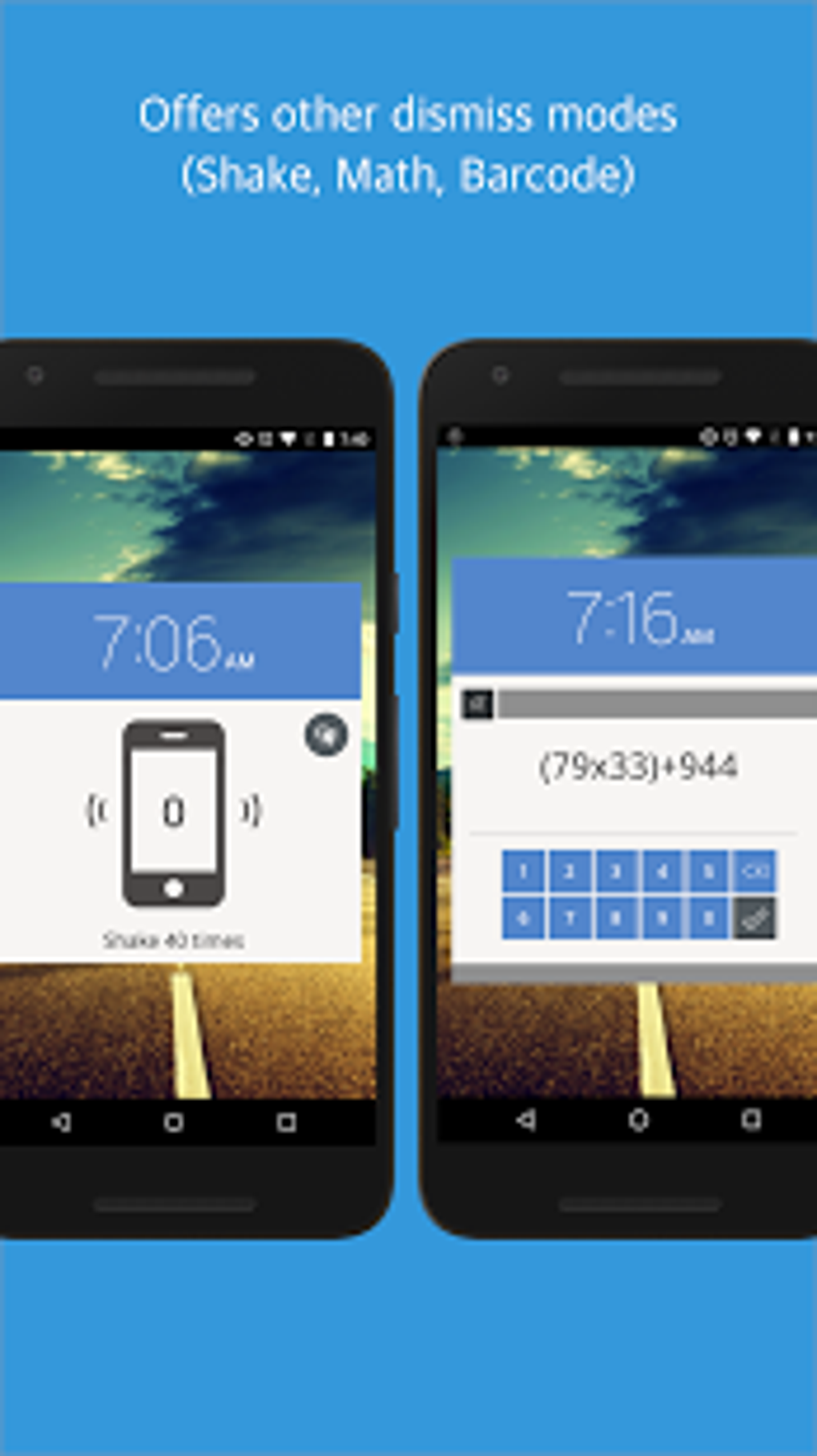
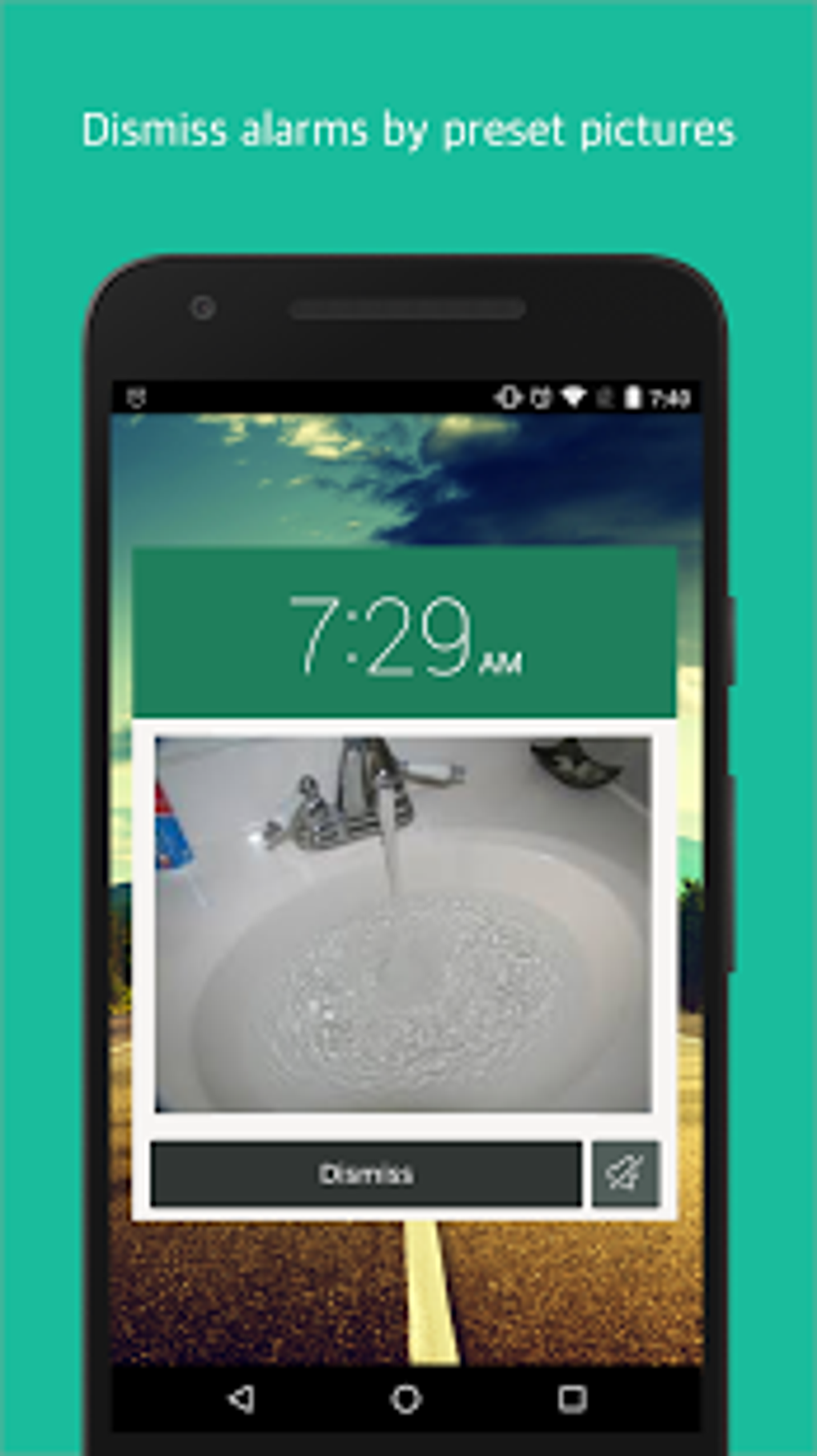
The core functionality of Alarmy revolves around its unique task-based alarm system. The app allows you to set multiple alarms, each customizable with various wake-up challenges. These challenges range from simple photo tasks (requiring you to take a photo of a specific object in your home) to more complex math problems or even scanning QR codes placed strategically around your home. This ensures that you’re not simply hitting a button to silence the alarm, but actively engaging your mind and body before you can finally turn it off.
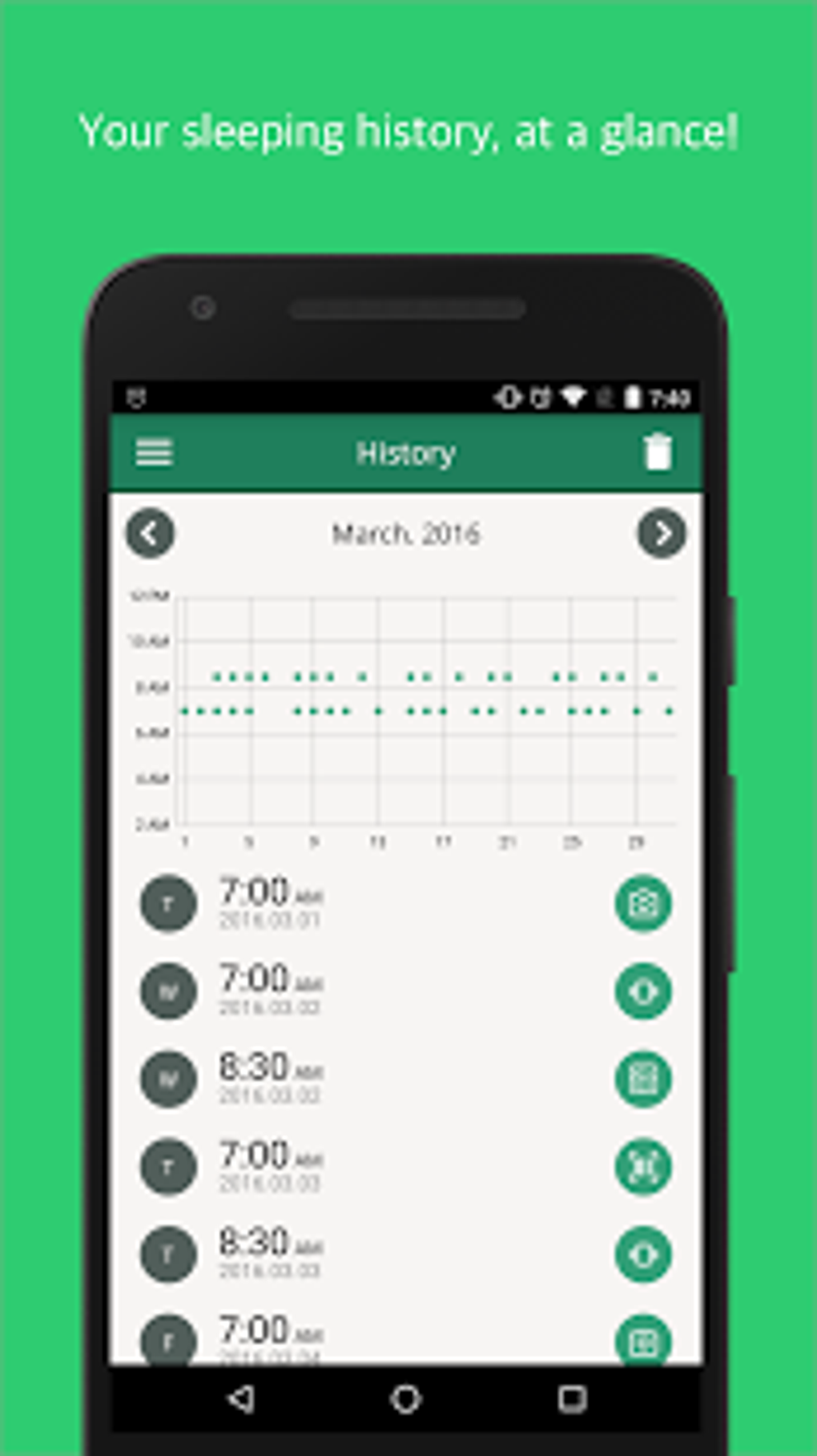
The app’s interface is clean and intuitive, making it easy to set up and customize your alarms. You can select from a variety of sounds, ensuring that the alarm is loud enough to wake you up, even if you are a deep sleeper. Moreover, Alarmy offers various other functionalities to enhance your morning routine. You can also set personalized messages to encourage yourself or integrate the app with other applications to seamlessly transition to your daily tasks.
The effectiveness of Alarmy lies in its understanding of human behavior. It leverages gamification principles to transform the act of waking up from a dreaded chore into a small, manageable challenge. This positive reinforcement approach helps to establish a healthy relationship with waking up, gradually replacing the negative association often associated with alarms. By introducing an element of engagement and reward, Alarmy turns the mundane task of waking up into a small daily victory.
Beyond the Basics: Exploring Alarmy’s Features
Alarmy is far more than a simple alarm clock; it’s a comprehensive sleep and wake-up management system. Its features are designed to cater to a wide range of user needs, offering flexibility and customization options to perfectly suit individual preferences.
Customization Options: The app allows for extensive customization. Users can select from a vast library of alarm sounds, or even upload their own custom sounds. This ensures that the alarm is both effective and personalized to individual preferences. Furthermore, the alarm volume is adjustable, catering to different levels of sleep sensitivity. Users can also schedule alarms for specific days of the week, ensuring that the alarm only sounds when needed.
Progressive Difficulty: Alarmy doesn’t just throw complex tasks at you from the get-go. It intelligently adjusts the difficulty of the wake-up challenges based on your performance. This gradual increase in difficulty prevents you from getting bored or overwhelmed, ensuring that the experience remains engaging and effective.
Integration Capabilities: Alarmy can integrate with other applications on your device, providing a seamless transition into your morning routine. For instance, you might set up an alarm that triggers a specific playlist on your music player, or an alarm that opens your preferred news app. This allows for a personalized and efficient start to the day.
Data Tracking and Analysis: While not a primary focus, Alarmy subtly tracks your wake-up patterns, providing insightful data that can help you understand your sleep habits and adjust your routines accordingly. This data-driven approach provides a helpful layer of self-awareness, allowing you to refine your wake-up strategy over time.
Regular Updates and Improvements: The developers of Alarmy are consistently updating the app with new features, improvements, and bug fixes. This commitment to ongoing development ensures that the app remains relevant and effective in addressing the evolving needs of its users.
Alarmy: A User-Friendly Experience
The app is designed with user-friendliness in mind. The interface is clean, intuitive, and straightforward, making it easy to navigate and utilize even for those unfamiliar with complex applications. The clear instructions and well-organized menus make it simple to set up alarms, customize settings, and track progress. The app’s overall aesthetic is pleasing and non-distracting, contributing to a positive user experience.
Alarmy: For Business and Beyond
While primarily a personal productivity tool, Alarmy’s functionalities extend into various business contexts. For entrepreneurs and freelancers who work independently, maintaining a disciplined schedule is crucial. Alarmy’s robust alarm system can serve as a vital tool in ensuring punctuality for crucial meetings or deadlines. Its ability to integrate with other applications further enhances its usefulness in a professional setting, allowing for seamless transitions between tasks and minimizing time wasted on unproductive activities. For teams working remotely, Alarmy can be a unifying tool, ensuring that team members start their workday promptly and synchronously.
Alarmy on Android: A Comprehensive Review
Alarmy is available for download on the Google Play Store. Its popularity is evident in its high user rating and numerous positive reviews. Users consistently praise its effectiveness in waking them up, the variety of challenge options, and the overall user-friendly design. The app’s large file size (231.89 MB) reflects its comprehensive feature set. The free version of Alarmy provides a wealth of functionality, making it an excellent value-for-money option. Regular updates ensure that the app remains optimized for performance and compatibility with the latest Android versions.
Conclusion: Alarmy – Your Path to a Productive Morning
Alarmy: Loud Alarm Clock for Morning is not just another alarm clock application; it’s a comprehensive solution designed to address the common struggle of waking up on time and starting the day feeling refreshed and ready to tackle any challenge. Its unique task-based alarm system, combined with its comprehensive feature set and user-friendly design, makes it a highly effective tool for anyone seeking to improve their morning routine and boost their overall productivity. Its availability on Android makes it easily accessible to a vast user base, enabling more people to experience the benefits of this innovative wake-up solution. If you’re tired of hitting the snooze button and struggling to get out of bed, Alarmy could be the answer you’ve been searching for. Give it a try and experience the difference a truly effective wake-up system can make.
File Information
- License: “Free”
- Latest update: “August 2, 2025”
- Platform: “Android”
- OS: “Android 13.0”
- Language: “English”
- Downloads: “3.4K”
- Size: “226.98 MB”
- Download Options: “APK, Google Play”
- Filename: “droom.sleepIfUCan_25.31.2.apk”


