
The Alexa Toolbar, once a prominent addition to the Internet Explorer experience, offered users a blend of website ranking data and integrated search functionalities. Released in the late 2000s, this Windows-based application provided a direct conduit to Alexa’s comprehensive web analytics, a service renowned for its website ranking and traffic data. While its functionality was appreciated by some, its design and performance limitations prevented it from achieving widespread appeal. This review delves into its features, strengths, weaknesses, and ultimate place in the history of browser extensions.
Functionality and Features: A Blend of Analytics and Search
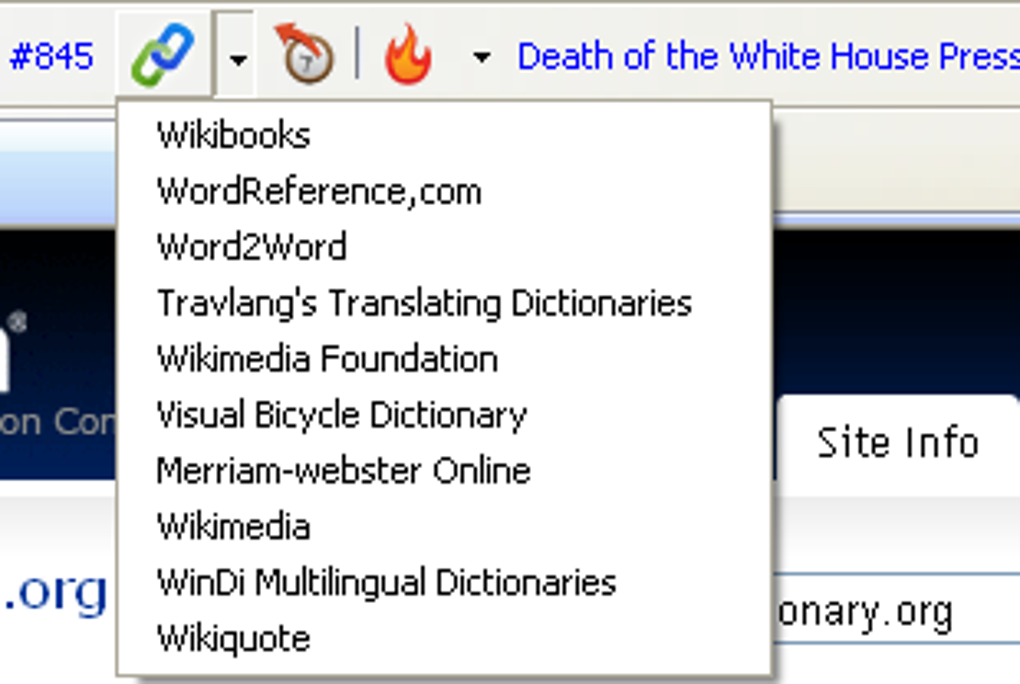
The primary function of the Alexa Toolbar was to provide users with real-time data about the website currently being viewed. This included Alexa’s ranking of the site, its estimated traffic, and links to related information. This allowed users a quick glimpse into the popularity and reach of a website, a feature particularly useful for website owners, marketers, and researchers interested in competitive analysis. Beyond providing website metrics, the Alexa Toolbar integrated several search functionalities. It acted as a search engine in its own right, allowing users to perform searches directly from the toolbar. More importantly, it offered direct links to popular search engines such as Google, as well as specialized search services including Wikipedia and Amazon. This integrated approach aimed to streamline the research and information gathering process. Further enhancing its utility, the toolbar included a direct link to archived versions of websites, allowing users to see previous iterations of a website. The ability to share website information via Twitter, a nascent social media platform at the time, was also included, allowing for rapid dissemination of findings.
The functionality, while innovative for its time, presented a double-edged sword. The very act of collecting and presenting this data also implied the collection of user browsing data, a point of potential concern for privacy-conscious individuals. While the toolbar provided quick access to valuable information, this came at the cost of transparency surrounding data collection practices.
User Experience and Design: A Mixed Bag
The Alexa Toolbar’s user interface was not its strongest asset. Contemporary reviews and user feedback highlighted a somewhat unattractive and dated design. The visual appeal was not particularly appealing, falling short of the sleek and modern designs that were becoming increasingly common in software applications. Furthermore, its performance was considered sluggish, with reports of noticeable delays in loading and displaying data. While not severely impacting usability, this slowness detracted from the overall experience. These shortcomings underscored the fact that the tool prioritized functionality over aesthetics and optimal performance. The focus was clearly on providing access to Alexa’s data, potentially at the expense of a smoother, more visually pleasing user interface.
The design, or lack thereof, perhaps reflects the technology and design aesthetics of the time. In the early-to-mid 2000s, browser toolbars were far less sophisticated than the extensions we see today. The focus was often on utility and functionality, sometimes at the expense of user experience. It’s within this context that the Alexa Toolbar’s design choices must be examined.
Strengths and Weaknesses: A Balanced Perspective
The Alexa Toolbar possessed several notable strengths. Its direct access to Alexa’s web analytics data was its most significant advantage, offering unparalleled convenience for users interested in website ranking and traffic information. The integrated search functionality, particularly the links to specialized services like Wikipedia and Amazon, streamlined the research process. The inclusion of links to archived website versions provided users with historical context and facilitated comparisons over time.
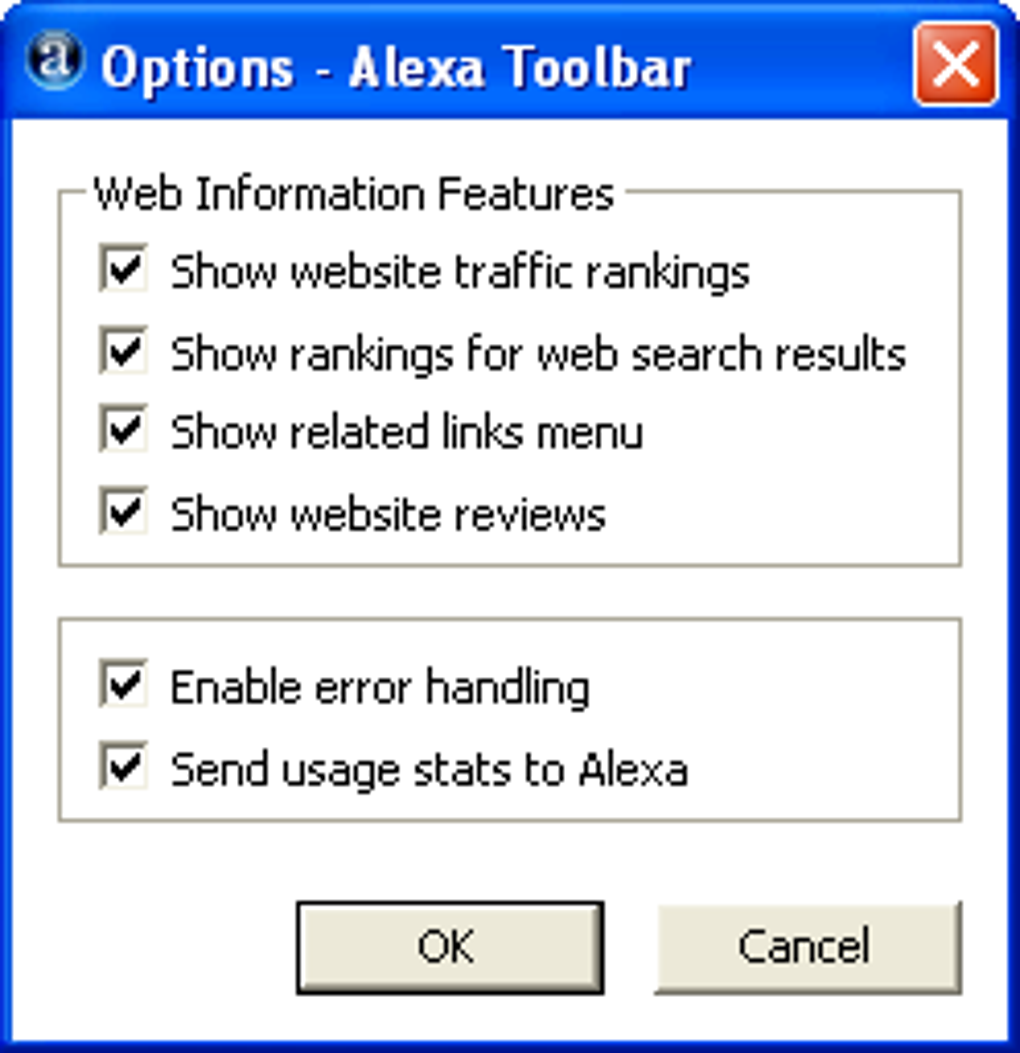
However, the tool’s weaknesses were also prominent. The unattractive design and sluggish performance negatively affected user experience. Furthermore, the lack of transparency regarding data collection practices raised privacy concerns. The toolbar’s reliance on Internet Explorer limited its reach and applicability, excluding users of other browsers. These limitations ultimately hindered the toolbar’s potential and contributed to its relatively limited adoption.
Comparison to Modern Browser Extensions: A Technological Leap
Comparing the Alexa Toolbar to modern browser extensions reveals a significant technological and design evolution. Contemporary extensions are generally far more aesthetically pleasing, performant, and feature-rich. They often adhere to modern design principles, offering intuitive interfaces and seamless integration with the browser. Furthermore, modern extensions tend to be more transparent about data collection practices, allowing users to make informed decisions. The security and privacy features in modern browsers and extensions are far more advanced than what was available during the Alexa Toolbar’s era. The Alexa Toolbar’s functionality is largely incorporated into other tools and services. Many SEO tools and web analytics platforms now offer the functionality to check website rankings and traffic data more comprehensively and efficiently.
The evolution from the Alexa Toolbar to modern browser extensions reflects the overall progress in software development and the increasing emphasis on user experience and data privacy. Modern extensions offer a significantly enhanced experience compared to the limited functionality and design of the Alexa Toolbar.
Conclusion: A Product of its Time
The Alexa Toolbar represents a snapshot of browser extension development in the early 2000s. Its primary strength was the direct access it offered to Alexa’s website ranking data. This functionality, while valuable, was hampered by its unattractive design, slow performance, and lack of transparency regarding data collection. While it fulfilled a specific niche, its limitations ultimately prevented it from achieving widespread success. The evolution of browser technology and the emergence of superior alternatives rendered the Alexa Toolbar obsolete. Its legacy lies not in its lasting impact, but in its representation of a specific phase in the development of browser add-ons, a phase that has since been significantly refined and improved upon. The Alexa Toolbar serves as a useful case study in the evolution of browser extensions, illustrating the crucial interplay between functionality, user experience, and the ever-evolving landscape of web technologies and user expectations. The lessons learned from its successes and failures continue to shape the design and development of modern browser extensions.
File Information
- License: “Free”
- Version: “9.39”
- Latest update: “March 12, 2008”
- Platform: “Windows”
- OS: “Windows 98”
- Language: “English”
- Downloads: “26.9K”
- Size: “494.67 KB”


