
Alight Motion is a versatile and powerful mobile video and animation editing application available for Android and iOS devices. While initially designed for iPad systems, its popularity has led to its expansion across various platforms, including Android smartphones and tablets, iPhones, iPod Touches, and even Mac operating systems (though PC access requires an emulator). This comprehensive guide explores Alight Motion’s capabilities, features, usage, availability, and compares it to alternative video editing software.
Alight Motion’s Feature Set: Beyond Basic Video Editing
Alight Motion transcends the limitations of basic video editors. It’s a robust motion graphics editor designed for creatives seeking to produce high-quality animated content ideal for social media platforms like Instagram and TikTok. Its strength lies in its extensive suite of both advanced and standard editing tools, allowing for projects ranging from simple video edits to complex animations.
The user interface, while initially appearing cluttered, provides a blank canvas for creative expression. Basic controls for playback – backward, forward, pause, and play – are prominently displayed. Below the canvas, a timeline keeps track of the project’s duration. This intuitive design allows for seamless workflow transitions.
Alight Motion’s core functionality extends far beyond simple video editing. Users can manipulate their creations with precision using numerical input for factors like width and height. A diverse library of shapes – circles, droplets, snowflakes, and many more – allows for experimentation and creative freedom. The drag-and-drop interface makes it easy to adjust the position and attributes of these shapes.
The software also empowers users with a sophisticated range of effects, including:
- Keyframe Animation: Enables precise control over animation sequences.
- Object Grouping: Streamlines the editing process by allowing the grouping of multiple elements.
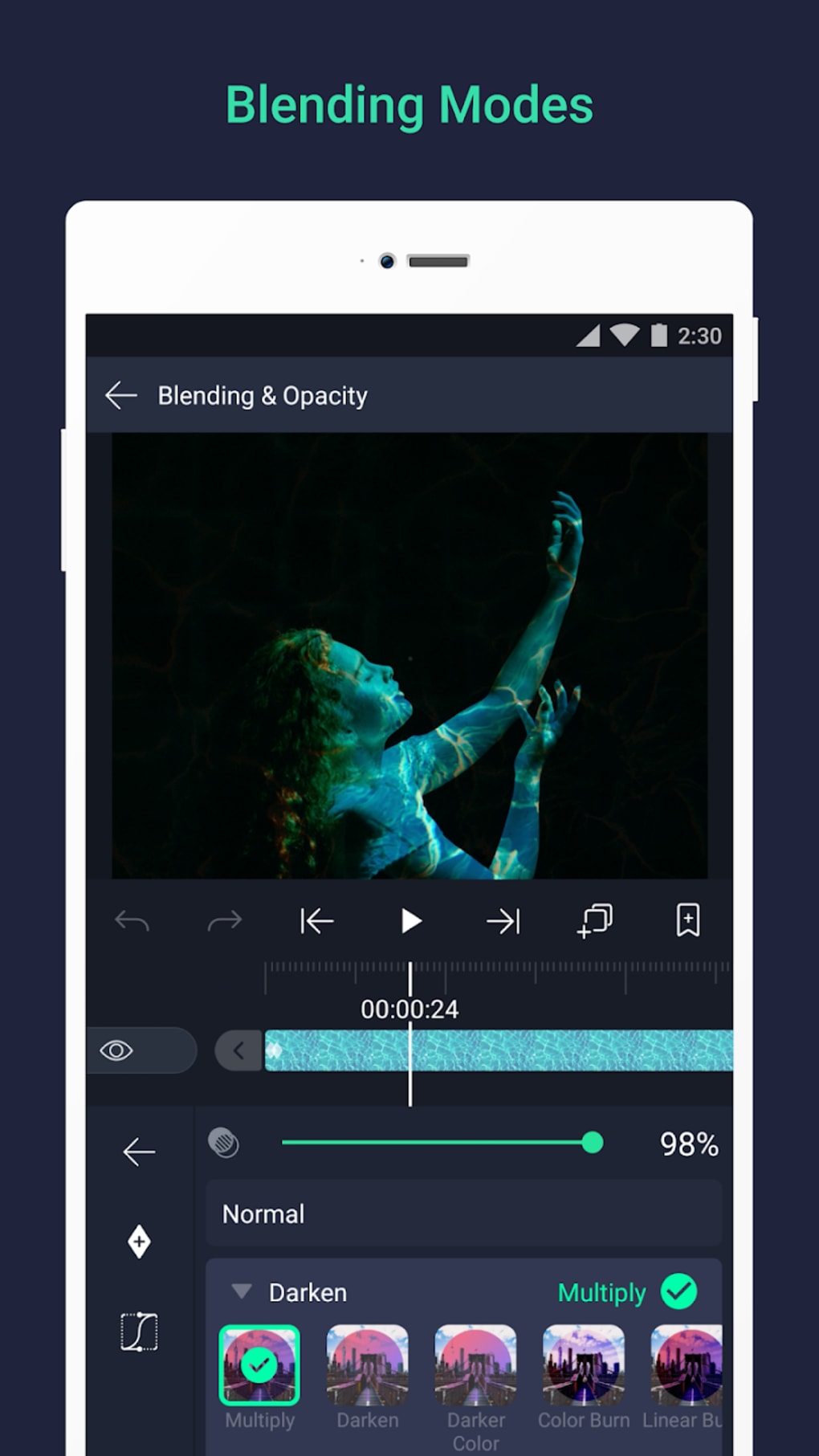
- Advanced Masking: Allows for selective modification of portions of your video or animation.
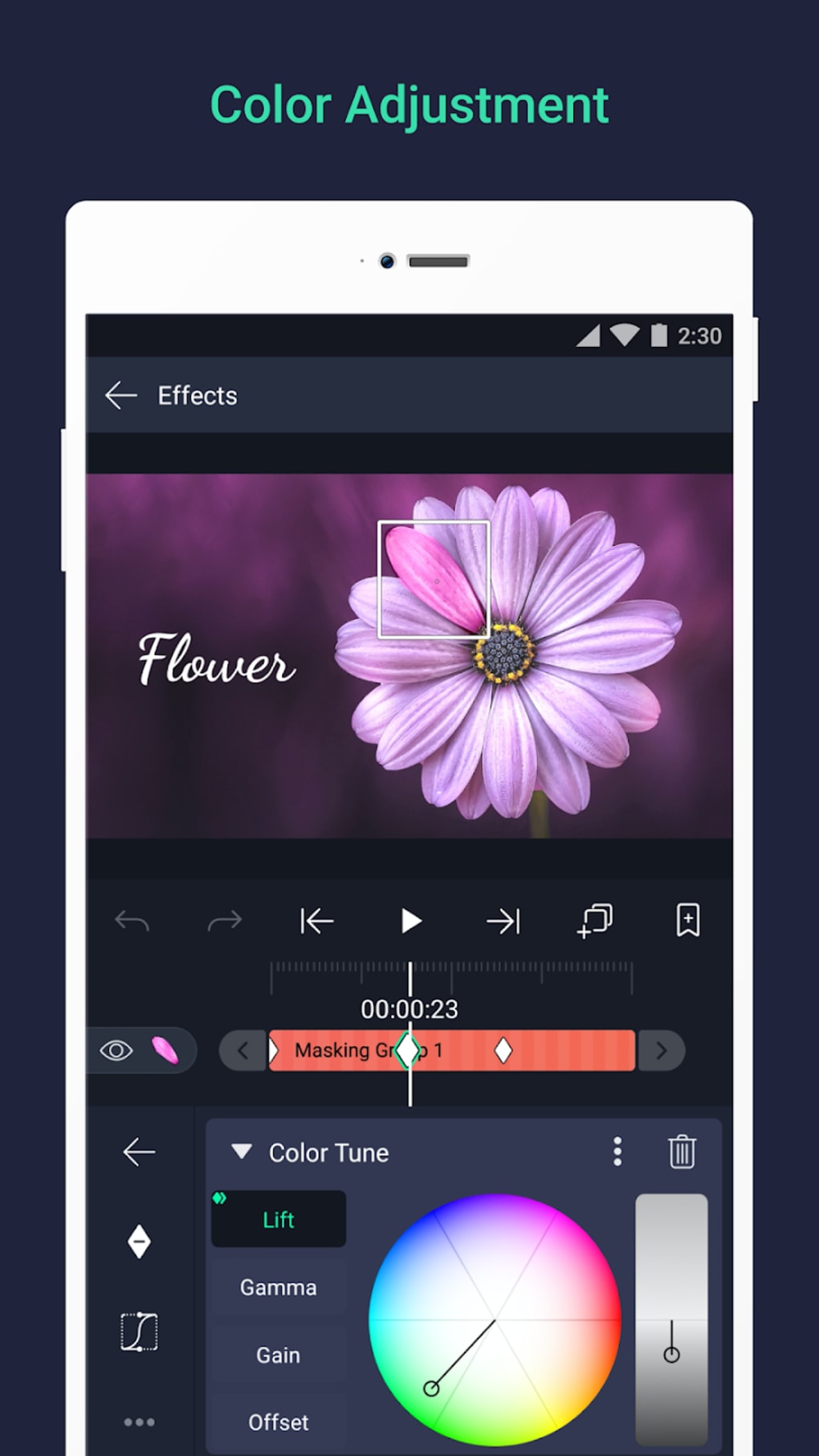
- Precise Color Tuning: Offers granular control over color palettes.
- Velocity-Based Motion Blur: Adds a realistic sense of movement.
- Fill Options: Provides options for solid and gradient fills.
- Border, Shadow, and Stroke Effects: Enhances the visual appeal of elements.
- Dynamic Camera Effects: Offers control over pan, zoom, focus blur, and fog effects.
- Over 160 Fundamental Effect Components: A vast selection of building blocks for elaborate effects.
Beyond effects, Alight Motion allows users to layer multiple graphics, videos, and audio tracks on the project timeline. This advanced layering capabilities allows for intricate compositions. Bookmarking features and custom font support enhance efficiency. Users can save frequently used elements for repeated use in future projects. Export options are versatile, including MP4, GIF, PNG, and still image formats. Simple copy-and-paste functionalities for entire project layers and the ability to share projects with collaborators are also included.
Animation within Alight Motion is further enhanced through easing options. These options offer a selection of timing curves and presets to refine animation movements. The software also supports rigging character joints and linking between parent and child layers, offering fine-grained control over complex animations. Finally, support for both vector and bitmap graphics caters to various graphic editing needs.
Accessing Alight Motion: Free vs. Premium
Alight Motion operates on a freemium model, offering a free version alongside paid subscription plans. The free version provides access to the full range of editing tools but includes a watermark on exported projects. The premium subscription removes this watermark, making it more suitable for professional use. While the free version is a valuable tool for learning and experimentation, the watermark limits its suitability for professional applications.
The app’s developers have prioritized user-friendliness. While the initial screen might appear overwhelming, built-in tutorials guide users through the editing process. The focus remains on creating animated content, a task Alight Motion performs exceptionally well.
The video editing process starts with a green plus sign at the screen’s bottom, initiating the project creation. Users can customize various project settings, including dimensions, resolution, frame rate, and background. After setting these preferences, naming the project, the blank editor canvas becomes available for adding creative elements like colors, effects, shapes, and text.
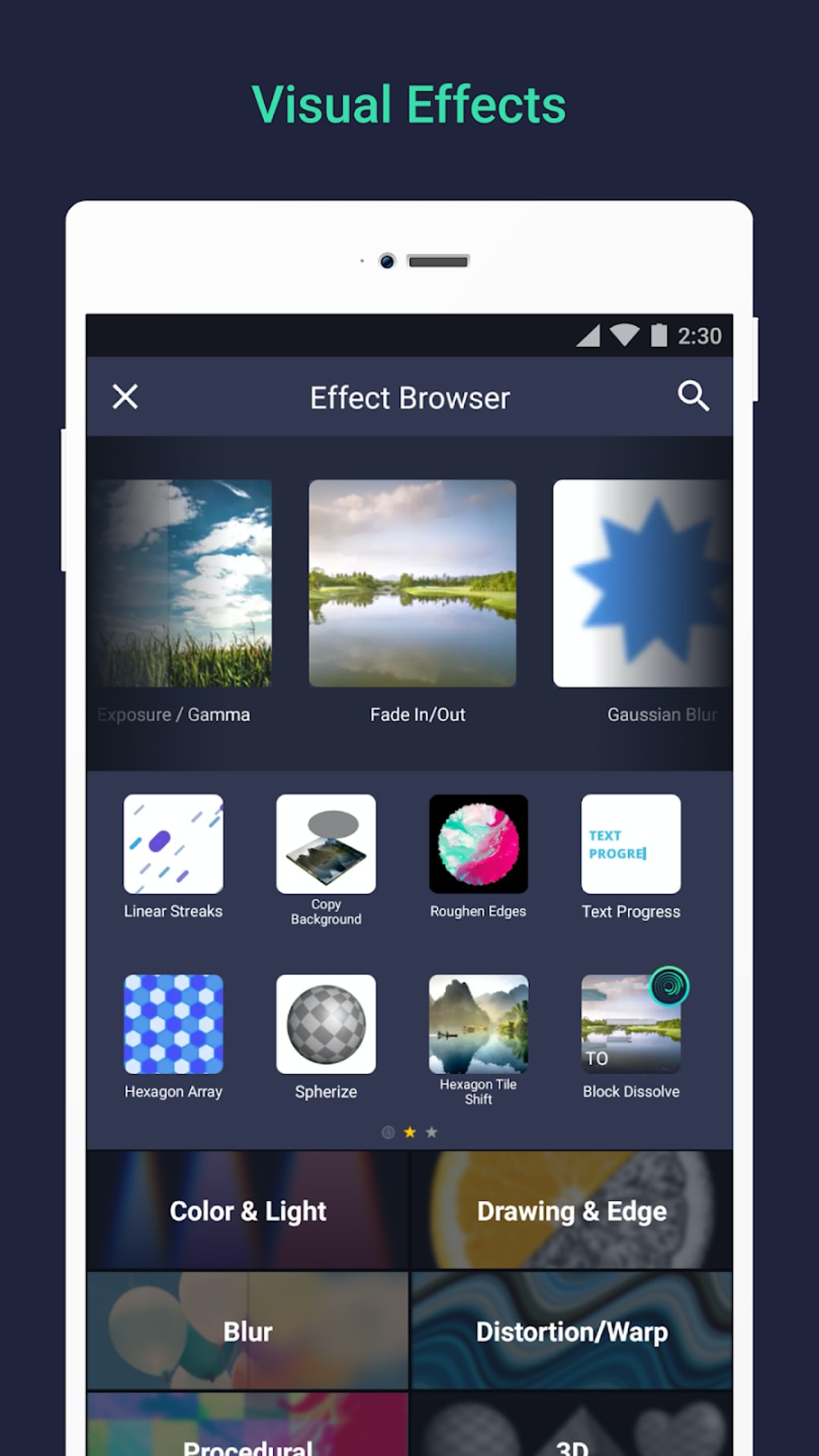
Alight Motion provides a range of effects categories: ‘Blur,’ ‘Color & Light,’ ‘Distortion & Warp,’ ‘Procedural,’ ‘Move & Transform,’ ‘Opacity & Visibility,’ ‘Text,’ ‘3D,’ and many more. Each effect category provides a menu for fine-tuning parameters. Touchscreen users can employ drag-and-drop functionality for moving elements around the canvas.
Platform Availability and System Requirements
Despite its versatility, Alight Motion is currently unavailable for native use on PC or Mac desktop devices. Its primary focus remains on mobile platforms. The lack of a desktop version can be a limitation for users who prefer a larger screen and more powerful hardware for complex projects. To circumvent this, users may utilize Android emulators such as BlueStacks to run Alight Motion on their PCs, but this introduces complexities and may impact performance.
Alight Motion vs. Other Video Editing Software
Alight Motion stands out as an advanced tool compared to basic editing software like iMovie. It offers a substantial upgrade in features and capabilities, addressing sophisticated editing needs directly from a mobile device. However, alternative professional-grade software, such as Adobe After Effects, CapCut, Wondershare Filmora, KineMaster, LumaFusion, and Video Star, provide additional capabilities and, in some cases, a more polished user experience. The choice depends on individual needs and preferences. Adobe After Effects is often seen as the industry standard for its extensive professional tools, but many other apps, including Alight Motion, are perfectly suitable for personal and professional use.
Alight Motion: A Final Verdict
Alight Motion proves to be a highly valuable tool for creating animated content. It excels in animation and motion graphics, offering robust functionality at an attractive price point. Its combination of easy-to-use features alongside advanced options makes it suitable for both beginners and experienced animators. While the watermark on the free version and the initially cluttered home screen are minor drawbacks, the overall power and versatility of Alight Motion makes it a strong contender among mobile video and animation editing applications.
Pros:
- Cross-platform availability (Android, iOS, Mac via indirect methods)
- User-friendly interface after familiarization
- Advanced and basic toolsets
- Seamless integration of multimedia content
Cons:
- Watermark on free version
- Initially cluttered home screen
This versatile app blends a robust feature set with user-friendly interface, making it an excellent option for those seeking to easily create dynamic and compelling video and animation projects. Its combination of strength and simplicity makes Alight Motion a compelling choice for a wide range of users.
File Information
- License: “Free”
- Latest update: “August 12, 2025”
- Platform: “Android”
- OS: “Android 15.0”
- Language: “English”
- Downloads: “2.4M”
- Download Options: “Google Play”


