
The All-in-One Emulator is a free, multi-system retro gaming application available for Android devices. Developed by Emuor S, this emulator offers a unique blend of accessibility, compatibility, and customization, allowing players to enjoy a wide range of classic games from various consoles on their mobile devices. This detailed review will delve into its features, performance, pros and cons, and compare it to other emulators available in the market.
Extensive Console Support and Game Compatibility
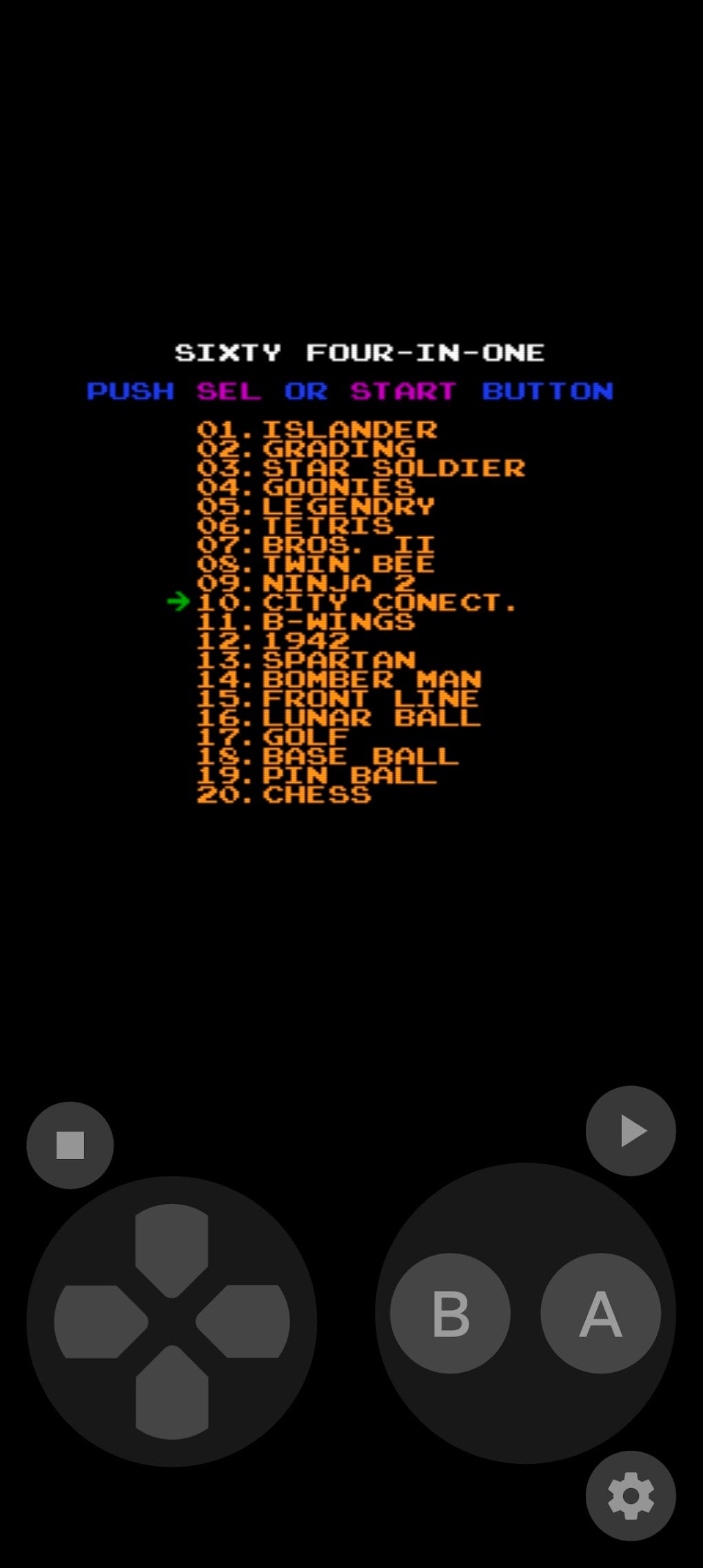
One of the most compelling features of the All-in-One Emulator is its broad support for numerous game consoles. Unlike emulators that focus on a single platform, this application boasts compatibility with over 20 different systems, including popular choices such as:
-
Nintendo: From the original Nintendo Entertainment System (NES) and Super Nintendo Entertainment System (SNES) to the Game Boy, Game Boy Advance, and even the Nintendo 3DS, players can revisit cherished titles across multiple generations of Nintendo’s handheld and home consoles. This expansive support caters to a diverse range of players and nostalgia levels.
-
Sony: The emulator includes support for classic Sony PlayStation consoles, although the specific versions supported might need clarification. The level of performance and compatibility will vary depending on the specific game and the user’s device.
-
Sega: Sega fans are well-catered to, with support for various Sega systems, allowing players to revisit the glory days of iconic titles from the Master System to the Genesis/Mega Drive. The precise range of Sega systems supported is important to emphasize for accurate assessment.
-
Atari and Others: The emulator also extends its reach beyond these well-known platforms, providing compatibility with other retro gaming consoles. This wide-ranging support significantly increases the application’s value proposition, attracting a broader audience of retro gaming enthusiasts.
The emulator boasts a reported game compatibility rate of over 90%, meaning a vast library of games should run smoothly. However, it’s crucial to note that the actual compatibility will depend on several factors, including the specific game, the Android device’s hardware capabilities, and the ROM quality.
Intuitive User Interface and Customizable Controls
Navigating the All-in-One Emulator is designed to be straightforward. The user interface is intuitive, making it easy for both novice and experienced emulator users to find their way around. The clean design ensures a smooth user experience without overwhelming the player with unnecessary complexities.
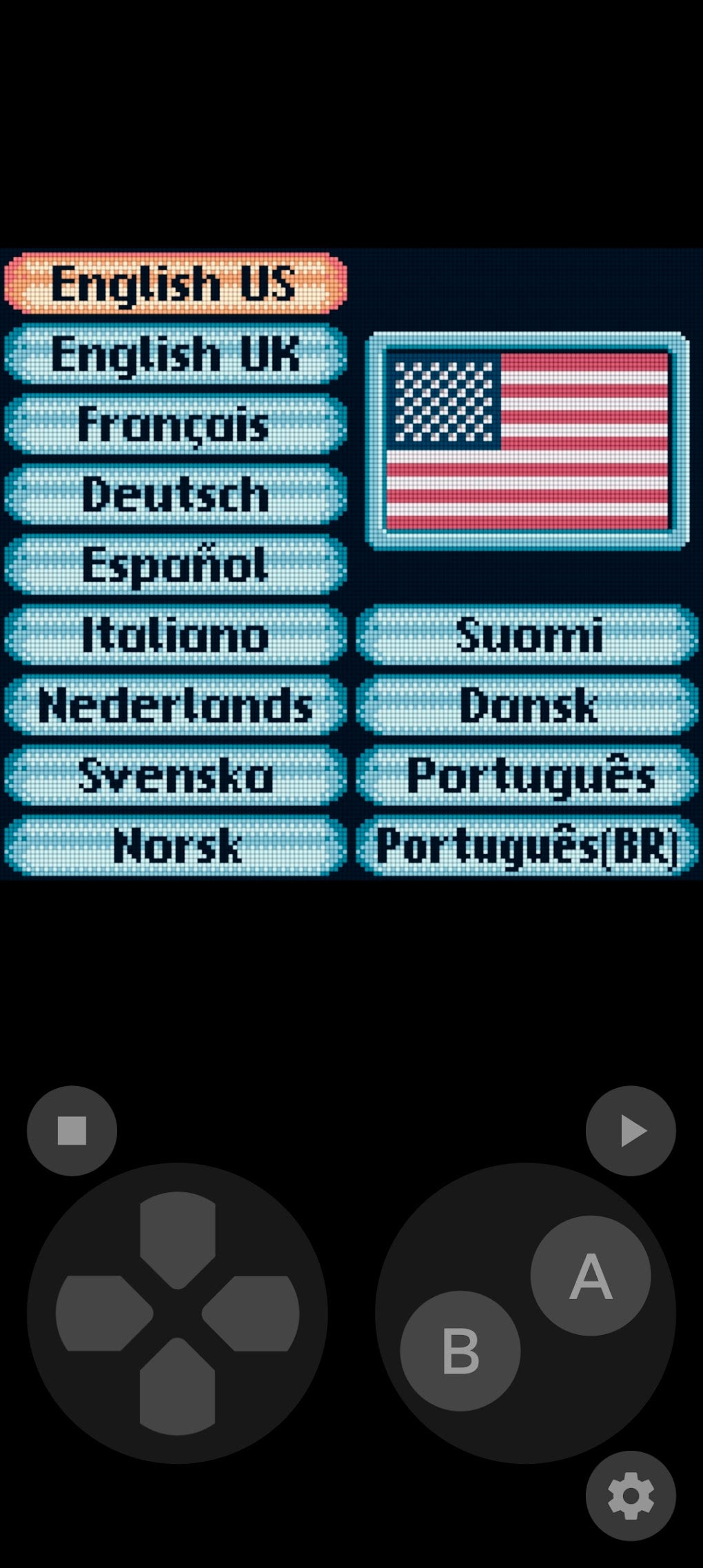
A key highlight is the customizable on-screen controls. Players can adjust the size, position, and functionality of the virtual buttons and D-pad to perfectly suit their preferences and play style. This level of personalization ensures a comfortable and enjoyable gaming experience, particularly vital for touchscreen devices.
Furthermore, the emulator supports the use of third-party gamepads. This feature enhances the overall gaming experience, allowing users to connect their preferred controllers for more precise and responsive controls. This capability is essential for gamers seeking a more authentic and comfortable gaming experience.
Performance and Hardware Dependency
While the emulator offers a wide range of features and excellent compatibility, it’s crucial to acknowledge its reliance on the device’s hardware. Performance is highly hardware-dependent. This means that older or less powerful Android devices might struggle to run more demanding games smoothly. Lag, slowdowns, and other performance issues might arise if the device doesn’t meet the minimum requirements for the specific game being emulated.
Users with high-end Android devices with robust processors and ample RAM will likely experience a more satisfying gaming experience with minimal to no performance hiccups. However, users with less powerful devices should manage their expectations and potentially avoid running very demanding titles. The developer should provide clear guidelines on the minimum hardware requirements for optimal performance.
Modern Features Enhancing Playability
Beyond its core emulation capabilities, the All-in-One Emulator incorporates several modern features enhancing the overall gaming experience:
-
Save States: One of the most significant features is the inclusion of save states. This allows players to save their game progress at any point and resume playing from that exact moment later. This is particularly useful for games without built-in save features or for games that require extensive playthroughs.
-
Compatibility with External Controllers: As already mentioned, the emulator’s support for third-party controllers further improves the gaming experience. This allows users to utilize physical gamepads, offering a more traditional and comfortable gameplay experience compared to touchscreen controls.
The availability of these modern features significantly enhances the user experience, making the emulator more accessible and enjoyable for a wider range of users.
Comparison with Other Emulators
The All-in-One Emulator distinguishes itself from competitors like DraStic (a popular DS emulator) and My Boy! (a well-known GBA emulator) by offering a significantly broader range of console support. DraStic and My Boy! specialize in single platforms, while the All-in-One emulator attempts to provide a comprehensive solution for various retro consoles. This “all-in-one” approach makes it a convenient option for users who enjoy various retro gaming systems. However, focusing on multiple systems could mean that the level of optimization for each system might not be as refined as dedicated emulators.
To accurately assess its competitive edge, it’s important to compare its performance and feature set with dedicated emulators for each of the supported consoles. For instance, comparing its Nintendo DS emulation performance to DraStic, or its Game Boy Advance emulation performance to My Boy!, would provide a clearer understanding of its strengths and weaknesses in terms of compatibility and performance for each specific console.
Pros and Cons of the All-in-One Emulator
Pros:
- Extensive Console Support: Emulates a vast array of consoles, providing a diverse gaming library.
- High Compatibility Rates: Boasts a reported high game compatibility rate across multiple platforms.
- User-Friendly Interface: Intuitive design makes navigation and use straightforward.
- Customizable Controls: Allows for tailored on-screen controls and third-party gamepad support.
- Modern Features: Includes save states for convenient gameplay resumption.
Cons:
- Hardware Dependency: Performance significantly depends on the Android device’s capabilities.
- Potential Performance Issues: Lower-end devices might experience lag or slowdowns.
- Compatibility Variations: Actual game compatibility may vary depending on factors beyond the emulator’s control.
Conclusion: A Versatile Yet Demanding Emulator
The All-in-One Emulator represents a significant effort to consolidate numerous retro consoles into a single application. Its extensive console support and high reported compatibility rate are undeniably appealing. The intuitive interface and customizable controls enhance the overall user experience. However, it’s crucial to acknowledge the significant hardware dependency. Users should realistically assess their device’s capabilities before downloading the emulator. While the broad support is attractive, users seeking optimal performance for specific consoles might find dedicated emulators offer a more refined and optimized experience. Ultimately, the All-in-One Emulator serves as a convenient option for players seeking a wide range of retro gaming experiences on their Android devices, but performance expectations should be adjusted according to device capabilities.
File Information
- License: “Free”
- Version: “23.08.03”
- Latest update: “October 17, 2023”
- Platform: “Android”
- OS: “Android 13.0”
- Language: “English”
- Downloads: “40.2K”
- Download Options: “Google Play”


