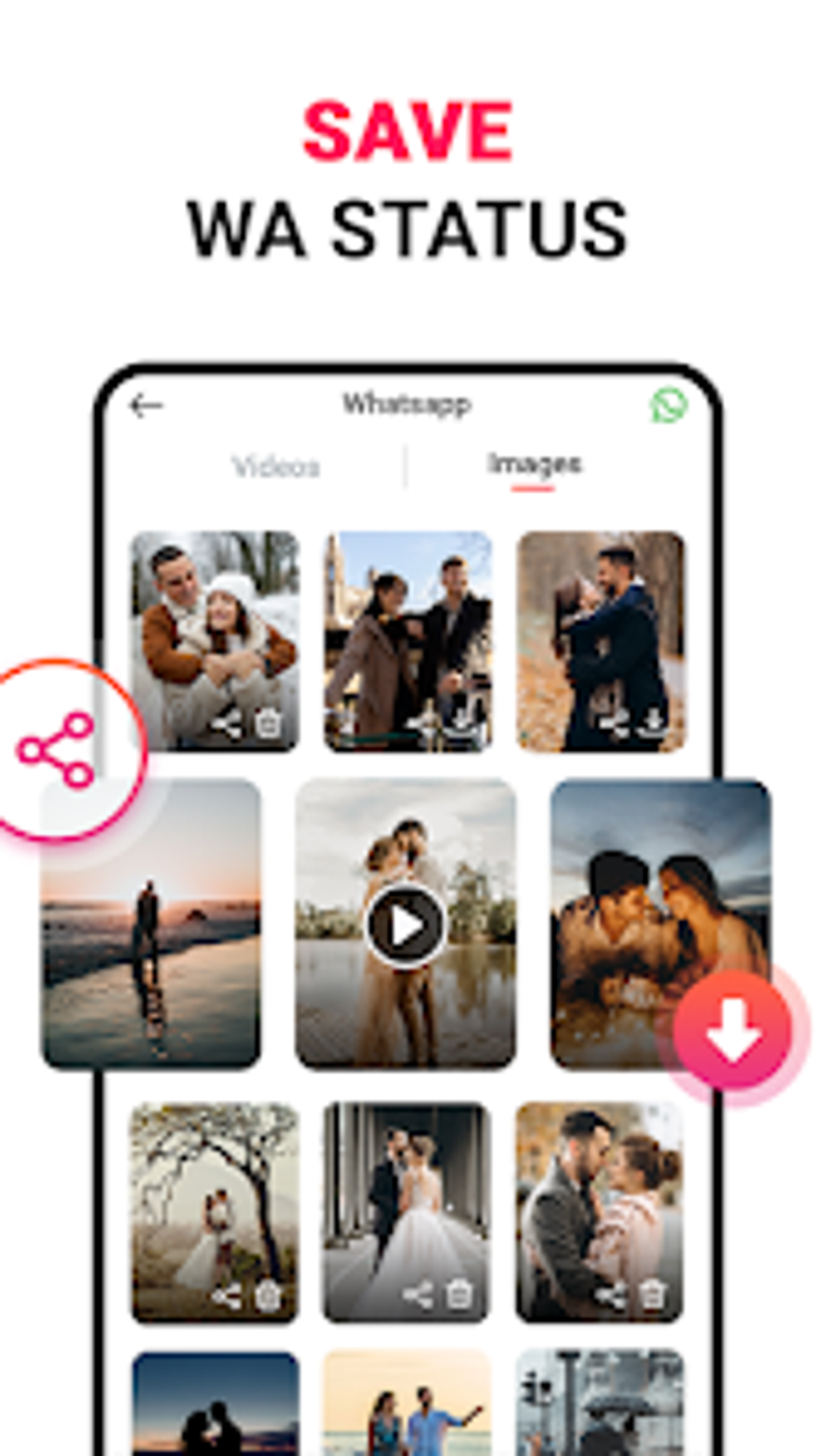
All Video Downloader is a free Android application designed to simplify the process of downloading videos and music from various online sources, including social media platforms. This review delves into its functionality, user experience, pros and cons, and compares it to similar applications available on the market. We’ll explore its ease of use, supported formats, potential drawbacks, and overall effectiveness as a video downloading tool.
Ease of Use and User Interface
One of All Video Downloader’s key selling points is its user-friendly interface. The app boasts a clean and intuitive design, making navigation straightforward even for individuals with limited technical expertise. The download process itself is streamlined, requiring minimal steps to acquire the desired content. Users simply need to provide the link to the video or audio file, and the app handles the rest, automatically detecting the appropriate format and initiating the download. This simplicity is a significant advantage, setting it apart from some competitors that might require more complex procedures or technical knowledge.
However, while the simplicity is generally praised, some users have reported occasional difficulties navigating certain features or experiencing unexpected behavior under specific circumstances. This suggests that while the core functionality is easy to grasp, the app might lack comprehensive error handling or detailed instructions for more advanced users. Further development in these areas could improve the overall user experience and enhance its appeal to a broader range of users.
Supported Formats and Compatibility
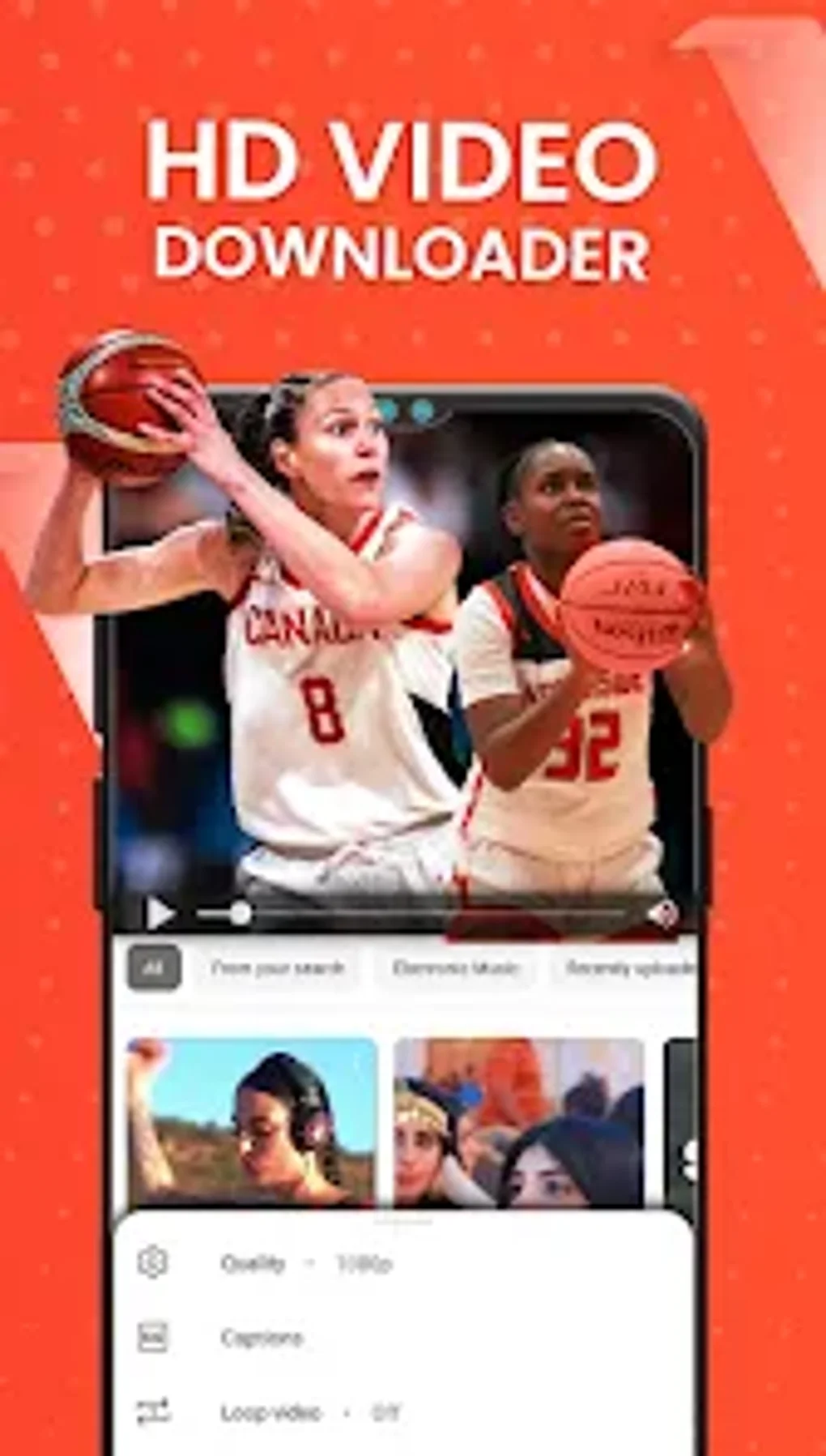
All Video Downloader advertises support for “all video formats,” a claim that requires further scrutiny. While the app generally handles common formats like MP4, MOV, and AVI effectively, its compatibility with less common or more niche video formats remains uncertain. This claim should be viewed with caution. It’s crucial for users to test the app’s ability to download their specific target video format before relying on it completely. The lack of explicit specification regarding supported formats leaves room for user frustration, especially when encountering obscure formats that might not be handled correctly.
Furthermore, the app’s compatibility extends to numerous social media platforms, enabling users to download videos from various sources such as Facebook, Instagram, TikTok, and YouTube. This broad compatibility is a substantial advantage, making it a versatile tool for users who frequently access videos across different platforms. This feature makes All Video Downloader a convenient one-stop shop for video downloads, eliminating the need for separate apps or tools for different platforms.
Download Speed and Performance
The speed of video downloads is crucial, and All Video Downloader’s performance in this aspect varies depending on several factors. These factors include the size of the video file, the user’s internet connection speed, and the server hosting the target video. Generally, the app performs adequately for smaller videos, providing reasonable download speeds under favorable network conditions. However, users might encounter slower speeds or stalled downloads when dealing with larger files or facing unstable network connections.
In some cases, users have reported issues where downloads fail to complete, or the downloaded files become corrupted. This indicates potential limitations in the app’s error handling mechanisms or issues with its ability to manage larger or complex video files. Further optimizations in the download engine could significantly improve download speeds and enhance reliability. Users should be prepared for the possibility of slower speeds or download failures, particularly when working with larger files or slower network connections.
Security and Privacy Concerns
The use of any third-party app for downloading online content raises security and privacy concerns. It is vital to be aware of potential risks associated with using All Video Downloader. The app’s privacy policy should be reviewed thoroughly before installation to understand how user data is collected, stored, and used. While the app itself might not directly compromise user security, downloading copyrighted content without permission can lead to legal issues. Users should be responsible and mindful of copyright laws and only download content that they have the right to access.
Additionally, the app’s source code and the security measures implemented within it remain undisclosed, raising concerns about the app’s overall safety. A transparent approach to security and privacy would significantly enhance user trust and confidence in the application. Users should exercise caution and avoid downloading the app from untrusted sources. Always opt for official app stores or verified websites to ensure you are installing a legitimate and secure version.
Alternatives and Comparison
All Video Downloader is not alone in the market; numerous alternative video downloaders exist for Android devices. Some noteworthy competitors include:
-
VidMate: VidMate offers a vast range of features, including support for various streaming platforms and a more robust interface. However, it might be slightly more resource-intensive and less user-friendly for beginners.
-
TubeMate: A popular choice known for its simple interface and ease of use, TubeMate lacks some of the more advanced features found in All Video Downloader or VidMate.
- NewPipe: NewPipe stands out for its privacy-focused approach. It prioritizes downloading videos directly from the source, minimizing third-party interactions, but its functionality might be considered more basic than All Video Downloader.
The choice between these apps depends on individual user needs and priorities. All Video Downloader provides a solid balance of ease of use and functionality, though it might lack the advanced features or specialized functions found in some competitors.
Conclusion
All Video Downloader offers a simple and relatively effective solution for downloading videos and audio files from various online sources. Its intuitive interface and broad compatibility make it a viable option for users seeking a straightforward video downloader. However, limitations exist in terms of download speed, handling of large files, specific format compatibility, and a lack of detailed information concerning security and privacy practices. Users should carefully weigh the advantages and disadvantages before installing the app, considering their specific needs and the availability of alternative solutions. The overall experience is generally positive for those needing a basic video downloader, but users seeking advanced features or maximum download speeds might find more suitable alternatives in the marketplace. A more detailed, transparent disclosure regarding security and privacy practices and additional improvements in handling large files and diverse video formats would significantly improve the overall user experience and elevate All Video Downloader among competitors.
File Information
- License: “Free”
- Version: “1.1.6”
- Latest update: “May 2, 2024”
- Platform: “Android”
- OS: “Android 13.0”
- Language: “English”
- Downloads: “258.9K”
- Size: “24.61 MB”
- Download Options: “APK, Google Play”
- Filename: “All_Video_Downloader_v1.1.6.apk”