
AllCast, developed by ClockworkMod, is a powerful application designed to bridge the gap between your mobile devices and your television. This comprehensive guide delves into the functionalities, advantages, and limitations of AllCast, exploring its capabilities across various platforms and addressing user queries. We’ll examine its compatibility, explore alternative apps, and discuss user experiences.
Apps: AllCast and its Core Functionality
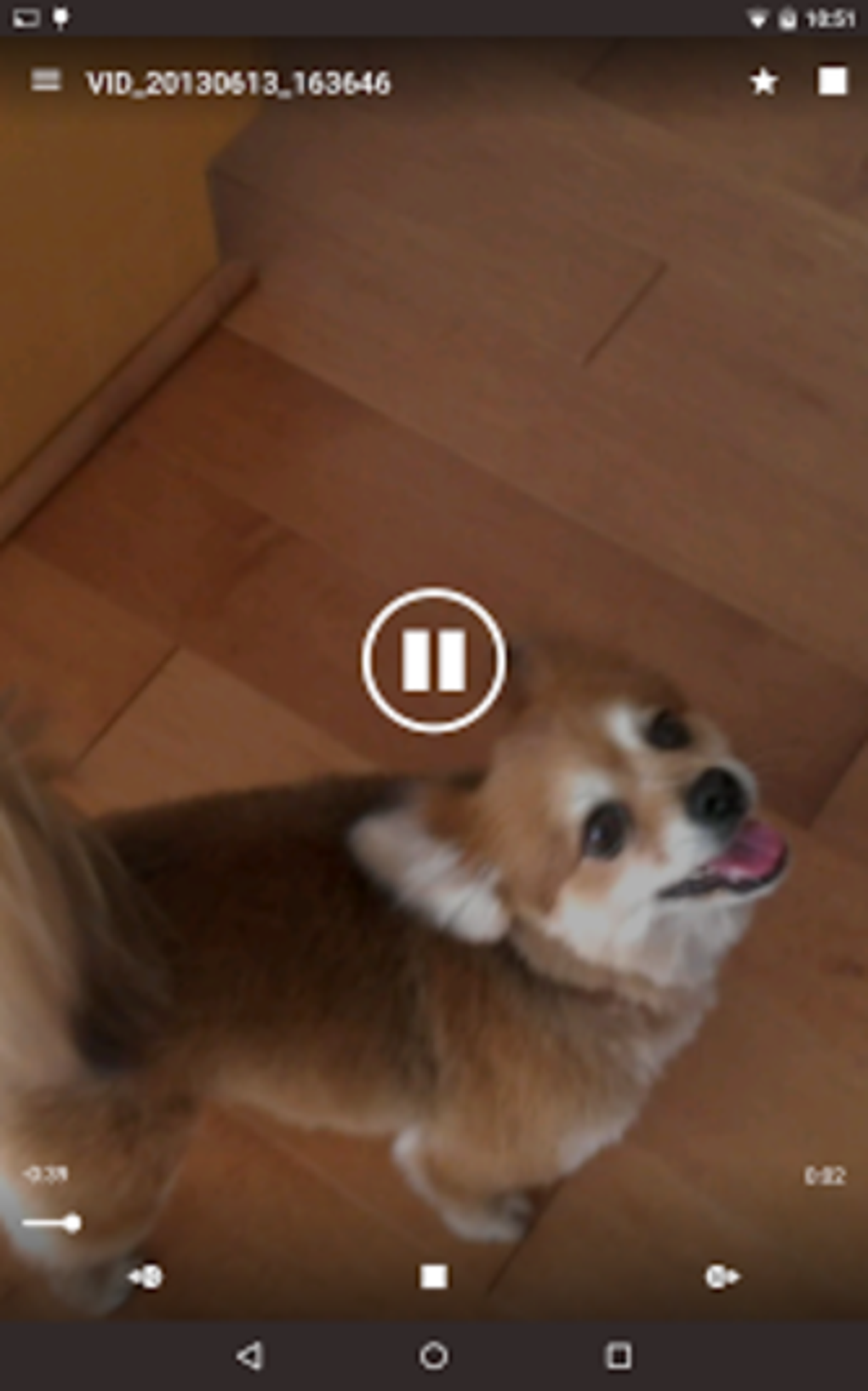
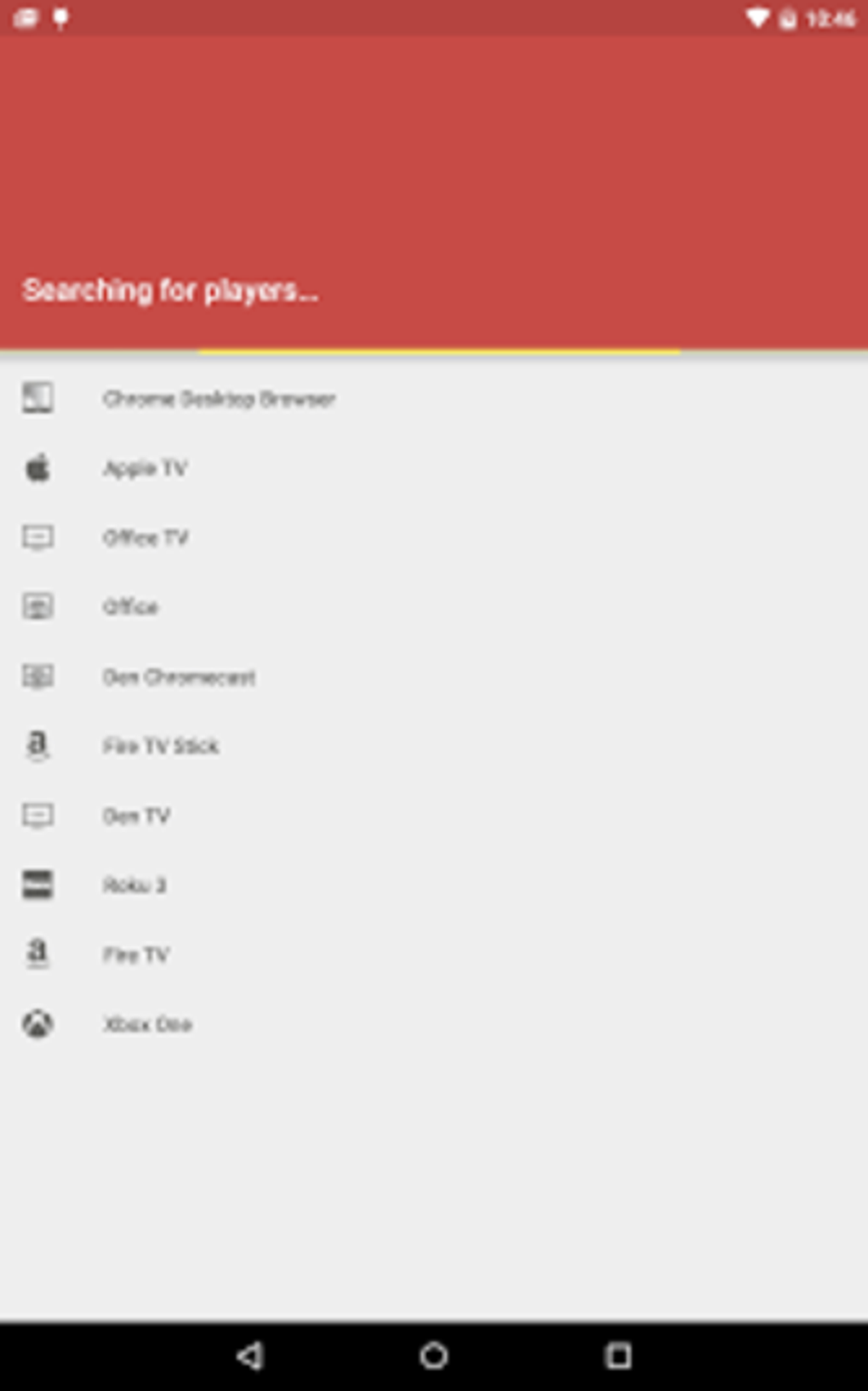
AllCast serves as a versatile media streamer, enabling users to effortlessly share photos, videos, and music from their Android devices to a wide array of compatible television sets and streaming devices. Its core functionality revolves around connecting your mobile device to your television, transforming your phone or tablet into a convenient remote control for viewing your media library. The app supports a broad spectrum of devices, including:
- Chromecast: Google’s popular streaming dongle.
- Apple TV: Apple’s multimedia streaming device.
- Amazon FireTV: Amazon’s streaming media player.
- Xbox 360 & Xbox One: Microsoft’s gaming consoles with media streaming capabilities.
- WDTV (Western Digital TV): Western Digital’s media player.
- Roku: Roku’s family of streaming devices.
- Samsung, Sony, and Panasonic Smart TVs: Many Smart TVs with built-in DLNA support.
- Other DLNA-compliant renderers: A wide range of devices using the Digital Living Network Alliance (DLNA) standard.
This extensive compatibility ensures that AllCast can be used with a vast selection of home entertainment systems. The ability to stream directly from cloud storage services, like Dropbox and Google Drive, enhances its convenience, allowing for immediate access to your online media collections without needing to download files first. Furthermore, the app provides real-time information regarding the status of your Wi-Fi or network connection, ensuring a stable streaming experience.
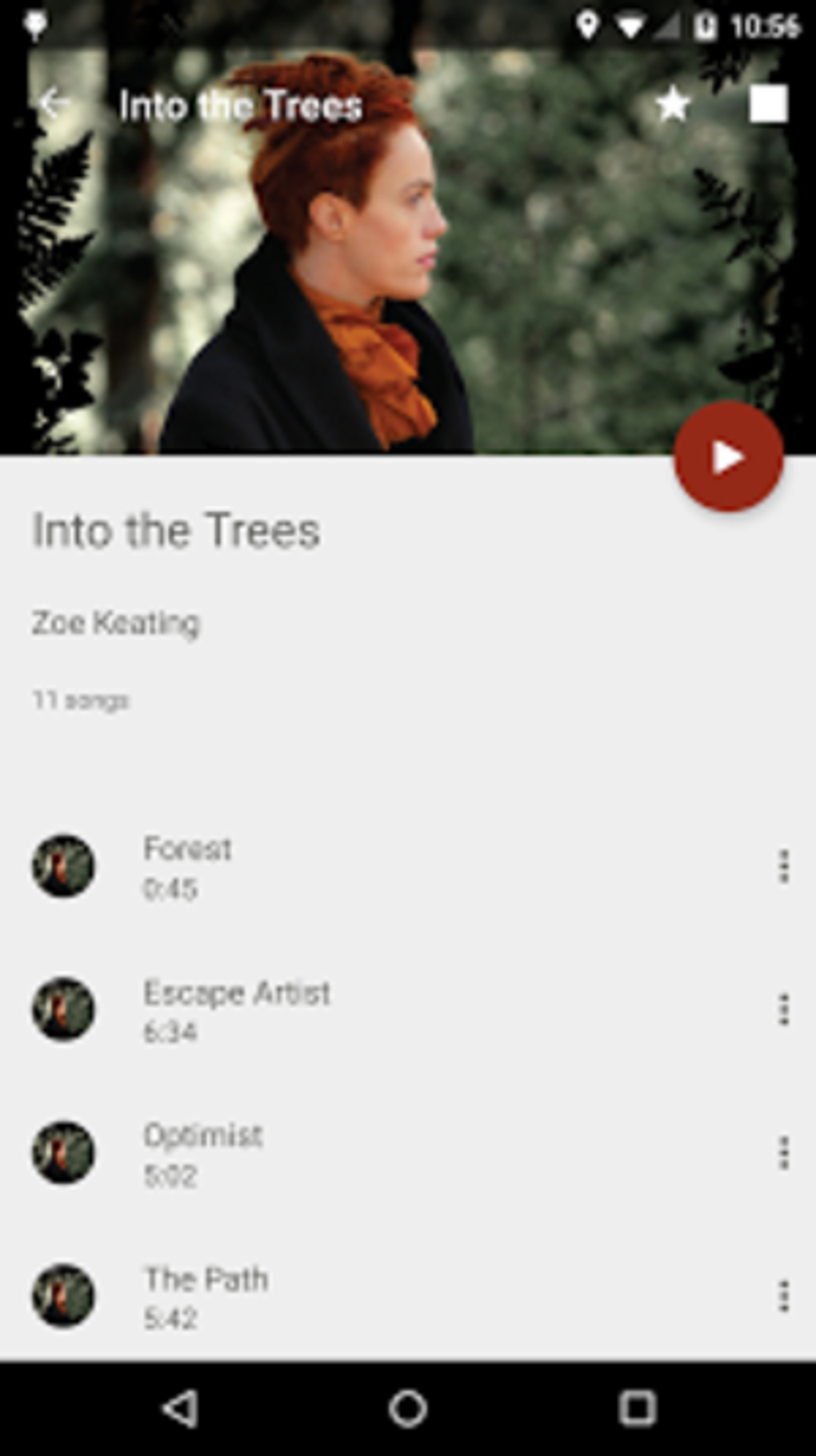
AllCast also features a built-in network device scanner, allowing you to identify and connect to compatible devices on your local network. Its “Wake Lock” functionality maintains a persistent connection during streaming, preventing interruptions due to device sleep modes. The app supports media playback from a variety of sources, including your device’s SD card and other external storage locations, providing access to a broad range of content. Beyond basic media streaming, AllCast also boasts the capability to cast Google Music, extending its utility beyond just photos and videos.
Games: AllCast’s Role (Indirectly)
While AllCast itself isn’t a game, its capabilities indirectly support gaming experiences. For example, you might use AllCast to stream gameplay footage from your mobile device to a larger screen, allowing friends or family to watch along. Or, you could potentially use it to display game-related images or videos on your TV. However, it’s important to note that AllCast’s primary function isn’t focused on gaming; its strength lies in facilitating media sharing and consumption.
News about AllCast: Updates and Developments
As of May 23, 2023, the latest version of AllCast (3.0.1.7) was released. While official news channels for AllCast might be limited, users can often find updates and discussions within online forums and app review sections. News regarding future updates, bug fixes, and new feature additions would typically be revealed through such channels. Keeping an eye on these sources can provide insights into the ongoing evolution of the AllCast application and its ongoing compatibility with emerging technologies.
For Business: Potential Applications
While primarily a consumer-focused application, AllCast could find limited applications in business contexts. For instance, in presentations or training sessions, AllCast could be used to share visuals or videos from a mobile device to a projector or larger display. This could be useful for small businesses or individuals who need a quick and easy way to share media during presentations.
Android: AllCast’s Native Platform
AllCast is primarily designed and optimized for the Android operating system. Its user interface and features are tailored to the Android ecosystem, offering a seamless user experience for Android users. The APK file, directly downloadable, facilitates quick and straightforward installation. While the app might have alternative versions for other platforms, the Android version remains its core offering, leveraging the operating system’s inherent features and strengths for efficient media streaming. The extensive Android compatibility ensures a broad reach across various Android devices and versions. The specified requirement of Android 9.0 or higher indicates ongoing efforts to maintain performance and compatibility with the latest Android updates.
Utilities & Tools: AllCast’s Position in the Android Ecosystem
Within the larger landscape of Android utilities and tools, AllCast occupies a niche as a specialized media streaming application. Unlike general-purpose utilities, AllCast focuses on a singular, well-defined task: bridging the gap between mobile devices and televisions for media playback. This specialization makes it a valuable tool for users who regularly stream media from their mobile devices, simplifying and enhancing the media sharing experience. Its position within the Android ecosystem benefits from the broad availability of DLNA-compatible devices and the increasing popularity of media streaming as a form of entertainment consumption.
AllCast APK for Android: Download and Installation
The AllCast APK for Android is freely available, allowing users to download and install the application directly. While Google Play is a recommended distribution channel for many Android apps, the direct APK download offers an alternative method for those who might prefer to manage their app installations independently. The APK file size (30.90 MB) is relatively modest, making the download process quick and easy even on lower-bandwidth connections. However, users should always exercise caution when downloading APKs from unofficial sources to ensure the integrity and security of the downloaded file. It is strongly advised to download only from reputable sources to mitigate potential security risks.
Alternative Apps: Exploring Competitive Options
Several alternative applications offer similar media streaming functionalities to AllCast. The specific choice of application often depends on individual user preferences and requirements. Some alternative apps may offer more advanced features, such as improved support for specific streaming protocols or enhanced user interface customization options. Other apps may offer more robust cloud storage integration, making it easier to stream directly from various online accounts. Comparing features, user reviews, and compatibility across different applications allows users to choose the best fit for their particular needs.
User Reviews: Gauging User Satisfaction
User reviews of AllCast provide valuable insights into the application’s strengths and weaknesses. While positive reviews often highlight the app’s ease of use and wide compatibility, negative reviews sometimes point to issues such as intermittent connectivity problems, limitations on streaming duration, or compatibility problems with specific devices. These user experiences offer a practical perspective on the app’s reliability and performance. Analyzing user feedback enables a more nuanced understanding of the app’s performance and can aid in identifying areas for potential improvement.
AllCast: A Concise Summary
AllCast provides a convenient and efficient solution for streaming media content from Android devices to a wide range of TVs and streaming devices. Its versatility, broad compatibility, and straightforward interface make it an attractive option for many users. While certain limitations exist regarding streaming duration and potential compatibility quirks, the advantages of effortless media sharing often outweigh these drawbacks for many users seeking a simple and effective method of streaming their favorite media content to a larger screen. The app’s continued development and updates suggest an ongoing effort to refine functionality and address user feedback. However, prospective users should carefully weigh their own needs and requirements against available alternatives to ensure the best possible fit for their specific use case.
File Information
- License: “Free”
- Latest update: “May 23, 2023”
- Platform: “Android”
- OS: “Android 9.0”
- Language: “English”
- Downloads: “109.8K”
- Size: “30.90 MB”
- Download Options: “APK, Google Play”
- Filename: “com-koushikdutta-cast-1594146691-52315434-48ad0199a642649e6d0295ac893e8699.apk”


