
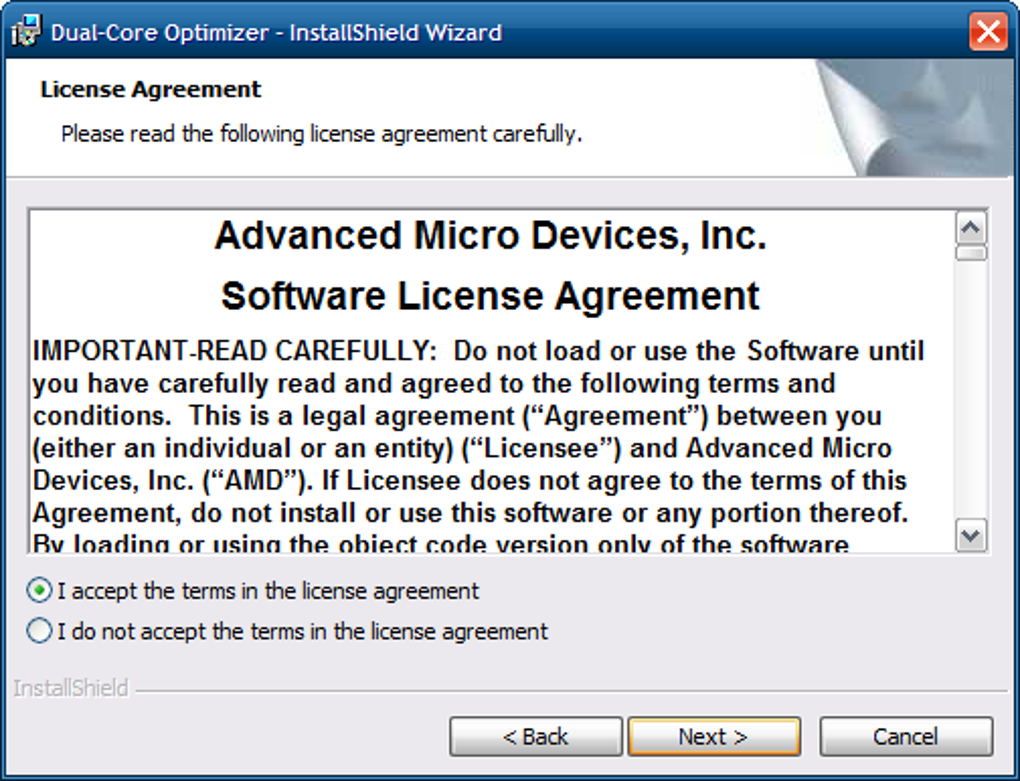
The AMD Dual-Core Optimizer is a now-obsolete utility designed to enhance the performance of older systems and games, primarily those running on Windows XP and Vista. This software directly manipulates the system’s power management, specifically targeting the processor’s Time Stamp Counter (RDTSC) utilized by certain applications. While it offered potential performance improvements for some users, its relevance has significantly diminished due to advancements in processor technology and operating system optimization. This article delves into the specifics of the AMD Dual-Core Optimizer, exploring its purported benefits, drawbacks, and why it’s no longer considered a necessary tool for modern computing.
How the AMD Dual-Core Optimizer Worked
The AMD Dual-Core Optimizer’s core functionality revolved around modifying the power management settings of dual-core AMD processors. This was particularly beneficial for older applications and games that relied heavily on RDTSC for timing-sensitive operations. RDTSC, or Read Time-Stamp Counter, is an instruction used to measure elapsed time. However, power management features in older operating systems could sometimes interfere with the accuracy and efficiency of RDTSC, leading to performance bottlenecks.
The optimizer aimed to circumvent these issues by adjusting power management settings to prioritize performance over power conservation. This essentially meant allowing the processor to run at higher clock speeds and consume more power when necessary, improving the responsiveness and speed of applications dependent on precise timing. Essentially, the software acted as a manual override, optimizing for speed at the expense of energy efficiency.
For some older games, this optimization could translate to smoother frame rates and improved overall gameplay. It also provided a potential solution for users encountering video performance issues, offering a rudimentary form of performance tuning. This was particularly relevant during a time when game developers didn’t always account for the complexities of power management in varied hardware configurations.
Benefits of Using the AMD Dual-Core Optimizer (Historically)
While largely superseded by modern advancements, the AMD Dual-Core Optimizer did offer certain advantages in its time:
-
Improved Performance in Older Applications: Programs designed for older, less power-managed systems could experience improved performance due to the optimizer’s adjustments to power settings. This often resulted in faster loading times, smoother execution, and generally more responsive behavior.
-
Enhanced Gaming Experience on Low-Spec Computers: On low-powered systems, the optimizer could provide a noticeable boost in gaming performance for older titles. This made it an attractive option for users with budget-friendly hardware configurations, squeezing additional performance out of their processors.
-
Potential Fix for Video Performance Issues: Some users reported resolving video-related performance problems, such as stuttering or lag, in games by using the AMD Dual-Core Optimizer. This suggests that in certain cases, the software effectively addressed timing inconsistencies introduced by power management features.
-
Compatibility with Older Operating Systems: The optimizer was designed to work with older versions of Windows, particularly Windows XP and Vista, which lacked the sophisticated power management capabilities found in later iterations of the operating system.
Drawbacks and Limitations of the AMD Dual-Core Optimizer
Despite its potential benefits, the AMD Dual-Core Optimizer came with significant drawbacks:
- Incompatibility with Modern Operating Systems: The AMD Dual-Core Optimizer is explicitly not compatible with Windows 7, 8, 10, 11, or later operating systems. Modern versions of Windows incorporate advanced power management features that make the optimizer’s interventions unnecessary and potentially disruptive.
-
Potential for System Instability: Improperly configured power settings, especially those manually overridden by third-party tools like the AMD Dual-Core Optimizer, can lead to system instability, crashes, and unexpected behavior. This risk was particularly high for inexperienced users who lacked a thorough understanding of their system’s power management.
-
Security Software Conflicts: Many antivirus and security suites would often flag the AMD Dual-Core Optimizer as a potential threat or prevent its installation. This was often due to the tool’s direct manipulation of system-level settings, raising concerns about potential vulnerabilities.
-
No Benefit for Optimized Systems: For systems already properly optimized for power and performance, the AMD Dual-Core Optimizer offered no tangible improvement. In fact, it could potentially introduce unnecessary overhead or instability.
-
Redundancy in Modern Processors and OS: Modern processors and operating systems incorporate advanced power management techniques that automatically adjust performance based on workload and other factors. This eliminates the need for manual intervention by tools like the AMD Dual-Core Optimizer. Modern game development also accounts for these factors, minimizing the potential for performance bottlenecks related to RDTSC.
The Rise of Modern Alternatives and Obsolescence
The AMD Dual-Core Optimizer’s relevance has dramatically decreased due to advancements in several areas:
- Processor Technology: Modern multi-core processors are far more efficient and better at managing power dynamically. They handle tasks far more effectively than older dual-core processors, significantly reducing the need for manual intervention.
-
Operating System Enhancements: Later versions of Windows, including Windows 7 and beyond, incorporate sophisticated power management schemes that automatically balance performance and power consumption. These systems dynamically adjust processor clock speeds and power consumption based on the current workload, eliminating the need for a separate optimization utility.
-
Game Engine Optimization: Modern game engines are designed to work efficiently with modern operating systems and hardware. They incorporate techniques that effectively handle power management, resulting in smooth and optimized gameplay without the need for third-party tools.
Modern processors and operating systems have integrated and significantly improved power management, rendering the AMD Dual-Core Optimizer obsolete. The risks associated with using this tool far outweigh any potential performance benefits, particularly on modern systems.
Conclusion: A Relic of the Past
The AMD Dual-Core Optimizer serves as a historical example of how software solutions address specific hardware and software limitations of a particular era. While it offered potential performance gains for users of older systems and games, its relevance has long since diminished. The advancements in processor technology, operating system design, and game engine optimization have made its functionalities redundant and potentially detrimental. Modern users should focus on leveraging the built-in optimization features of their operating systems and hardware rather than seeking out outdated utilities like the AMD Dual-Core Optimizer. Its legacy lies in illustrating the evolving landscape of computing and the continuous improvements in both hardware and software designed to optimize performance and efficiency. Attempting to utilize it on modern systems is strongly discouraged due to its incompatibility and potential negative consequences.
File Information
- License: “Free”
- Version: “1.1.4”
- Latest update: “July 15, 2022”
- Platform: “Windows”
- OS: “Windows 8”
- Language: “English”
- Downloads: “57.1K”
- Size: “4.54 MB”


