
Anchor is a mobile application that empowers anyone to create and share their own podcasts, transforming the process from a complex undertaking to a simple, user-friendly experience. This comprehensive review delves into Anchor’s features, benefits, drawbacks, and overall effectiveness as a podcasting platform, comparing it to the ease of social media interaction like Twitter while providing a unique audio-centric experience.
Effortless Podcast Creation: A Two-Minute Audio Revolution
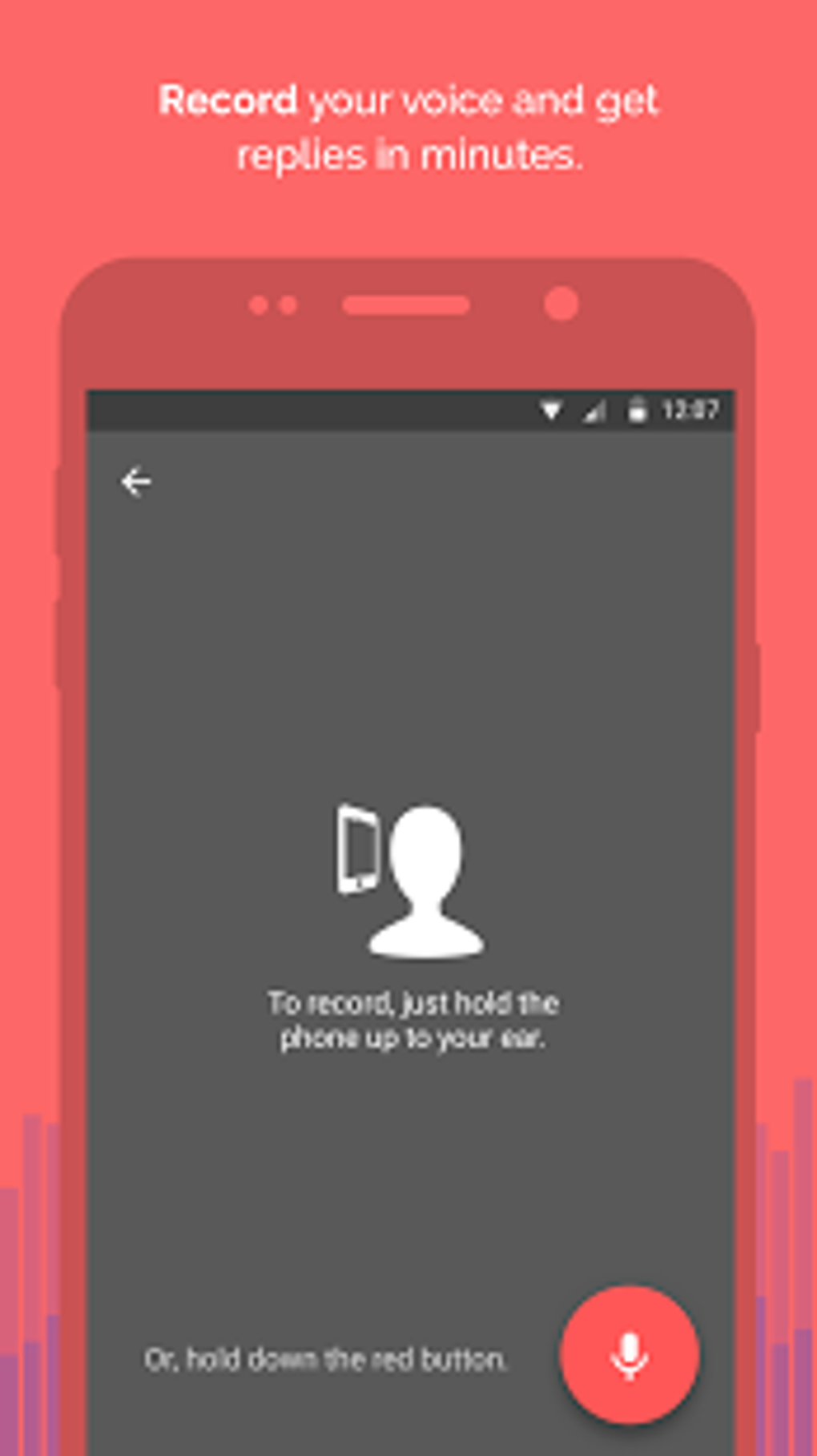
Anchor’s core strength lies in its simplicity. The app aims to democratize podcasting, making it accessible to even the most technically challenged individuals. Creating a podcast episode is as straightforward as making a short phone call. The app boasts intuitive recording capabilities, allowing users to capture high-quality audio directly through their mobile device. This eliminates the need for expensive recording equipment and complex audio editing software.
The recording process itself is streamlined. Users can record their audio in short bursts, allowing them to easily pause and resume, perfect for capturing thoughts and ideas without the pressure of continuous recording. This flexibility greatly benefits individuals who prefer a spontaneous, conversational approach to podcasting. The app handles the technical intricacies, such as audio compression and formatting, leaving users to focus solely on the content of their podcast.
Beyond simple recording, Anchor also provides basic editing tools within the app. Users can cut out unwanted sections, adjust audio levels, and add simple sound effects. While it doesn’t offer the advanced features of professional-grade audio editing software, these basic tools are sufficient for creating a polished final product for most users.
The app’s focus on brevity is a key design choice. Anchor is not designed for long-form, meticulously produced podcasts. Instead, it encourages short, focused episodes, often resembling short audio blog posts or conversational snippets. This approach is akin to the brevity of tweets on Twitter, making it ideal for quick updates, informal discussions, or sharing quick thoughts and ideas.
Distribution and Sharing: Expanding Your Podcast’s Reach
One of Anchor’s most significant advantages is its built-in distribution network. Once a podcast is created, Anchor facilitates easy sharing across multiple platforms, including Spotify, Apple Podcasts, and Google Podcasts. This eliminates the need for users to manually submit their podcasts to various directories. The app handles the technicalities, significantly reducing the time and effort required for podcast distribution.
Anchor also allows for easy embedding of podcast episodes into websites and blogs. The app provides the necessary embed codes, allowing users to seamlessly integrate their audio content into their online presence. This is a powerful feature for individuals who want to expand their reach beyond the traditional podcast platforms.
The social media integration of Anchor is a key differentiator. While not directly a social media platform itself, Anchor allows users to share their podcasts directly to various social media channels, encouraging interaction and engagement with their audience. This feature further reinforces Anchor’s goal of making podcasting accessible and integrating it into the existing social media landscape.
The Anchor Community and Interactive Features
Anchor attempts to foster a sense of community among its users, although its approach to social interaction is less pronounced than dedicated social media platforms. While you cannot directly interact with other users’ podcasts in the same way you might respond to a tweet, the structure does facilitate a sense of dialogue through the way podcasts are presented. Users can easily share and discover new podcasts within the app, creating a network of creators and listeners.
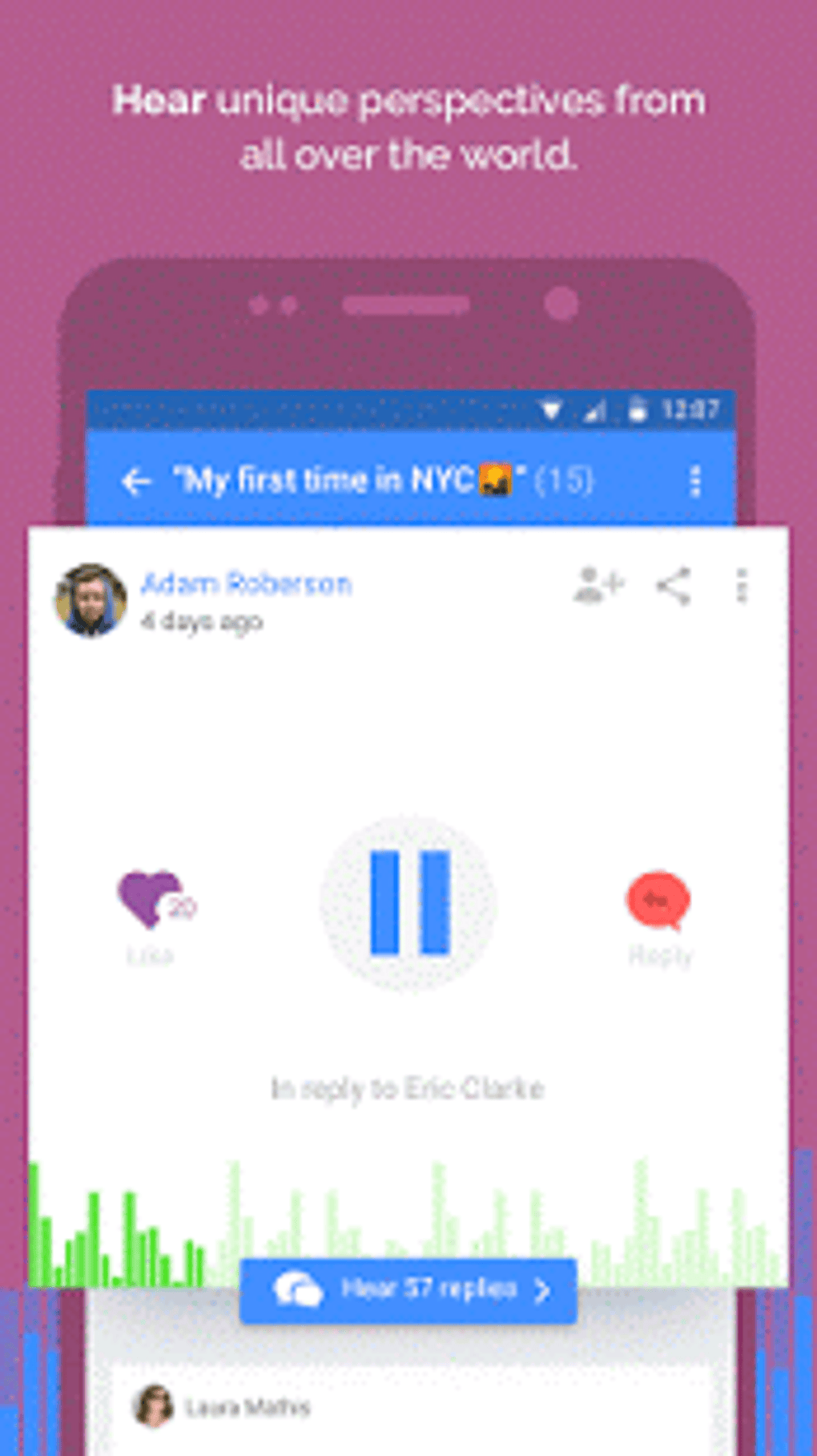
The app’s structure encourages a form of threaded conversation – particularly useful for interviews and collaborative podcasts. Listeners aren’t commenting directly, but the format of a podcast allowing for responses and follow-up episodes creates a unique interactive experience. This feature distinguishes Anchor from simply being a podcast recording and publishing tool, adding a level of interactive engagement that is increasingly crucial in today’s digital environment.
Limitations and Potential Drawbacks of Anchor
While Anchor offers many advantages, it is not without its limitations. One notable drawback is the requirement for user registration. This might discourage some users who prefer anonymous or quick, ephemeral audio sharing. However, this requirement is essential for the app’s distribution and community features.
The limitation on recording length is another potential drawback. While the short format suits many users, those requiring longer podcasts will find Anchor insufficient. This restriction forces users to create multiple shorter episodes, which might disrupt the flow of longer narratives or in-depth discussions.
Finally, the app’s built-in editing tools, while helpful, are basic compared to dedicated audio editing software. Users seeking more advanced editing options will need to use external tools, which adds a layer of complexity to the workflow that contradicts Anchor’s core principle of simplicity.

Anchor vs. Traditional Podcasting Methods: A Comparison
Traditional podcasting methods usually involve several steps: recording using a high-quality microphone and audio interface, editing with professional audio software, and finally, distributing the podcast across multiple platforms. This process is often time-consuming and requires a significant technical understanding.
Anchor simplifies this process significantly. It integrates recording, editing, and distribution into a single application, eliminating the need for users to use multiple tools and platforms. This streamlined approach is particularly attractive to casual podcasters or individuals who lack the technical skills to manage more complex workflows.
Anchor, therefore, positions itself not as a replacement for professional podcasting workflows, but as a complementary tool, ideal for short-form content, quick updates, and informal audio discussions. For users seeking a user-friendly, accessible platform for creating and sharing their podcasts, Anchor delivers a streamlined and efficient experience. While its limitations in recording length and editing capabilities might not suit all users, its simplicity and ease of use make it an attractive option for a wide range of creators, especially those new to podcasting or looking for a more spontaneous approach. It bridges the gap between the simplicity of text-based social media and the richness of audio content, creating a unique space for sharing audio-based ideas and conversations.
File Information
- License: “Free”
- Latest update: “August 11, 2025”
- Platform: “Android”
- OS: “Android 15.0”
- Language: “English”
- Downloads: “4.9K”
- Download Options: “Google Play”


