
The Android TV Remote Control app, a free offering from Google, transforms your smartphone or tablet into a convenient and versatile control center for your Android TV. This application surpasses the functionality of a traditional remote, integrating features like voice search and adaptable navigation modes, making it an indispensable tool for enhancing your Android TV experience. This guide will delve into the app’s features, advantages, and limitations, providing a comprehensive overview for potential users.
Seamless Control and Enhanced Navigation
Android TV, while offering a streamlined entertainment experience, often comes equipped with a basic remote. The Android TV Remote Control app provides a significant upgrade, offering a more intuitive and feature-rich interface directly from your mobile device. This eliminates the need to constantly search for the physical remote, providing a seamless and convenient way to navigate your Android TV’s content.
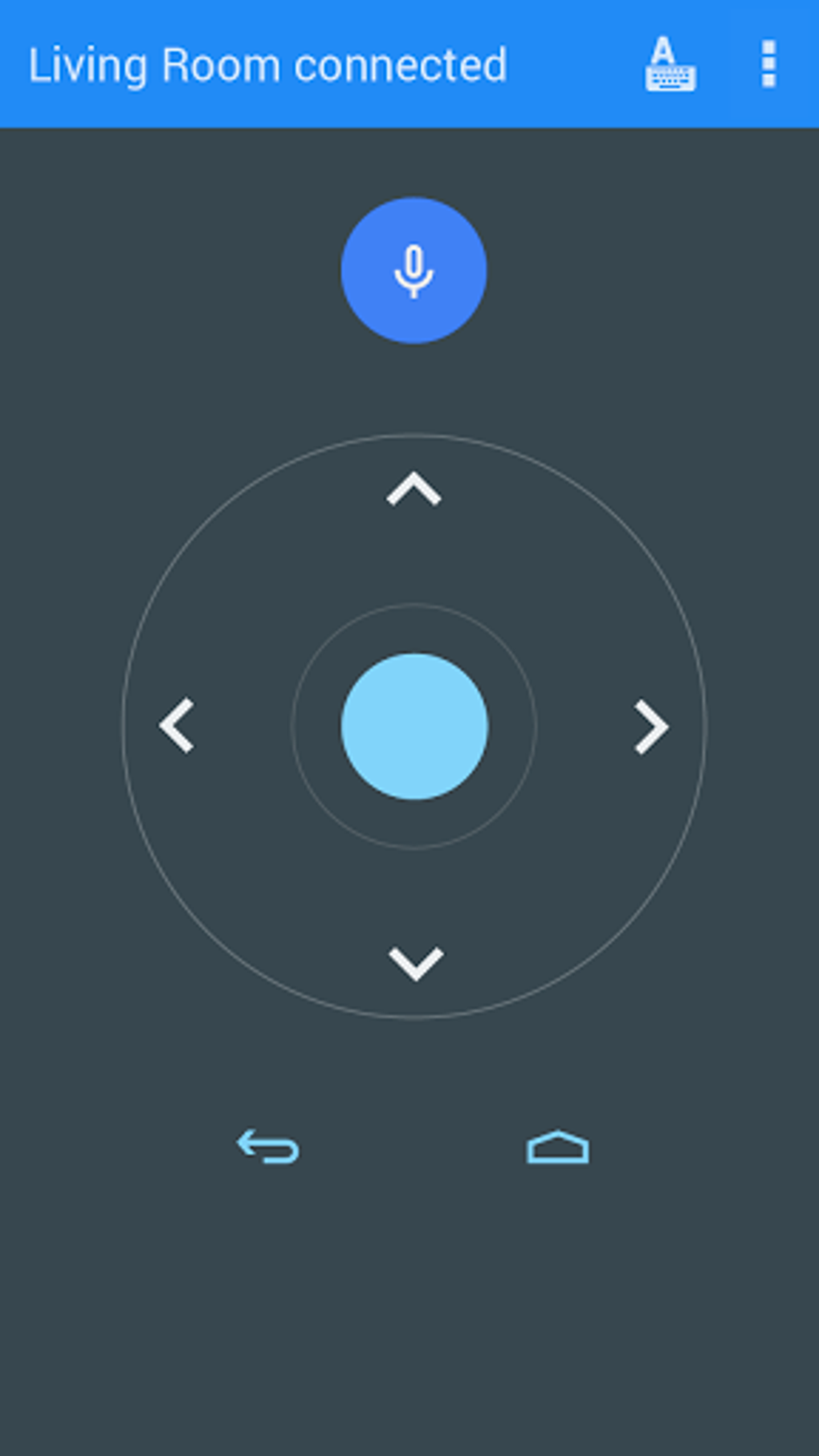
The app replicates the functionality of a standard remote, allowing users to effortlessly control volume, power, and channel selection. However, it extends beyond basic control, offering significant enhancements. The standout feature is the integration of voice search, enabling users to quickly locate specific movies, shows, or apps simply by speaking into their phone. This eliminates the often tedious process of navigating menus using the directional pad, especially when searching for specific content.
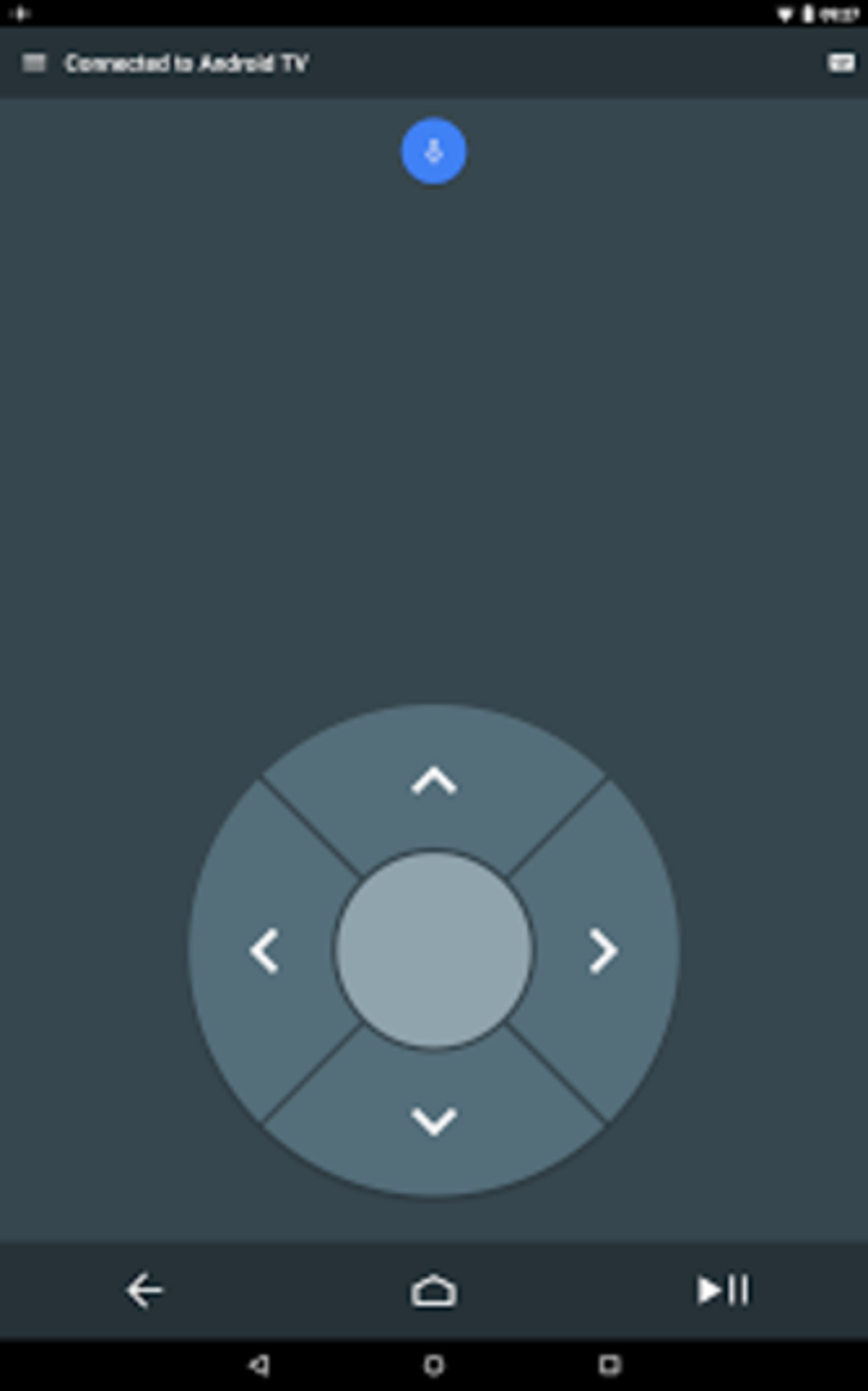
Furthermore, the app offers two distinct navigation modes: d-pad and touchpad. The d-pad mode provides a classic directional control experience, mirroring the traditional remote’s functionality. Alternatively, the touchpad mode allows for more precise and fluid navigation, particularly beneficial when dealing with smaller on-screen elements or when navigating complex menus. The flexibility of choosing between these modes allows users to select the navigation style best suited to their preferences and the specific task at hand.
Easy Setup and User-Friendly Interface
Setting up the Android TV Remote Control app is incredibly straightforward. The primary requirement is that both your smartphone or tablet and your Android TV are connected to the same Wi-Fi network. Once this condition is met, the app automatically detects and connects to your Android TV, requiring minimal user intervention. This simple setup process ensures that even users unfamiliar with technological complexities can easily set up and begin using the app.
The app’s interface is clean, uncluttered, and intuitive, providing a user-friendly experience. All the essential control functions are readily accessible, while the voice search function is prominently featured for quick access. The layout is designed for ease of use, making it easy for anyone to navigate and control their Android TV without any prior experience.
Advantages of Using the Android TV Remote Control App
The Android TV Remote Control app offers a plethora of advantages over a traditional remote:
-
Convenience: The app eliminates the need to constantly search for the physical remote, providing immediate access to control your Android TV from anywhere within Wi-Fi range.
-
Enhanced Search Functionality: The integrated voice search function significantly streamlines content discovery, allowing users to quickly locate desired programs or apps through voice commands.
-
Flexible Navigation Modes: The option to choose between d-pad and touchpad modes provides a customizable navigation experience tailored to individual preferences.
-
Portability: Your phone is always with you, unlike the physical remote. You can control your Android TV even while relaxing elsewhere in the house within the range of your Wi-Fi network.
-
Free of Charge: The Android TV Remote Control app is available for free, adding value without incurring any cost.
-
Simple Setup: Connection and setup are intuitive and straightforward, ensuring quick and easy access to the app’s functionality.
Limitations and Potential Issues
While the Android TV Remote Control app provides a significant improvement over a traditional remote, it does have some limitations:
-
Network Dependency: The app requires a stable Wi-Fi connection to function correctly. Interruptions or instability in the Wi-Fi network can lead to disconnections and disruptions in control.
-
Limited Functionality: While the app offers advanced features like voice search and dual navigation modes, its functionality might be limited compared to some third-party universal remote control apps. Some advanced features might be absent, and certain device-specific functions might not be supported.
-
Potential for Lag: Occasionally, there might be a slight lag between commands issued through the app and their execution on the Android TV. This lag is generally minimal but can be noticeable in certain situations.
- Compatibility Issues: While the app is designed for Android TV devices, it’s crucial to ensure compatibility with your specific model and Android TV version. Some older or less common Android TV models might experience compatibility issues.
Alternatives and Comparisons
Several alternative remote control apps are available for Android, each with its unique features and capabilities. Some of these apps offer broader compatibility, supporting a wider range of devices beyond Android TV. Others might include advanced features not found in the Google-provided app, such as programmable macros or support for multiple devices. However, the Android TV Remote Control app offers a significant advantage in terms of ease of use, seamless integration with the Android TV ecosystem, and the simplicity of setup. While other options might offer additional functionality, they might compromise on user-friendliness or require more complex setup procedures.
Conclusion
The Android TV Remote Control app is a valuable addition to the Android TV experience, transforming smartphones and tablets into highly effective and convenient control centers. Its intuitive interface, voice search capabilities, and flexible navigation modes provide a significant upgrade over traditional remotes. While network dependency and occasional minor lags represent limitations, the ease of use and seamless integration make it a highly recommended app for enhancing your Android TV experience. Consider your specific needs and preferences when comparing it to other universal remote applications, but for a straightforward and effective solution, the Android TV Remote Control app remains a strong contender. Its free availability and simplicity make it an accessible and beneficial tool for any Android TV user.
File Information
- License: “Free”
- Version: “1.1.0.3876957”
- Latest update: “July 12, 2023”
- Platform: “Android”
- OS: “Android 9.0”
- Language: “English”
- Downloads: “186K”
- Size: “7.00 MB”
- Download Options: “APK, Google Play”
- Filename: “com.google.android.tv.remote.apk”


