
The holiday season is a time for joy, celebration, and spending time with loved ones. But for many, the holiday rush doesn’t mean a slowdown in computer usage. If you’re looking to infuse a bit of festive cheer into your digital workspace without sacrificing productivity, Animated Christmas Tree for Desktop offers a simple yet charming solution. This lightweight program lets you adorn your desktop with a virtual Christmas tree, bringing a touch of holiday magic to your screen.
Setting the Festive Mood: Ease of Use and Customization
Animated Christmas Tree for Desktop boasts a user-friendly interface, making it accessible even for users with limited technical expertise. The installation process is straightforward and requires minimal effort. Once installed, the program seamlessly integrates with your Windows desktop, placing a virtual Christmas tree at your preferred location. The program’s simplicity extends to its core functionality. With a few clicks, you can place the tree, adjust its position, and even add multiple trees to create a miniature Christmas forest on your desktop.
The ability to customize the tree’s placement offers a personalized touch. Users aren’t limited to a single, pre-determined position; instead, they can freely arrange the tree to suit their aesthetic preferences and desktop layout. Whether you prefer a centrally positioned tree or a more subtly placed ornament, the choice is yours. The program’s intuitive design empowers users to easily experiment with different placements to find the perfect arrangement. This level of customization significantly enhances the overall user experience, transforming a simple application into a personalized festive feature.
Beyond placement, Animated Christmas Tree for Desktop provides further customization options. The transparency of the tree can be adjusted, allowing users to balance the festive visual with the visibility of their desktop icons and applications. This feature is particularly valuable for users who value a clean and organized desktop, preventing the virtual tree from overshadowing important work elements. This subtle yet effective control over the tree’s appearance ensures the program complements the user’s workflow, rather than disrupting it.
Beyond the Visuals: Interactive Features and Limitations
Animated Christmas Tree for Desktop isn’t merely a static image; it incorporates subtle interactive elements that add to its charm. Hovering your mouse cursor over the tree reveals a countdown to Christmas Day. This feature adds a dynamic element, transforming the tree into a festive reminder of the approaching holiday. The integration of a countdown timer is a thoughtful touch, providing a practical application beyond mere visual appeal. It keeps the user engaged and adds a layer of interactivity to the experience. The subtle animation adds to the festive charm without being overly distracting.
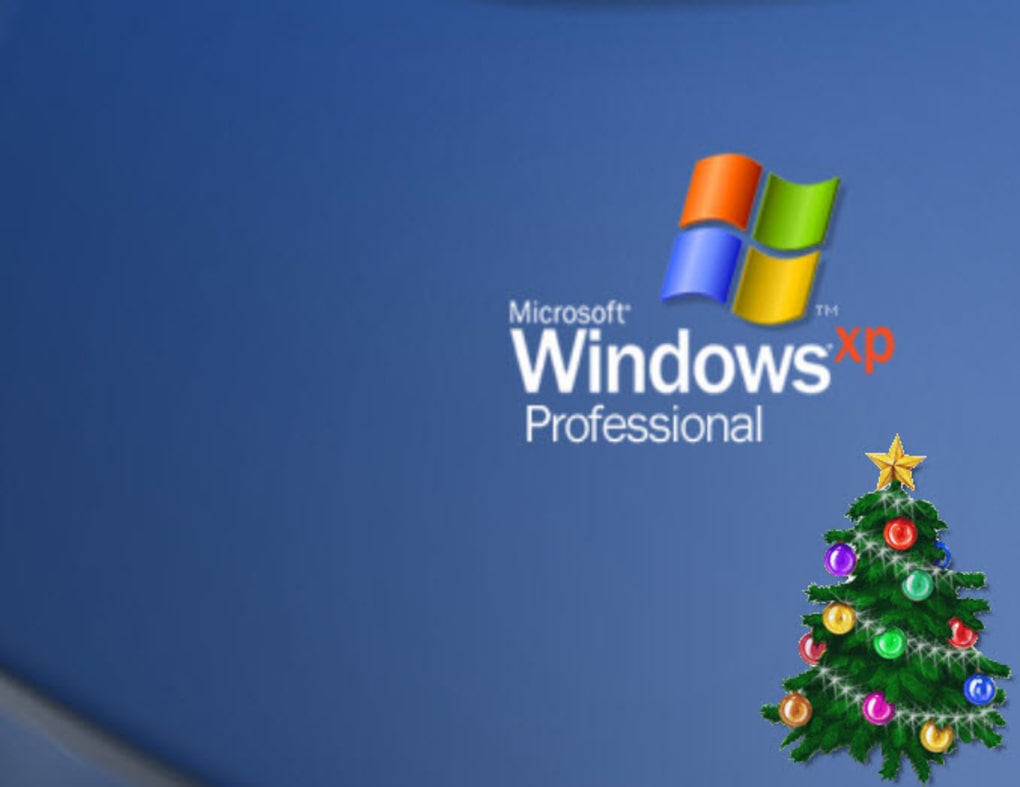
However, the program is not without its limitations. Some features, as noted in user reviews, are non-functional. The “about” section, intended to provide information about the application, and the Christmas countdown clock download option are reported as malfunctioning. While these shortcomings don’t entirely detract from the program’s primary function—providing a festive desktop enhancement—they represent areas where improvement is desired. These issues suggest the program may require further development and updates to ensure all features function as intended.
Performance and System Impact: A Lightweight Festive Addition
One of the notable advantages of Animated Christmas Tree for Desktop is its minimal impact on system performance. User reports consistently indicate that the program operates smoothly without causing noticeable slowdowns or lags. This is a significant factor for many users who might be hesitant to install additional programs due to concerns about system performance. The lightweight nature of the program makes it an ideal choice for users with less powerful computers or those who prefer a streamlined computing experience. The program remains unobtrusive and does not detract from other applications or tasks. It’s a responsible program in terms of system resources.
Alternatives and Comparisons: Finding the Right Festive App
While Animated Christmas Tree for Desktop offers a simple and effective way to enhance your desktop with festive cheer, it’s important to consider alternative options. Many other programs offer similar functionalities, often with expanded features or enhanced customization options. Some alternatives may offer high-resolution images, a wider selection of Christmas tree styles, or even interactive elements beyond a simple countdown. Depending on your specific needs and preferences, exploring alternative options could yield a program that better meets your requirements. However, for those seeking a straightforward and resource-friendly solution, Animated Christmas Tree for Desktop remains a viable choice.
Conclusion: A Simple Joy for the Holiday Season
Animated Christmas Tree for Desktop provides a straightforward and appealing method for adding a touch of holiday spirit to your desktop. Its ease of use, minimal system impact, and subtle interactive features make it a pleasant addition for the festive season. While some features are reported to be non-functional, the core functionality of placing a customizable Christmas tree on your desktop remains largely effective. For users seeking a simple and charming way to celebrate the holidays on their computer, Animated Christmas Tree for Desktop offers a readily accessible and unobtrusive solution. Its lighthearted approach and minimal resource usage make it an enjoyable addition to any holiday desktop experience, adding a touch of festive charm without the burden of complex software. If you’re looking for a quick and easy way to bring a little Christmas spirit to your computer, this program may well fit the bill. It’s a small application with a big heart for the season.
File Information
- License: “Free”
- Version: “2011”
- Latest update: “July 15, 2022”
- Platform: “Windows”
- OS: “Windows Vista”
- Language: “English”
- Downloads: “23.4K”
- Size: “269.99 KB”


