
Any DVD Converter is a multimedia software application developed by Anvsoft Inc. designed to convert various multimedia files from CDs and DVDs to a wide range of digital formats. This detailed review explores its capabilities, pros, cons, and how it stacks up against competitors in the ever-evolving landscape of video conversion software. We’ll delve into its user interface, conversion speed, output quality, supported formats, and additional features to provide a comprehensive assessment.
Key Features and Capabilities
Any DVD Converter boasts a robust feature set aimed at simplifying the process of converting DVD and CD content into digital files suitable for various devices and platforms. The software’s core function is its ability to rip content from DVDs and CDs, allowing users to preserve their collections in easily accessible digital formats. This is particularly useful for archiving personal video collections, backing up cherished family memories, or converting older media for use on modern devices that may not support legacy formats.
Beyond simple ripping, Any DVD Converter offers a versatile selection of output formats. Users can choose from a comprehensive list of popular video and audio codecs, ensuring compatibility with almost any device or media player. This flexibility extends to the ability to customize output settings, allowing users to fine-tune aspects like resolution, bitrate, frame rate, and codec to optimize file size and quality according to their specific needs. The inclusion of support for 4K UHD video with HEVC/H.265 encoding ensures high-fidelity output, maintaining excellent visual quality even in high-resolution formats.
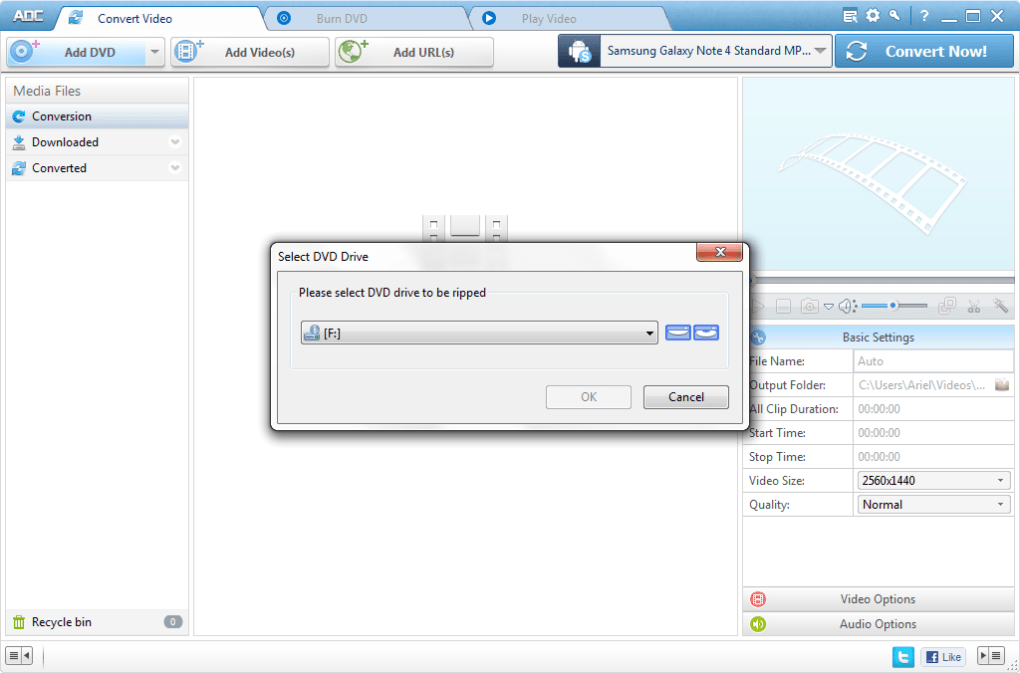
The software leverages NVIDIA’s NVENC accelerated encoding technology, significantly boosting conversion speeds. This technology dramatically reduces processing times compared to software relying solely on CPU processing, resulting in faster turnaround times for large video files. This speed advantage translates to a more efficient workflow for users who frequently convert large volumes of multimedia data.
Further enhancing its versatility, Any DVD Converter incorporates a built-in video editing function. Users can perform basic edits on their newly converted videos, such as trimming unwanted segments, cropping sections of the frame, or adding watermarks. While not a professional-grade video editor, this integrated functionality provides convenient tools for quick adjustments and improvements, eliminating the need for separate video editing software for simple tasks. This streamlined workflow is beneficial for users who desire basic editing capabilities without the complexity of dedicated video editing suites.
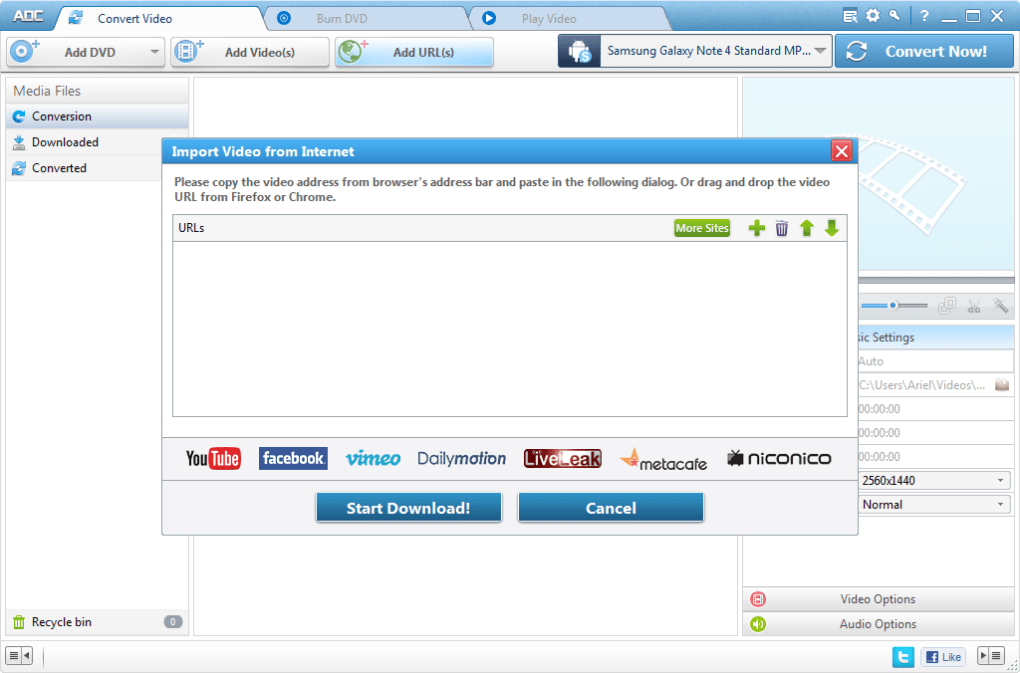
Moreover, Any DVD Converter extends its functionality beyond local media, offering the capability to download videos from a multitude of social media platforms and online video hosting websites. This feature broadens the software’s utility, providing a convenient way to download and convert online videos for offline viewing or archiving. However, it’s crucial to respect copyright laws and only download videos that are legally available for download.
User Interface and Ease of Use
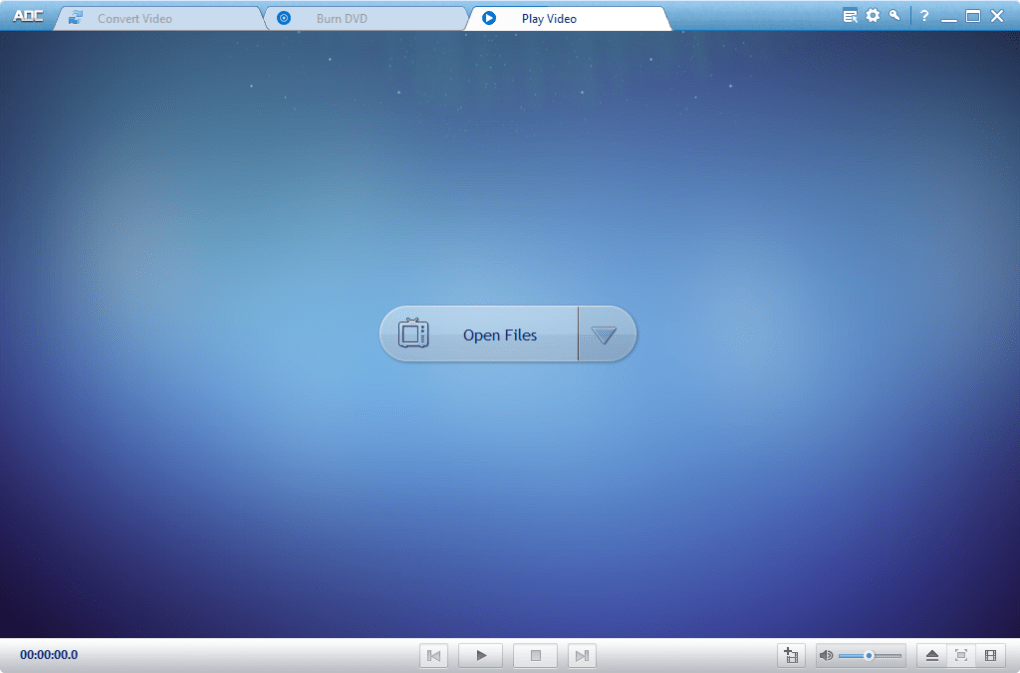
Any DVD Converter is designed with user-friendliness in mind. The software presents a clean and intuitive interface that is easy to navigate, even for users with limited experience in video conversion software. The straightforward layout makes selecting input sources, choosing output formats, and customizing settings a simple and intuitive process. The clear visual cues and well-organized menus minimize the learning curve, ensuring a smooth and efficient user experience. Even complex tasks, like batch conversions or applying advanced settings, are simplified by the software’s well-structured interface.
The software’s user-friendly design makes it accessible to a broad range of users, from casual users converting occasional videos to more experienced users who may require more advanced features and customization options. This ease of use is a significant advantage, making the software a suitable choice for both novices and experienced users alike.
Performance and Conversion Speed
Any DVD Converter’s performance is significantly enhanced by its utilization of hardware acceleration. The integration of NVIDIA’s NVENC technology allows for much faster conversion speeds than comparable software relying solely on CPU processing. This speed enhancement is particularly noticeable when processing large video files or batches of files. The substantial improvement in conversion speed increases efficiency, saving users valuable time and reducing the overall workflow duration.
While the exact conversion speed will depend on factors such as the size and complexity of the input files, the hardware specifications of the system, and the chosen output settings, users generally report significantly faster processing times compared to software without hardware acceleration capabilities. This speed advantage is a significant selling point, making the software a highly attractive option for users seeking efficiency and fast turnaround times.
Output Quality and Supported Formats
Any DVD Converter supports a wide range of input and output formats, ensuring compatibility with a vast array of media files and devices. The software’s versatility is a major advantage, as it can handle a broad spectrum of video and audio codecs, formats, and resolutions. This broad compatibility makes it a valuable tool for users working with diverse media sources.
The software’s ability to produce high-quality output is another notable aspect. Its support for 4K UHD video with HEVC/H.265 encoding ensures that converted videos maintain a high level of detail and visual fidelity, particularly crucial for users who value high-resolution video content. This commitment to quality output is a key differentiator, ensuring that users’ converted videos look their best, regardless of the original source material.
Pros and Cons
Pros:
- Fast Conversion Speeds: NVIDIA NVENC hardware acceleration significantly speeds up the conversion process.
- Wide Format Support: Handles a broad range of input and output formats, ensuring compatibility with various devices.
- High-Quality Output: Supports 4K UHD video with HEVC/H.265, maintaining high visual fidelity.
- User-Friendly Interface: Intuitive and easy to navigate, suitable for both novice and experienced users.
- Integrated Video Editing: Offers basic video editing capabilities without requiring separate software.
- Online Video Downloading: Ability to download videos from various online platforms (within legal boundaries).
Cons:
- Trial Version Limitations: Some features may be limited in the trial version.
- Potential for Long Conversion Times (for very large files, even with acceleration): While generally fast, extremely large files might still require considerable processing time.
- Some Obscure Formats May Not Be Supported: Although it supports a wide range of formats, some less common or niche formats might not be included.
Conclusion
Any DVD Converter presents a compelling solution for users seeking a versatile and efficient video conversion tool. Its combination of fast conversion speeds thanks to hardware acceleration, extensive format support, high-quality output capabilities, and a user-friendly interface makes it a strong contender in the market. While the trial version limitations and the possibility of longer processing times for exceptionally large files should be considered, its overall strengths significantly outweigh these minor drawbacks. For users who need a reliable, feature-rich, and user-friendly video conversion solution, Any DVD Converter is certainly worth considering. However, users should carefully evaluate their specific needs and compare it to other similar software options before making a final decision.
File Information
- License: “Trial version”
- Latest update: “May 24, 2023”
- Platform: “Windows”
- OS: “Windows 2003”
- Language: “English”
- Downloads: “48.3K”
- Size: “52.09 MB”


