
APK Editor is a free utility tool designed for Android devices, allowing users to open and modify various files and elements within any application. Developed by SteelWorks, this powerful tool offers two distinct editing modes catering to users with varying levels of programming expertise. Whether you’re a seasoned developer or a curious user looking to make simple adjustments, APK Editor provides the functionality to manage and customize your installed Android applications. This comprehensive guide will delve into the intricacies of APK Editor, exploring its functionality, usage scenarios, limitations, and potential risks.
Understanding APK Files and the Editing Process
Before exploring the capabilities of APK Editor, it’s crucial to understand the nature of Android Package (APK) files. An APK file is the standard package format used by the Android operating system for distributing and installing applications and games. It contains all the necessary components of an app, including code, resources, and assets. Developers compile their creations into this format for distribution through various app stores or alternative channels.
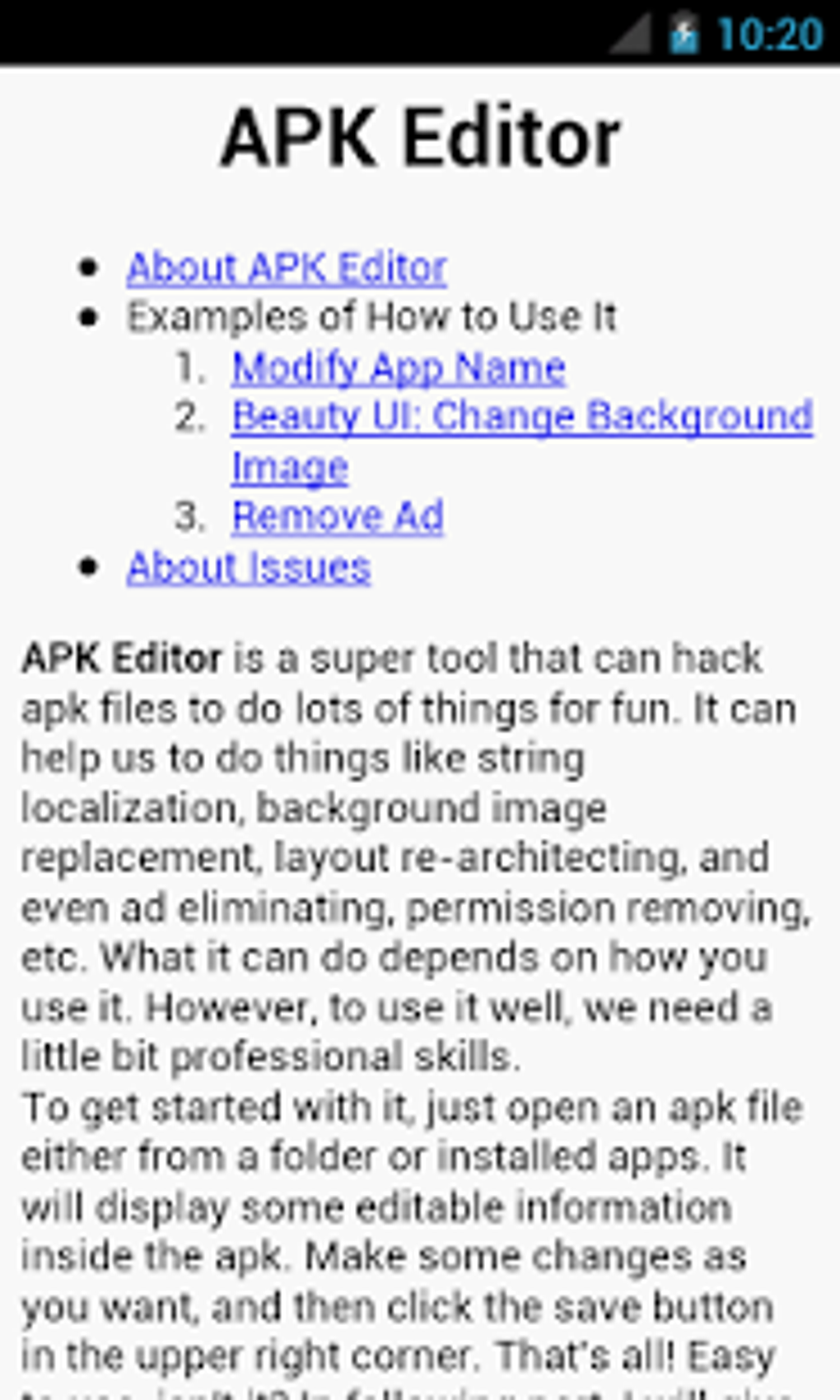
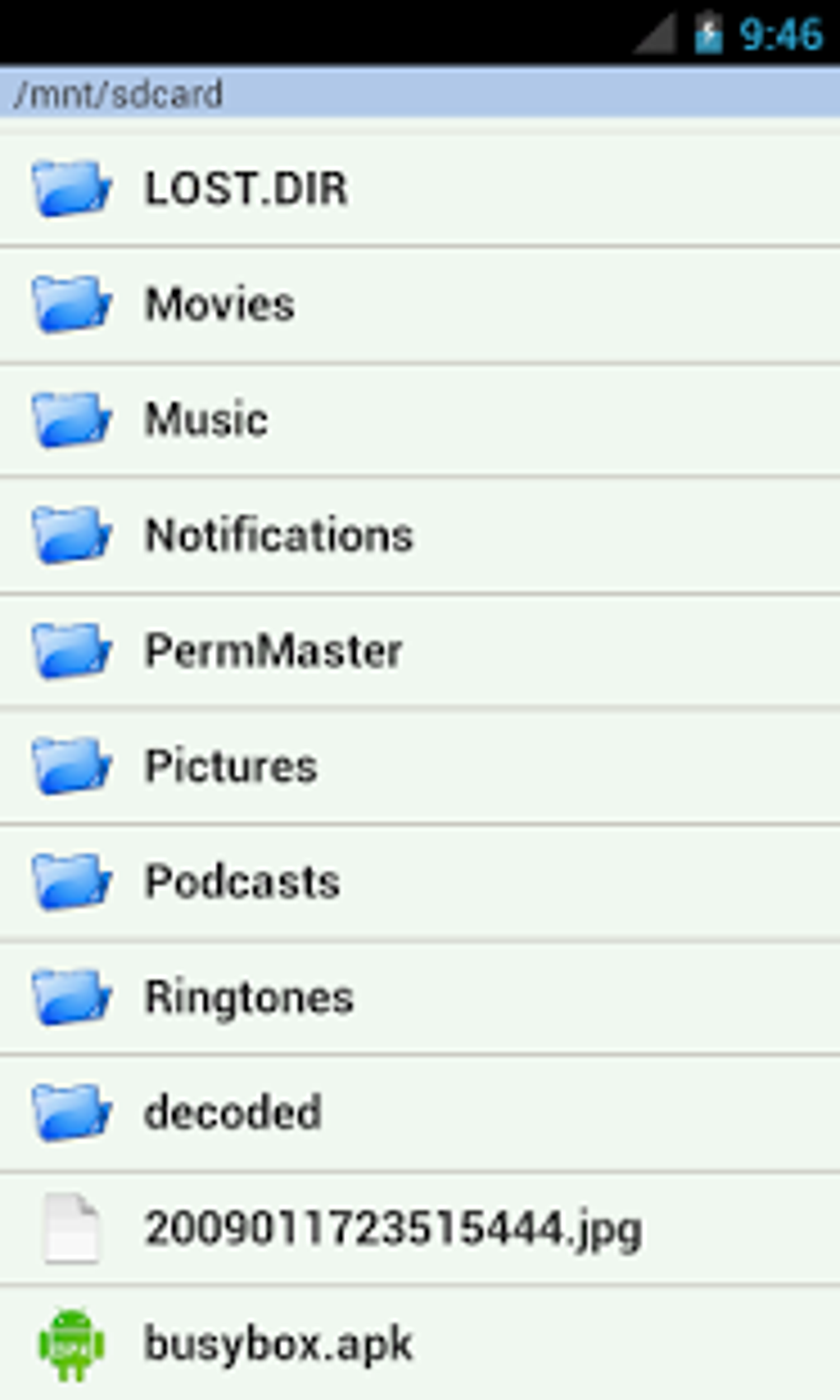
APK Editor facilitates post-compilation modifications to these APK files. You can either provide the tool with a copy of the APK file or extract it directly from an installed application on your device. Once loaded, APK Editor offers two primary editing modes:
-
Simple Edit: This mode is ideal for users who want to make straightforward changes to specific files within the APK, without delving into the core code. This might include altering images, text strings, or configuration files. It requires minimal programming knowledge.
-
Full Edit: This mode provides advanced users with access to the underlying code of the application. It allows for much more extensive modifications, but requires a strong understanding of programming concepts, particularly Java and Android’s development environment. Changes made in Full Edit mode will usually necessitate recompiling the APK before it can be installed and used.
Practical Applications and Usage Scenarios
The versatility of APK Editor extends to a broad range of applications and scenarios. So long as you possess a copy of the application’s APK file, you can utilize this tool to modify its components. This opens up exciting possibilities for customization and experimentation. For example, you might use APK Editor to:
- Translate an application: Modify the text strings within an app to translate it into a different language.
- Customize graphics: Replace images and icons with custom assets to personalize the app’s visual appearance.
- Remove unwanted features: Eliminate unnecessary functionalities within an app to improve performance or streamline the user experience.
- Modify game parameters: Adjust game settings, such as difficulty levels or resource quantities. (Note: Modifying game parameters could lead to account bans or other restrictions imposed by the game developer).
- Experiment with code (Advanced Users): For developers, APK Editor provides a convenient platform for experimenting with code modifications and testing changes in a controlled environment.
However, it’s crucial to acknowledge APK Editor’s limitations:
- Unsupported File Types: APK Editor does not support multi-part APK files. It can only handle single-file APK packages. This limitation mainly impacts developers working with larger applications split across multiple files.
- Potential for Instability: Extensive modifications, particularly those made using the Full Edit mode, carry a risk of introducing instability or crashes into the modified application. Thorough testing after modifications is essential.
- Ethical Considerations: Modifying applications without the permission of the copyright holder is illegal in most jurisdictions. Use APK Editor responsibly and ethically.
The Hack App Data Feature: Proceed with Caution
APK Editor includes a “Hack App Data” feature that allows users to directly manipulate an application’s data files. While this feature offers powerful capabilities for modifying game progress or application settings, it’s crucial to understand its inherent risks.
Using the Hack App Data feature can potentially violate the terms of service of many applications. It can lead to your application being flagged as suspicious or even banned from the service or platform. Google Play Protect, for instance, may identify such modifications and take action against the affected account. Therefore, utilizing this feature should only be considered by advanced users who fully understand the implications and are willing to accept the potential consequences.
APK Editor and its Interface: A User-Friendly Approach
Despite its powerful capabilities, APK Editor boasts a relatively intuitive and user-friendly interface. The clear separation between Simple Edit and Full Edit modes allows users to select the appropriate level of modification based on their technical expertise. This design prioritizes both ease of use for casual users and extensive functionality for advanced developers. The tool’s straightforward layout and clear instructions make the process of modifying APK files accessible even to users with limited technical background. This ease of use doesn’t compromise the tool’s power, making it a valuable asset for both casual users and experienced developers alike.
Alternatives to APK Editor
While APK Editor provides a robust set of features for modifying APK files, several alternative tools exist, each with its own strengths and weaknesses. These alternatives may offer different interfaces, levels of functionality, or support for specific file types. Exploring these alternatives can help users find the best tool for their needs. Some popular alternatives include:
- APK Editor Pro: A commercial version of APK Editor that may offer additional features or enhanced support.
- MT Manager: A comprehensive file manager with powerful APK editing capabilities, offering a more advanced set of tools for developers.
- APK Parser: A tool specifically designed for analyzing and extracting information from APK files, useful for understanding the structure and components of an application.
- APK Installer: A simpler tool focused specifically on installing APK files, without the advanced modification capabilities of APK Editor.
Ultimately, the choice of which tool to use depends on individual needs and technical expertise. If you require simple modifications and a user-friendly interface, APK Editor is a great starting point. For more advanced users requiring extensive modification options and deeper access to the application’s inner workings, other alternatives might prove more suitable.
Conclusion: A Powerful Tool Requiring Responsible Use
APK Editor stands as a valuable tool for modifying Android applications. Its dual editing modes cater to both casual users and experienced developers, providing the flexibility to make a range of alterations, from simple text changes to in-depth code modifications. However, it’s crucial to use this tool responsibly and ethically. Understanding its limitations, potential risks, and the legal implications of modifying copyrighted software is essential before embarking on any modification endeavors. Always back up your original APK files before making any changes, and exercise caution when using the Hack App Data feature to avoid potential account bans or other consequences. With careful consideration and responsible use, APK Editor can be a powerful tool for personalizing your Android experience or for developers to streamline their workflow and experiment with code.
File Information
- License: “Free”
- Latest update: “November 12, 2024”
- Platform: “Android”
- OS: “Android 4.2.2”
- Language: “English”
- Downloads: “316.5K”
- Size: “7.00 MB”
- Download Options: “APK, Google Play”
- Filename: “apk-editor-1-9-0.apk”


