
APK Editor Community is a free Android application that empowers users to modify and customize the APK files of apps already installed on their devices. Developed by DeviDot, this source code editor provides a range of tools for altering app functionality, appearance, and permissions, offering a significant degree of personalization beyond what’s typically available. However, this power comes with crucial legal and security considerations that users must carefully weigh before utilizing the app. This article will delve into the capabilities, ease of use, potential risks, and alternatives to APK Editor Community.
Understanding the Functionality of APK Editor Community
At its core, APK Editor Community allows users to decompile, edit, and recompile Android application packages (APK files). This process involves breaking down the app’s structure to access its underlying code and resources, making modifications, and then rebuilding the app into a functional APK. The app provides both “Simple Edit” and “Full Edit” options, catering to users with varying levels of technical expertise. Simple edits might involve changing text strings or images, while full edits allow for more profound modifications to the app’s logic and functionality.
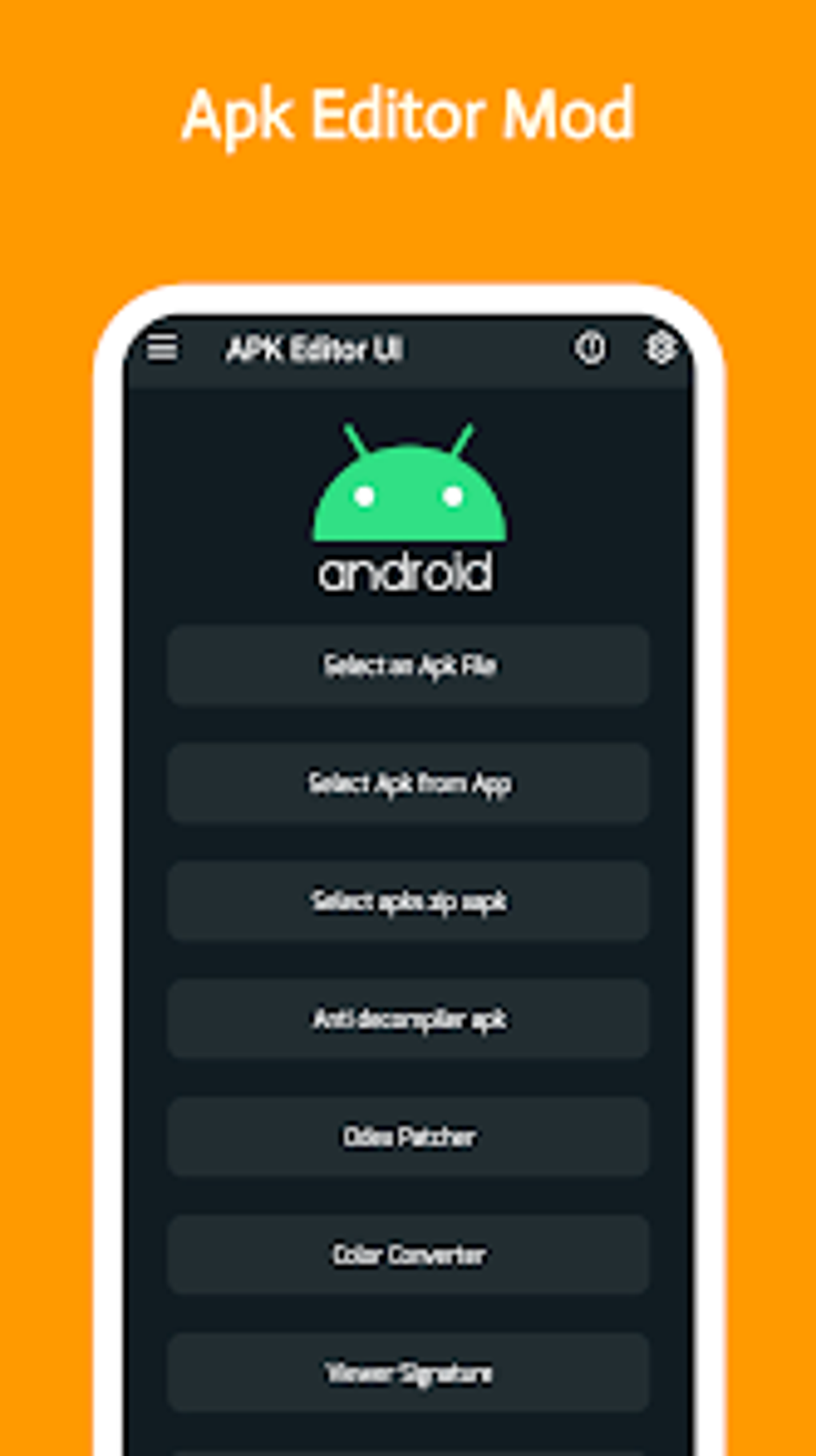
The app’s user interface is designed for relative ease of use. After installation, users are presented with a straightforward menu of editing options. The process generally involves selecting the target APK, choosing the edit type (Simple or Full), making the desired alterations, and saving the modified APK. Importantly, the app strongly encourages users to back up the original APK before making any changes, as mistakes can render the app unusable. This backup functionality is crucial to mitigating the risk of accidental data loss.
Beyond basic modification, APK Editor Community also offers tools for debugging and analyzing APK files. This capability is beneficial for troubleshooting issues within an app or understanding its inner workings. These diagnostic tools can be particularly valuable for users attempting more complex modifications or those who are comfortable working with the technical aspects of app development.
The Power and Peril of APK Modification
The ability to modify apps offers significant advantages. Users can personalize their experience by changing the theme, language, or even removing unwanted features. For developers, it can facilitate testing and debugging without needing access to the original source code. However, the potential downsides are equally important, and perhaps more significant.
Legal Considerations: Modifying an app’s APK can violate the terms of service of the original developer. Most apps have End-User License Agreements (EULAs) that explicitly prohibit modification or redistribution. Violating these terms can lead to account suspension, legal action, or even removal of the app from app stores. Users must be acutely aware of the legal implications before undertaking any modifications. This isn’t merely a matter of convenience; it’s a matter of respecting intellectual property rights and adhering to the contracts you’ve agreed to when installing the app.
Security Risks: Altering an app’s APK can introduce security vulnerabilities. By modifying the code, users may unintentionally disable built-in security measures, potentially exposing the app to malicious attacks. This could involve vulnerabilities such as buffer overflows, SQL injection, or cross-site scripting (XSS). These vulnerabilities could be exploited by hackers to steal data, install malware, or gain unauthorized access to the device. Furthermore, the process of decompiling and recompiling the APK itself can introduce errors or instability, leading to app crashes or unexpected behavior. In short, while the app provides tools to help mitigate this, the user bears the responsibility for the outcome.
Ethical Concerns: The modification of an app often presents ethical dilemmas. While changing personal settings is generally acceptable, modifying an app to introduce unauthorized functionality or circumvent in-app purchases is ethically questionable. Such actions can harm developers and undermine the fair economic operation of the app marketplace. Consider the implications before undertaking any modifications – a slight change can have larger repercussions.
Ease of Use and User Interface
APK Editor Community prioritizes ease of use, presenting a relatively intuitive interface. The main screen clearly displays the available editing options, and the process is relatively straightforward. The availability of both “Simple Edit” and “Full Edit” modes caters to users of varying technical skill levels. Simple edits are accessible even for those without programming experience, while the more advanced “Full Edit” mode provides granular control for more experienced users.
However, the app’s simplicity can also be a limitation. While intuitive for basic edits, the lack of detailed instructions or documentation could prove challenging for users attempting more complex modifications. The absence of a robust help section might leave users frustrated when encountering unexpected errors or difficulties. Additionally, the app’s reliance on the user’s understanding of the underlying code presents a barrier for users without a coding background. While simple changes are achievable, more complex modifications require a substantial level of understanding.
Alternatives to APK Editor Community
Several alternative apps offer similar functionality to APK Editor Community, each with its own strengths and weaknesses. These include:
-
APK Editor Pro: Apk Extractor & Installer: This app offers a wider range of features and tools compared to APK Editor Community. However, it may also have a steeper learning curve.
-
APK Parser - editor: This app focuses on providing a more streamlined user experience for basic edits. It might be a better option for users seeking a simpler, less feature-rich application.
- MT Manager: This is a more advanced app that combines file management capabilities with APK editing functions. It is suitable for users with a strong technical background.
The choice of the best alternative depends heavily on the user’s technical expertise and the specific modifications they intend to make. Users with limited technical skills may find APK Parser – editor more suitable, while experienced users may benefit from the advanced features of MT Manager or APK Editor Pro.
Conclusion
APK Editor Community offers a powerful tool for customizing and modifying Android apps. Its user-friendly interface and straightforward process make it relatively accessible, even to those without a strong technical background. However, it’s crucial to acknowledge the associated legal, security, and ethical considerations before employing its functionality. Modifying APK files carries inherent risks, and users must proceed with caution, respecting the intellectual property of developers and ensuring they are not compromising the security of their devices. The potential for misuse necessitates a responsible and informed approach. Before embarking on any app modifications, carefully weigh the benefits against the potential drawbacks and consider the available alternatives, selecting the option that best matches your skills and intended use. Ultimately, the user is responsible for the consequences of their actions.
File Information
- License: “Free”
- Version: “2.0.0”
- Latest update: “January 29, 2024”
- Platform: “Android”
- OS: “Android 13.0”
- Language: “English”
- Downloads: “153.3K”
- Download Options: “Google Play”


