
App Hider, available on Android, offers a multifaceted approach to enhancing user privacy and security on mobile devices. This application goes beyond simple app hiding, incorporating features such as app cloning and media concealment, making it a comprehensive solution for those seeking greater control over their digital footprint. However, like many powerful tools, it presents certain trade-offs and potential limitations that users should carefully consider before implementation. This review will delve into the functionalities, strengths, weaknesses, and overall effectiveness of App Hider.
Core Functionalities: Hiding and Cloning Apps
The primary function of App Hider is, as its name suggests, to hide applications from the main Android interface. This is achieved by importing the desired app into App Hider and then uninstalling it from the device’s system. Access to the hidden app is then solely through the App Hider interface, requiring a password for access. This layer of security prevents unauthorized access to sensitive applications, such as banking apps, messaging apps containing private conversations, or apps containing personal photos and videos. The efficacy of this security hinges on the strength and security of the chosen password.
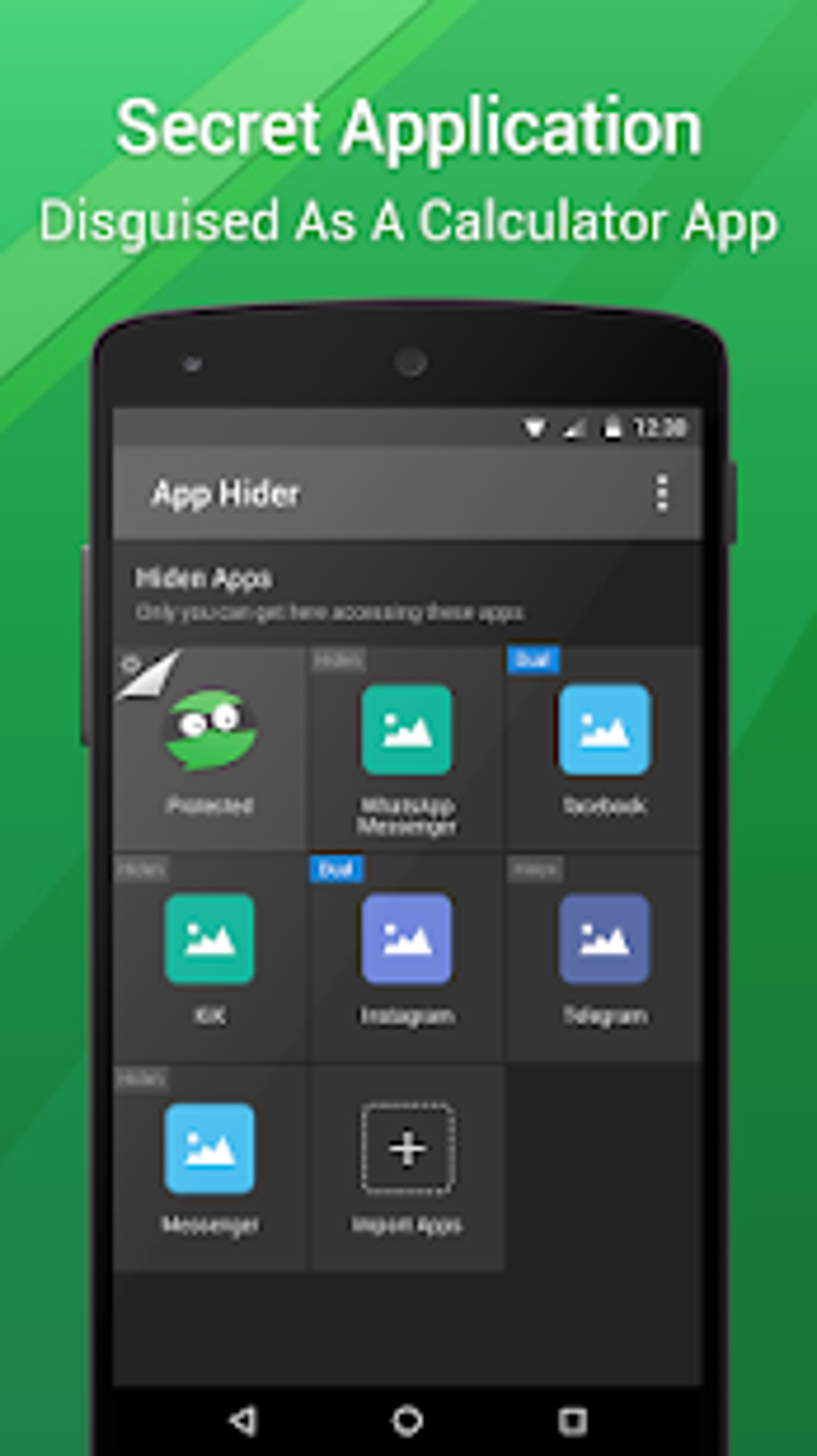
Beyond simple hiding, App Hider also offers app cloning functionality. This feature creates a duplicate of a specific application, allowing users to maintain separate profiles or accounts within the same app. This is particularly useful for managing personal and professional social media accounts, gaming profiles, or any situation requiring the simultaneous use of multiple instances of an application. However, it’s crucial to note that not all apps are compatible with cloning, and cloned apps may not always function as smoothly as the original. The compatibility of the cloning feature is dependent on the individual app’s design and architecture.
Enhanced Security Features: Media Vault and Disguise
App Hider extends its privacy protections beyond just applications. It functions as a secure media vault, capable of hiding private photos and videos within its interface. This feature adds another layer of protection for sensitive media files, keeping them securely hidden from casual browsing. This integrated media vault acts as a separate gallery, offering an alternative storage location independent of the device’s standard photo and video gallery.
Further enhancing its security measures, App Hider offers a disguise feature, enabling it to masquerade as a seemingly innocuous calculator application. This deceptive design is intended to conceal the app’s true purpose from prying eyes. Only users who know the correct password can access the hidden functionality behind this deceptive calculator interface. This provides an additional layer of deception, concealing the presence of the App Hider from anyone who may be attempting to access the hidden apps or media.
Technical Aspects and Potential Drawbacks
While App Hider provides a robust suite of privacy-enhancing features, it’s essential to address its limitations and potential drawbacks. One significant issue reported by users is a tendency for the app to crash frequently after prolonged use. This instability can disrupt workflow and compromise the security of the hidden apps and media. The frequency of crashes is likely related to resource management within the app, and it might affect different users differently, depending on their device’s specifications and the number of apps or media files hidden.
Another factor to consider is that App Hider requires a separate 64-bit support plugin (“App Hider 64 Support”) for some devices to ensure optimal compatibility, particularly with resource-intensive applications like WhatsApp and Telegram. This additional requirement adds an extra step to the installation process and potentially increases the overall system load. The need for the plugin indicates limitations in the app’s core architecture regarding its compatibility with newer, more resource-intensive applications.

Alternative Apps and Comparative Analysis
The market for app-hiding and privacy-enhancing applications is competitive. Alternative options, such as Calculator Vault App Hider, X App Hider, and Smart Hide Calculator, offer similar functionalities. However, a detailed comparison requires examining individual features, user reviews, and performance metrics to determine the optimal choice based on individual needs and priorities. Each app has its own strengths and weaknesses, in terms of feature sets, security protocols, and user-friendliness. The choice of the “best” app is highly subjective and depends on individual requirements.
Specifically, Calculator Vault App Hider is recognized for its simplicity and effective concealment. X App Hider is praised for its comprehensive privacy management, while Smart Hide Calculator is noted for its user-friendly interface. However, the frequency of crashes within App Hider and the compatibility issues mentioned above may be significant factors for users to consider when choosing among the alternatives.
User Reviews and Overall Impression

Direct user reviews on the functionality of App Hider are limited. Assessing the app’s overall impact necessitates considering both its positive and negative attributes. While the core functionalities – app hiding, cloning, and media vaulting – are valuable for enhancing digital privacy, the reported instability and the need for additional plugins introduce significant drawbacks. Users should carefully weigh these pros and cons before deciding if App Hider meets their specific needs. The availability of alternative apps further complicates the decision-making process.
The overall impression of App Hider is mixed. While the concept and core functionality are appealing, the practical challenges associated with crashes and plugin requirements make it less reliable than alternative solutions. For users prioritizing unwavering stability and compatibility, exploring other options in the market may be a more prudent approach.
Conclusion: A Powerful Tool with Limitations
App Hider offers a powerful suite of tools for enhancing mobile privacy and security, encompassing app hiding, cloning, media vaulting, and a deceptive calculator disguise. These features provide users with significant control over their digital privacy. However, the significant limitations presented by frequent crashes and the requirement for a 64-bit support plugin for optimal functionality temper this functionality. Users should carefully weigh the advantages against the potential drawbacks and consider the availability of alternative applications before adopting App Hider as their primary privacy solution. The choice ultimately depends on individual priorities and tolerance for potential instability. A thorough evaluation of user reviews and comparison with alternative apps is crucial for making an informed decision. While App Hider offers a compelling combination of privacy features, the reported instability must be considered a critical factor in the overall assessment.
File Information
- License: “Free”
- Latest update: “April 3, 2025”
- Platform: “Android”
- OS: “Android 13.0”
- Downloads: “32.9K”
- Size: “11.74 MB”
- Download Options: “APK, Google Play”
- Filename: “com-app-hider-master-pro-208854-46887530-2977bec0d3224c2b10abf0ed15587bc7.apk”


