
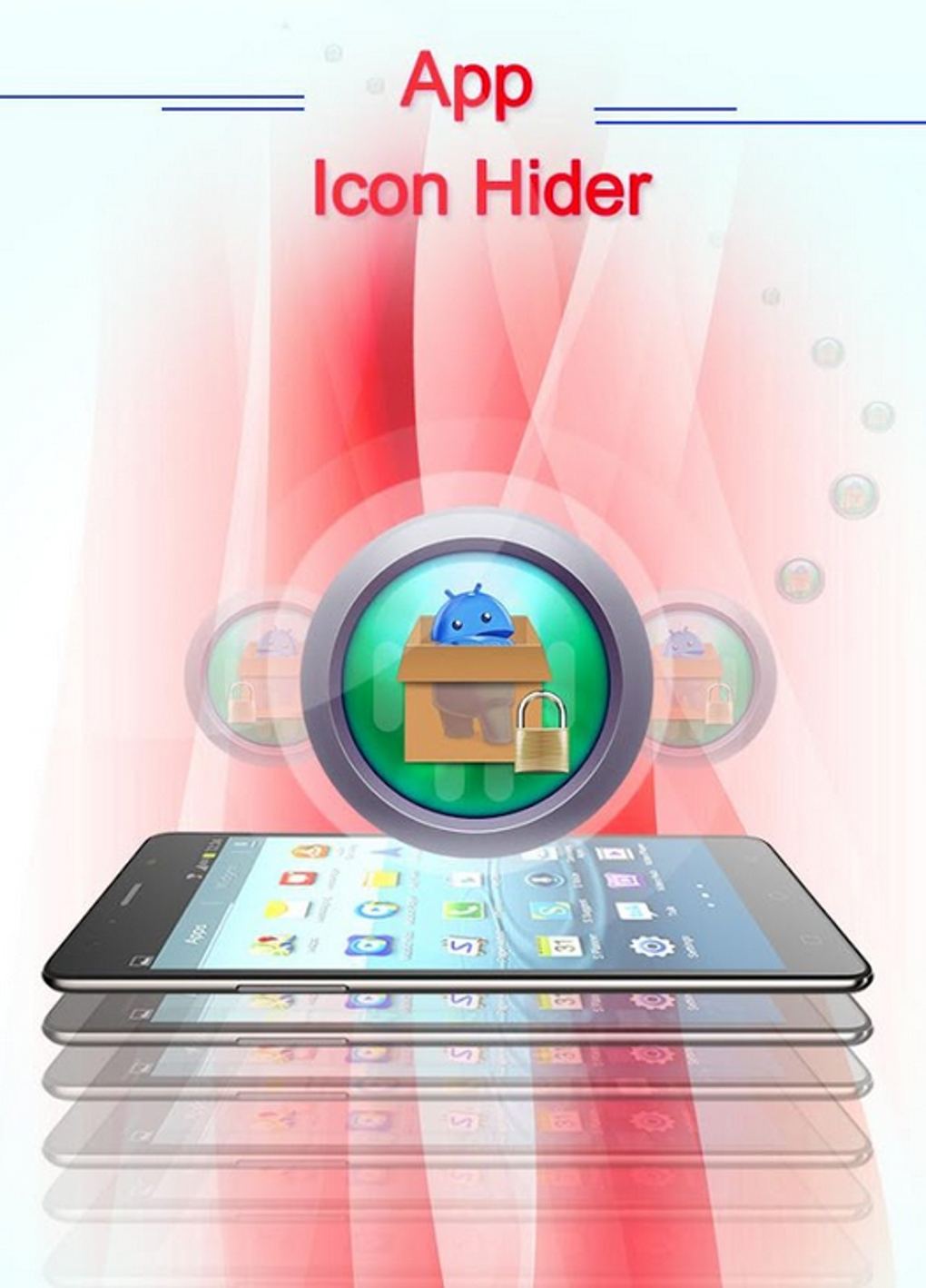
App Icon Hider is a free Android application designed to discreetly conceal apps from your phone’s main menu without uninstalling them. This functionality offers a layer of privacy and security, allowing users to maintain control over which applications are visible to others who may access their device. This detailed guide explores the app’s features, functionality, pros and cons, and answers frequently asked questions.
Understanding App Icon Hider’s Functionality
App Icon Hider operates as a privacy tool, providing a simple method for hiding sensitive applications from view. It doesn’t remove or disable the hidden apps; instead, it cleverly removes their icons from the app launcher, making them inaccessible without the correct authorization. This ensures that personal or sensitive apps remain private, preventing unwanted access or discovery by others using your phone.
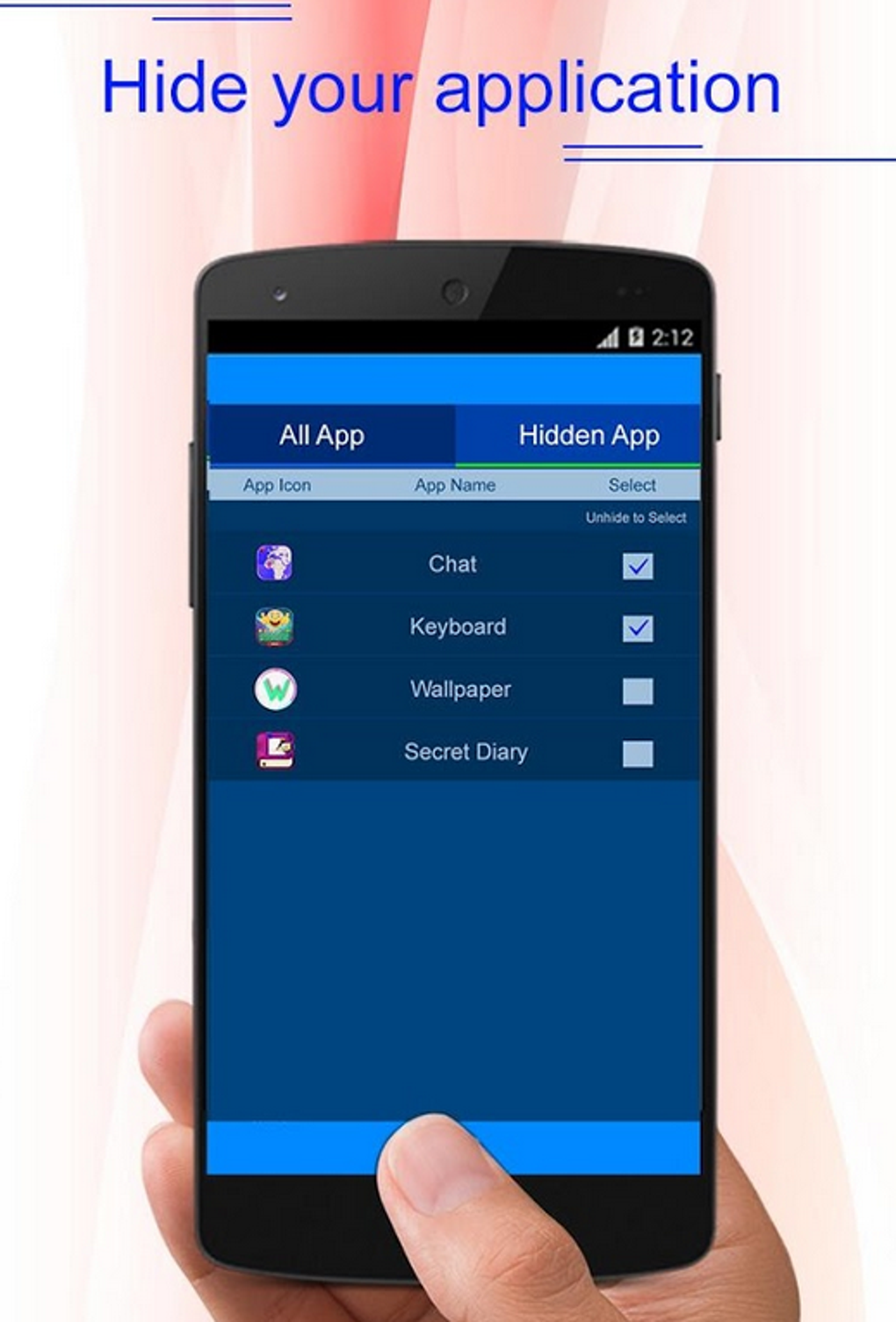
The process is straightforward. The app displays a list of all installed applications. Users simply select the apps they wish to hide by ticking a checkbox next to their names. Once hidden, these apps remain functional in the background but are invisible to anyone browsing the phone’s app drawer. Accessing the hidden apps requires entering a pre-set pattern code, acting as a security measure. This ensures only authorized users can regain access to these applications.
Beyond hiding apps, the App Icon Hider also offers the capability to lock apps without completely hiding them. This allows for an added layer of protection, requiring the pattern code to open specific applications even if their icons are visible on the phone’s home screen. This hybrid approach gives users more granular control over their privacy settings.
Apps, Games, and Beyond: Who Benefits from App Icon Hider?
The utility of App Icon Hider extends to various scenarios and user types. Its core function—discreetly hiding apps—caters to a broad spectrum of needs.
Apps for Personal Privacy
The most common use case revolves around personal privacy. Users might want to conceal dating apps, financial apps, or apps containing sensitive personal information from prying eyes. This functionality is particularly useful in shared devices or situations where maintaining privacy is paramount.
Games and Entertainment: A Discreet Gaming Experience
Gamers may use App Icon Hider to keep their game progress private or to prevent others from accessing their games. This functionality offers a more focused and dedicated gaming experience without the interruption or distraction of others accessing the applications.
News and Information: Protecting Sensitive Data
Users handling sensitive news or confidential information might benefit from hiding news-related apps that contain private or restricted data. This ensures that such data remains protected from unauthorized access.
For Business: Enhanced Security and Discretion
The business world can also benefit significantly from App Icon Hider. Employees handling confidential data on their company devices can use it to protect sensitive information from unauthorized access, improving the overall data security posture of the organization. This feature might be especially relevant for corporate phones that are potentially shared or used in collaborative environments.
Security & Privacy: A Deeper Dive into App Icon Hider’s Features
App Icon Hider’s primary appeal lies in its security and privacy enhancements. However, it’s crucial to understand both its strengths and limitations.
Advantages of Using App Icon Hider
- Password Protection: The pattern lock prevents unauthorized access to hidden applications. This effectively protects the privacy of the user’s sensitive apps.
-
Non-Destructive Hiding: The app hides icons without uninstalling the applications. This allows for easy recovery of hidden apps, whenever the user wishes to access them again.
-
Easy to Use: The user interface is intuitive and uncomplicated. Even users unfamiliar with privacy apps can quickly learn how to use App Icon Hider effectively.
-
File Hiding: In addition to app icon hiding, this application also provides an optional file hiding functionality, adding an extra layer of privacy.
Disadvantages of Using App Icon Hider
-
Performance Impact: There is a reported performance impact on some devices, which could cause some lag. This is common with many apps that run in the background, but it’s crucial to note for users concerned about device responsiveness.
-
Access Time: Accessing hidden apps adds an extra step, requiring the entry of the pattern code. While adding a security layer, it does increase the time needed to launch the chosen app.
-
Device Compatibility: The app may not function seamlessly across all Android devices. While most compatible devices will have no problems, compatibility should be checked before installation to ensure smooth operation.
Android Specifics: Compatibility and Performance Considerations
App Icon Hider is designed for the Android operating system, specifically mentioning compatibility with Android 13.0. However, while aiming for broad compatibility, users may encounter some device-specific issues. It’s advisable to check online reviews and forums for specific device compatibility details before downloading.
App Icon Hider: A Comparative Analysis
While several other apps offer similar functionality, App Icon Hider differentiates itself through its ease of use and straightforward approach. Its focus on core functionality – hiding apps and providing a password protection layer – makes it a viable choice compared to more feature-rich but potentially more complex alternatives.
Alternatives and Further Considerations
While App Icon Hider provides a valuable service, it is important to be aware that no single solution offers absolute security. It is crucial to maintain a holistic approach to security, combining this app with other security measures and strong password practices.
The information provided is intended as a comprehensive guide. Always refer to the app developer’s official documentation for the most accurate and up-to-date details on features, compatibility, and security measures. Remember that the responsibility for data security rests primarily with the user, and careful consideration of security practices is vital.
Conclusion: A Practical Solution for Enhancing Mobile Privacy
App Icon Hider presents a convenient and straightforward method for enhancing the privacy of your Android device. Its ease of use, core functionality, and focus on discreet app management make it a practical tool for anyone seeking enhanced control over the visibility of their apps. While understanding its limitations and engaging in best practices for overall mobile security are crucial, App Icon Hider offers a valuable contribution to enhancing the privacy of your digital life.
File Information
- License: “Free”
- Latest update: “October 17, 2023”
- Platform: “Android”
- OS: “Android 13.0”
- Downloads: “6.4K”
- Size: “4.06 MB”
- Download Options: “Google Play”
- Filename: “com-appiconhider-42-65958928-292ad7849ce5042f74df47aaf328c8f8.apk”


