
App Installer is a free utility program developed by Microsoft Corporation for Windows PCs. It serves as a streamlined application installer, simplifying the process of acquiring and managing software from various online sources. Unlike some competitors, App Installer uniquely supports installations from both the official Microsoft Store and third-party websites, offering increased flexibility for users. This versatility, coupled with a user-friendly interface, makes it an attractive option for both novice and experienced computer users. This guide provides a detailed overview of App Installer’s features, benefits, limitations, and alternatives.
Understanding App Installer’s Functionality
At its core, App Installer functions as a modern package manager for Windows. It acts as a centralized hub for installing and updating applications, offering a more unified experience compared to using multiple methods for software acquisition. Its key strength lies in its ability to handle installations from both trusted sources like the Microsoft Store and less regulated online repositories, a feature that greatly expands its practical application.
This dual functionality is a significant advantage. The Microsoft Store provides a curated collection of applications, vetted for security and reliability. However, many valuable applications are not available through the Store. App Installer bridges this gap, allowing users to install software from diverse online sources while maintaining a degree of security through its digital certificate verification process.
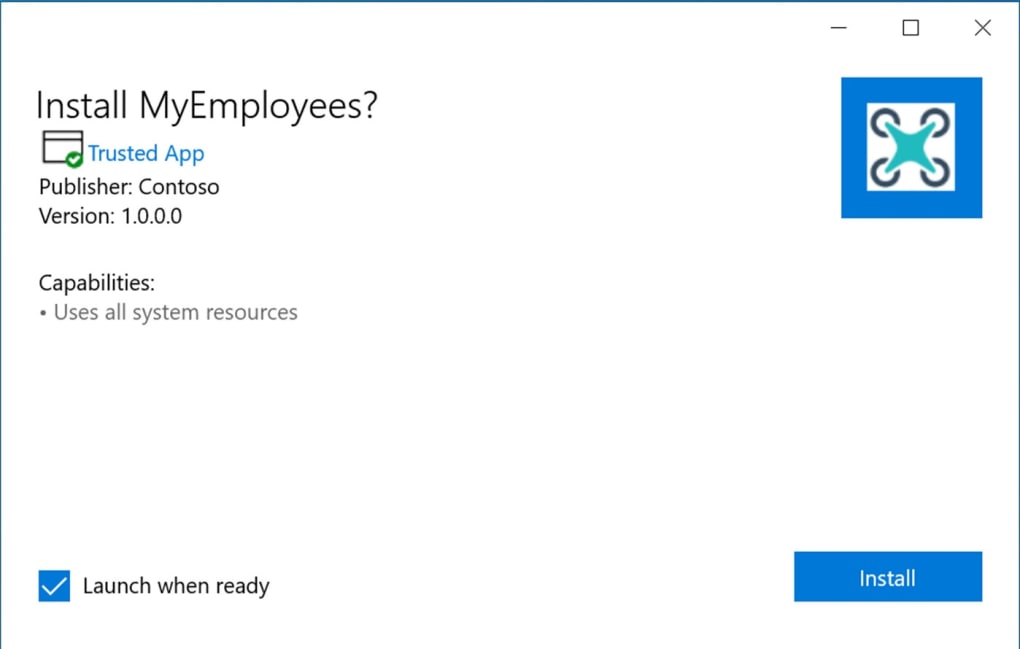
This verification process is a crucial security feature. Before installing any application, App Installer checks for a valid digital certificate, ensuring that the software originates from a trusted source and hasn’t been tampered with. This helps mitigate the risk of installing malicious software, a critical concern when downloading programs from less regulated websites.
User Interface and Ease of Use
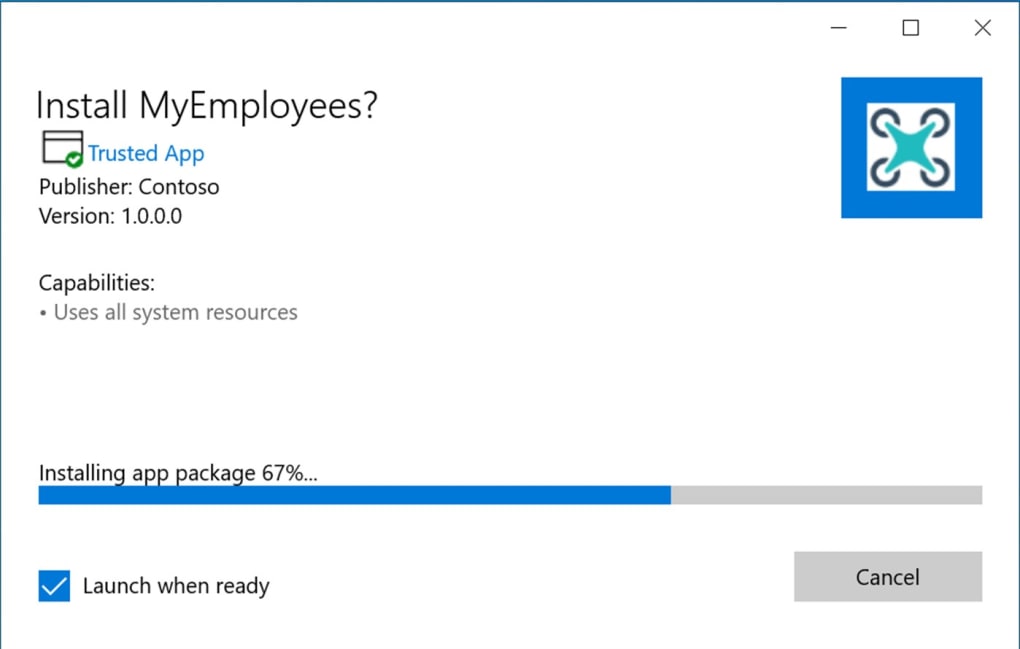
App Installer boasts a clean and intuitive user interface, making it exceptionally easy to navigate and use, regardless of technical expertise. The installation process is straightforward and requires minimal user input. The program provides a concise summary of each application before installation, including version number, key features, and other relevant information, empowering users to make informed decisions.
Beyond installation, App Installer also simplifies the update process. It allows users to easily check for updates to already installed applications, ensuring they always have the latest versions with the newest features and bug fixes. This centralized update management eliminates the need to manually check for updates on individual application websites, saving time and effort.
Advantages and Disadvantages
App Installer’s ease of use, versatility, and security features are significant advantages. Its ability to manage installations from both the Microsoft Store and third-party sources offers unprecedented flexibility. The digital certificate verification significantly enhances security, minimizing the risk of installing malicious software. The clean interface and straightforward installation and update procedures contribute to a positive user experience. Finally, its lightweight nature ensures minimal impact on system performance.
Despite its numerous benefits, App Installer is not without limitations. Reports indicate some users have encountered difficulties updating certain applications due to outdated versions of the App Installer itself. While this issue highlights the need for regular updates from Microsoft, it does represent a potential inconvenience for users. Furthermore, while App Installer offers a degree of security through certificate verification, it’s crucial for users to remain vigilant and download software only from reputable sources.
Comparison with Alternative Solutions
Several alternative solutions exist for installing software on Windows, each with its own set of advantages and disadvantages. Let’s briefly compare App Installer to some prominent alternatives:
-
Microsoft Store: While the Microsoft Store is a convenient source for many applications, it lacks the breadth of software available through other methods. App Installer complements the Store by allowing installations from external sources.
-
Traditional installers (.exe, .msi): These are the traditional methods for installing software on Windows. While they offer broad compatibility, they often lack the centralized management capabilities of App Installer, making update management more cumbersome.
-
Third-party installers: Numerous third-party installers, such as 7-Zip, offer additional features like compression and extraction of installation files, but often lack the security checks offered by App Installer.
-
Package managers (e.g., Chocolatey, Scoop): These command-line tools offer powerful automation for installing and managing software packages but may have a steeper learning curve for novice users. App Installer provides a more user-friendly graphical interface.
Addressing User Concerns and Future Improvements
The reported issues with application updates due to outdated App Installer versions are a significant concern. This highlights the importance of regular updates from Microsoft to ensure optimal functionality. Addressing these issues promptly through frequent updates and improved error handling is crucial for maintaining user satisfaction and confidence in the software.
In future iterations, enhancing App Installer’s capabilities could involve improved error reporting and handling, more robust security features, and possibly integrating features to manage dependencies between applications. Adding support for different package formats and potentially command-line interfaces for advanced users could further enhance its versatility. Finally, integrating more proactive update notifications could help users stay informed and address potential update issues promptly.
Conclusion
App Installer offers a significant improvement to the Windows software installation experience. Its ability to handle installations from both the Microsoft Store and third-party sources, coupled with its user-friendly interface and crucial security features, makes it a valuable tool for managing software on Windows PCs. While some minor limitations exist, particularly concerning application updates, the overall benefits significantly outweigh the drawbacks. Regular updates from Microsoft addressing these concerns will further solidify App Installer’s position as a highly effective and user-friendly solution for Windows software management. By continuing to improve its capabilities and address user feedback, App Installer has the potential to become the preferred method for software installation and management for millions of Windows users.
File Information
- License: “Free”
- Version: “1.22.11132”
- Latest update: “August 13, 2025”
- Platform: “Windows”
- OS: “Windows 10”
- Language: “English”
- Downloads: “90.2K”
- Size: “259.32 MB”


