
In today’s digital age, safeguarding personal information on smartphones is paramount. With sensitive data residing on our devices, the need for robust security measures extends beyond simple screen locks. This is where app locking solutions like AppLock come into play. This comprehensive guide delves into the functionalities, features, effectiveness, and alternatives of AppLock, a popular Android application designed to enhance your phone’s security.
Understanding AppLock’s Core Functionality
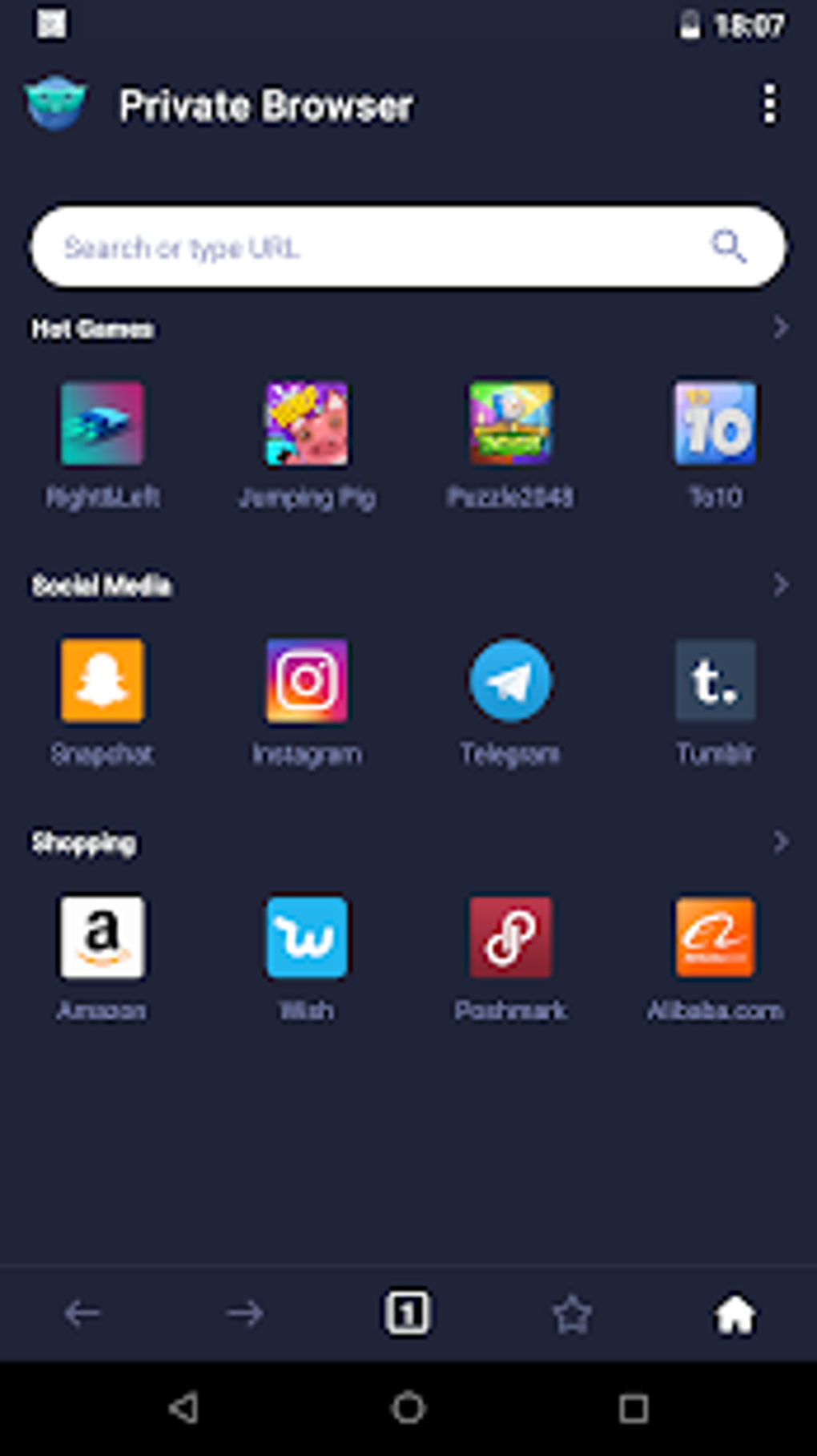
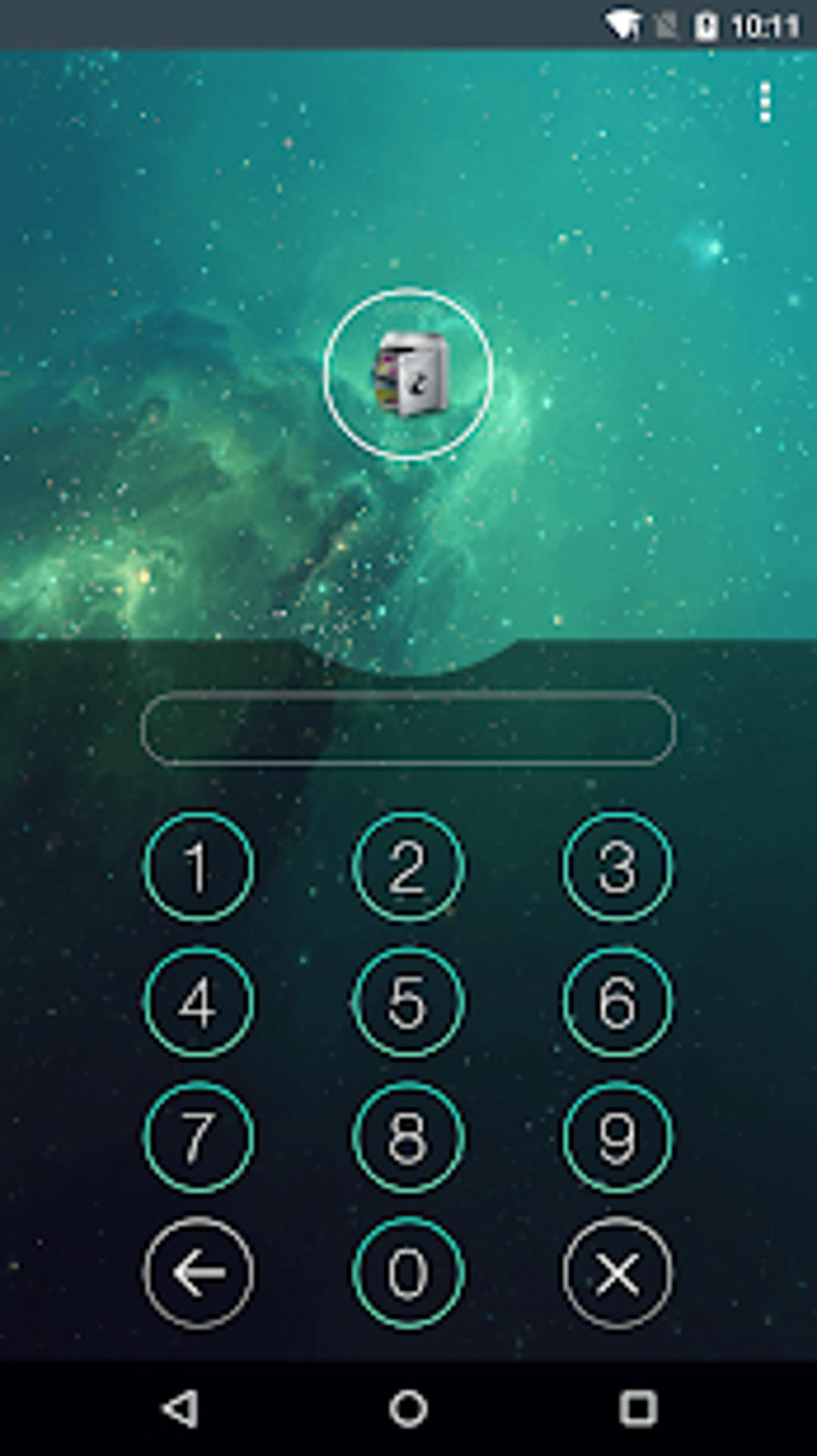
AppLock is a free Android application that provides an additional layer of security by allowing users to individually lock access to specific apps on their devices. This means you can protect sensitive applications, such as banking apps, social media accounts, messaging services, and photo galleries, from unauthorized access. The app achieves this through the implementation of a robust password or pattern lock system, requiring users to enter their chosen credential before accessing the locked applications. This simple yet effective mechanism prevents casual browsing or access attempts by others who might have physical access to your device.
.webp)
Enhanced Security Features Beyond Basic App Locking
AppLock’s functionality extends beyond simply locking individual applications. It offers a range of advanced features to bolster security and privacy:
Preventing Unwanted App Installation and Uninstallation
Beyond locking existing apps, AppLock empowers users to prevent the installation or uninstallation of applications without authorization. This feature is particularly useful in scenarios where you want to restrict access to the device’s app management settings, thus preventing others from modifying the installed apps or introducing potentially harmful software. This control adds another layer of defense against unwanted software modifications or malware installation.
The “Cover Screen” Deception Feature
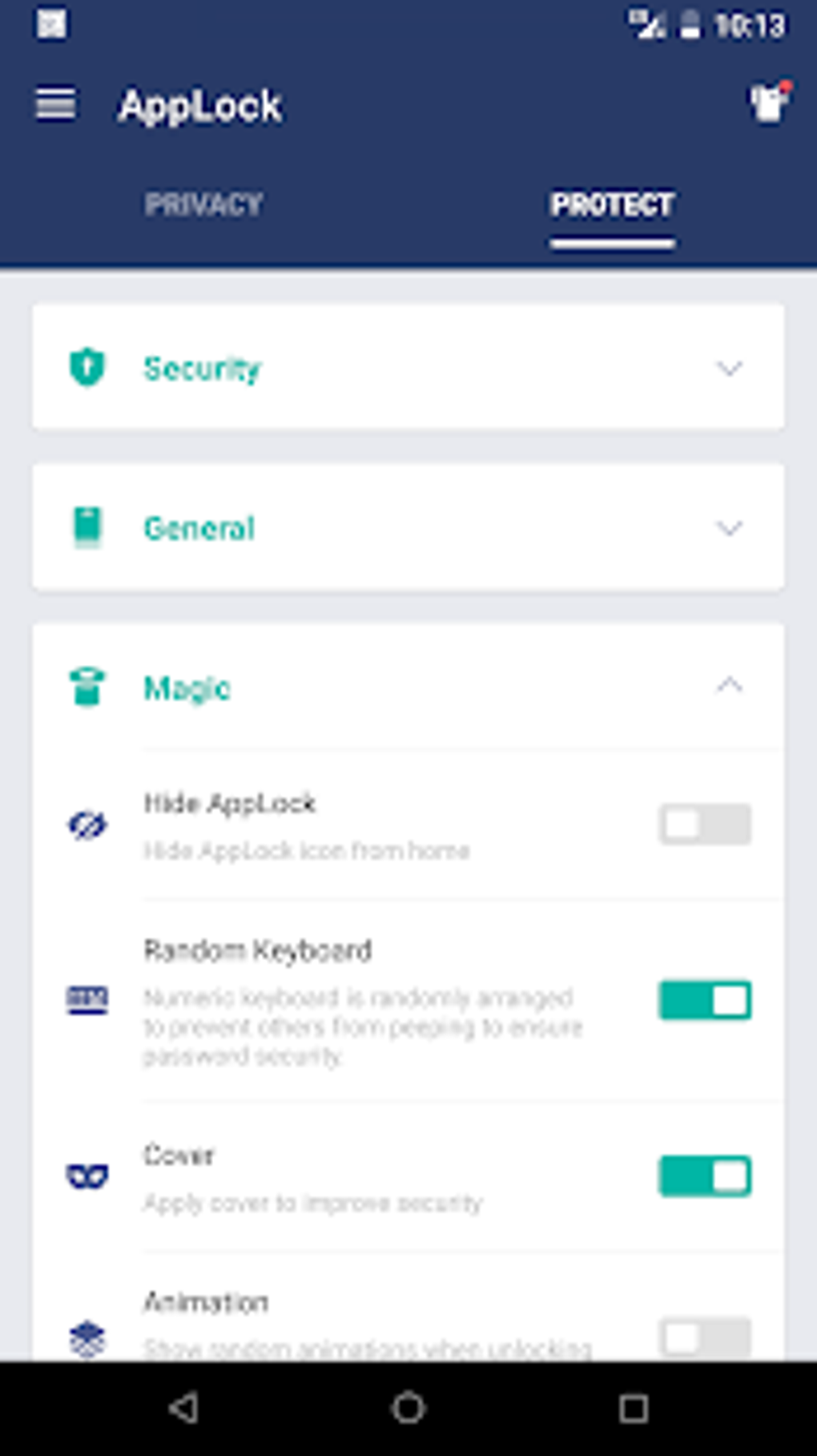
A unique feature of AppLock is the “Cover Screen” functionality. This clever mechanism creates a deceptive screen that simulates an app crash or error message when an unauthorized user attempts to access a locked application. This approach adds an element of surprise and misdirection, deterring casual attempts to bypass the app lock. The user will see a seemingly legitimate error message, leading them to believe the app is malfunctioning rather than being locked.
Random Fingerprint Authentication
For added security, AppLock can randomly request fingerprint identification. This feature adds another layer of authentication, making it much more difficult for anyone to gain access even if they know the password or pattern. The unpredictability of this requirement increases the complexity of unauthorized access attempts.
Convenient Widget for Quick Access Control
AppLock provides a user-friendly Android widget that allows users to quickly enable or disable all locked apps with a single tap. This offers a convenient shortcut to temporarily unlock all protected applications if needed, without having to access the main AppLock interface. This convenience, however, should be balanced with the understanding that this access method might also be susceptible to unauthorized use if the widget isn’t suitably protected.
Secure Photo and Video Vault
Expanding its functionality beyond app locking, AppLock incorporates a secure vault to protect your private photos and videos. This integrated vault ensures that your sensitive media files are secured with the same password or pattern used for app locking, keeping them safe from prying eyes. This centralized security measure avoids the need for separate password management for media files.
.webp)
Advanced Protection and Concealment Options
AppLock prioritizes user privacy by allowing you to hide the AppLock icon itself from the home screen and app drawer, preventing others from easily discovering the app. This concealment is crucial for maintaining the effectiveness of the app’s security measures, as a visible AppLock icon would immediately reveal its purpose and potentially undermine its security function.
The app provides multiple methods for accessing the hidden AppLock application, adding yet another layer of security:
- Gallery Sharing Window Prompt: The app can be accessed through a prompt within the gallery’s sharing window.
- Home Screen Widget: As mentioned, the widget can also serve as an access point, adding a degree of convenience while maintaining the app’s hidden nature.
- Dial Pad Code: A unique code combination entered on the phone’s dial pad can unlock the hidden AppLock application.
- Web Browser URLs: Two unique URL addresses can be used in a web browser to access the application.
Furthermore, AppLock implements an “Advanced Protection” feature, which adds password protection to prevent the app itself from being uninstalled. This is a crucial safeguard against determined users who might attempt to remove the app to gain access to the protected content.
Effectiveness and User Experience
AppLock’s effectiveness stems from its ease of use and lightweight design. The simple interface allows users to quickly lock and unlock apps with a single tap. The application is designed to be resource-efficient, minimizing the impact on your device’s performance. However, the password recovery process can sometimes be slow, with delays in receiving the recovery code sent to the registered email address. While this is a minor inconvenience, it’s worth noting as a potential point of frustration for users.
.webp)
Comparing AppLock to Alternatives
Several alternative app locking applications exist on the Android market, each with its own strengths and weaknesses. Some notable alternatives include Vault, MAX AppLock, and Privacy Knight. While AppLock excels in its simple interface and resource efficiency, other alternatives may offer more advanced features or a different user experience. The optimal choice depends on individual security requirements and preferences.
The decision of which app locking solution to choose often depends on the specific features a user requires. Some users may prefer a more feature-rich app, while others prioritize a simple and lightweight experience. A thorough comparison of these alternative apps, considering their features, ease of use, and security measures, would aid users in making an informed decision.
Conclusion
AppLock provides a reliable and effective way to enhance the security of your Android device. Its intuitive design and range of features, including app locking, photo/video vault, and advanced protection, make it a valuable tool for protecting sensitive data. While a minor drawback exists in the occasional delays during password recovery, the overall ease of use and robust security features make AppLock a compelling choice for adding an extra layer of security to your Android smartphone. Consider your specific needs and preferences when choosing an app locker, but AppLock certainly remains a strong contender in the market.
File Information
- License: “Free”
- Latest update: “March 9, 2025”
- Platform: “Android”
- OS: “Android 13.0”
- Downloads: “2.3M”
- Size: “9.36 MB”
- Download Options: “APK, Google Play”
- Filename: “com-domobile-applock-2020043001-52995588-d3a81672d04d9cc0072cc52440cab247.apk”


