Apps2Fire is a versatile utility tool designed to simplify the process of sideloading applications onto your Amazon Fire TV device. Developed by Koni, this free Android application acts as a bridge, allowing you to transfer apps from your phone or other Android devices directly to your Fire TV. This capability extends beyond simply installing apps; Apps2Fire offers a robust suite of features for managing files, controlling your Fire TV remotely, and more, making it a powerful tool for customizing your Fire TV experience.
Understanding Apps2Fire’s Functionality
Apps2Fire’s core functionality centers around sideloading – the process of installing applications outside of the official Amazon Appstore. This opens up a world of possibilities, granting access to apps and services not available through the standard channels. The app achieves this by leveraging your Android phone or tablet as an intermediary. You essentially use your mobile device to manage and transfer applications to your Fire TV, bypassing Amazon’s app store restrictions.
This process isn’t limited to just transferring applications. Apps2Fire also facilitates several other crucial functions:
-
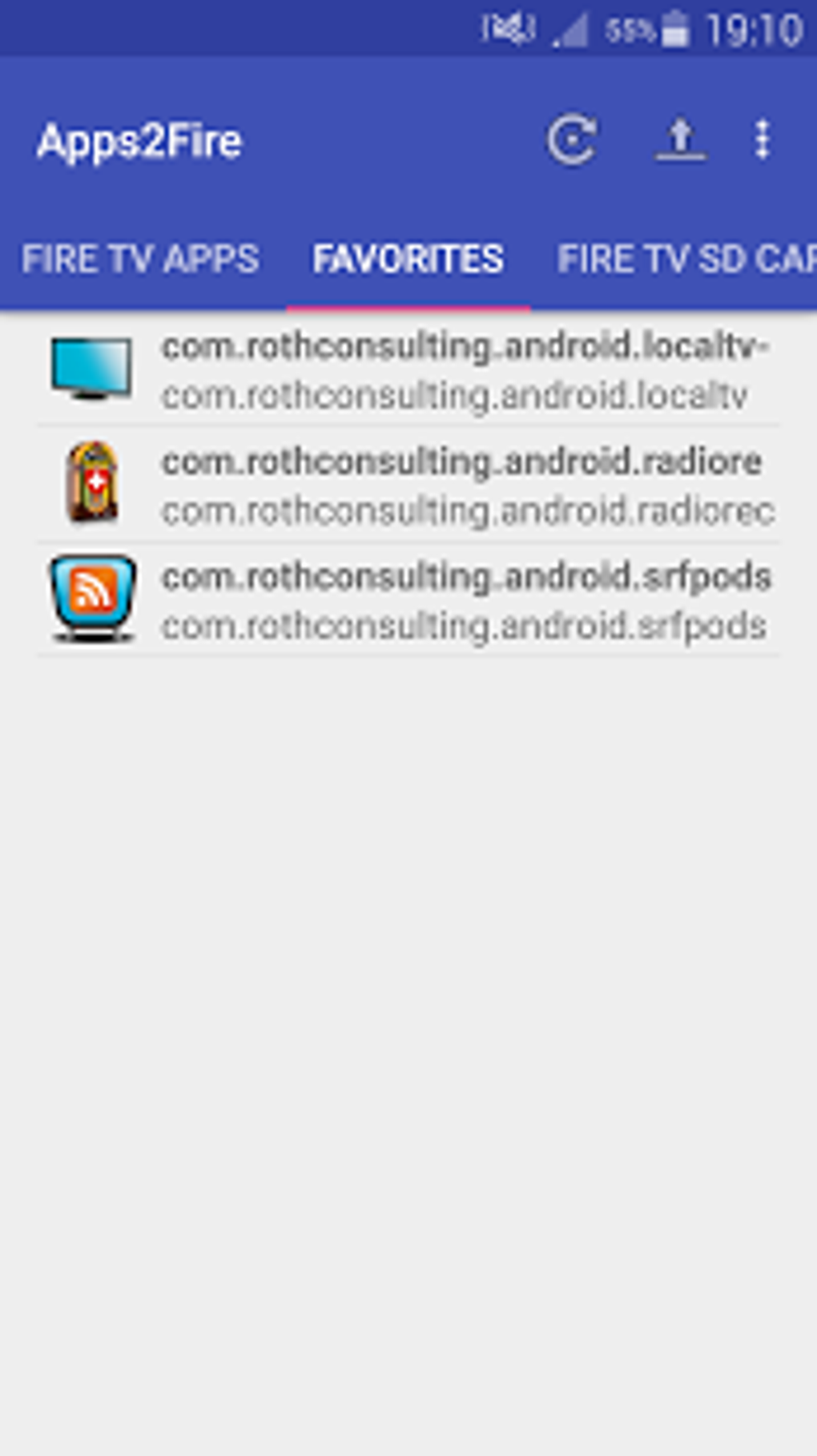
App Installation and Launch: The primary function is seamlessly installing APK files (Android application packages) from your phone to your Fire TV. Once installed, you can also launch these applications directly through Apps2Fire.
-
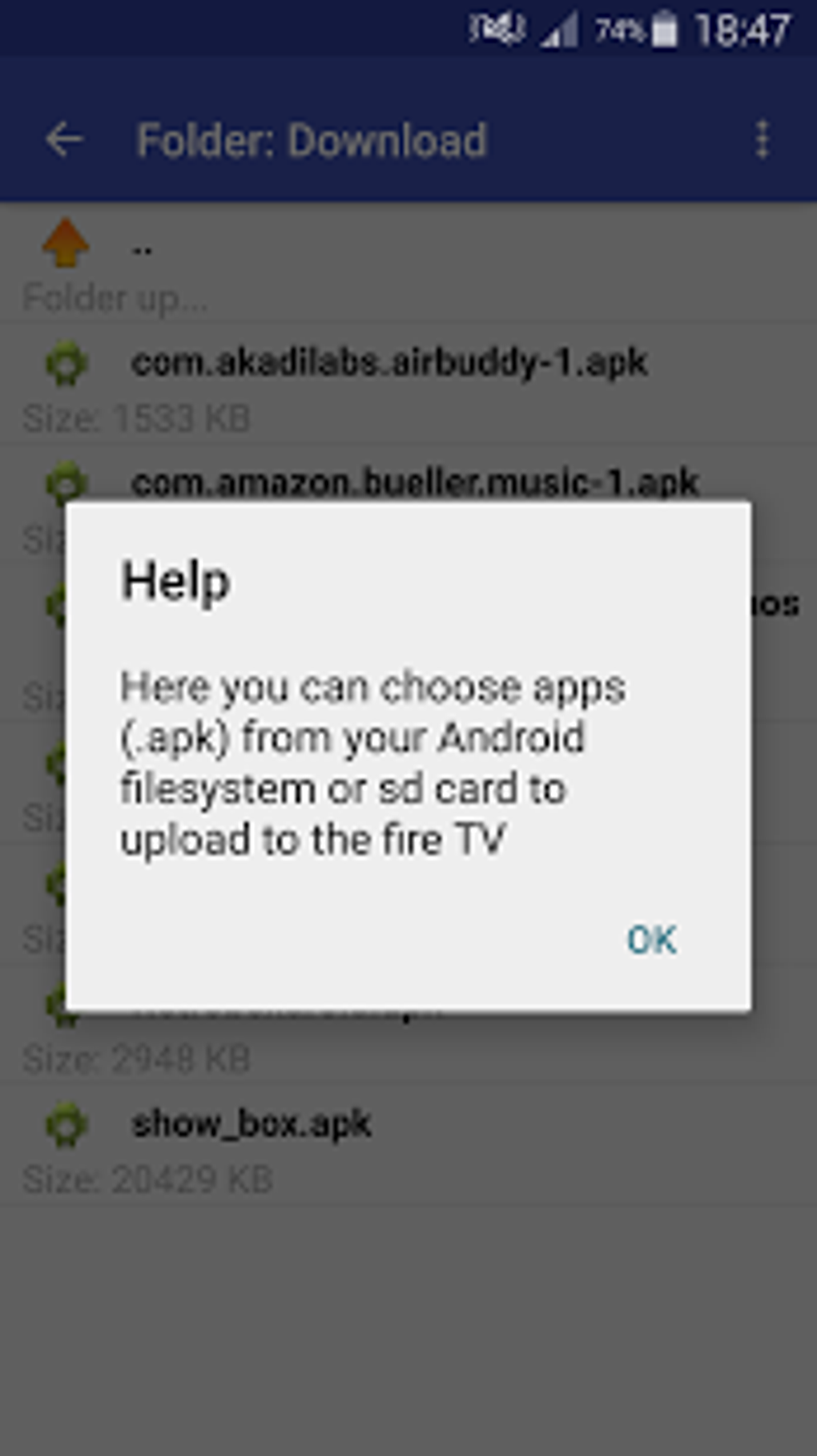
File Management: Beyond apps, Apps2Fire allows you to manage files on your Fire TV. This includes uploading files from your phone’s storage or SD card, deleting files, and renaming them. This functionality expands the Fire TV’s capabilities beyond pre-installed apps, providing a degree of personalized customization.
-
Remote Control: The app extends its usefulness by acting as a remote control for your Fire TV. This is a convenient feature for users who may find their Fire TV remote inconvenient or lost. Through Apps2Fire, you can control playback, pause videos, and restart applications.
-
App Uninstallation: Similar to file management, Apps2Fire provides the ability to uninstall applications directly from the Fire TV. This feature is especially valuable for managing apps that may no longer be used or causing conflicts.
-
Screenshot Capture: Apps2Fire even allows you to capture screenshots of your Fire TV screen. This feature is helpful for troubleshooting or for sharing specific screen content with others.
- Device Scanning: This feature facilitates the easy identification and connection to your Fire TV device.
Apps2Fire operates by using your Fire TV’s IP address, making a direct connection to the device. Therefore, ensuring that the developer options on your Fire TV are enabled and “USB debugging” is allowed is crucial for a successful connection. While older versions of the app might not have required this step, it’s now a mandatory part of the setup process.
The Ease of Use and Versatility
Apps2Fire distinguishes itself with its user-friendly interface. The app’s design prioritizes simplicity and intuitiveness, making it accessible even for users unfamiliar with sideloading techniques. The step-by-step process, coupled with clear on-screen instructions, makes setup and operation relatively straightforward.
Its lightweight nature and compatibility with a wide range of Android devices add to its appeal. Even older or lower-end devices can run Apps2Fire without significant performance issues, making it a versatile solution for many users. This broad compatibility is crucial for maximizing accessibility.
Addressing Potential Risks and Limitations
While Apps2Fire provides a significant amount of functionality and convenience, it’s essential to acknowledge certain inherent risks and limitations associated with sideloading applications.
- Security Risks: Sideloading inherently bypasses the security measures in place within the official Amazon Appstore. This means apps downloaded via sideloading aren’t vetted for malware or other security threats. It’s crucial to download apps only from trusted sources to mitigate these risks. Always research the source and reviews of any app before installing it.
-
Developer Options Instability: The reliance on the Fire TV’s developer options introduces an element of potential instability. These options, while necessary for sideloading, can occasionally be unreliable, potentially causing connectivity issues or malfunctions with Apps2Fire. If connectivity issues arise, restarting your Fire TV and toggling the developer options on and off can often resolve the problem. However, patience and troubleshooting may be required.
-
Amazon’s Terms of Service: Sideloading applications violates Amazon’s terms of service for the Fire TV. While generally not leading to immediate account penalties, it’s a factor to consider and understand.
It’s important to emphasize the responsibility of the user in mitigating these risks. Exercise caution and only download apps from reputable sources. Always verify the authenticity of an APK file before initiating the installation. This proactive approach is crucial for protecting your device from potential harm.
Apps2Fire’s Advantages and Disadvantages Summarized
Advantages:
-
Access to a Wider Range of Apps: The primary advantage is the ability to install apps unavailable on the Amazon Appstore. This opens up a world of possibilities for customization and content access.
-
Ease of Use and Intuitive Interface: Apps2Fire’s simple and straightforward design makes it accessible to users of all technical skill levels.
-
Versatile Functionality: Beyond simply installing apps, it offers comprehensive file management, remote control, and screenshot capabilities.
-
Broad Device Compatibility: It works on a wide range of Android devices, including older models.
Disadvantages:
-
Security Risks: Sideloading inherently bypasses Amazon’s security measures, potentially exposing your device to malware or other threats.
-
Potential Instability: The reliance on the Fire TV’s developer options can occasionally lead to instability or connectivity issues.
-
Violation of Amazon’s Terms of Service: Sideloading is technically against Amazon’s terms of service.
Conclusion
Apps2Fire provides a valuable service for users seeking greater control and customization over their Fire TV experience. Its ease of use and extensive functionality make it a powerful tool for those willing to navigate the potential risks associated with sideloading. However, informed users should understand and actively mitigate the security concerns and potential instability that come with bypassing the official app store. By exercising caution and only installing applications from trusted sources, users can leverage Apps2Fire’s capabilities to enhance their Fire TV experience significantly. Remember, the responsibility for the security of your device ultimately rests with you. Proceed with caution and be mindful of the potential implications before sideloading any applications.
File Information
- License: “Free”
- Version: “3.3.6”
- Latest update: “January 3, 2025”
- Platform: “Android”
- OS: “Android 9.0”
- Language: “English”
- Downloads: “12.6K”
- Size: “9.66 MB”
- Download Options: “APK, Google Play”
- Filename: “mobi.koni.appstofiretv.apk”