
ASRock Polychrome RGB Sync is a free software application designed to provide users with comprehensive control over the RGB lighting features integrated into their ASRock motherboards. This detailed review explores its functionalities, advantages, limitations, and overall user experience, providing a complete picture of this powerful lighting customization tool.
Unleashing the Power of Personalized PC Lighting
ASRock Polychrome RGB Sync transcends the limitations of basic RGB control, offering a sophisticated suite of tools for creating truly personalized lighting schemes. Instead of simply selecting pre-set colors, users can fine-tune various aspects of their PC’s illumination, making it an extension of their individual style and preferences. The program’s core functionality revolves around allowing users to manipulate the color, intensity, speed, and pattern of the RGB lighting on their ASRock motherboard. This granular control extends beyond simple color selection, encompassing dynamic effects and sophisticated synchronization capabilities, transforming a static visual element into a dynamic and responsive centerpiece of the PC setup.
The software’s intuitive interface presents a clear and organized layout, guiding users through the available customization options with ease. Users can select from a wide range of colors using either a color picker or pre-defined palettes. The selection of lighting effects is equally impressive, offering everything from static displays to dynamic transitions, breathing effects, and even music-reactive lighting. The ability to adjust the speed and intensity of these effects further enhances the level of personalization available, allowing users to tailor the lighting to match their mood or the specific application they’re using.
Furthermore, the software allows for intricate pattern control. Users aren’t limited to uniform lighting across their motherboard; instead, they can define specific areas and apply different colors and effects to each section, creating visually stunning and complex lighting configurations. This level of detail gives the user complete creative freedom to design unique lighting schemes that perfectly complement their system’s aesthetic.
Synchronization and System Integration
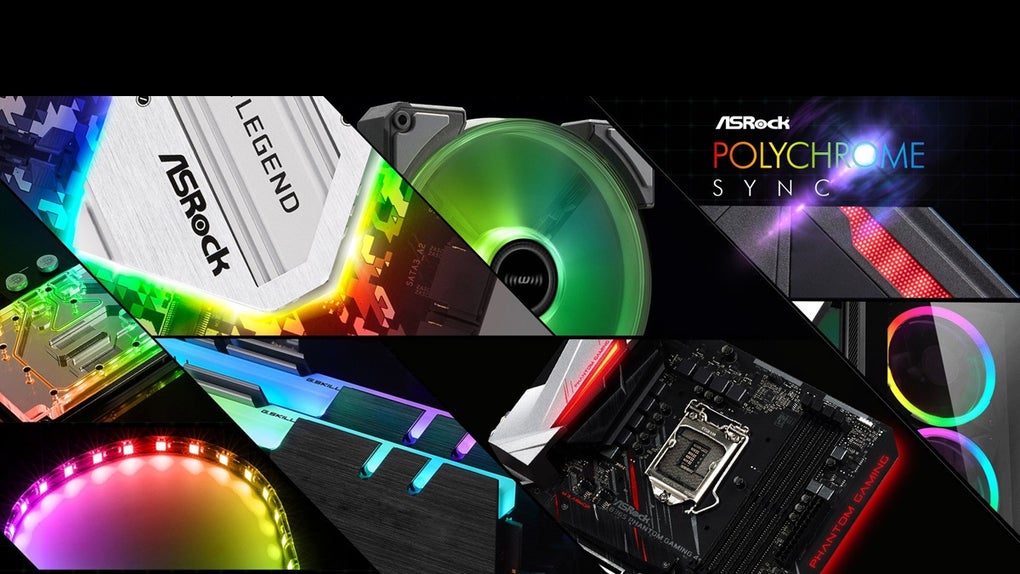
A key feature of ASRock Polychrome RGB Sync is its synchronization capabilities. This allows users to seamlessly integrate the motherboard’s RGB lighting with other compatible components, such as RAM modules, graphics cards, and case fans, creating a harmonious and cohesive lighting effect throughout the entire PC build. This synchronization isn’t limited to simple color matching; users can configure the entire system to respond in unison to changes in lighting effects or speed, resulting in a unified and visually impressive light show. This integration is crucial for achieving a truly immersive and visually stunning PC experience, transforming the system from a collection of individual components into a unified and aesthetically pleasing whole.
Beyond simple synchronization, ASRock Polychrome RGB Sync also offers more advanced options. For instance, the software allows users to synchronize the lighting with system events, such as changes in CPU temperature or system load. This functionality provides not only an aesthetic enhancement but also a functional one, allowing users to visually monitor system performance. The lighting could, for example, change color to indicate high temperatures, giving users a quick and visible alert. Similarly, the lighting could pulse in sync with music playing, creating an immersive and dynamic audio-visual experience. This advanced synchronization extends the functionality of the software far beyond its core purpose of lighting control, making it a valuable tool for both aesthetic enhancement and system monitoring.
Ease of Use and User Interface
One of the strengths of ASRock Polychrome RGB Sync lies in its intuitive user interface. Even users unfamiliar with RGB lighting control software should find the program easy to navigate and understand. The software avoids overly complex menus or confusing settings, providing a clear and straightforward user experience. The main interface neatly organizes the various options and tools, allowing for quick and efficient access to the desired settings. This ease of use ensures that users can quickly customize their lighting without needing to spend hours learning the intricacies of the software.
The program’s user-friendliness is further enhanced by its clear visual representations of the lighting effects. Users can see a preview of their chosen settings before applying them, making it easier to experiment with different combinations and achieve the desired look. This visual feedback loop reduces the chances of errors and makes the process of customizing the lighting both enjoyable and efficient.
While the software’s ease of use is commendable, there is always room for improvement. Future iterations could potentially include even more detailed tutorials or help documentation to assist users who may still experience difficulties. However, the current interface stands out for its intuitive design and straightforward navigation, making it accessible to a broad range of users.
System Requirements and Compatibility
ASRock Polychrome RGB Sync is specifically designed for use with ASRock motherboards. This inherent limitation is a significant drawback, as it restricts the software’s accessibility to a specific segment of the PC market. Users with motherboards from other manufacturers will be unable to utilize this software, making it a less versatile option compared to more broadly compatible RGB control software.
While the software’s compatibility is limited to ASRock motherboards, it’s crucial to note that within this specific ecosystem, it generally provides excellent support for a wide range of ASRock’s hardware offerings. The program is frequently updated to maintain compatibility with newer motherboard models, and the developer provides robust technical support to address any compatibility issues that may arise. This focused approach to compatibility ensures that users with ASRock motherboards can confidently utilize the software without encountering significant compatibility problems.
Nevertheless, the limited compatibility remains a critical factor to consider for potential users. Those looking for a more universally applicable RGB control solution should explore other options that support a wider range of motherboards and hardware components.
Conclusion: A Powerful Tool for ASRock Users
ASRock Polychrome RGB Sync is a powerful and user-friendly tool for customizing the RGB lighting on ASRock motherboards. Its extensive range of customization options, intuitive interface, and advanced synchronization features make it a compelling choice for users seeking complete control over their PC’s visual aesthetic. The ability to synchronize lighting with system events or music adds an extra layer of functionality and immersion.
However, the software’s exclusive compatibility with ASRock motherboards significantly limits its appeal to a broader audience. This limitation must be carefully considered before choosing this software. If you own an ASRock motherboard and want detailed control over your RGB lighting, then ASRock Polychrome RGB Sync is an excellent choice. But users with motherboards from other manufacturers should explore alternative, more widely compatible options. The software’s strengths are undeniable for its intended audience, but its exclusivity is a factor that significantly impacts its overall value and applicability within the wider PC community.
File Information
- License: “Full”
- Version: “varies-with-devices”
- Latest update: “January 16, 2024”
- Platform: “Windows”
- OS: “Windows 10”
- Language: “English”
- Downloads: “10.8K”


