
Audio Recorder and Editor is a free, versatile audio application for Android devices developed by rierie501. This application distinguishes itself by seamlessly combining robust recording capabilities with a surprisingly comprehensive suite of editing tools, all within a user-friendly interface. While many smartphones include basic audio recording functionality, Audio Recorder and Editor caters to users seeking enhanced control, flexibility, and creative editing options beyond the standard offerings. This review delves into its features, strengths, and areas for potential improvement.
Recording Capabilities: Multiple Formats and Convenient Controls
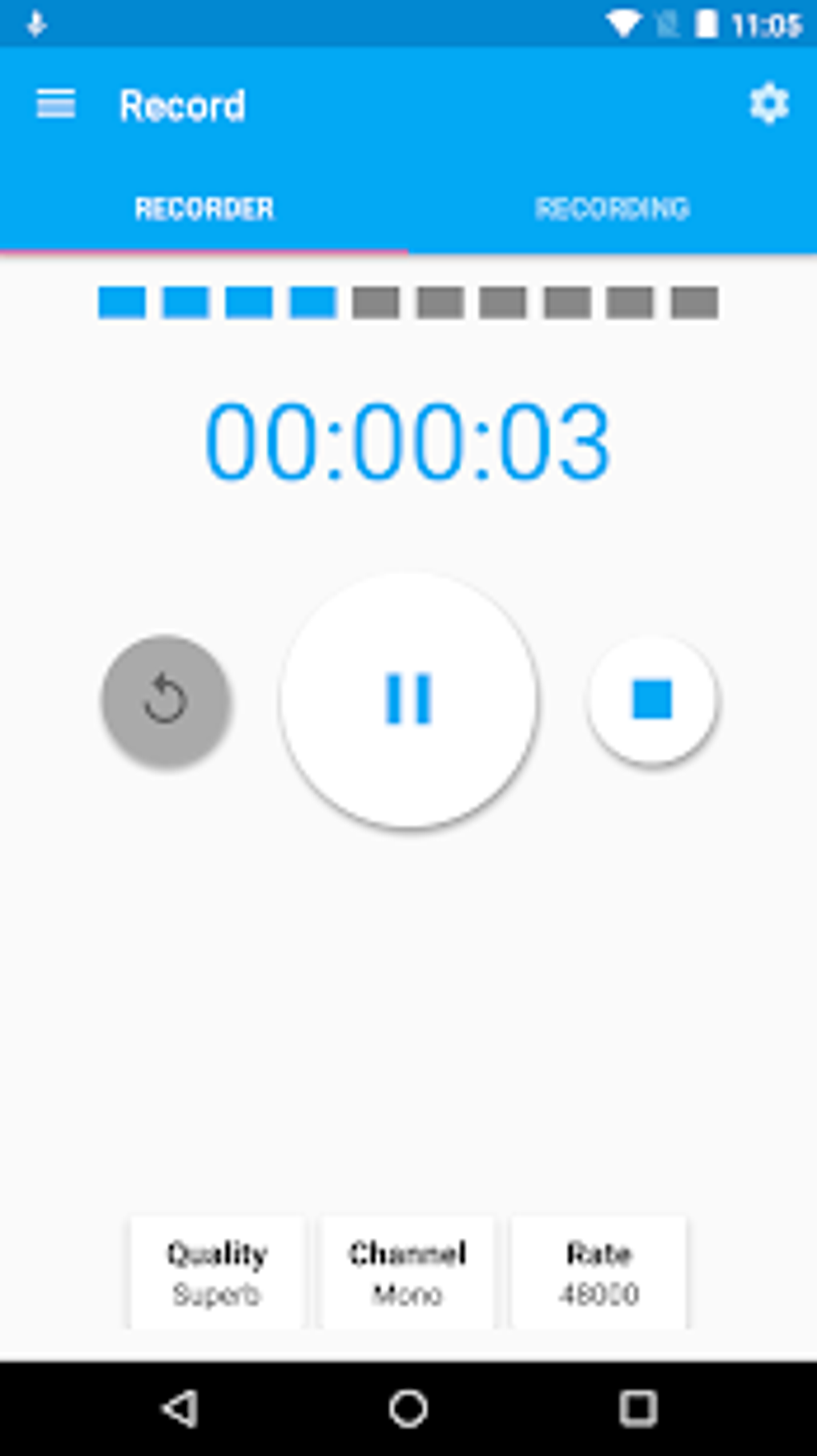
The app’s core strength lies in its ability to record audio in a variety of formats, including WAV, PCM, M4A, and AAC. This versatility ensures compatibility with a wide range of devices and applications. Users can easily initiate and pause recordings, a simple yet crucial feature often overlooked in less sophisticated recorders. Furthermore, the inclusion of a volume adjustment feature during recording provides valuable control over audio levels, mitigating issues with excessive background noise or overly quiet recordings. This feature is particularly beneficial for users recording in environments with fluctuating sound levels or those requiring precise audio capture. The ability to manage volume on the fly is a significant advantage for achieving optimal audio quality without needing post-production adjustments.
Editing Features: Beyond the Basics
Audio Recorder and Editor goes beyond simple recording, providing a robust collection of editing tools that empower users to refine their audio outputs. This set of functionalities is a significant step up from the bare-bones editing options typically found in default smartphone recorders. Key editing features include:
Trimming: Precise Audio Selection
The trimming functionality allows users to precisely cut sections of their recordings, removing unwanted silences, mistakes, or extraneous sounds. This is a fundamental editing task vital for cleaning up recordings and improving overall audio quality. The ease and precision of this function greatly improve the efficiency of post-production tasks.
Volume Adjustment: Balancing and Enhancement
Beyond adjusting recording levels, the app allows for detailed volume adjustments during the editing process. This is crucial for balancing different parts of a recording, emphasizing certain sounds, and attenuating others. This feature enables users to fine-tune audio dynamics, resulting in a more polished and professional-sounding final product.
Merging: Combining Audio Files
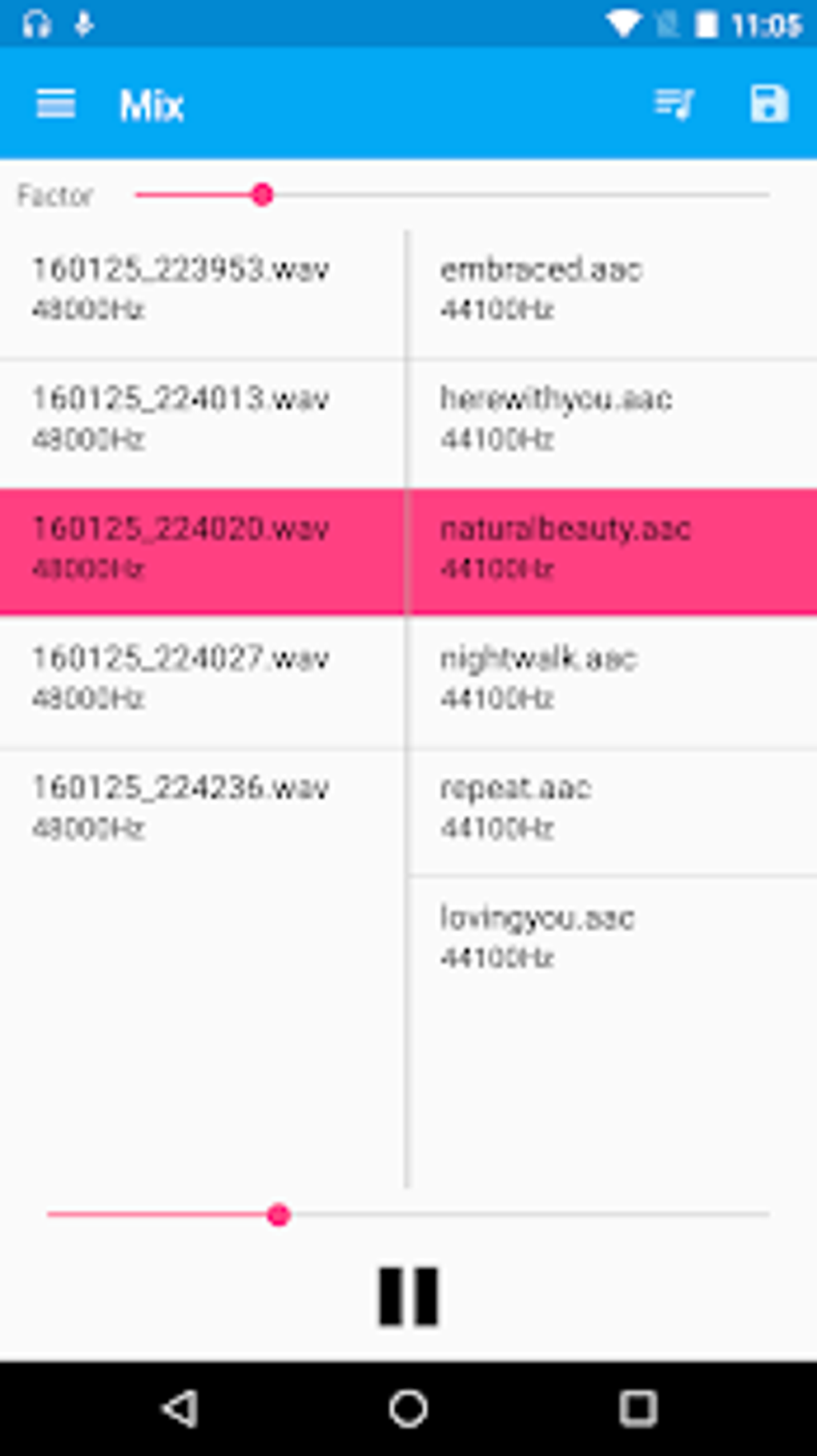
The ability to merge multiple audio files is a highly useful feature for projects involving piecing together various segments or combining different recordings. This streamlined process reduces the complexities often associated with combining audio files using multiple applications.
Sound Effects: Adding Creative Flair
The app offers a range of sound effects, notably reverb, to enrich the audio. Reverb, in particular, can add depth and atmosphere to recordings, making them sound more professional and impactful. This enhancement significantly boosts the app’s potential for creative applications, such as podcasting or music creation.
Pitch and Speed Adjustment: Fine-Tuning Audio Characteristics
The inclusion of pitch and speed adjustments provides a level of control that sets this app apart from many competitors. Modifying pitch is particularly useful for correcting vocal inflections or altering the overall tone of a recording, while speed adjustment is essential for managing the pacing of narration or spoken word content.
Format Conversion: Ensuring Compatibility
The capacity to convert audio files to different formats guarantees compatibility across different devices and platforms. This ensures that recordings can be readily shared and used in a variety of contexts without encountering compatibility issues. This functionality prevents users from encountering file format incompatibility problems and ensures broad usability across various platforms.
User Interface and Experience: Simplicity and Efficiency
Audio Recorder and Editor boasts a clean and intuitive user interface, making it easy for users of all technical levels to navigate and utilize its features. The simple, uncluttered design is a significant strength, ensuring that users can readily access the necessary functions without getting lost in a convoluted interface. The straightforward design prevents usability issues and maintains focus on the core functionalities of the app.
Sharing and Exporting: Seamless Distribution
Once editing is complete, users can easily share their finished recordings via various messaging platforms or save them directly to their device’s storage. This seamless sharing process is vital for those who wish to immediately share their audio content with others, facilitating quick and efficient dissemination. This smooth workflow is crucial for the productivity of content creators.
Areas for Improvement: Enhancements for Future Versions
While Audio Recorder and Editor offers a comprehensive suite of features, there are a few areas where improvements could further enhance the user experience.
Keep Screen On Feature: Preventing Interruptions
The absence of a “keep screen on” option is a notable omission. This feature would prevent accidental screen lock during longer recording sessions, ensuring uninterrupted recordings, particularly beneficial for extended recordings or interviews.
Preview Function: Assessing Edits Before Saving
The lack of a preview function is another area for improvement. A preview function would allow users to listen to their edited audio before saving, enabling quick checks for errors or desired refinements without having to repeatedly save and load files. This feature would greatly improve the user workflow and minimize wasted effort.
Comparison with Competitors: Standing Out from the Crowd
Compared to other audio recorder and editor applications, Audio Recorder and Editor holds its own quite well. While several competitors provide similar recording capabilities, Audio Recorder and Editor’s comprehensive suite of editing tools, combined with its straightforward user interface, sets it apart. Applications like Donnin Audio Editor and Voice Recorder, for example, might excel in specific niche areas, but Audio Recorder and Editor provides a more balanced and accessible solution for users seeking both powerful recording and editing capabilities.
Conclusion: A Powerful and User-Friendly Audio Tool
Audio Recorder and Editor is a highly capable and user-friendly audio recording and editing application for Android. Its extensive feature set, intuitive interface, and ease of use make it a compelling choice for a wide range of users, from casual recorders to those who need more professional editing tools. While a few minor improvements, such as adding a “keep screen on” feature and a preview function, could further enhance its functionality, the app already provides substantial value and offers a significant upgrade over the basic recording capabilities found in most smartphones. If you’re looking for a free and versatile audio solution for your Android device, Audio Recorder and Editor deserves serious consideration.
File Information
- License: “Free”
- Version: “1.6.1”
- Latest update: “July 4, 2023”
- Platform: “Android”
- OS: “Android 9.0”
- Language: “English”
- Downloads: “26.3K”
- Size: “5.39 MB”
- Download Options: “APK, Google Play”
- Filename: “rierie.media.audiorecorder.apk”


