
Auslogics Disk Defrag is a free disk defragmentation tool for Windows operating systems. It’s designed to improve PC performance by reorganizing fragmented files on your hard drive. While the built-in Windows defragmenter exists, Auslogics Disk Defrag aims to provide a faster, more user-friendly, and feature-rich alternative. This review will delve into its capabilities, ease of use, performance, and compare it to other options available.
Performance and Speed
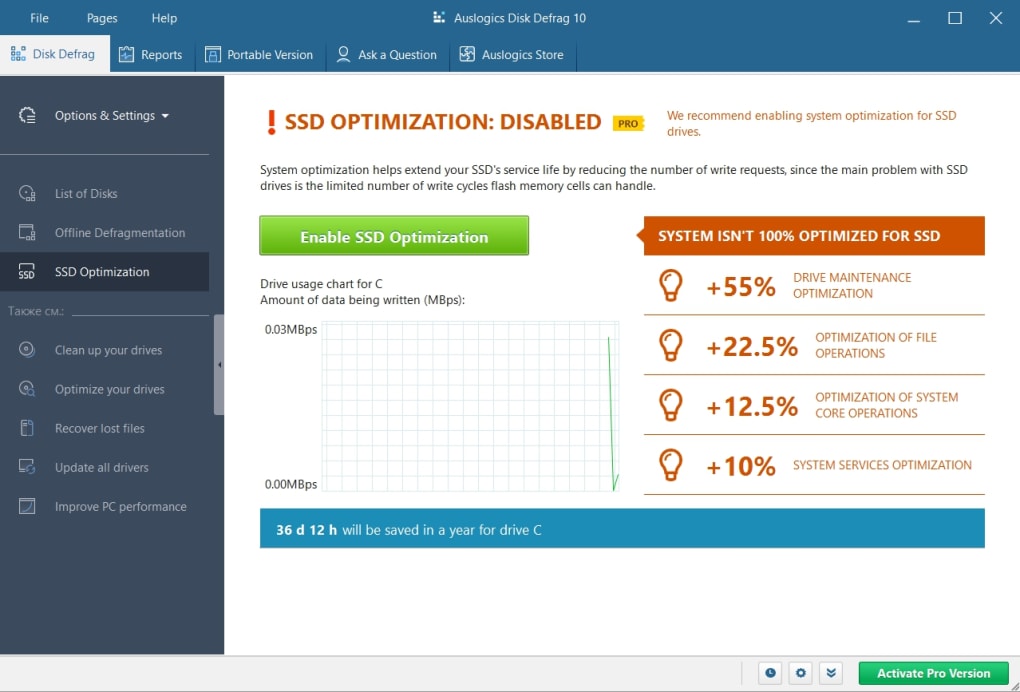
One of Auslogics Disk Defrag’s primary selling points is its speed. Many user reviews highlight its efficiency, often completing defragmentation of average-sized hard drives in under ten minutes. This speed advantage stems from its optimized engine, which is considerably faster than the default Windows defragmentation utility. The speed isn’t achieved at the cost of thoroughness; the software effectively reorganizes files, leading to noticeable performance improvements after a defrag cycle. This speed is particularly beneficial for users who prefer regular, quick defragmentation sessions rather than less frequent, more extensive ones. The speed benefits are especially apparent on HDDs (Hard Disk Drives), where file fragmentation is more common and impactful compared to SSDs (Solid State Drives). For SSD users, while defragmentation might be less critical, Auslogics Disk Defrag’s speed still makes it a quick and efficient process.
User Interface and Ease of Use
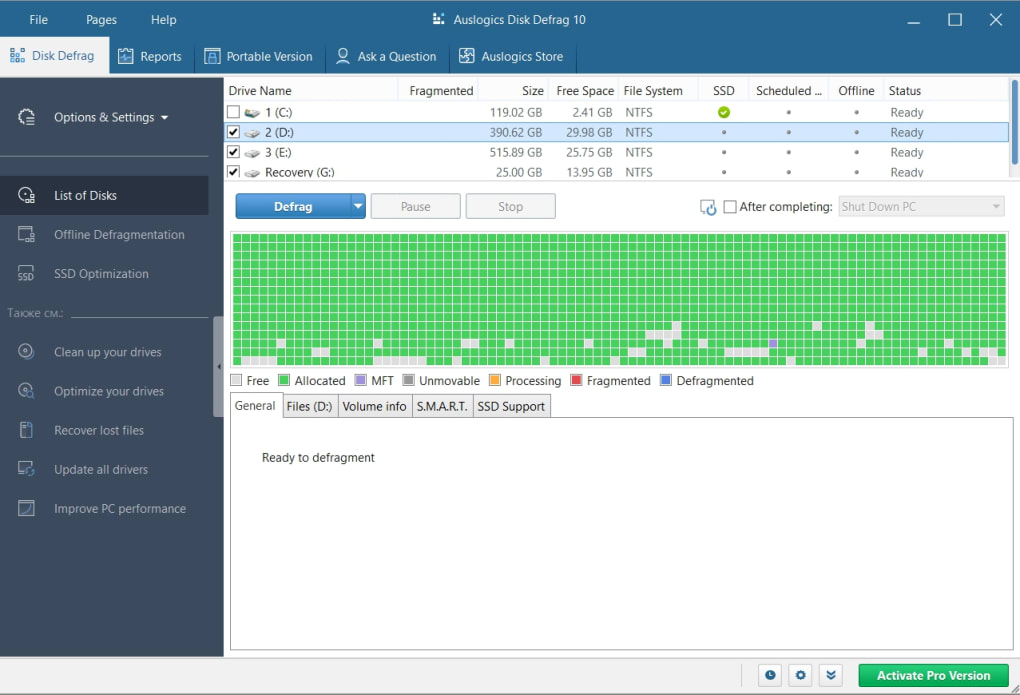
The user interface of Auslogics Disk Defrag is praised for its intuitive design. Even novice computer users can easily navigate the program and initiate a defragmentation process. The updated version boasts a significantly improved interface compared to previous iterations, making the process even more straightforward. The graphical representation of the defragmentation process offers visual feedback, showing the progress in real-time. This visual element enhances the user experience, allowing users to monitor the defragmentation without technical knowledge or complex analysis. The clear layout and straightforward options contribute to a streamlined experience, minimizing the learning curve and maximizing usability.
The program’s integration into the Windows context menu (right-click menu) provides convenient access. Users can easily select specific files, folders, or entire drives for defragmentation directly from the file explorer. This simple integration enhances the user experience, removing unnecessary steps and making the defragmentation process readily accessible. The settings menu allows for more customization, including scheduling automated defrags, prioritizing the defragmentation process, and managing system resource allocation during the defrag. These options offer flexibility to tailor the process to individual user needs and system configurations.
Features and Functionality
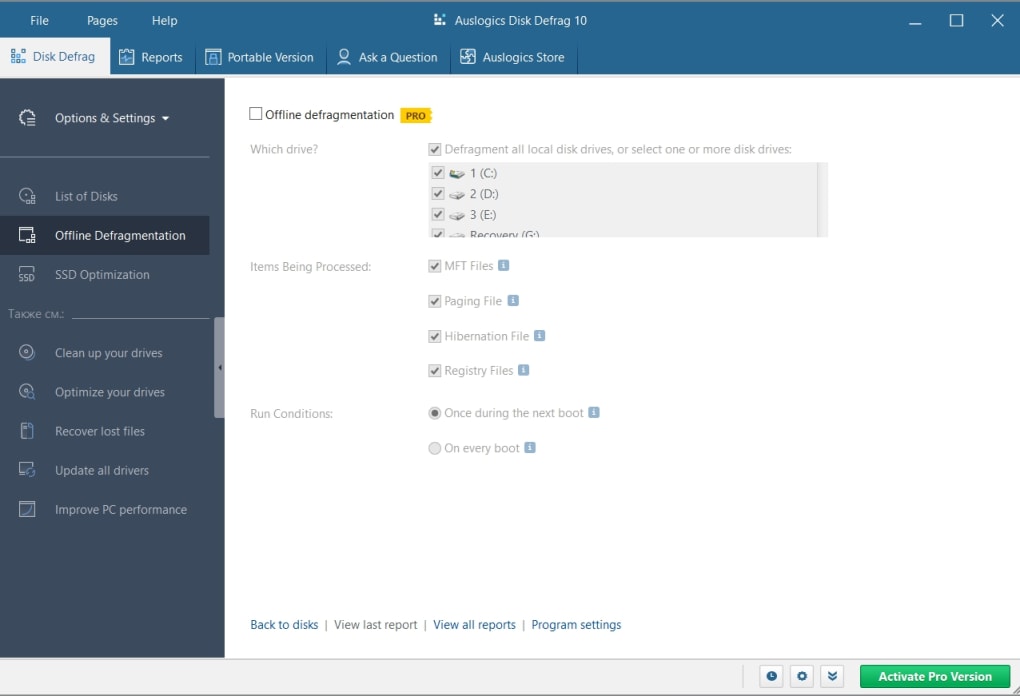
Beyond basic defragmentation, Auslogics Disk Defrag provides several additional features. The “Defrag and Optimize” feature combines defragmentation with other optimization techniques to improve overall disk performance. This integrated approach streamlines the optimization process, offering a comprehensive solution in a single step. The auto-defrag feature allows users to schedule automatic defragmentation when the computer is idle, eliminating the need for manual intervention. This automated functionality is particularly useful for users who want to maintain optimal disk performance without actively managing the process.
The program also allows for precise control over defragmentation priority and resource allocation. Users can adjust the program’s behavior based on their current usage, ensuring the defragmentation process doesn’t negatively impact other tasks. This level of control is particularly appreciated by users who want to balance system resources between defragmentation and other computationally intensive tasks. The ability to defragment individual files and folders offers granularity for users who only need to target specific areas of their hard drive, optimizing the defragmentation process based on specific needs. The ability to generate and examine process reports provides a way to track and analyze past defragmentation sessions, useful for monitoring performance and optimizing future runs.
Comparison to Alternatives
While Auslogics Disk Defrag excels in its speed and user-friendliness, it’s important to compare it to other popular defragmentation tools. The review mentions Smart Defrag and Defraggler as viable alternatives. Smart Defrag is often praised for its comprehensive features and power, whereas Defraggler, created by the makers of CCleaner, is known for its reliability and efficiency. The choice between these depends largely on individual priorities. Auslogics Disk Defrag prioritizes speed and ease of use, making it an excellent choice for users who value a quick, straightforward defragmentation experience. However, if more advanced features or a greater level of control are desired, Smart Defrag or Defraggler could be better alternatives, even though these potentially offer slightly slower performance.
Auslogics Disk Defrag’s strength lies in its balance of speed, simplicity, and sufficient features for most everyday users. It successfully addresses the shortcomings of the built-in Windows defragmenter, offering a superior user experience without sacrificing essential functionality.
Auslogics Disk Defrag Portable
A portable version of Auslogics Disk Defrag is also available, providing the added convenience of running the software from a USB drive or other external storage. This portability is beneficial for users who need to defragment multiple computers or prefer not to install software directly onto their primary systems. The portable version maintains all the core functionality of the standard installation, ensuring users don’t lose any features or performance when choosing the portable option. This flexibility enhances the software’s usability and accommodates various user preferences and usage scenarios.
User Reviews and Feedback
User reviews consistently praise Auslogics Disk Defrag for its speed and simplicity. Many users describe it as faster and easier to use than the default Windows defragmenter. However, some reviews acknowledge that it may not be as powerful as some alternative defraggers, potentially sacrificing some degree of thoroughness for its speed. Despite this trade-off, the overwhelmingly positive feedback points to a strong user satisfaction rate, underscoring the software’s value proposition.
The consensus among users is that Auslogics Disk Defrag serves as an excellent choice for everyday defragmentation tasks. Its speed and user-friendly interface are highly appreciated, making it a suitable option for users who prioritize ease of use and fast defragmentation cycles. The general lack of negative feedback regarding core functionality highlights the software’s robustness and reliability.
Conclusion
Auslogics Disk Defrag presents a compelling alternative to the built-in Windows defragmenter. Its speed, user-friendly interface, and convenient features make it a strong contender in the free defragmentation software market. While it might not offer the same depth of features as some paid or more complex alternatives, it more than adequately fulfills its primary function with exceptional efficiency and ease of use. The portable version further enhances its accessibility and versatility. Overall, Auslogics Disk Defrag is a highly recommended tool for users seeking a fast, easy-to-use, and effective solution for maintaining optimal hard drive performance. The balance between speed and ease of use successfully caters to a broad range of users, from novice computer users to those looking for a quick and reliable defragmentation tool for daily use.
File Information
- License: “Free”
- Latest update: “May 1, 2025”
- Platform: “Windows”
- OS: “Windows XP”
- Language: “English”
- Downloads: “99.3K”


