
AutoTagger is a powerful and versatile application designed to streamline the process of managing and organizing your digital music collection. Whether you have a few dozen songs or a library containing thousands, AutoTagger offers a comprehensive solution for editing music tags in bulk, ensuring consistency and accuracy across your entire collection. This detailed review will explore the features and functionalities of AutoTagger, highlighting its strengths and addressing any potential limitations.
Streamlining Music Management: Key Features of AutoTagger
AutoTagger’s primary function centers around simplifying the often tedious task of editing music metadata (tags). These tags—including artist, album, title, year, genre, and album art—are crucial for proper organization and playback functionality across various music players and streaming services. Manually editing tags for a large music library can be incredibly time-consuming and prone to errors. AutoTagger offers a solution by providing a batch editing capability, allowing users to modify tags across multiple files simultaneously. This efficiency significantly reduces the time and effort required to maintain a well-organized music library.

Beyond batch editing, AutoTagger boasts several noteworthy features:
-
Automatic Tagging: One of AutoTagger’s most valuable assets is its ability to automatically detect and populate missing or incorrect tags. Using advanced algorithms, the application searches for matching information based on file names and other available data. While not always perfectly accurate, this feature can dramatically accelerate the tagging process, particularly for large collections. Users can then manually review and correct any inaccuracies, ensuring precision.
-
Batch Editing Capabilities: The core strength of AutoTagger lies in its ability to edit metadata across numerous files concurrently. This eliminates the need to individually adjust tags for each song, saving significant time and effort. Users can select multiple files, modify the desired tags, and AutoTagger applies these changes to all selected files simultaneously. This batch processing is crucial for managing sizable music libraries.
-
Comprehensive Tag Support: AutoTagger supports a broad range of music file formats, ensuring compatibility with most common audio file types. This extensive support includes, but is not limited to, MP3, MP4, M4A, FLAC, OGG, WMA, and WAV. The ability to handle diverse file formats makes AutoTagger a truly universal solution for music management.
-
Album Art Management: In addition to text-based metadata, AutoTagger excels at handling album art. Users can easily add, replace, or remove album art for individual songs or entire albums. The application even includes features that can automatically search for and download missing album art based on the identified song and album information. This automated art retrieval further enhances the organization and visual appeal of your digital music collection.
-
User-Friendly Interface: While packed with features, AutoTagger maintains a user-friendly interface that is intuitive and easy to navigate. Even users with limited technical experience can quickly grasp the functionality and effectively use the application’s tools. The clean design and straightforward layout ensure a smooth and efficient workflow.
-
Support for Multiple Platforms: AutoTagger is available on multiple platforms, enabling users to manage their music libraries seamlessly across different devices. While this review focuses on the Android version, the availability of versions for other operating systems underscores the app’s versatility and broad appeal.
-
Regular Updates and Ongoing Development: The developers of AutoTagger demonstrate a commitment to improvement through regular updates. These updates often include bug fixes, performance enhancements, and the addition of new features. This ongoing development ensures that the application remains current and provides a consistently positive user experience.
Beyond the Basics: Advanced Features and Customization
While the core functionality of AutoTagger is straightforward and user-friendly, it also offers several advanced features for more experienced users who require finer control over their music metadata:
-
Customizable Tag Fields: AutoTagger allows for extensive customization of tag fields. Beyond the standard tags, users can add custom fields to store additional information relevant to their music collection, further enhancing the level of organization and detail.
-
Regular Expressions: For users familiar with regular expressions, AutoTagger offers the possibility to use this powerful tool for precise and advanced search and replacement operations on tags. This provides an extra layer of control for sophisticated tasks, particularly helpful when managing music collections with complex naming conventions.
-
Import/Export Functionality: AutoTagger allows users to import and export tag information, enabling data transfer between different music libraries or sharing tag data with other users. This functionality is especially useful for collaborative projects or when migrating music libraries to new devices or software.
- Extensive File Support: The wide range of supported file formats ensures compatibility across virtually all commonly used audio file types, greatly enhancing the application’s versatility and user-friendliness. The breadth of this support minimizes the need for users to employ multiple applications for managing their diverse music library.
Using AutoTagger: A Step-by-Step Guide
The user experience with AutoTagger is intentionally designed to be intuitive and straightforward. The steps involved in using the application are generally as follows:
-
Installation: Download and install the AutoTagger application from your device’s app store or the official website. The installation process is typically quick and uncomplicated.
-
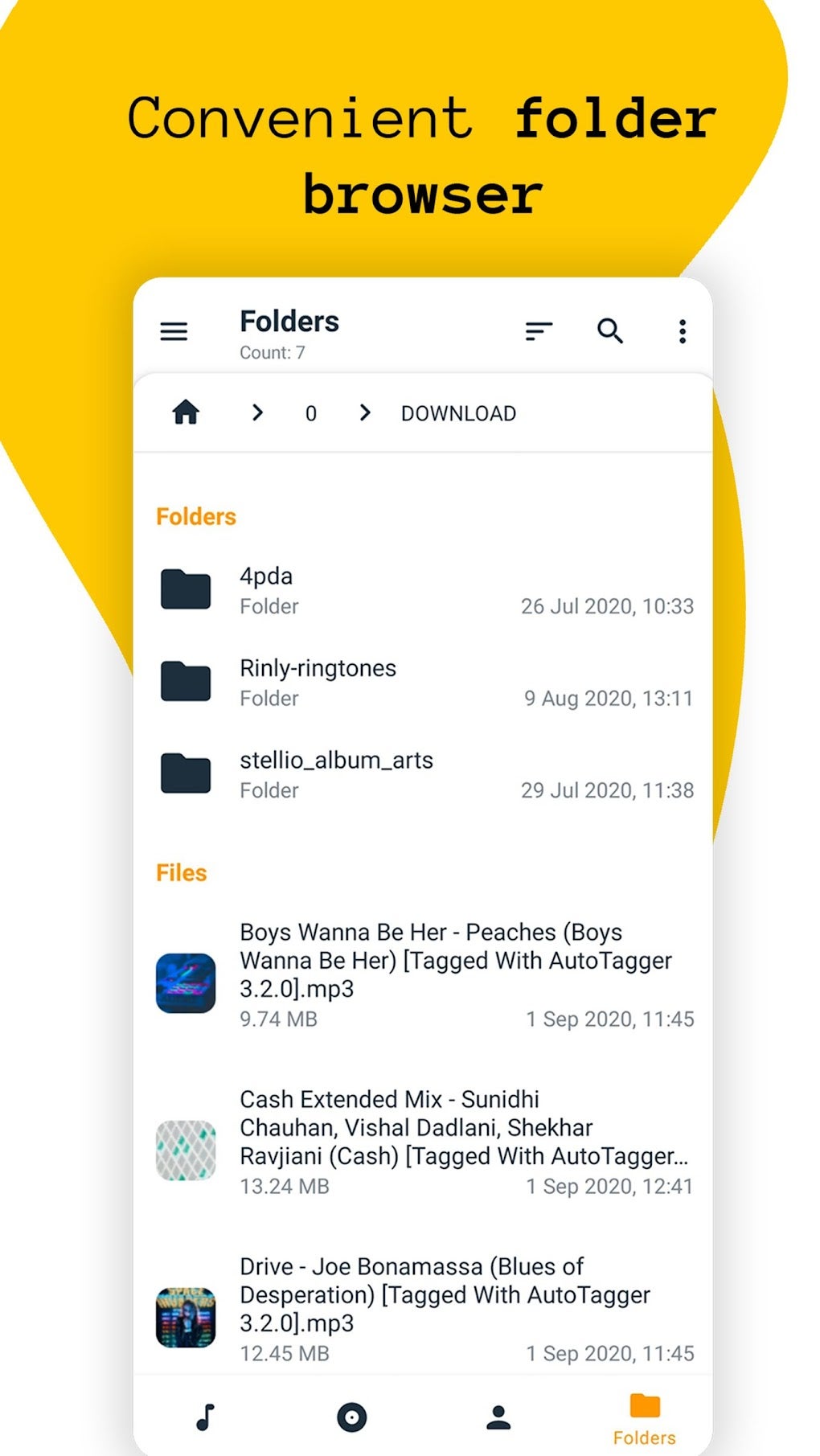
Import Music: Import your music files into the application. AutoTagger supports selecting files directly from your device’s storage or utilizing the application’s file browsing feature.
-
Automatic Tagging (Optional): Use the automatic tagging feature to attempt to populate missing or incorrect tags. This is an optional but often beneficial step to accelerate the tagging process.
-
Manual Tag Editing: Manually review and edit tags as needed. AutoTagger’s intuitive interface makes it easy to make adjustments, ensuring accurate and consistent metadata.
- Batch Editing: Use the batch editing function to apply changes to multiple files simultaneously. This is a significant time-saver when managing large collections.
-
Album Art Management: Add, replace, or remove album art for songs or entire albums. AutoTagger simplifies this task, and, as mentioned, often provides a function for automatic retrieval of album art.
-
Export (Optional): Export your edited music files to your device’s storage. This step is only necessary if you wish to transfer the edited files to another device or application.
AutoTagger Compared to Alternatives
While AutoTagger stands out as a robust and feature-rich solution, several alternative music tag editors exist. A comparative analysis against these alternatives helps to highlight AutoTagger’s strengths and unique advantages. Many competitors lack the combined power of automatic tagging, batch processing, and extensive file format support that AutoTagger offers. Some alternatives may excel in specific areas (e.g., advanced editing capabilities), but often fall short in terms of overall user-friendliness and comprehensive feature set. AutoTagger’s balance of power, ease of use, and comprehensive feature list positions it favorably among similar applications.
Conclusion: A Highly Recommended Music Management Tool
AutoTagger presents a compelling solution for anyone seeking an efficient and user-friendly method for managing their digital music library. The combination of automatic tagging, batch editing capabilities, comprehensive file format support, and intuitive interface makes it a highly recommended tool for both casual listeners and serious music enthusiasts. Its ongoing development and regular updates further solidify its position as a leading application in music metadata management. While alternative applications exist, AutoTagger’s holistic approach and focus on user experience set it apart, making it a powerful and valuable addition to any music lover’s digital toolbox.
File Information
- License: “Free”
- Version: “3.4.1”
- Latest update: “May 6, 2024”
- Platform: “Android”
- OS: “Android 9.0”
- Language: “English”
- Downloads: “2.4K”
- Size: “8.88 MB”
- Download Options: “APK, Google Play”
- Filename: “com-serg-chuprin-tageditor-167-67565855-aaf0d50d1ac2d4292166644053cac23b.apk”


