
AutoTune, a name synonymous with pitch correction in the music industry, has evolved from a niche professional tool to a widely accessible software application. This exploration delves into the capabilities, user experience, and limitations of AutoTune, focusing primarily on the AnalogX version readily available to consumers. We’ll examine its functionality, interface, performance, and compare it to industry-standard alternatives.
Understanding AutoTune’s Core Functionality
At its heart, AutoTune is an automated audio processing program designed to correct pitch inaccuracies in audio recordings. While often associated with the heavily processed, robotic vocal effects popularized in certain genres, the software’s underlying functionality is far more versatile than its reputation might suggest. The core process involves analyzing the input audio signal (typically a WAV file) in the frequency domain. The software identifies the fundamental frequency (pitch) of the audio and then applies corrective shifts to align it with a pre-defined target note or pitch. This correction can be subtle, resulting in a naturally corrected vocal line, or it can be extreme, creating the characteristic “Auto-Tune effect.”
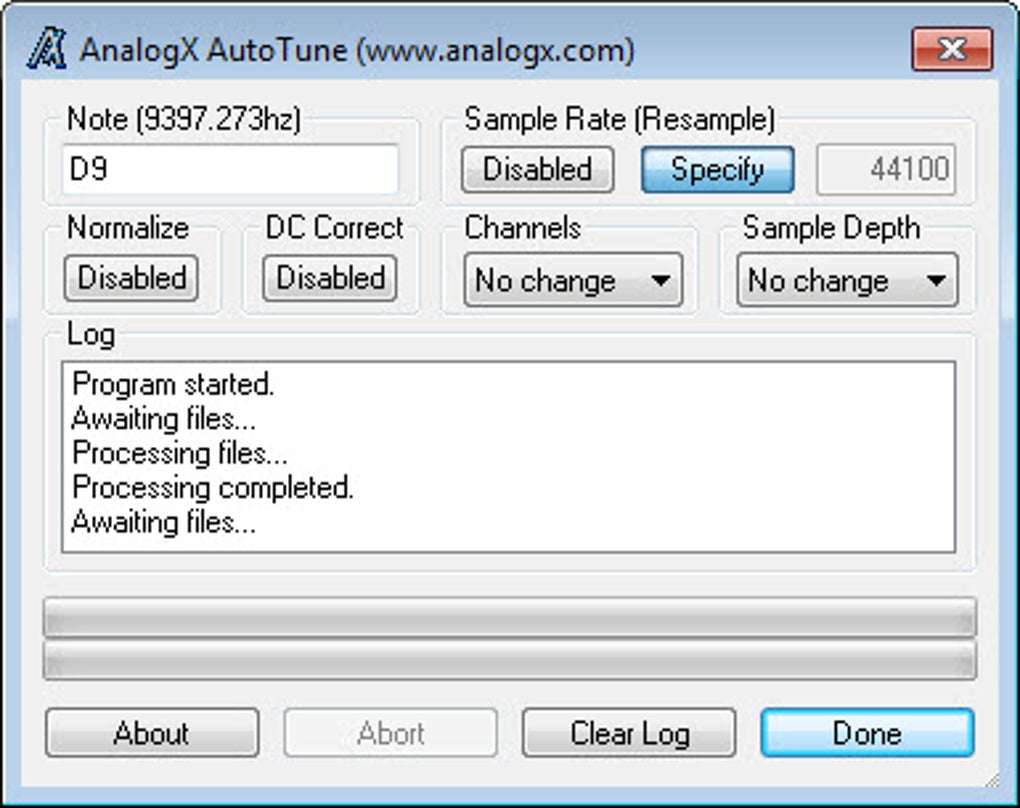
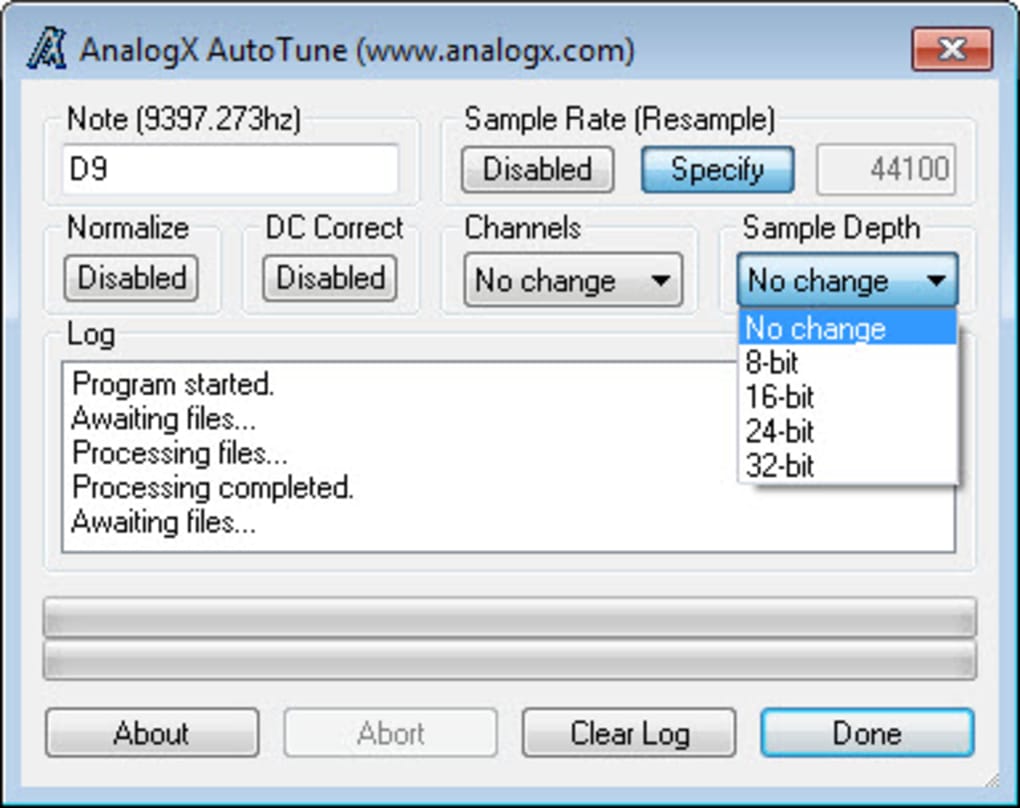
The software’s automated nature significantly streamlines the audio editing process. Users simply load their audio file, specify the desired target pitch, and let AutoTune do the work. This automation extends beyond simple pitch correction. The program can also resample audio to match a specific sample rate, ensuring consistency across multiple audio tracks. Furthermore, AutoTune boasts a “normalization” feature, which increases the amplitude of the audio signal without causing clipping (distortion), leading to a more consistent overall volume across different audio files.
However, it’s crucial to understand the limitations of AnalogX AutoTune. While capable of handling many chords and correcting pitch in various musical contexts, it struggles with certain audio types. The program isn’t ideal for processing complex audio signals like drums, breakbeats, voice effects, or foley sounds. These audio elements contain numerous frequencies that often interfere with AutoTune’s pitch detection algorithms, producing less-than-ideal results. Similarly, users looking to perform complex sample rate conversions or substantial downsampling might find the software’s performance inconsistent, producing unsatisfactory outputs in certain scenarios. For these more complex tasks, professional-grade Digital Audio Workstations (DAWs) like Pro Tools or Cubase, which often integrate their own advanced pitch correction plugins, are better suited. While AnalogX AutoTune serves as a useful tool for simpler applications, professional audio engineers frequently opt for more sophisticated solutions like Antares Auto-Tune Pro or Celemony Melodyne for advanced pitch correction and audio manipulation tasks.
The User Interface and Workflow
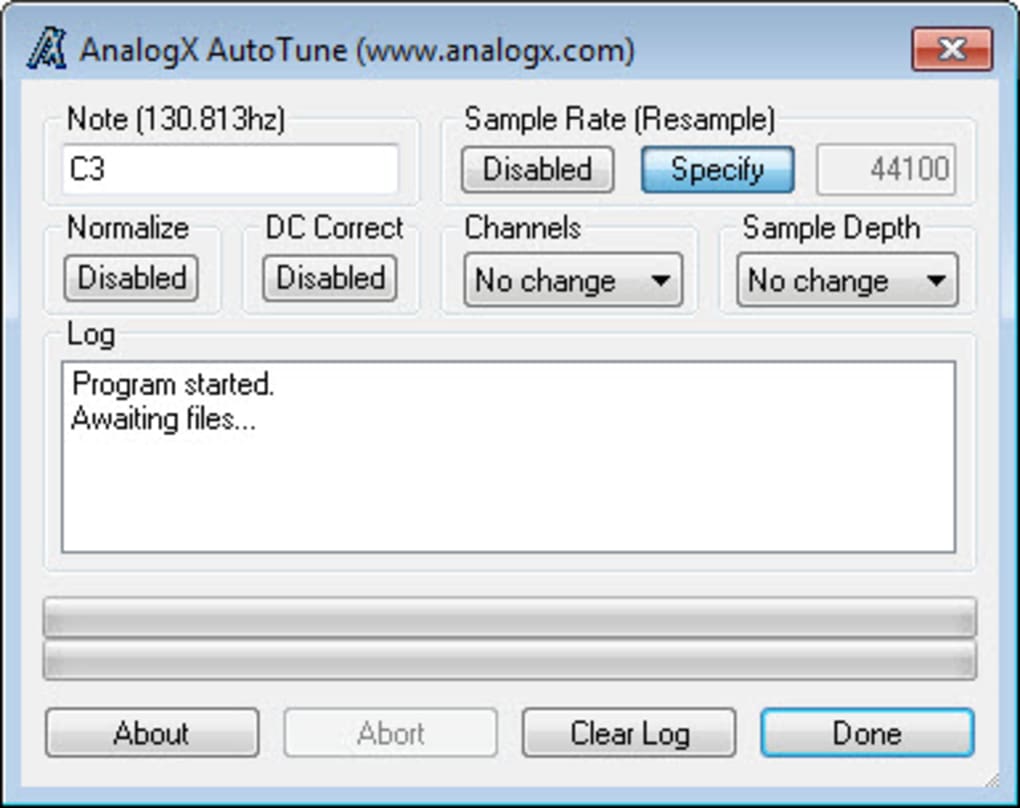
AnalogX AutoTune stands out for its straightforward and user-friendly interface. The design philosophy prioritizes ease of use, making it accessible to both novice and experienced users. The program features a clean, organized layout with a drag-and-drop functionality. Users can simply drag and drop audio files (WAV format) into the main window for processing. This ease of use significantly reduces the learning curve associated with many other audio editing software packages.
While the drag-and-drop functionality is intuitive, it’s important to note that files are processed immediately upon being dropped into the interface. This means users must configure the desired target pitch and other parameters before adding the audio file for processing. Alternatively, users can drag an entire directory onto the program. The software then processes all WAV files contained within that directory and its subdirectories, converting the audio to the nearest octave based on pre-configured settings. This batch processing feature enhances efficiency, particularly when dealing with multiple files. However, this “set-it-and-forget-it” approach lacks the granular control offered by professional-grade audio editing software, which allows for individualized adjustments to each audio file.
Performance and System Requirements
AnalogX AutoTune boasts minimal system resource requirements. It operates efficiently on both desktop and laptop computers, processing files quickly even with modest CPU and memory capabilities. This low resource footprint makes it accessible to a broader range of users who might not have high-end computer systems. However, a key limitation is the lack of an option to create a backup copy of the original, unprocessed audio file. The program operates directly on the input file, potentially resulting in irreversible changes if caution isn’t exercised. While its performance is generally acceptable, users should always back up their audio files before processing them to prevent accidental data loss.
Strengths and Weaknesses of AnalogX AutoTune
AnalogX AutoTune presents a compelling balance of strengths and weaknesses. Its greatest advantage lies in its user-friendly interface and automated processing capabilities. The intuitive drag-and-drop workflow and automated pitch correction significantly simplify the audio editing process, making it accessible to a wide range of users. Its minimal system requirements further enhance its accessibility.
However, limitations exist. The program’s restriction to WAV files limits its compatibility. The inconsistencies observed in sample rate conversion and downsampling, along with its inability to effectively handle complex audio signals like drums and vocal effects, clearly showcase its limitations compared to professional software. The lack of non-destructive editing (the absence of backup files) is also a critical drawback.
Comparison with Industry-Standard Alternatives
Compared to professional-grade audio editing software like Antares Auto-Tune Pro, Celemony Melodyne, or even the open-source Audacity, AnalogX AutoTune occupies a distinct niche. Professional solutions offer a broader range of features, including far more advanced pitch correction algorithms, superior control over audio processing parameters, support for various audio formats, non-destructive editing, and advanced features like formant correction and time-stretching. These advanced features make them invaluable for professional music production and audio engineering tasks where precision and control are paramount. However, this advanced functionality comes at the cost of complexity. The user interface and workflow of professional tools tend to have a steeper learning curve, which might deter casual users.
Audacity, while free and open-source, offers greater versatility in terms of audio editing capabilities, supporting a wider range of formats and providing more comprehensive editing tools. However, it lacks the integrated, automated pitch correction found in AutoTune. The selection of the right tool depends on the user’s needs and technical proficiency. If simple, automated pitch correction is needed, AnalogX AutoTune is a reasonable choice. However, for professional-level work or more complex tasks, a more advanced program is necessary.
Conclusion: Finding the Right Tool for the Job
AnalogX AutoTune is a valuable tool for users seeking a simple, straightforward, and automated approach to pitch correction in audio files. Its user-friendly interface and low system requirements make it accessible to a large user base. However, users should be aware of its limitations concerning file format compatibility, audio signal handling, and the lack of non-destructive editing capabilities. Professional audio engineers and those needing advanced features should consider more powerful, albeit more complex, alternatives. Ultimately, the “best” AutoTune solution depends on individual needs and technical expertise, with AnalogX AutoTune finding its niche as a user-friendly tool for simpler audio editing tasks.
File Information
- License: “Free”
- Version: “2.31”
- Latest update: “June 9, 2025”
- Platform: “Windows”
- OS: “Windows NT”
- Language: “English”
- Downloads: “302.9K”
- Size: “389.91 KB”


