
AutoWall is a free personalization software for Windows that allows users to transform animated GIFs and even videos into dynamic desktop wallpapers. Developed by SegoCode, this user-friendly application offers a straightforward approach to enhancing the visual appeal of your computer screen, injecting a level of dynamism often missing from static backgrounds. While its ease of use is a significant advantage, it’s crucial to be aware that using larger files can increase CPU usage. This review explores AutoWall’s strengths and limitations, offering a comprehensive assessment of its functionality and user experience.
User-Friendly Interface and Functionality
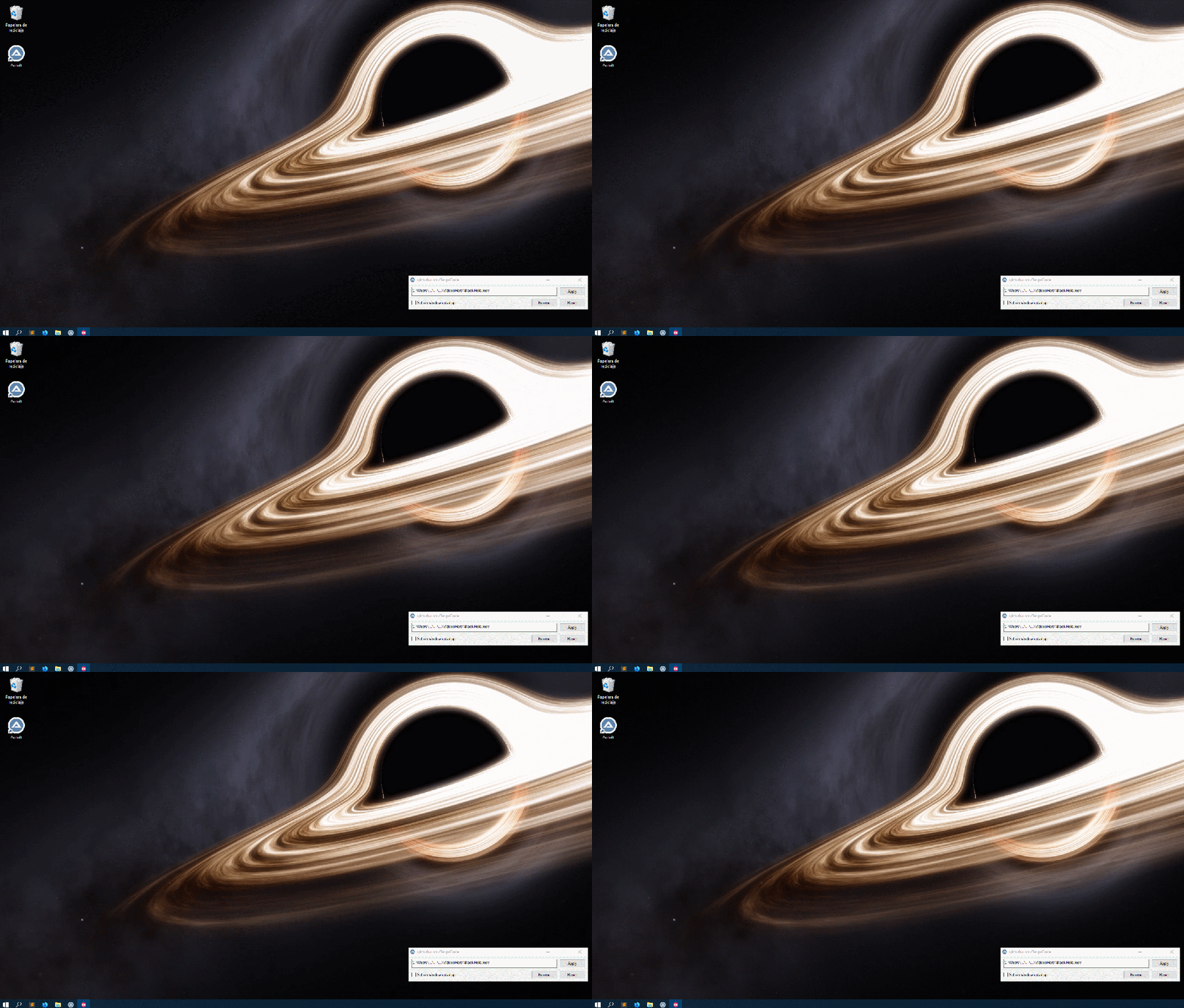
AutoWall distinguishes itself through its remarkably simple and intuitive interface. Upon launch, users are presented with a minimal window featuring only four essential controls: “Browse,” “Apply,” “Reset,” and a checkbox for enabling the wallpaper to automatically set upon Windows startup. This minimalist design prioritizes ease of access, making the software instantly approachable for users of all technical skill levels.
The core functionality is equally straightforward. To set a new animated wallpaper, users simply click “Browse” and select their chosen GIF file from their local storage. The software supports both standard animated GIFs and online video URLs, though using video files is generally discouraged due to the potential impact on system resources. AutoWall incorporates the open-source wallpaper engine webp and the media player mpv to handle the display of these animated backgrounds. Once a file is selected, clicking “Apply” instantly sets it as the desktop wallpaper. The “Reset” button conveniently reverts to the previous default desktop background, enabling quick and easy toggling between animated and static options.
Supported File Types and Performance Considerations
AutoWall’s support extends beyond standard GIFs. Users can also employ video files and even direct web URLs as sources for their animated wallpapers. This versatility allows for a wide range of customization options, enabling users to integrate diverse media into their desktop experience. However, this flexibility comes with a caveat: using large video files or high-resolution GIFs can significantly impact system performance, potentially leading to noticeable CPU load and reduced responsiveness. Users should carefully consider the size and complexity of their chosen files to avoid impacting their computer’s overall performance. While GIFs tend to be less demanding, videos, particularly high-resolution ones, require substantially more processing power, and should be used judiciously.
Limitations and Missing Features
Despite its ease of use and versatile support for various file types, AutoWall does present certain limitations. Perhaps the most significant drawback is the absence of built-in image editing capabilities. The software lacks the ability to resize or rescale GIFs to precisely match the screen resolution. This means that images that don’t perfectly fit the screen dimensions may appear blurry, distorted, or leave noticeable blank spaces on the desktop. Users lacking images precisely sized for their screen may find this limitation frustrating, necessitating the use of external image editing software to pre-process their files before importing them into AutoWall. This added step increases the complexity of the wallpaper setup process, somewhat undermining the software’s advertised simplicity.
Comparison with Alternative Software
AutoWall sits within a broader landscape of wallpaper software offering diverse features and capabilities. Several alternatives offer more extensive functionalities, including built-in editors for resizing and adjusting images, advanced customization options, and broader support for various image formats. While AutoWall excels in its simplicity and ease of use, these alternative programs often provide a richer and more customizable experience, albeit at the cost of increased complexity. Direct comparisons with competitors like Lively Wallpaper, Wallcat, and Gif Wallpaper Animator reveal AutoWall’s strengths in simplicity and its shortcomings in advanced features. Lively Wallpaper, for instance, often offers greater control and customization possibilities, but at the cost of a steeper learning curve. Wallcat similarly provides advanced features but focuses more on static wallpapers and less on the animated GIF and video functionality that AutoWall emphasizes.
Overall Assessment and Conclusion
AutoWall is a valuable tool for users seeking a simple and efficient way to set animated GIFs and videos as their desktop wallpaper. Its user-friendly interface and straightforward functionality make it accessible to a wide range of users, regardless of their technical expertise. The ability to easily switch between animated and static wallpapers enhances its practicality. However, the lack of built-in image editing capabilities presents a significant limitation, potentially requiring users to use external tools for image manipulation before using AutoWall. This aspect should be carefully considered when evaluating the software’s suitability for individual needs.
Ultimately, AutoWall’s success hinges on its user-friendly design and streamlined approach. It’s a great choice for individuals who prioritize simplicity and ease of use above advanced customization options. Users who require more sophisticated features, such as image resizing or extensive customization capabilities, may find the limitations of AutoWall frustrating and would be better served by exploring alternative software solutions that offer greater control and flexibility. For users content with a straightforward application that provides a simple and effective method for setting animated wallpapers, AutoWall represents a compelling and user-friendly option. The simplicity of its interface, combined with its support for both GIFs and videos, positions it as a convenient tool for those seeking a quick and easy way to personalize their desktop experience. However, the lack of image editing features remains a noticeable shortcoming.
File Information
- License: “Free”
- Version: “1.1”
- Latest update: “July 20, 2021”
- Platform: “Windows”
- OS: “Windows 7”
- Language: “English”
- Downloads: “10.7K”
- Size: “24.66 MB”


