
Any Video Converter Ultimate is a versatile video processing software designed for Windows users. It boasts a comprehensive suite of tools for converting, downloading, editing, and burning video and audio files, making it a potentially powerful all-in-one solution for managing multimedia content. This review delves into its features, performance, and overall usability, examining both its strengths and limitations.
Core Functionality: Conversion and More
Any Video Converter Ultimate excels in its core function: video conversion. It supports a vast array of input and output formats, including popular choices such as MP4, AVI, WMV, MOV, MPEG, and 3GP, ensuring compatibility with a wide range of devices and applications. This broad support extends to various codecs, allowing for flexibility in handling different video and audio compression techniques. The software isn’t limited to just video; it also functions as a robust audio converter, capable of ripping audio tracks from CDs and converting them into digital formats like MP3, WAV, and more. This dual functionality eliminates the need for separate software for audio processing.
Beyond basic conversion, Any Video Converter Ultimate offers advanced features to enhance the user experience. Batch conversion allows for efficient processing of multiple files simultaneously, saving considerable time. The ability to merge several video clips into a single output file is a valuable feature for creating longer videos or combining segments from different sources. Users can also manage output files using customizable profiles or groups, making organization and retrieval simpler. The software allows for fine-grained control over output parameters such as video size, bitrate, frame rate, audio bitrate, sample rate, and audio channels. This level of customization ensures users can tailor the output to their specific needs and optimize for file size, quality, or compatibility with specific devices. Video trimming is also available, allowing users to precisely edit the length of their video clips.
Furthermore, Any Video Converter Ultimate provides a DVD ripping and burning capability. This means users can extract video content from DVDs and convert it to other formats or create their own DVDs from various video sources, complete with custom menus. Supported DVD formats include DVD-RAM, DVD-R, and DVD-R Dual Layer, offering flexibility for creating backups or distributing videos on physical media.
The software also extends its functionality beyond local files. Any Video Converter Ultimate includes a built-in downloader for streaming videos from more than 100 different websites. This enables users to easily download online videos from popular platforms like YouTube and Vimeo, adding another layer of convenience to the software’s feature set.
User Interface and Ease of Use
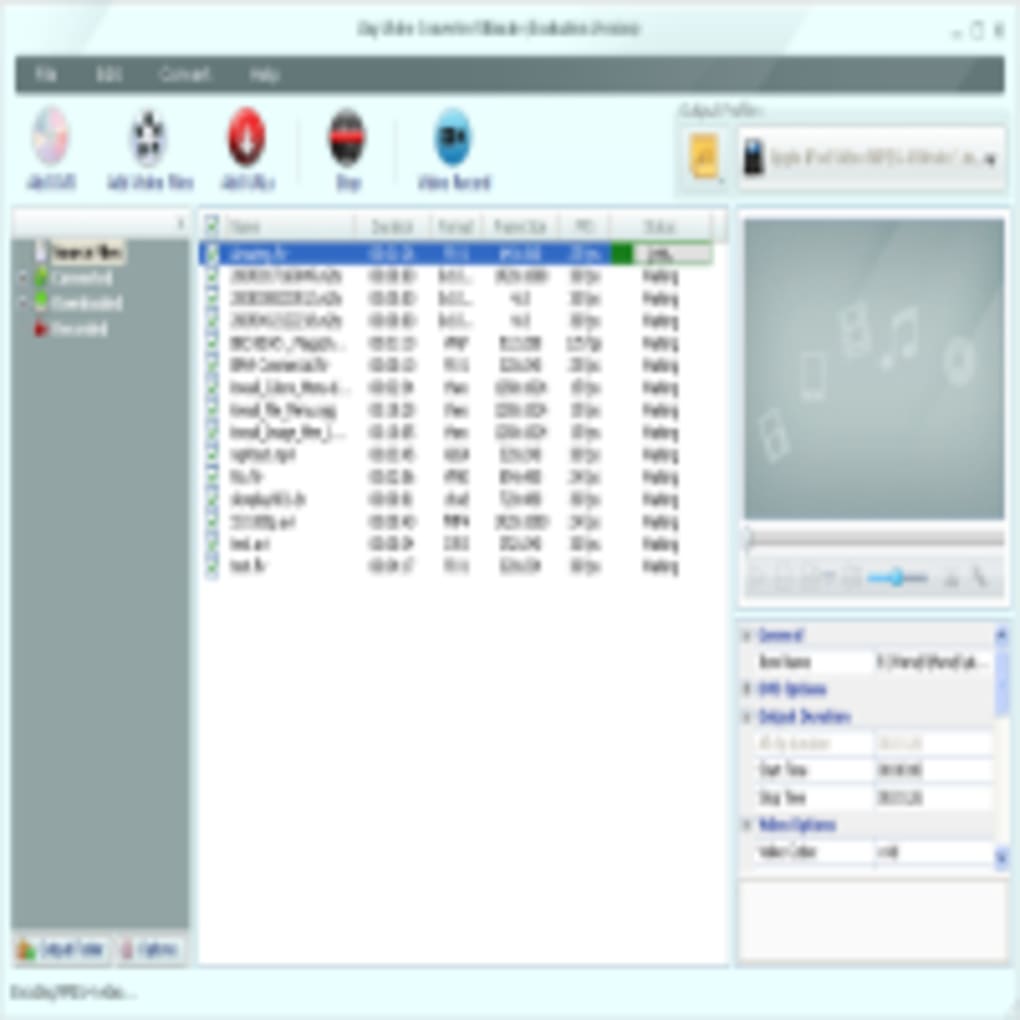
The user interface of Any Video Converter Ultimate is generally considered straightforward and intuitive, although the sheer number of options might initially seem overwhelming to new users. The layout is well-organized, with clearly labeled buttons and menus, allowing users to navigate the various features without difficulty. The software provides preset profiles for popular devices (iPods, iPhones, Apple TVs, Xboxes, etc.), simplifying the conversion process for users targeting specific playback platforms. While experienced users will appreciate the granular control over settings, beginners might find the extensive customization options slightly intimidating. However, the inclusion of predefined profiles helps mitigate this, making it accessible to a broader range of users.
Performance and System Requirements
The performance of Any Video Converter Ultimate is generally praised for its speed and efficiency. The batch conversion feature significantly improves processing speed for multiple files. However, the actual speed of conversion depends heavily on several factors, including the input file size, the chosen output format, the encoding settings, and the hardware capabilities of the user’s computer. Users with more powerful systems will likely experience faster conversion times compared to those with less powerful machines.
While the software itself is generally efficient, it’s crucial to note that converting high-resolution videos or using complex encoding settings can be resource-intensive, potentially leading to longer processing times. The software’s system requirements are relatively moderate, making it accessible to a wide range of computers. However, for optimal performance, especially when working with large files or demanding output settings, a computer with sufficient RAM and a relatively fast processor is recommended.
Strengths and Weaknesses
Strengths:
- Comprehensive Feature Set: Any Video Converter Ultimate offers a broad range of features, including video conversion, audio conversion, DVD ripping and burning, online video downloading, and advanced editing tools. This all-in-one approach streamlines the multimedia management process.
- Wide Format Support: The software supports a vast number of input and output formats, ensuring compatibility across a wide array of devices and applications.
- Customizable Settings: Users have extensive control over output parameters, allowing for fine-tuning of file size, quality, and other aspects.
- Batch Processing: The batch conversion feature significantly enhances efficiency when processing multiple files.
- Intuitive Interface: The user interface is relatively straightforward and easy to navigate, although some aspects might initially seem overwhelming to novices.
- Presets for Devices: The inclusion of preset profiles for various devices simplifies the conversion process for users targeting specific platforms.
Weaknesses:
- Cost of Advanced Features: While a free trial is available, accessing the full range of features requires purchasing a license.
- Resource Intensive: Converting large or high-resolution videos can be resource-intensive, potentially leading to longer processing times on less powerful systems.
- Potential for Overwhelming Options: The sheer number of settings and options might seem daunting to some users, particularly beginners.
Conclusion
Any Video Converter Ultimate provides a robust and feature-rich solution for managing and converting video and audio files. Its comprehensive feature set, wide format support, and customizable settings make it a compelling option for both casual and experienced users. While the cost of the full version might be a deterrent for some, the free trial allows potential users to explore its capabilities and determine if it meets their specific needs. The software’s ease of use and efficient performance contribute to its overall appeal. However, users should be aware that processing large files may require sufficient system resources to ensure optimal performance. Despite some potential drawbacks, Any Video Converter Ultimate remains a powerful tool for managing a diverse range of multimedia files effectively.
File Information
- License: “Trial version”
- Latest update: “February 4, 2025”
- Platform: “Windows”
- OS: “Windows XP”
- Language: “English”
- Downloads: “78.5K”
- Size: “52.74 MB”


