
AVS Media Player, a free media player for Windows, promises a rich multimedia experience with a focus on enhanced audio capabilities. While it boasts impressive surround sound processing and broad format support, its overall user experience is marred by significant performance issues and usability shortcomings. This review delves into the strengths and weaknesses of AVS Media Player, examining its features, performance, and user feedback to provide a comprehensive assessment.
Audio Prowess: The Strengths of AVS Media Player
AVS Media Player’s primary selling point is its exceptional audio handling. The software integrates a robust set of codecs, eliminating the need for users to hunt down and install external decoders for various audio formats. This built-in codec support ensures compatibility with a wide range of audio files, making it a convenient option for users with diverse media libraries. The player truly shines, however, with its surround sound capabilities. It includes a sophisticated surround equalizer designed to optimize audio output based on the user’s speaker configuration. This feature supports 3.1, 5.1, and 7.1 setups, allowing users with high-quality surround sound systems to experience the full potential of their audio equipment. The difference in audio quality is noticeable, especially for users with multi-channel speaker systems. The precise sound distribution and enhancement provided by the equalizer significantly improve the immersive experience of watching movies and videos with complex and detailed soundtracks. For those who prioritize high-fidelity audio reproduction, AVS Media Player’s audio processing capabilities are a compelling advantage.
User Interface and Design: A Mixed Bag
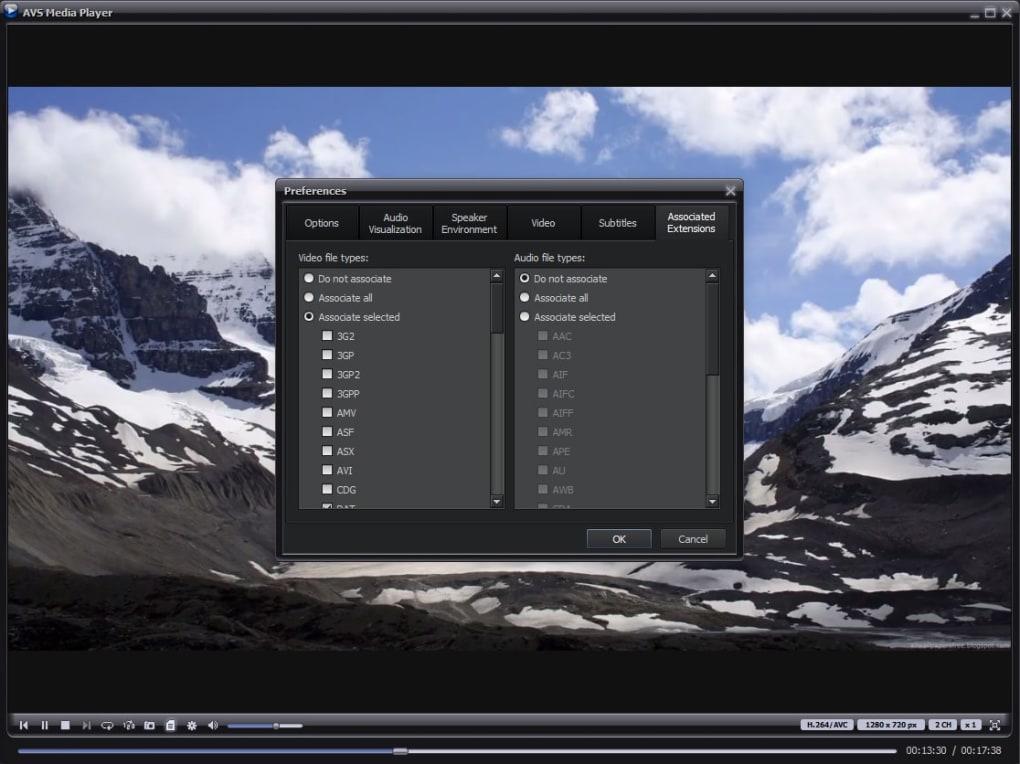
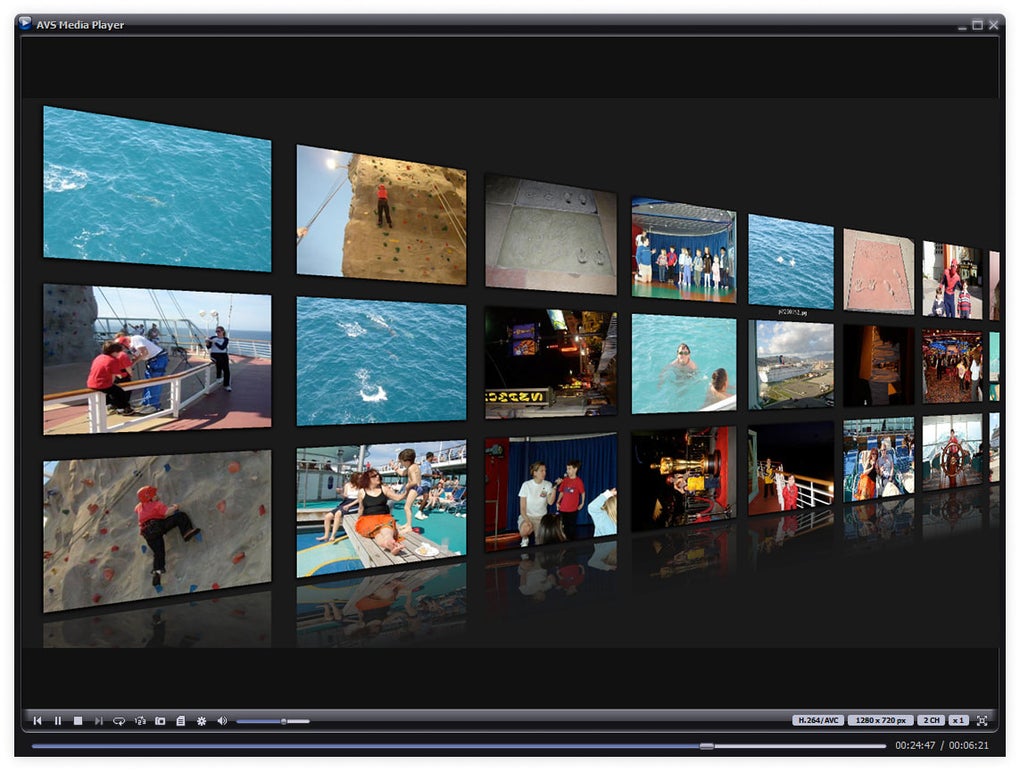
The AVS Media Player interface is generally considered visually appealing. The default black skin offers a sleek and modern aesthetic that many users find attractive. While the interface is relatively straightforward and intuitive for basic playback functions, it lacks the extensive customization options found in some competing media players. The limited selection of skins restricts user personalization, potentially hindering the appeal to those seeking a greater degree of visual control. Although the essential playback controls are easily accessible, a major usability flaw arises from the behavior of these controls in full-screen mode. The controls disappear during full-screen playback, forcing users to revert to a smaller viewing window to adjust settings or pause the video. This constant toggling between full-screen and windowed mode can be disruptive to the viewing experience, especially for users who frequently pause, rewind, or adjust settings during playback. This is a significant usability drawback that detracts from the overall user experience.
Performance Bottlenecks: Resource Consumption and Limitations
Despite its attractive features, AVS Media Player suffers from significant performance issues. A common complaint among users is its high resource consumption. The program demands considerable CPU power, even on high-end systems. This can lead to system instability if other applications are running concurrently. Users often report the need to close all other programs to prevent the player from causing lag or crashes, rendering it less suitable for multitasking environments. This high resource usage is a major drawback, particularly for users with less powerful hardware or who prefer running multiple applications simultaneously.
Furthermore, the player lacks crucial features commonly found in other media players. A notable absence is the ability to de-interlace images. This omission results in poor image quality, especially noticeable in videos with interlaced content, such as those ripped from television broadcasts or obtained from certain online sources. The jagged edges and artifacts resulting from the lack of de-interlacing significantly diminish the visual experience, particularly for users viewing content that requires this processing for optimal clarity.
Feature Gaps and Usability Concerns
Beyond the performance drawbacks, AVS Media Player lacks several features that enhance usability and convenience. The scarcity of available skins is one such area. While the default skin is aesthetically pleasing, the limited customization options are a noticeable limitation compared to players with more extensive skin support. The absence of advanced features further restricts the player’s functionality. Options for subtitles, advanced audio adjustments, and playback customization are either minimal or non-existent, limiting the overall control users have over their media consumption. These shortcomings significantly impact the user experience and make the player less versatile than competitors offering a more complete feature set.
User Feedback and Overall Assessment
User reviews reflect a mixed reception towards AVS Media Player. While some users praise its excellent audio capabilities and sleek interface, many express frustration over its performance issues, resource hogging, and lack of essential features. The absence of de-interlacing and the problematic full-screen controls are recurring criticisms. The overall consensus suggests that AVS Media Player prioritizes audio quality at the expense of overall usability and performance. This trade-off may appeal to users who highly prioritize audio fidelity above all else, but for the average user, the drawbacks significantly outweigh the advantages.
Comparison with Alternative Media Players
Compared to other free media players like VLC Media Player, AVS Media Player falls short in several key aspects. VLC, known for its stability, wide format compatibility, and extensive features, offers a much smoother and more versatile media playback experience. While VLC may not boast the same level of specialized audio processing as AVS Media Player, its reliability and feature richness make it a more attractive option for most users. Other players, such as MPC-HC (Media Player Classic - Home Cinema), also provide a balanced blend of features and performance, surpassing AVS Media Player in overall usability and stability. The choice of media player ultimately depends on individual priorities, but for a comprehensive and reliable solution, AVS Media Player’s drawbacks should be carefully weighed against the alternatives.
Conclusion: A Niche Player with Significant Limitations
AVS Media Player presents a compelling audio experience, particularly for users with surround sound systems. Its integrated codecs and sophisticated surround equalizer deliver high-quality audio reproduction. However, its significant performance issues, limited usability features, and the lack of critical functionality like de-interlacing make it a less-than-ideal choice for the average user. The high resource consumption and problematic full-screen controls significantly detract from the user experience. While its strengths may appeal to a niche audience prioritizing audio quality above all else, the overall limitations render AVS Media Player a less competitive option compared to other robust and feature-rich free media players available. Users seeking a reliable, stable, and feature-complete media player should consider exploring alternatives that offer a better balance of performance, features, and overall usability.
File Information
- License: “Free”
- Latest update: “March 5, 2025”
- Platform: “Windows”
- OS: “Windows 7”
- Language: “English”
- Downloads: “205K”
- Size: “116.38 MB”


