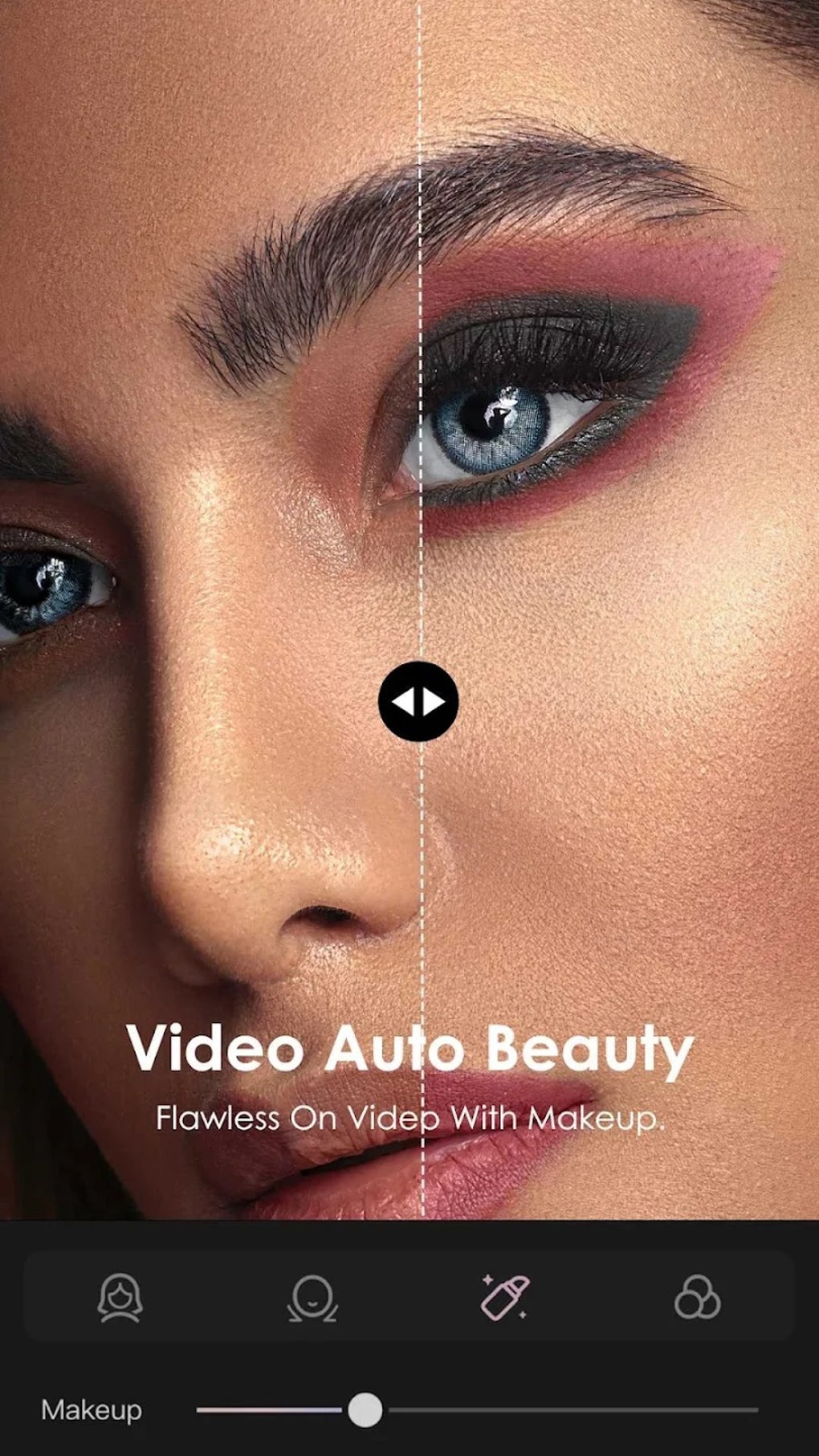
B612, developed by SNOW, is a free mobile application that seamlessly blends camera functionality with robust photo and video editing capabilities. While primarily known for its extensive filter collection and user-friendly interface, B612 offers a surprisingly comprehensive suite of tools for creating engaging visual content, making it a popular choice among both casual users and those seeking more advanced editing options. This review delves into the app’s strengths and weaknesses, exploring its features, ease of use, and overall value proposition.
A Diverse Array of Filters and Effects
One of B612’s most compelling features is its vast library of filters. These range from subtle beautification effects, enhancing skin tone and smoothing imperfections, to more whimsical and expressive augmented reality (AR) filters that overlay quirky animations and distortions onto your images and videos. This variety ensures there’s a filter to suit almost any mood or occasion, allowing users to experiment with different aesthetics and personalize their content. The filters are applied in real-time, offering a preview before capturing the image or video, eliminating the need for post-capture adjustments. This real-time preview is a significant advantage, as users can see exactly how the filter will look before committing to the shot.
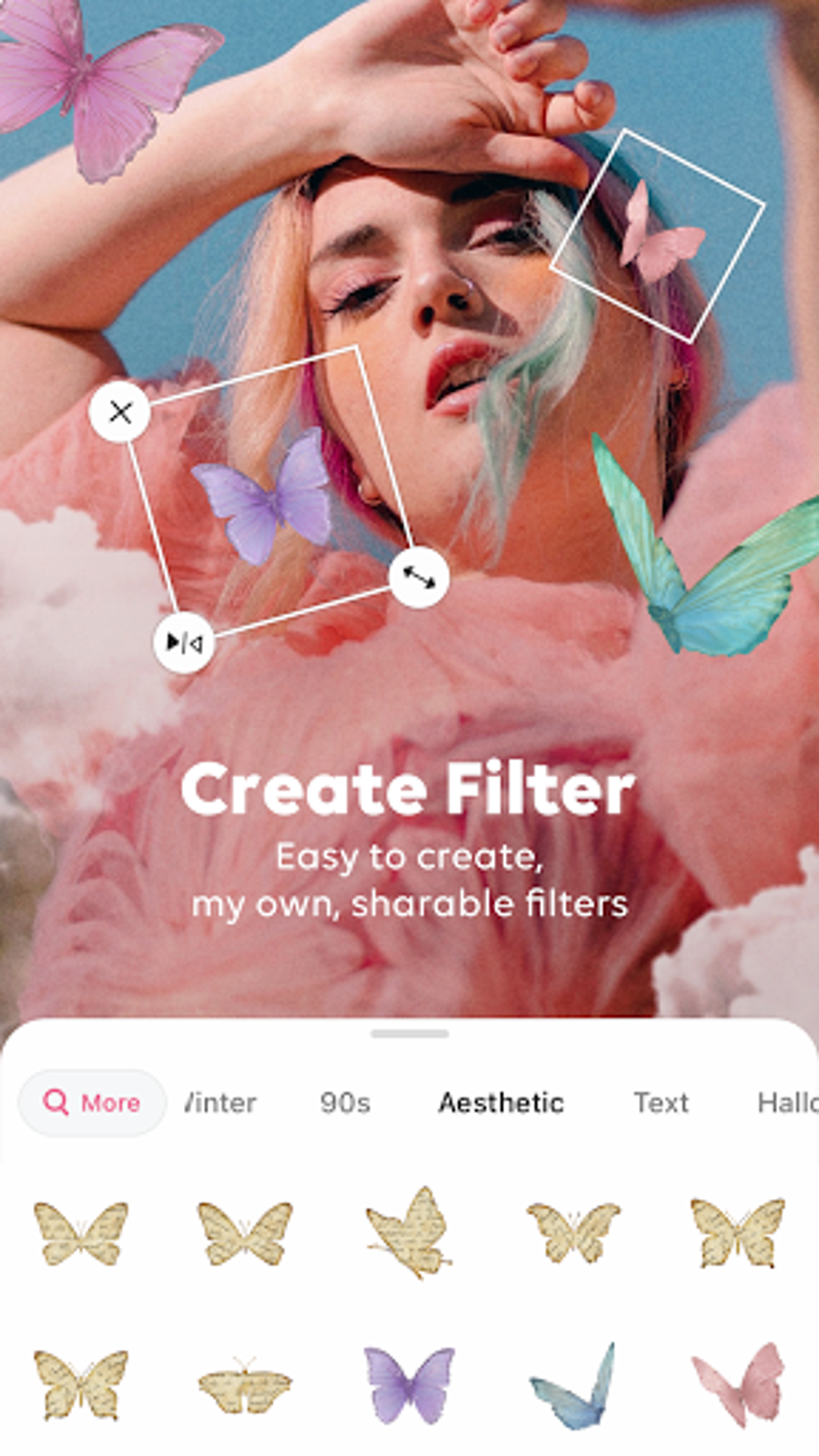
Beyond the pre-loaded filters, B612 provides a custom filter creation feature, enabling users to design and create their own unique filter effects. This level of personalization sets B612 apart from many competing apps, fostering creativity and allowing users to develop a distinctive visual style. This feature caters to users who want to extend the app’s functionality and express their individual artistic vision.
Beyond Stills: Video Capabilities and Editing
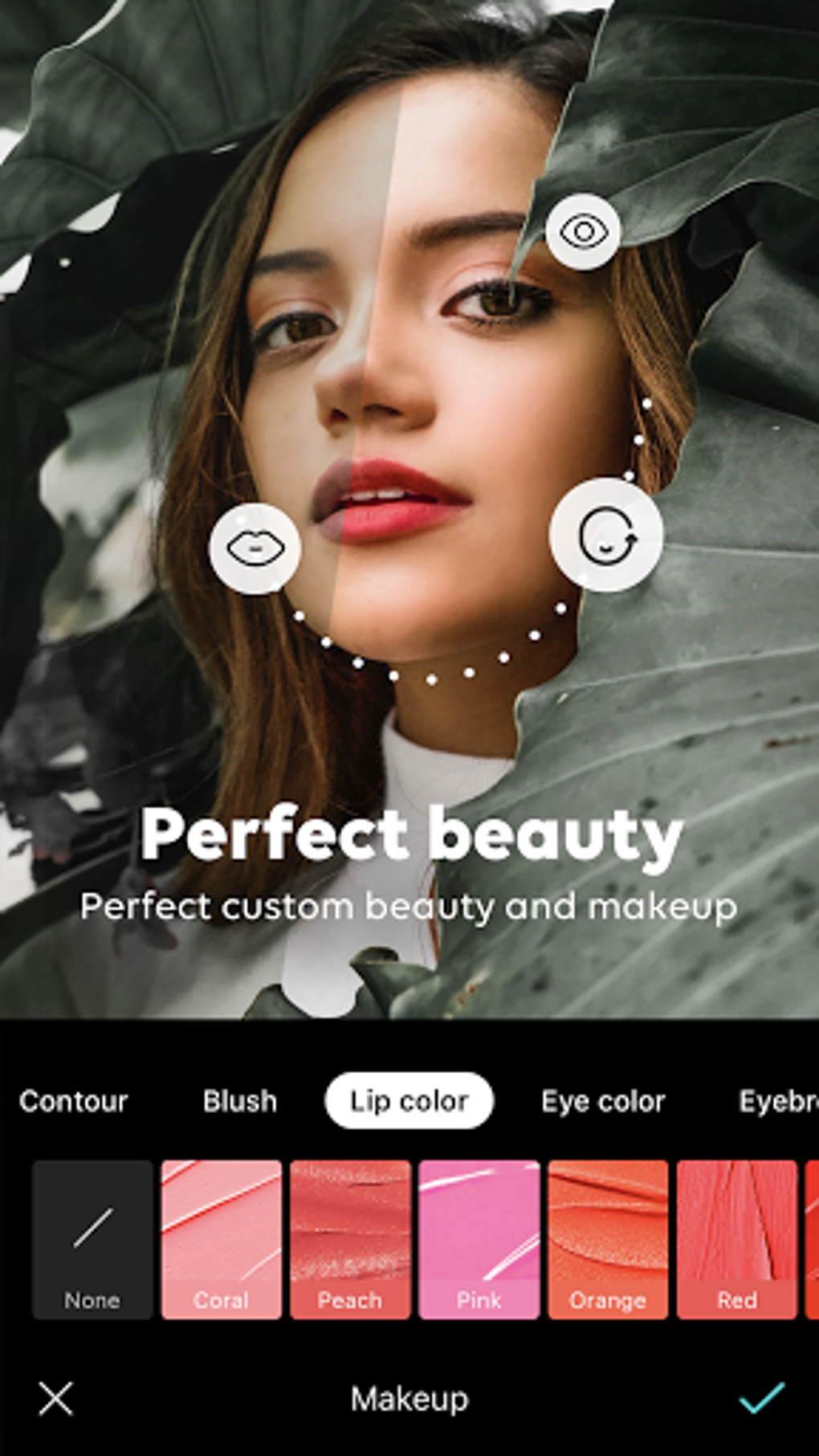
B612’s functionality extends far beyond still photography. The app provides a comprehensive video recording and editing suite, allowing users to capture short video clips and enhance them with a range of effects and audio. The app supports both front and rear camera usage, providing flexibility for selfies, group shots, and capturing broader perspectives. The ability to record short video clips, ideal for social media platforms, adds considerable value to the application.
A particularly useful feature is the GIF Bounce function, which allows users to create short looping GIFs from their video recordings. These GIFs are easily shareable across various social media platforms, adding a dynamic element to social media interactions. This feature is a significant asset for users seeking a quick and easy way to create engaging, shareable content.
Furthermore, B612 boasts a built-in music library containing over 500 royalty-free music tracks. Users can add these tracks to their videos without any concerns about copyright infringement or potential content removal from social media platforms. This integrated music library simplifies the video editing process significantly, removing the need to search for and incorporate external audio files.
User Experience and Interface: Strengths and Limitations
While B612 is lauded for its extensive features, the user interface can be somewhat overwhelming for first-time users. The home screen presents a multitude of options, filters, and editing tools, potentially causing initial confusion. While seasoned users might appreciate the readily available options, novice users could benefit from a more streamlined onboarding experience or a clearer visual organization of the features. A guided tutorial could ease the learning curve, improving the user experience for those unfamiliar with the app’s capabilities.
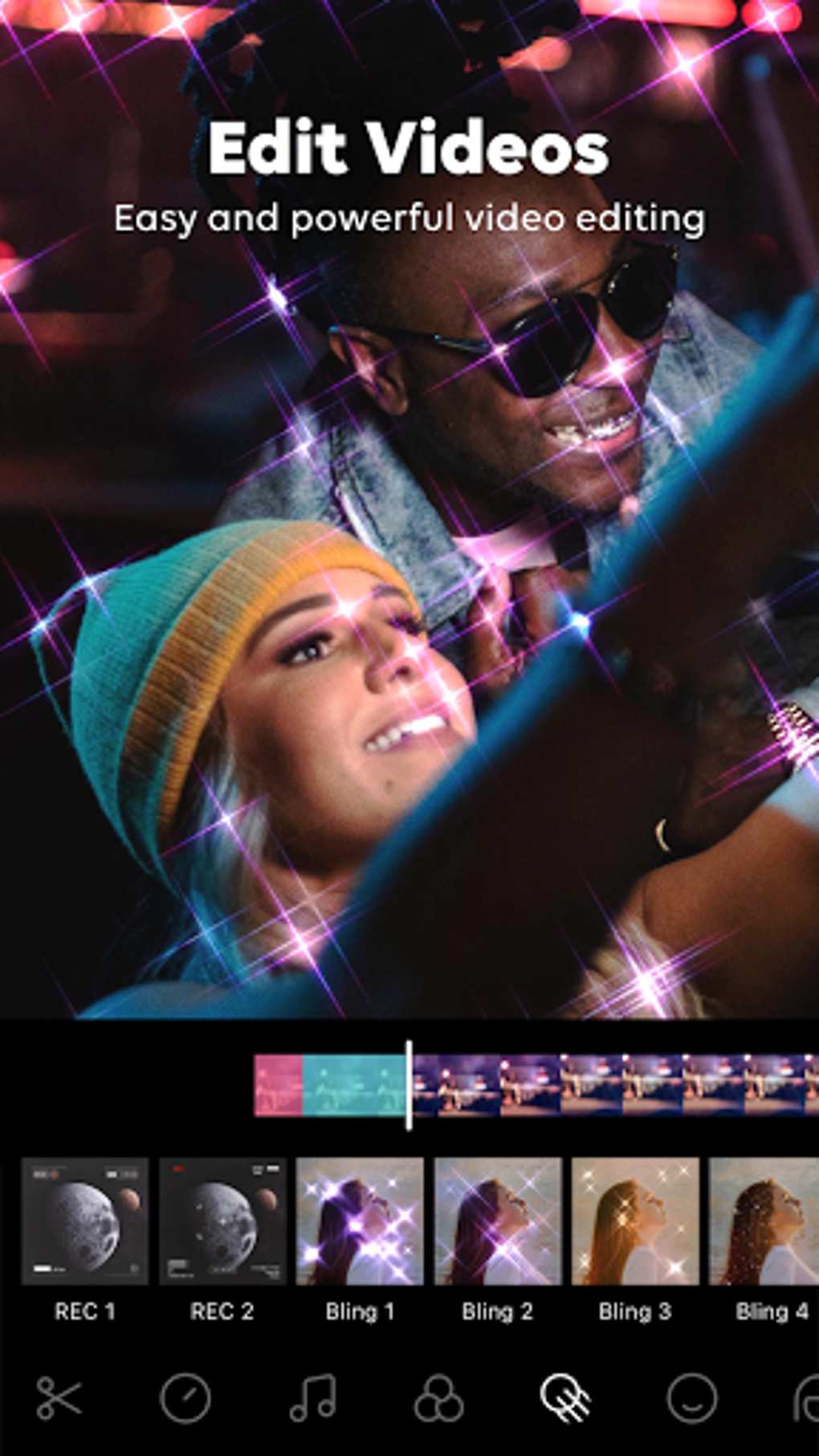
A key limitation is B612’s inability to import media from the device’s Camera Roll. All images and videos must be taken within the app to utilize its editing tools. This restriction limits the app’s versatility and prevents users from editing existing photos or videos. This constraint represents a significant drawback, particularly for users who prefer to manage their media library independently.
Performance and Hardware Compatibility
B612 is generally compatible with a wide range of Android devices. However, performance can vary depending on the device’s specifications. On lower-end devices, users might experience slight lag or slower processing times, particularly when using more resource-intensive filters or editing tools. The app’s developers should strive to optimize performance for devices with limited processing power, ensuring a consistently smooth user experience across different hardware configurations.
Sharing and Social Media Integration
B612 offers seamless integration with various social media platforms, allowing users to share their creations directly from within the app. This convenient sharing functionality makes it easy to distribute photos and videos across platforms like Facebook, Twitter, and Instagram. This streamlined sharing process enhances the overall user experience, accelerating content distribution and maximizing the reach of the user’s creations.
Comparison with Similar Apps
B612 competes with a number of other photography and video editing applications, each offering a unique set of features and advantages. While some apps may focus solely on photo editing, offering advanced tools for retouching and manipulation, B612’s strength lies in its combination of camera, photo editing, and video editing capabilities, providing a more all-encompassing solution. However, compared to applications specializing in a single area, B612 might lack the depth of features found in those niche applications. For example, an app specializing in photo retouching might offer more advanced tools than B612, while a video editing app might offer more advanced video effects. B612’s strength, however, comes in its versatility and comprehensive package.
Conclusion: Strengths and Weaknesses Summarized
B612 offers a compelling blend of camera functionality, diverse filters, and robust editing features, making it a versatile tool for creating engaging photo and video content. Its real-time filter previews, GIF creation capabilities, and built-in royalty-free music library provide significant advantages. However, its inability to import external media and potentially overwhelming interface for new users represent notable limitations. Overall, B612 is a worthwhile application for users seeking a convenient and feature-rich platform for creating and sharing visual content, particularly on social media, but users should be aware of its limitations concerning importing existing files. The developers could significantly enhance the app by addressing the limitations in the user interface and media import restrictions. Improving onboarding and providing a clearer organization of features would greatly enhance the user experience, broadening the app’s appeal.
File Information
- License: “Free”
- Latest update: “August 3, 2025”
- Platform: “Android”
- OS: “Android 13.0”
- Language: “English”
- Downloads: “1.6M”
- Download Options: “Google Play”