
Babun is a free and open-source shell for Windows that brings the power and flexibility of the Bash shell to the Windows environment. Unlike other solutions like Cygwin, which can be complex to set up and configure, Babun offers a streamlined experience, making it accessible to both novice and experienced users. It provides a comprehensive environment for running Unix-like commands and tools directly on your Windows machine, eliminating the need for a virtual machine or dual-booting. This article will explore Babun’s features, benefits, and how it simplifies accessing a vast array of command-line tools.
Seamless Integration of Unix Commands and Tools
Babun’s primary strength lies in its ability to seamlessly integrate a vast library of Unix-like commands and tools within the Windows operating system. This eliminates the complexities often associated with configuring and using environments like Cygwin, providing a smoother and more intuitive user experience. Many users appreciate the streamlined setup process of Babun, particularly for tasks like running older Unix-based games or scripts. Instead of wrestling with intricate configurations and dependencies, users can quickly install and run these tools without significant hassle. This ease of use is a major selling point, especially for beginners experimenting with the command line for the first time.
The shell acts as a bridge, allowing direct execution of commands familiar to users accustomed to Unix-like systems, without the need for complex workarounds. This is particularly beneficial for developers, system administrators, or anyone comfortable with the Unix command-line interface who also works in a Windows environment. The familiar syntax and functionality of tools like grep, sed, awk, find, and tar are readily available, significantly enhancing productivity and reducing the learning curve associated with adapting to a new command-line interface.
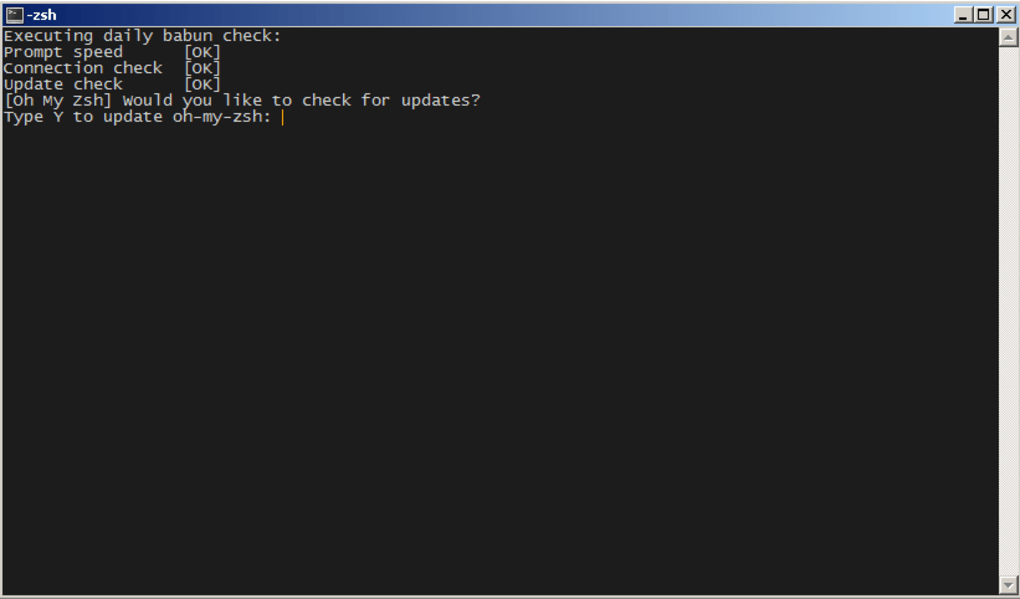
Beyond basic command-line utilities, Babun facilitates the execution of more complex applications designed for Unix-like systems. This opens up a world of possibilities for users accustomed to the Unix ecosystem, enabling them to run their preferred tools without switching operating systems or resorting to virtualization. The ability to effortlessly integrate and use this wide array of software tools is a significant advantage, reducing the need to find Windows-specific alternatives which may have different features or limitations.
A Rich Feature Set Beyond Basic Shell Functionality
While providing a functional Unix-like shell is its core function, Babun goes beyond the basics by offering several additional features designed to improve the user experience and extend functionality. These enhancements provide a more polished and efficient working environment for those who want more than just a basic command-line interface. This blend of simplicity and advanced features makes Babun appealing to a broad range of users, from beginners to seasoned command-line veterans.
One of the most significant additions is the inclusion of pact, a powerful package manager. Pact simplifies the process of installing, updating, and managing software packages, providing a centralized repository for accessing a wide range of tools and utilities. This eliminates the manual process of downloading and configuring individual software packages, streamlining the process of setting up and maintaining a customized working environment.
Further enhancing its capabilities, Babun includes built-in support for proxy servers. This is crucial for users behind firewalls or who need to access resources through proxy servers, ensuring seamless connectivity to online resources and repositories. This feature makes Babun suitable for users in various network environments without the need for manual proxy configuration in individual applications.
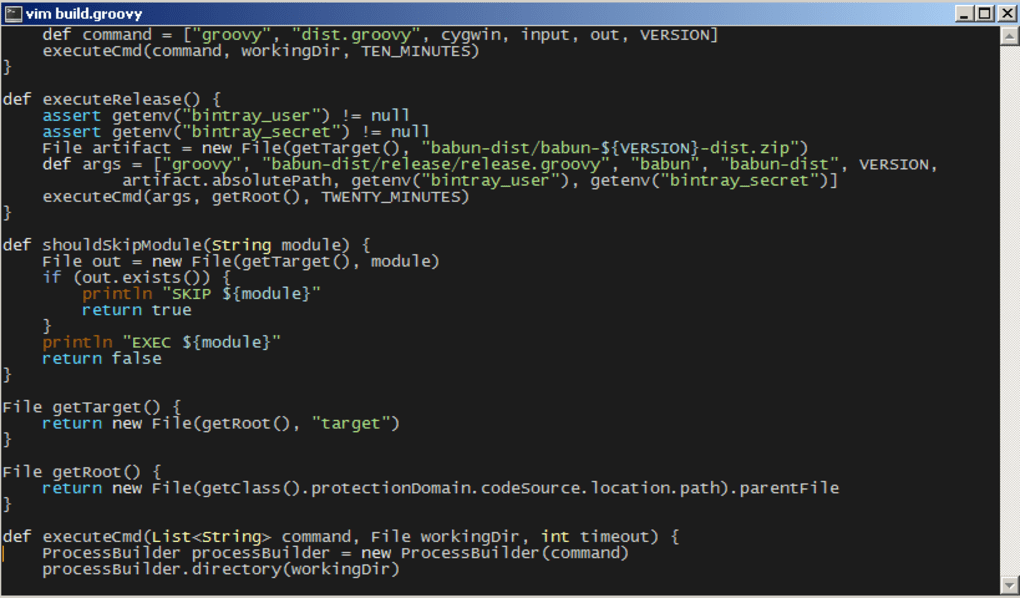
The integration of plugins extends Babun’s functionality even further, allowing users to add customized features and functionalities tailored to their specific needs and workflows. This modular approach allows for the expansion of the shell’s capabilities far beyond its basic functionality, catering to specialized tasks and individual preferences.
Finally, Babun’s compatibility with high-end xTerm terminals delivers a visually appealing and highly functional command-line experience. The support for advanced terminal features enhances the usability and provides a more refined interaction with the shell. This attention to detail in the user interface makes Babun a pleasure to use, both for short tasks and extensive command-line sessions.
Easy Installation and Setup: A Beginner-Friendly Approach
Unlike some other solutions that demand significant technical expertise during installation and setup, Babun provides a user-friendly installation process. The installer is straightforward and intuitive, guiding users through the process with minimal technical jargon. This accessibility is a key factor in Babun’s popularity, attracting users who may not possess extensive command-line experience. The simple installation avoids the complicated procedures that can discourage new users from adopting alternative shells.
The straightforward installation process is followed by a readily usable environment. Users can quickly begin using Babun’s features with minimal configuration, allowing them to start working with the command line without being bogged down by complex settings. This beginner-friendly approach promotes accessibility and encourages greater adoption, especially among those new to the concept of a command-line interface.
Babun’s commitment to a smooth user experience extends beyond the initial setup. The shell’s intuitive interface makes it relatively easy to navigate, even for those unfamiliar with Unix-like shells. The well-defined commands and consistent structure provide a predictable environment, reducing the learning curve for new users.
The absence of complex dependencies simplifies the installation, reducing the risk of installation failures due to missing software components. This simplified approach reduces the technical hurdles, making Babun accessible to a wider audience.
Comparison with Cygwin and Other Alternatives
Babun distinguishes itself from other similar solutions, primarily Cygwin, through its streamlined installation and ease of use. While Cygwin offers a powerful environment, its complexity can be overwhelming for beginners. Babun provides a more user-friendly alternative, prioritizing simplicity and accessibility without sacrificing functionality. This focus on simplicity makes Babun a strong alternative for users looking for a less demanding environment.
The contrast between Babun and Cygwin highlights a key difference in design philosophy. Cygwin aims to provide a near-complete emulation of the Unix environment, leading to a more extensive and complex setup. Babun, on the other hand, focuses on providing essential tools and features in a more streamlined and user-friendly manner. This difference in approach caters to different user needs and preferences.
Furthermore, compared to running Linux in a virtual machine or dual-booting, Babun offers a more lightweight and integrated solution. Virtual machines and dual-booting can be resource-intensive and require more advanced technical knowledge. Babun seamlessly integrates within the Windows environment, providing a more efficient and less demanding approach.
Conclusion: Babun as a Versatile and Accessible Tool
Babun offers a compelling solution for users seeking a robust and accessible Unix-like shell within the Windows environment. Its streamlined installation, user-friendly interface, and comprehensive feature set make it an attractive option for both beginners and experienced users. The ability to effortlessly run a wide array of Unix-like commands and tools, coupled with features like the pact package manager and proxy support, significantly enhance its versatility and usability. Babun’s accessibility makes it a powerful tool for a wide spectrum of users, from those new to the command line to seasoned system administrators and developers, who need a convenient way to access the functionality of the Unix-like environment within their Windows workspace. Its blend of simplicity and power makes it a standout option in the world of Windows shells.
File Information
- License: “Free”
- Version: “1.2.0”
- Latest update: “July 15, 2022”
- Platform: “Windows”
- OS: “Windows 10”
- Language: “English”
- Downloads: “8.4K”
- Size: “285.51 MB”


