
The Bass Booster Equalizer app is a powerful tool designed to significantly improve the audio output of your Android smartphone or tablet. This comprehensive application goes beyond simple volume adjustments, offering a suite of features to optimize your listening experience across various audio sources, from music streaming services to video playback. This in-depth review will explore its features, benefits, drawbacks, and alternatives, helping you determine if it’s the right audio enhancement tool for your device.
Key Features and Functionality
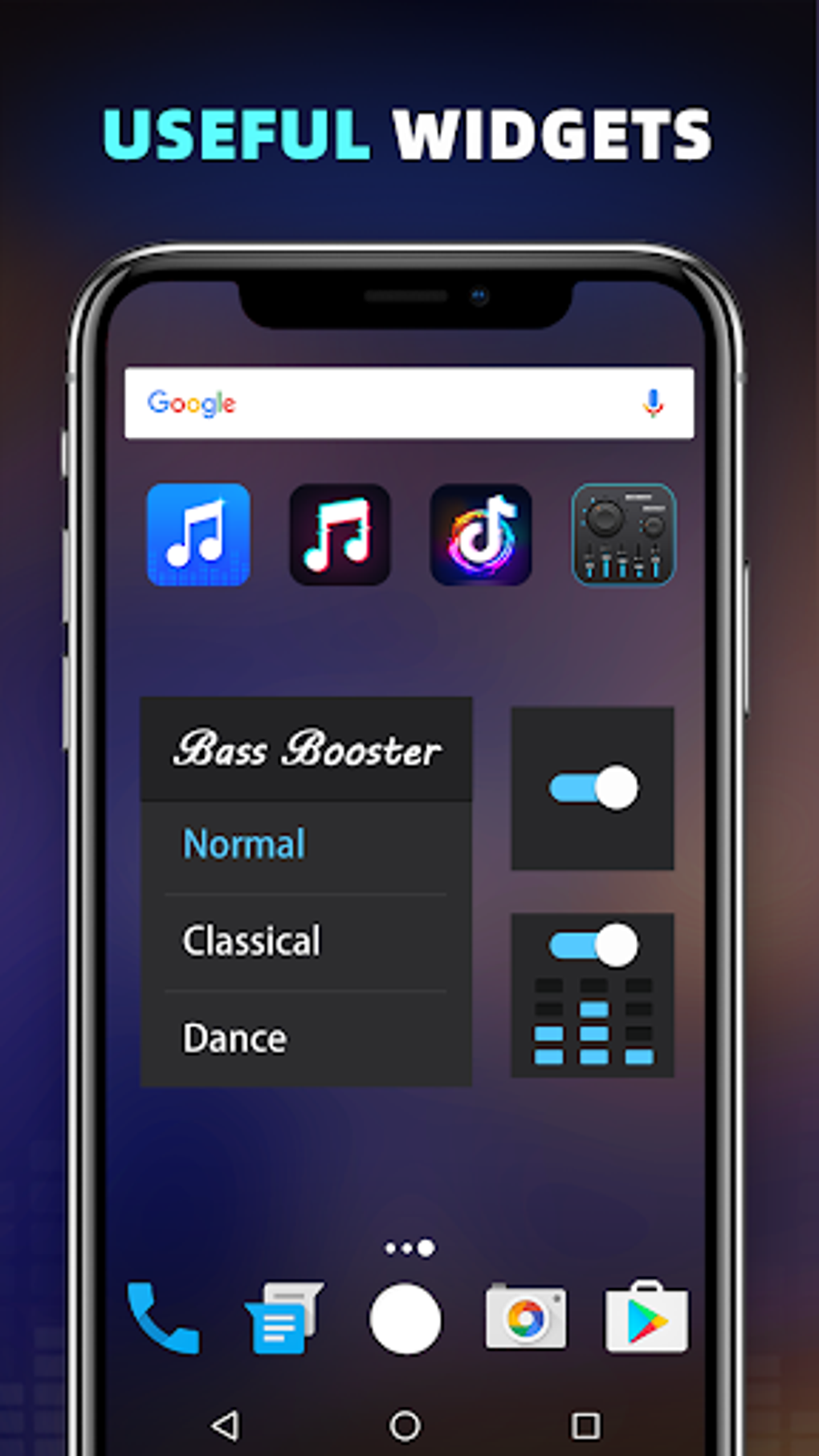
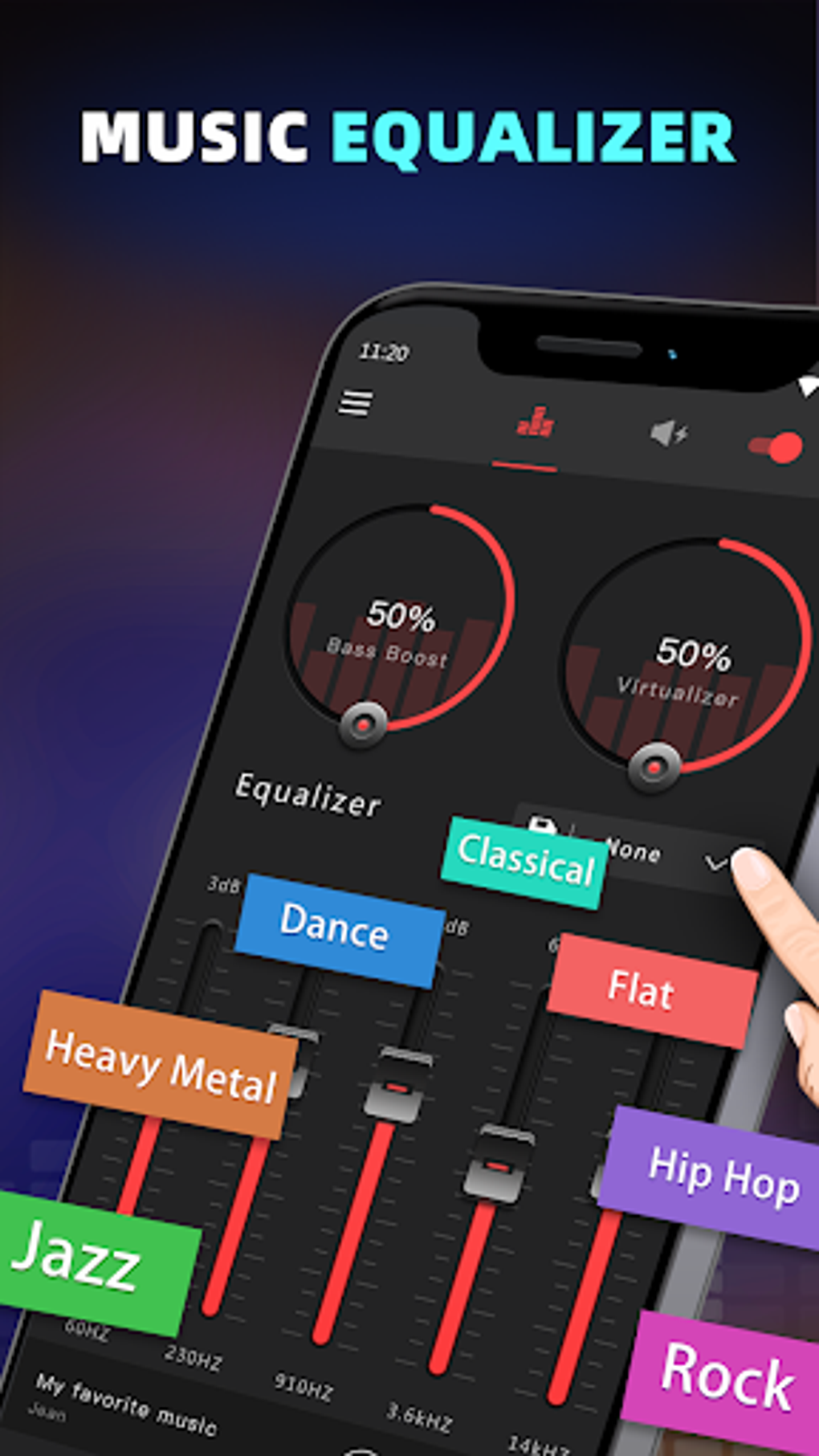
The Bass Booster Equalizer app boasts a range of audio enhancement tools designed to elevate your Android’s sound capabilities. At its core, the app offers three primary features: bass boost, a five-band equalizer, and a virtualizer for creating a more immersive stereo sound. These features work synergistically to tailor your audio output to your preferences and the content being played.
Bass Boost: This essential feature allows precise control over the low-frequency range of your audio. The app provides a slider to easily adjust the intensity of the bass boost effect. Experimenting with this setting can dramatically improve the depth and richness of your music, particularly genres like hip-hop, electronic, and reggae, which rely heavily on basslines. Using headphones is recommended for the most accurate monitoring of the changes in bass levels.
Five-Band Equalizer: The app’s five-band equalizer offers granular control over the frequency spectrum of your audio. Unlike simpler bass boost solutions, it allows you to fine-tune the frequencies, shaping the overall sound signature to your liking. Each band represents a specific frequency range, allowing you to boost or cut specific frequencies to create a personalized sound profile. This level of customization makes it ideal for audiophiles or those with a particular preference for specific genres of music.
Virtualizer/Stereo Surround Sound: While the precise implementation may vary, the virtualizer aims to create a wider and more immersive stereo soundstage. This feature simulates surround sound, improving the spatial perception of the audio, regardless of whether your device has dedicated surround sound capabilities. This feature can be particularly beneficial for enhancing the listening experience with movies, games, or music with complex arrangements.
Presets: The Bass Booster Equalizer app includes a selection of ten pre-configured equalizer settings, catering to diverse musical genres. These presets offer a quick and easy way to optimize audio for specific genres like pop, rock, jazz, hip-hop, and classical music. They provide a convenient starting point for adjusting your sound, while the customizable equalizer allows further refinement to perfect the output for your personal tastes.
Notification Control: A handy feature allows for convenient app control directly from your Android’s notification bar. This eliminates the need to switch between apps to make adjustments, ensuring seamless control over your audio enhancements.
User Interface and Experience
The application generally boasts an intuitive and straightforward interface. The design is simple and clean, focusing on providing easy access to all the core features. While the primary interface is largely ad-free, ensuring a distraction-free experience, it’s important to note that some users may occasionally encounter minor glitches or unexpected behavior during use.
Pros and Cons of Bass Booster Equalizer
Like any application, the Bass Booster Equalizer app has its strengths and weaknesses.
Pros:
- Effective Bass Boost: The app successfully enhances the low-frequency content of your audio, adding depth and richness to your listening experience.
- Customizable Equalizer: The five-band equalizer offers detailed control over your audio, allowing you to sculpt the sound to your exact preferences.
- Pre-set Equalizer Settings: The pre-set profiles make it easy to quickly adjust the sound for various music genres.
- Easy to Use: The user interface is straightforward and intuitive, requiring minimal technical expertise.
- Wide Compatibility: It typically works seamlessly with multiple music and video players on Android.
- Notification Control: Provides quick and easy access to app controls through Android’s notification shade.
Cons:
- Minor Audio Volume Loss: Some users have reported a slight reduction in overall audio volume after applying the enhancements. This is a common trade-off with some audio enhancement technologies.
- Vulnerability to Software Updates: Android software updates can sometimes interfere with the app’s functionality, potentially requiring re-adjustments or even leading to temporary malfunctions.
- Automatic Launches: The app might occasionally launch itself unexpectedly, causing some users inconvenience.
- Occasional Software Glitches: While generally stable, the app has experienced reported instances of minor glitches or unexpected behavior.
Alternative Apps
The Android market offers a plethora of alternative audio enhancement applications. While the Bass Booster Equalizer offers a solid combination of features, exploring other options might reveal a better fit for your needs and preferences. Some popular alternatives include:
- Equalizer & Bass Booster: Often cited for its powerful equalization options and user-friendly interface.
- Music Equalizer - Bass Booster Volume Booster: This app often receives positive feedback for its effectiveness and compatibility with various music players.
- Speaker Bass Booster Equalizer: Known for its simple design and focus on volume enhancement.
- Equalizer Ultra™ (10 Bands): Offers a wider range of bands, allowing for more precise frequency adjustments. However, this might be overkill for casual listeners.
- Equalizer Bass Booster - Music Volume EQ: A contender often praised for its effective bass boost capability.
Conclusion
The Bass Booster Equalizer app presents a viable solution for improving the audio quality on Android devices. Its user-friendly interface and comprehensive features, including bass boost, a five-band equalizer, and a virtualizer, make it a strong contender in the audio enhancement market. However, potential users should be aware of its minor drawbacks, such as occasional glitches and potential conflicts with Android updates. Comparing it to alternative applications is always advised to determine if its features best align with your individual needs and preferences. The app is free to download and use, making it a low-risk option to explore and see if it enhances your listening experience on your Android device. Remember to always read user reviews and consider your personal audio preferences before making a decision.
File Information
- License: “Free”
- Latest update: “April 2, 2025”
- Platform: “Android”
- OS: “Android 13.0”
- Language: “English”
- Downloads: “47.7K”
- Download Options: “Google Play”


